
An audio captcha dataset is a collection of speech clips, prompts, labels, and metadata used to train, test, or evaluate audio-based human verification systems. For defenders, it’s mainly a tool for improving accessibility and measuring how well an audio challenge resists automation without locking out real users.
That matters because audio challenges sit at an awkward intersection: they help users who can’t solve image-based tests, but they also create a measurable target for abuse if they’re too predictable. A good dataset helps you understand that tradeoff with real evidence instead of guesswork.
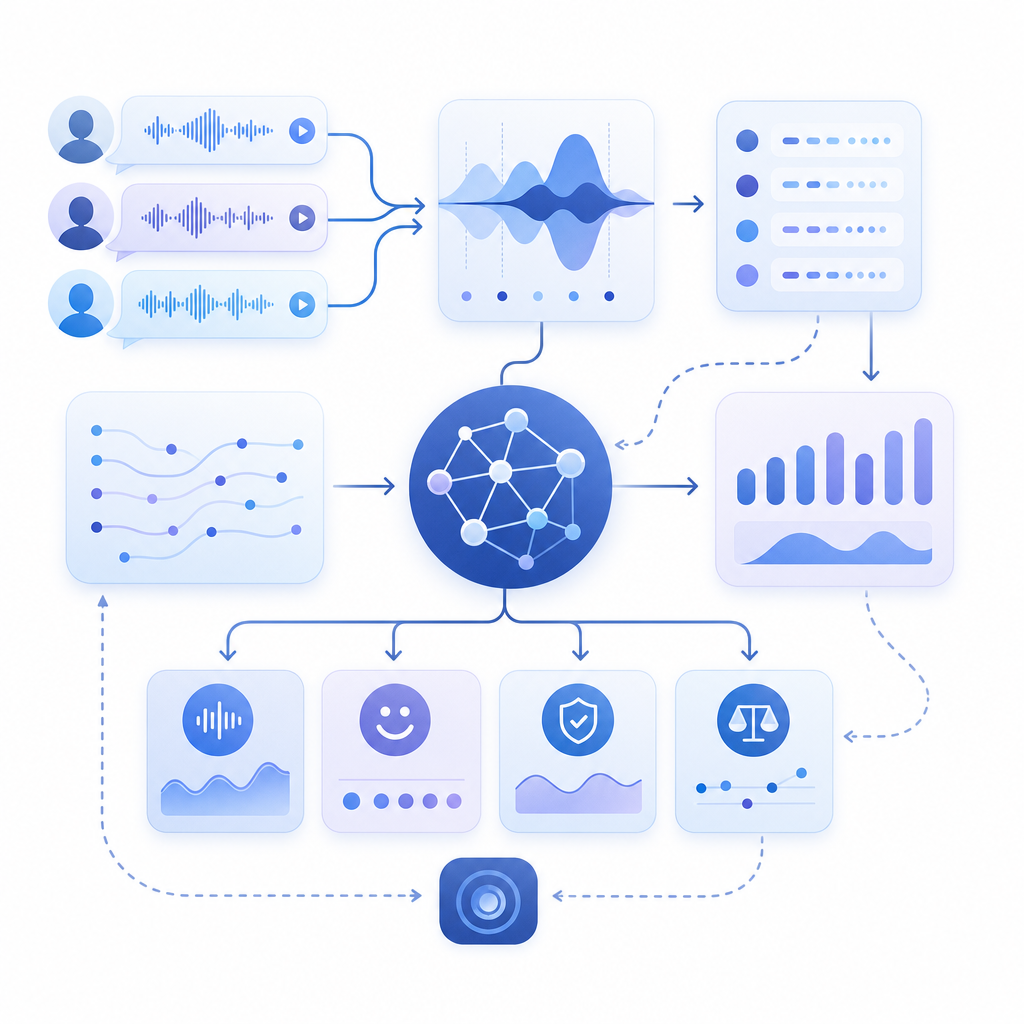
What belongs in an audio captcha dataset
At a minimum, an audio captcha dataset should represent the actual conditions your system will face. That means it should include more than just clean speech samples. Real-world datasets usually cover several dimensions:
Prompt type
- Digits, spoken words, short phrases, or mixed alphanumeric strings
- Single-speaker or multi-speaker prompts
- Fixed vocabulary versus randomized generation
Audio conditions
- Clean studio audio
- Background noise
- Reverb and compression artifacts
- Device variability, including mobile microphones and browser playback
Labeling
- Ground-truth transcript
- Challenge difficulty tier
- Human success/failure outcomes
- Any accessibility-related flags, such as low confidence for certain accents or speech rates
Session metadata
- Time to solve
- Retry counts
- Client platform
- Locale and language preferences
For defenders, the key question is not “How big is the dataset?” but “Does it reflect the distribution of real users and real abuse?” A compact dataset that mirrors production conditions can be more useful than a huge archive of synthetic samples.
Why defenders care about dataset quality
Audio CAPTCHAs are often used as a fallback when visual challenges aren’t practical. That makes dataset quality matter in three ways:
1) Accessibility coverage
If you serve users with vision impairments, motion sensitivity, or unreliable low-bandwidth connections, the audio path has to be dependable. A dataset should help you test:
- Clear pronunciation across languages
- Understandable pacing
- Compatibility with screen readers and browser audio controls
- Whether the challenge remains solvable with common hearing-loss accommodations
2) Abuse resistance
Defenders need to know whether an audio pattern is too easy for automation to memorize or transcribe. That does not mean publishing solver guidance; it means measuring whether your prompts have sufficient randomness, noise variation, and entropy to make large-scale abuse expensive.
3) Operational stability
A challenge that works in the lab but fails on mobile browsers is not a good challenge. Dataset evaluation should include:
- Playback latency
- Cross-device decoding issues
- Browser autoplay restrictions
- Locale-specific pronunciations
Here’s a practical comparison of dataset approaches:
| Approach | Strengths | Weaknesses | Best use |
|---|---|---|---|
| Clean synthetic clips | Easy to generate and label | Unrealistic, weak against real-world variance | Early prototyping |
| Human-recorded prompts | Natural timing and pronunciation | Harder to scale and normalize | Accessibility validation |
| Augmented real speech | Balances realism and variability | Needs careful QA | Production testing |
| Mixed-session telemetry | Shows actual user outcomes | Privacy-sensitive, needs minimization | Ongoing tuning |
If you’re building a bot-defense flow, this kind of analysis is exactly where docs can be useful: not as a recipe for challenge design, but as a reference for integrating verification cleanly and keeping your own telemetry disciplined.
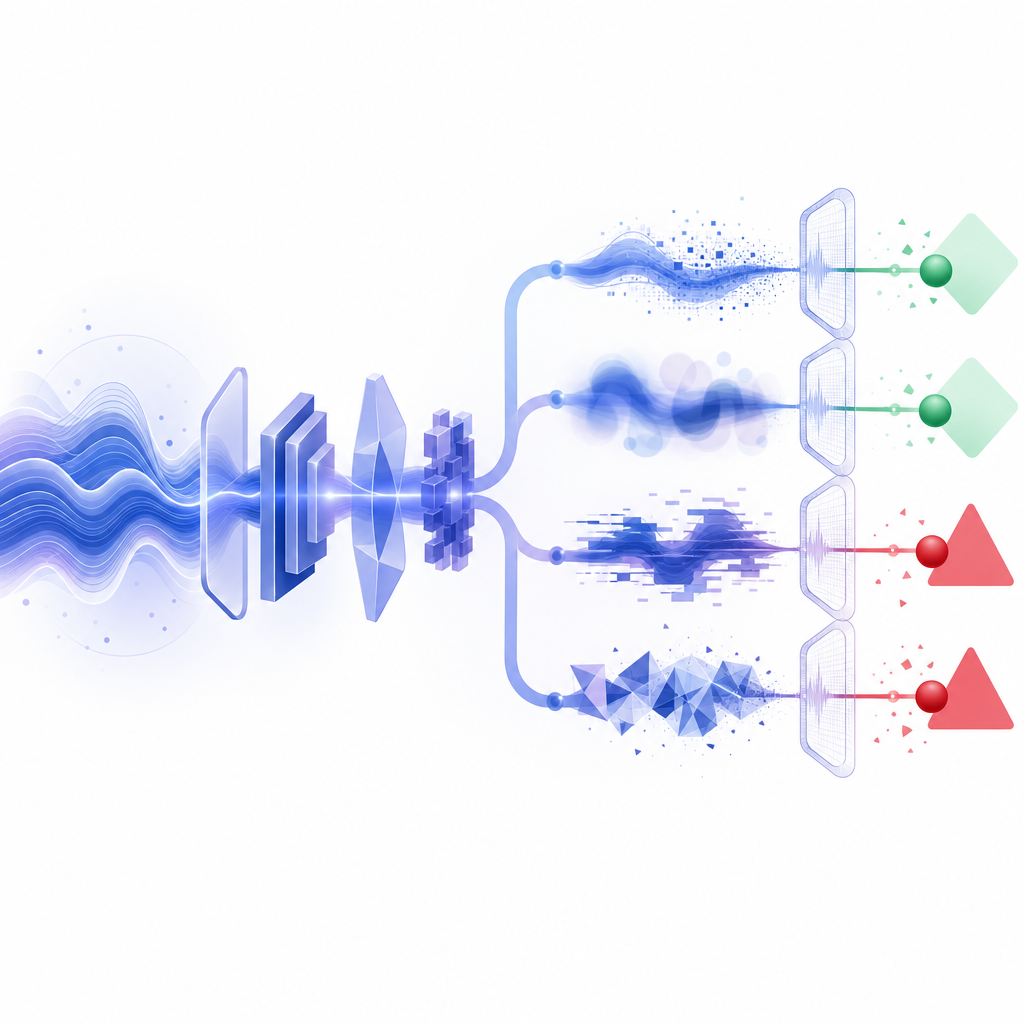
How to evaluate an audio captcha dataset
A useful dataset should support both security and accessibility testing. The metrics below are practical starting points.
Key evaluation signals
- Human success rate: percentage of legitimate users who solve the challenge
- Median solve time: helps identify prompts that are too hard or too slow
- Retry distribution: shows whether users are stuck on specific variants
- Locale performance: checks whether accents or language settings affect outcomes
- Failure clustering: detects whether one prompt family is disproportionately weak
A simple internal test harness can look like this:
# Example evaluation loop for challenge quality
# English comments only, as requested

for challenge in dataset:
    transcript = run_human_panel(challenge.audio)
    success = compare(transcript, challenge.label)
    log_metric(
        prompt_id=challenge.id,
        solved=success,
        solve_time=challenge.solve_time,
        locale=challenge.locale,
        device=challenge.device_type
    )

# Summarize by prompt family and locale
report = aggregate_metrics(metrics)
print(report)
The point of a harness like this is not to “optimize for hardness.” It’s to find the boundary where legitimate users still succeed reliably while automated abuse becomes costly or unreliable. That is a very different goal.
If you already operate a broader bot-defense stack, a service like CaptchaLa can sit alongside your own checks so you can validate requests server-side rather than relying on client-side assumptions alone.
How audio datasets fit into a modern CAPTCHA stack
An audio captcha dataset is just one input to a larger system. In practice, you’ll usually combine it with client behavior signals, server-side validation, and policy rules.
A few implementation facts matter if you’re evaluating vendors or building an internal flow:
- Client SDKs: Web (JS/Vue/React), iOS, Android, Flutter, Electron
- UI languages: 8 supported
- Server SDKs:
captchala-php,captchala-go - Validation endpoint:
POST https://apiv1.captcha.la/v1/validate - Server token issue endpoint:
POST https://apiv1.captcha.la/v1/server/challenge/issue - Loader:
https://cdn.captcha-cdn.net/captchala-loader.js
A typical validation flow is straightforward:
- Render the challenge in the client.
- Receive a
pass_tokenafter the user completes it. - Send
pass_tokenplusclient_ipto the validation API. - Authenticate the request with
X-App-KeyandX-App-Secret. - Accept or reject the session based on the server response.
That server-side step matters because datasets can tell you how good a challenge is, but validation tells you whether the result can be trusted in production. A challenge without strong server verification is just a UX element.
Choosing between audio, visual, and invisible checks
Not every flow needs an audio challenge, and not every product should default to it. The right choice depends on your risk profile and audience.
- reCAPTCHA: widely recognized, often used for general spam and abuse mitigation, with different product modes depending on integration needs.
- hCaptcha: commonly chosen when teams want an alternative verification provider and fine-grained challenge options.
- Cloudflare Turnstile: often positioned as a low-friction verification layer that aims to reduce user interaction.
Audio datasets come into play most when you need to audit accessibility or improve fallback paths. If your product depends heavily on CAPTCHA completion, it’s worth testing whether users can switch seamlessly between modalities without creating confusion or support burden.
For teams that want a predictable pricing structure while they test volume and rollout stages, pricing is useful to review early. CaptchaLa’s published tiers include a free tier at 1,000 monthly requests, Pro at 50K–200K, and Business at 1M, which gives you room to evaluate both small launches and larger traffic patterns.
Practical guidance for teams working with audio CAPTCHA data
If you’re designing, auditing, or replacing an audio captcha dataset, keep these rules in mind:
Use first-party data only
- Keep your evaluation tied to your own traffic and your own challenge behavior.
- Avoid assumptions based on unrelated datasets.
Minimize personal data
- Store only what you need for verification and quality analysis.
- Prefer aggregated metrics over raw session histories when possible.
Test across devices
- Desktop browsers, mobile browsers, and native apps behave differently.
- Audio autoplay, volume controls, and latency can shift outcomes significantly.
Review by locale
- Pronunciation, language, and pacing should match the audience you actually serve.
- A challenge that works in one language can fail in another for reasons unrelated to security.
Track changes over time
- Each prompt family should have a measurable baseline.
- If solve rates drift, investigate whether UX or abuse patterns have changed.
In other words, the dataset is not the product; it is the evidence that helps you make the product safer and more usable.
Where to go next: if you’re implementing or auditing verification, start with the docs or review pricing to match your expected request volume and rollout stage.