
An audio captcha code is a type of CAPTCHA challenge that allows users to verify they are human by listening to an audio clip and entering the spoken characters or words. Unlike visual CAPTCHAs, which require solving puzzles or typing distorted text from images, audio CAPTCHAs cater to users who may have visual impairments or difficulty solving visual challenges. By playing a short series of letters, numbers, or words with background noise or distortion, these captchas seek to block automated bots while remaining usable by humans with accessibility needs.
Audio captcha codes have become an important piece of multi-modal bot defense strategies. They improve inclusivity and comply with accessibility standards such as WCAG 2.1, helping websites ensure security without sacrificing usability for all visitors.
How Audio CAPTCHA Codes Work
Audio CAPTCHAs generate a sound clip with spoken characters that users must listen to and transcribe correctly. The audio usually includes background noise, echoes, or distortion to prevent easy automated transcription. Common formats include numeric sequences, alphanumeric codes, or simple words randomized each time.
Typical User Flow
- The user clicks “Get audio captcha” on a web form or challenge widget.
- The audio plays through the device’s speakers or headphones.
- The user listens carefully and types the characters heard into a response field.
- The server validates the input to confirm human interaction.
Behind the scenes, the server dynamically generates the audio from a text-based challenge stored in the system. The distortion techniques are carefully calibrated so that the audio remains recognizable for humans but difficult for speech recognition algorithms.
Why Audio CAPTCHA Codes Matter for Accessibility and Security
Many websites rely heavily on visual CAPTCHAs like image puzzles or distorted text. However, these CAPTCHA formats can exclude users who are blind, have low vision, or suffer from cognitive disabilities. Audio CAPTCHAs ensure that these users have an alternative verification method.
At the same time, audio CAPTCHAs serve as a line of defense against bots that cannot reliably interpret distorted audio. Although speech-to-text technology has advanced, combining distortion and randomization still creates a substantial barrier for automated attackers.
Accessibility Compliance
- Meets WCAG 2.1 standards requiring alternatives to purely visual tests
- Offers support for screen readers and audio output devices
- Supports multiple languages for global user bases (CaptchaLa supports 8 UI languages)
Security Considerations
- Distortion level must balance usability and bot resistance
- Combined with rate-limiting and behavioral analysis for improved protection
- Audio challenges can be refreshed dynamically to prevent replay attacks
Implementing Audio CAPTCHA: Comparing Popular Providers
Several CAPTCHA providers offer audio challenge solutions as part of their offerings. Here’s a quick comparison focusing on audio CAPTCHA support and overall integration:
| Feature | CaptchaLa | reCAPTCHA (Google) | hCaptcha | Cloudflare Turnstile |
|---|---|---|---|---|
| Audio CAPTCHA availability | Yes, with multiple distortion modes | Yes, but limited control | Yes, as alternative | Not currently offered |
| UI Languages | 8 languages supported | Multiple, but fewer customizations | Multiple translated options | Limited |
| SDK Support | Web, iOS, Android, Flutter, Electron | Web, mobile SDKs | Web, mobile SDKs | Primarily web-based |
| Free Tier | 1000 verifications per month free | Free with Google account | Free with restrictions | Free |
| API Validation Endpoint | POST /v1/validate with tokens and secrets | JSON API with site keys | JSON API | API key-based |
| Customization Options | Challenge frequency, audio settings | Limited user controls | Some customization via config | Minimal |
This overview can help teams choose the appropriate audio captcha based on their technical needs, language requirements, and platform targets.
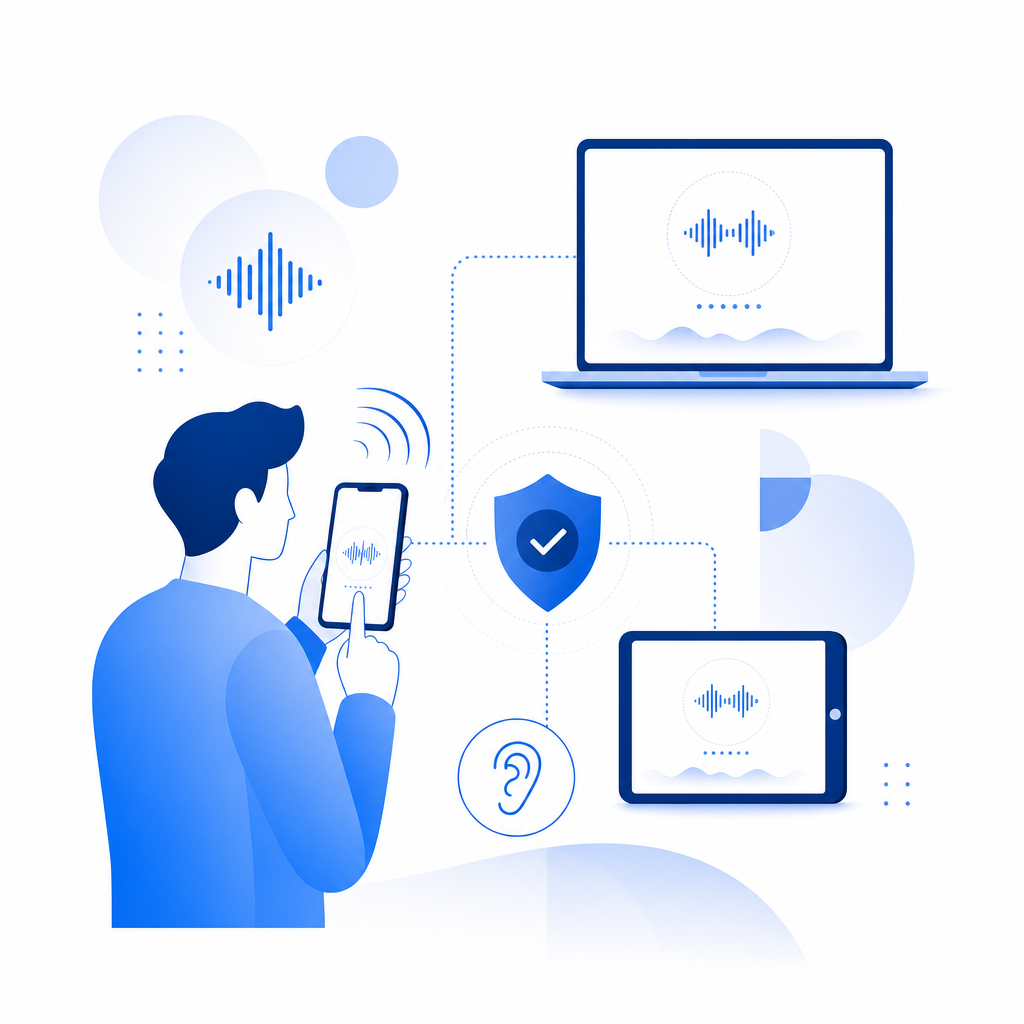
Integrating CaptchaLa Audio CAPTCHA Code in Your Application
CaptchaLa offers native SDKs suited for diverse platforms, enabling seamless inclusion of audio captcha functionality:
- Web SDKs: JavaScript, Vue, React support for easy client integration
- Mobile SDKs: iOS, Android, Flutter libraries for native apps
- Electron SDK: Desktop app compatibility
Example JavaScript Integration to Load Audio CAPTCHA
// Load CaptchaLa audio captcha widget on page
import { initCaptcha } from 'captchala-web-sdk';

// Initialize with your app keys and preferences
initCaptcha({
  appKey: 'YOUR_APP_KEY',
  containerId: 'captcha-container',
  audioEnabled: true,  // Enable audio challenge support
  language: 'en',      // Set UI language
});

// User submits audio captcha response
async function validateCaptchaResponse(passToken, clientIp) {
  const response = await fetch('https://apiv1.captcha.la/v1/validate', {
    method: 'POST',
    headers: { 'X-App-Key': 'YOUR_APP_KEY', 'X-App-Secret': 'YOUR_APP_SECRET' },
    body: JSON.stringify({ pass_token: passToken, client_ip: clientIp }),
  });
  const result = await response.json();
  return result.success;
}
The CaptchaLa loader script (https://cdn.captcha-cdn.net/captchala-loader.js) provides a lightweight way to add the captcha with minimal overhead.
Technical Specifics to Consider
- Token Validation: Use secure API calls from your backend to validate tokens sent by the client.
- User IP Logging: Send client IP for additional fraud detection heuristics.
- Challenge Frequency: Adjust how often users see audio challenges based on risk analysis.
- Accessibility Testing: Confirm compatibility with screen readers and audio output devices.
- Localization: Choose UI and audio languages relevant to your audience.
Balancing Usability and Security With Audio CAPTCHA
While audio captchas improve accessibility, they come with challenges around user experience and false positives. Users may have background noise environments or hearing disabilities making audio input difficult. Therefore, options include:
- Allowing users to switch between visual and audio CAPTCHA modes
- Providing replay controls for the audio challenge
- Keeping distortion subtle but effective against bots
Solutions like CaptchaLa, reCAPTCHA, and hCaptcha continue refining audio CAPTCHA technology to minimize irritation and maximize security, each with slightly different approaches and customization capabilities.

Audio captcha codes provide an essential tool for websites wanting to secure user interactions without excluding those with visual impairments. Whether integrating CaptchaLa’s SDKs or evaluating options from other providers, enabling audio challenges helps meet accessibility standards and improve overall bot defense in a multi-modal strategy.
If you want to explore how to add audio CAPTCHA to your site or app, check out CaptchaLa’s documentation for detailed implementation guidelines. For pricing options tailored to your usage scale, visit CaptchaLa pricing to find a plan that matches your needs.