
An atlas CAPTCHA service is a coordinated bot-defense layer that helps you decide whether a visit looks human, automated, or somewhere in between, while keeping the user experience as light as possible. If you are evaluating the term as a product category rather than a specific vendor, the practical question is usually: can it verify users reliably without creating friction, and can your backend trust the result?
That matters because modern abuse is rarely limited to obvious form spam. Attackers rotate IPs, automate signups, test credential stuffing, probe rate limits, and adapt quickly when a challenge becomes predictable. A good atlas captcha service should therefore do three things well: present a challenge when needed, validate the response securely server-side, and provide enough flexibility for your app’s platforms and traffic patterns.
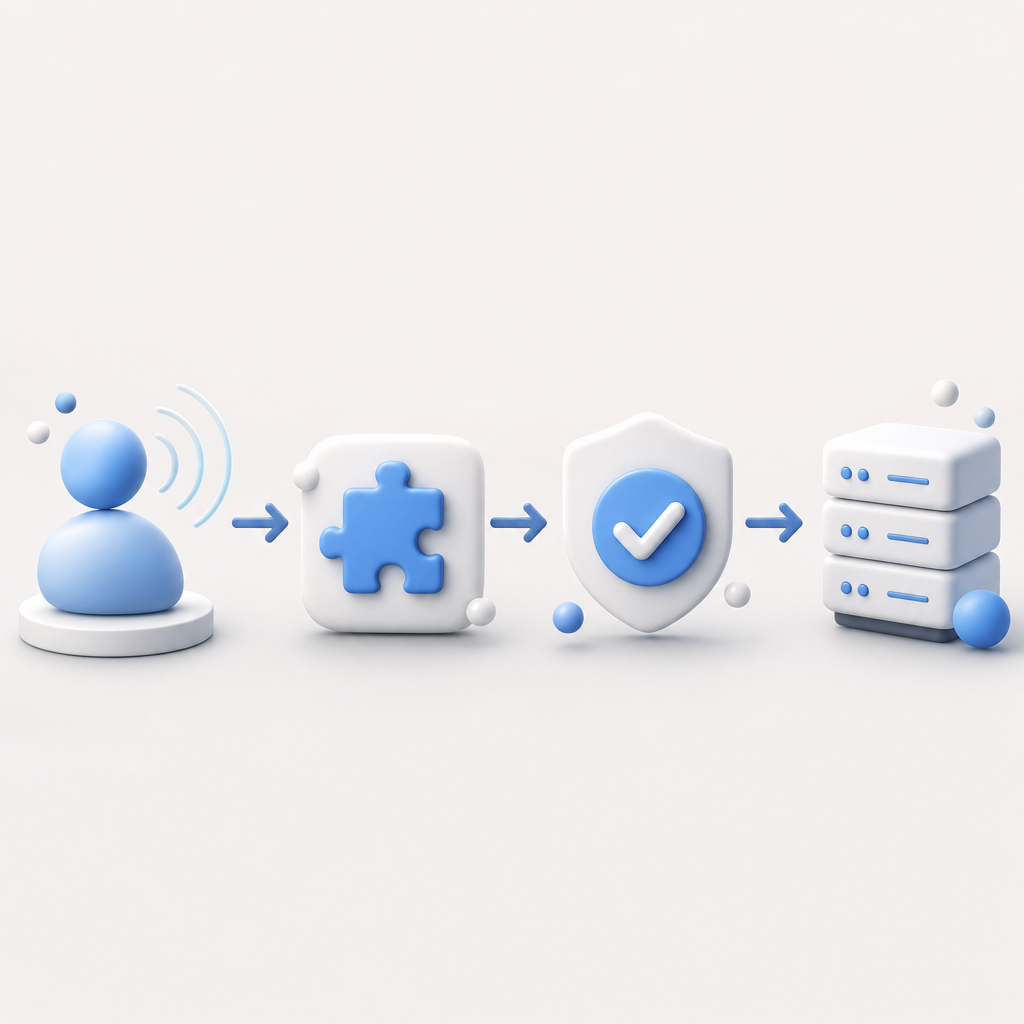
What an atlas CAPTCHA service should actually do
The word “atlas” implies coverage and coordination: one system helping you navigate many traffic conditions. In practice, that means a CAPTCHA service should not be just a checkbox widget. It should be part of a broader defense pipeline.
A useful mental model is:
- The browser or app loads a lightweight client component.
- The service issues a challenge or risk signal.
- The user completes the step, or the flow adapts if risk is low.
- Your server validates the returned token against the provider.
- Your app decides whether to allow, throttle, step-up, or block.
That last step is important. CAPTCHA alone should not be treated as final proof of legitimacy; it is one input into your trust decision. For example, you may combine validation with IP reputation, velocity limits, account history, and device/session signals.
If you are building for multiple platforms, scope matters too. A service that only works well on one web stack can become awkward once you add iOS, Android, or desktop clients. CaptchaLa supports 8 UI languages and native SDKs for Web (JS/Vue/React), iOS, Android, Flutter, and Electron, which is useful when a single product has both browser and app traffic. The same basic challenge model can then be applied consistently across experiences.
How the validation flow works
For defenders, the key is that the client should not be trusted on its own. The browser can collect and display the challenge, but your server should confirm the result before granting access.
A typical validation flow looks like this:
1. User completes the challenge in the client.
2. Client receives a pass_token.
3. Client sends pass_token to your backend.
4. Backend posts pass_token and client_ip to the validation endpoint.
5. Service returns a verdict.
6. Backend allows the action only after a successful verdict.
With CaptchaLa, server-side validation is done by POSTing to:
https://apiv1.captcha.la/v1/validate
The request body includes:
pass_tokenclient_ip
And the request uses:
X-App-KeyX-App-Secret
That separation is what you want from a security standpoint. The browser never gets the secret that authorizes validation, so the token has to be checked by your backend. If you are implementing this in production, the backend should also enforce expiration and one-time usage semantics where appropriate, so captured tokens cannot be replayed.
For challenge issuance on the server side, CaptchaLa also exposes:
POST https://apiv1.captcha.la/v1/server/challenge/issue
That pattern is helpful when you need tighter control over when a challenge appears, such as during signup bursts, risky password resets, or suspicious checkout attempts.
A simple implementation shape
Here is a defensive architecture pattern many teams use:
- Frontend requests a challenge when a protected action starts.
- The CAPTCHA widget or loader renders a challenge if the service deems it necessary.
- The frontend receives a token on success.
- Backend validates the token before completing the action.
- Logs retain only the minimum data needed for troubleshooting and abuse analysis.
A provider’s loader also matters for page weight and deploy simplicity. CaptchaLa’s loader is available at:
https://cdn.captcha-cdn.net/captchala-loader.js
That gives you a direct integration point without building your own challenge UI from scratch.
Comparing atlas CAPTCHA options objectively
The current market has several familiar names, and the right choice depends on your app, privacy posture, and preferred integration style. Here is a straightforward comparison at a high level.
| Service | Typical strength | Tradeoffs to consider | Developer notes |
|---|---|---|---|
| reCAPTCHA | Widely recognized, broad adoption | Can feel familiar but not always lightweight; UX varies by mode | Often chosen because teams already know it |
| hCaptcha | Privacy-conscious positioning, common alternative | Challenge style may be more noticeable for some users | Good fit when you want a reCAPTCHA alternative |
| Cloudflare Turnstile | Low-friction flows, strong ecosystem tie-in | Best fit when you are comfortable with Cloudflare’s stack | Works well for many simple web verification cases |
| CaptchaLa | Multi-platform SDK coverage, server validation, first-party data only | Like any CAPTCHA, it still needs thoughtful backend use | Useful when you want a single pattern across web and apps |
A few observations are worth noting:
- reCAPTCHA is still common, especially in legacy integrations, but teams sometimes want a more controllable or privacy-focused alternative.
- hCaptcha is often evaluated for its privacy stance and flexible challenge approach.
- Cloudflare Turnstile is attractive when friction needs to be minimal and the site already uses Cloudflare services.
- CaptchaLa is positioned for first-party data only, which can simplify how some teams think about data handling and compliance boundaries.
If you are asking “which atlas captcha service should I use?”, the honest answer is that the best fit depends on your traffic, your client platforms, and whether you want a provider that covers web and native apps with one model. CaptchaLa is one option worth evaluating if your product spans browsers plus mobile or desktop clients.
Integration details that matter in production
The difference between a demo and a durable deployment is mostly operational detail. Here are the issues teams should think through before shipping:
Token lifetime
Short-lived tokens reduce replay risk. Make sure your backend validates immediately after client submission.IP awareness
Includeclient_ipin validation when your architecture supports it, especially for abuse-prone endpoints.Rate limiting
CAPTCHA should complement, not replace, request throttling. Keep per-route and per-identity limits in place.Step-up logic
Don’t challenge every request. Trigger CAPTCHA for sensitive events, suspicious velocity, or failed logins.Observability
Log challenge outcomes, validation errors, and correlation IDs so security and product teams can see patterns.Localization
If your product serves multiple regions, UI language support is not cosmetic; it reduces abandonment. CaptchaLa’s 8 UI languages can help here.
For teams using specific ecosystems, the package options are straightforward:
- Maven:
la.captcha:captchala:1.0.2 - CocoaPods:
Captchala 1.0.2 - pub.dev:
captchala 1.3.2 - Server SDKs:
captchala-php,captchala-go
That coverage means your app and backend can stay aligned without inventing custom glue for every platform.

Choosing a service without overcomplicating the decision
If you are narrowing down an atlas CAPTCHA service, avoid making the choice purely on brand familiarity or on how hard the challenge feels during a quick test. The real question is how it behaves under real traffic and how it fits the rest of your defense stack.
A practical selection checklist:
- Does it support your client platforms today?
- Can your server validate securely without exposing secrets?
- Does it offer the challenge issuance flow you need?
- Is the pricing aligned with your traffic band?
- Does it match your data handling requirements?
CaptchaLa’s published tiers are straightforward: Free at 1,000 requests per month, Pro for 50K–200K, and Business at 1M. That makes it easier to start small and scale as your protected surface grows. If you want to inspect request flow, SDK options, or validation details before committing, the docs are the best place to start.
For teams that already know they need a CAPTCHA layer, this is mostly an integration and operations decision, not a philosophical one. Pick the provider that fits your stack, verify on the server, keep the user experience proportionate to the risk, and revisit your thresholds as abuse patterns change.
Where to go next: review the pricing if you want to compare tiers, or read the docs to see the exact validation and SDK setup.