
If you’re searching for “captcha google,” you usually want one of two things: Google’s CAPTCHA-related products, or a practical answer to “how do I add bot protection without making users hate me?” The short answer is that Google’s CAPTCHA story is mostly tied to reCAPTCHA, while teams today often compare it with alternatives like hCaptcha and Cloudflare Turnstile based on UX, privacy, and implementation effort.
That matters because CAPTCHA is no longer just a checkbox on a form. It’s part of your abuse-prevention stack: signups, login protection, ticketing, checkout, scraping defense, and API abuse controls all depend on it. If you’re evaluating “captcha google” from a defender’s point of view, the real question is which verification flow fits your app, your data rules, and your traffic patterns.
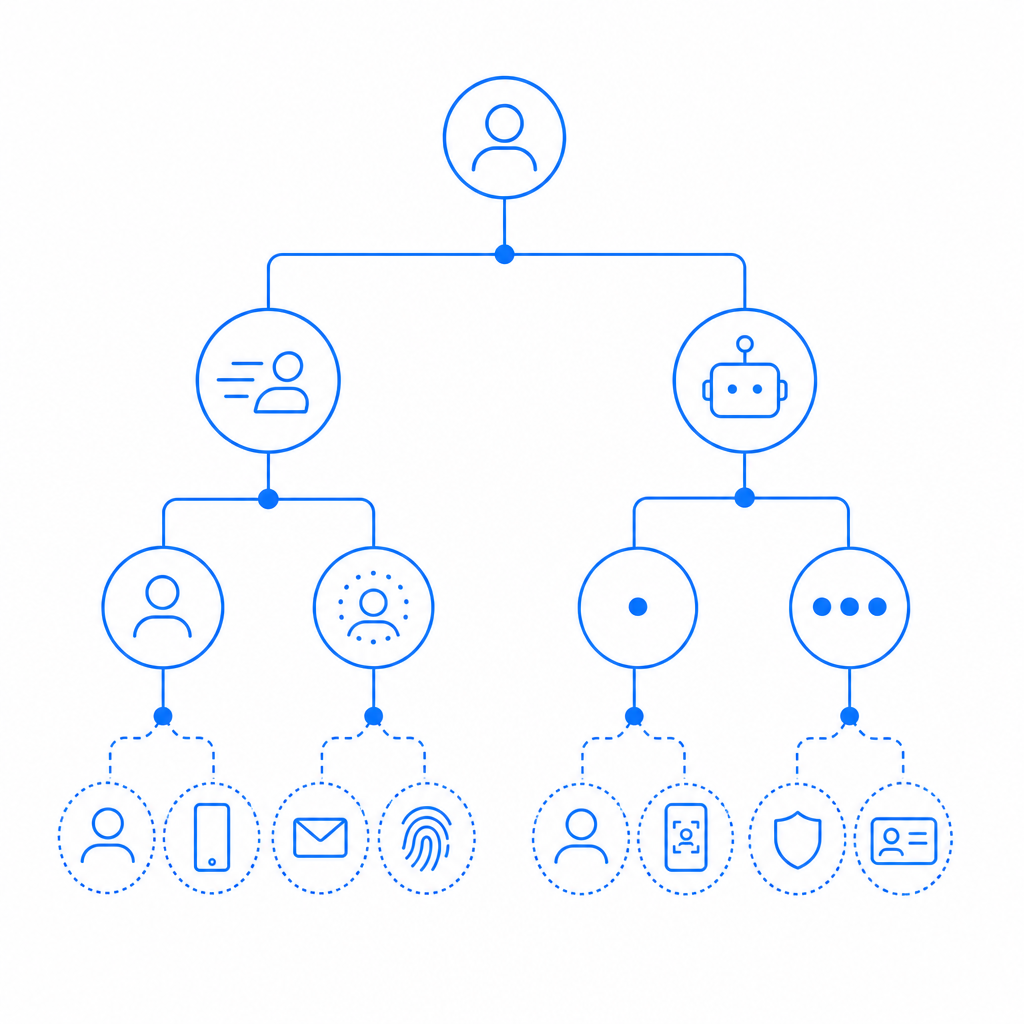
What people usually mean by “captcha google”
In practice, “captcha google” tends to refer to Google reCAPTCHA. Historically, that has included:
- reCAPTCHA v2 — the familiar “I’m not a robot” checkbox or image challenge.
- reCAPTCHA v3 — score-based assessment without an explicit challenge in most flows.
- Enterprise-style deployments — used when teams need more policy control and deeper integration.
For defenders, the important distinction is whether the product is challenge-based or score-based.
Challenge-based vs. score-based
- Challenge-based systems interrupt a user and ask for proof.
- Score-based systems assign risk and let your backend decide whether to continue, block, or step up.
That difference affects conversion. A checkout flow can tolerate a low-friction score check much better than a puzzle that appears on every other request. On the other hand, a high-value signup endpoint may justify a stricter challenge path.
If you’re comparing Google’s approach with alternatives, the first pass should be about your use case, not the brand name. reCAPTCHA, hCaptcha, Cloudflare Turnstile, and CaptchaLa all fit different operational preferences around UX, analytics, privacy posture, and how much control you want over server-side validation.
How the main options compare
Here’s a practical comparison from a defender’s perspective:
| Option | Typical UX | Integration style | Good fit for | Notes |
|---|---|---|---|---|
| Google reCAPTCHA | Often familiar, sometimes intrusive | Client token + server verification | General web forms, teams already using Google ecosystem | Commonly associated with “captcha google” searches |
| hCaptcha | Similar challenge model, more explicit verification flows | Client token + server verification | Teams wanting an alternative to reCAPTCHA | Often evaluated for privacy/compliance preferences |
| Cloudflare Turnstile | Low-friction, usually invisible | Client token + server verification | Sites prioritizing smooth UX | Popular when minimal user interruption is important |
| CaptchaLa | Flexible challenge flow with localization | Client + server validation APIs | Teams that want multi-platform SDKs and first-party data control | Supports 8 UI languages and native SDKs across web/mobile/desktop |
The comparison is not about which one is “good” in the abstract. It’s about which one matches your abuse model:
- If spam is your main issue, a lighter approach may be enough.
- If account takeovers are a concern, you may need step-up checks and stronger server-side logic.
- If you operate across mobile, desktop, and web, SDK availability can matter more than the brand.
A key practical concern is where the decision is made. If the client can fake the result, the control is weak. The real enforcement point should be your server.
What secure implementation looks like
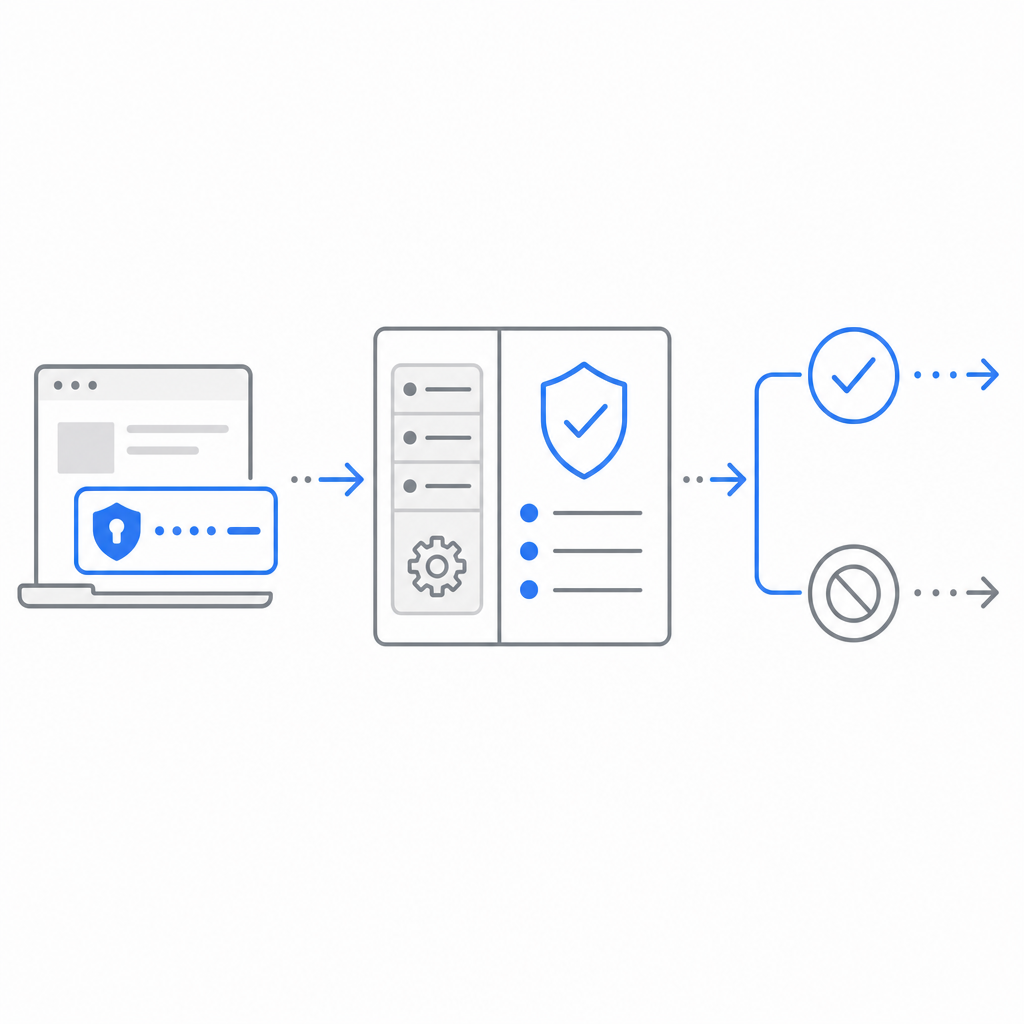
A good CAPTCHA flow is not just “render widget, accept token.” It should do three things:
- Issue or render the challenge on the client
- Send the pass token to your backend
- Verify server-side before trusting the request
Here’s the basic shape of a validation call:
Client -> Server: submit form + pass_token
Server -> Validation API: POST /v1/validate
Server -> App logic: allow, deny, or step-up
For CaptchaLa specifically, validation is done server-side with:
POST https://apiv1.captcha.la/v1/validate- body:
{ pass_token, client_ip } - headers:
X-App-KeyandX-App-Secret
That pattern is important because the client token alone should never be treated as truth. Your backend should make the decision after verification.
A simple backend flow
// English comments only
async function verifyCaptcha(request) {
  const passToken = request.body.pass_token;
  const clientIp = request.ip;

  const response = await fetch("https://apiv1.captcha.la/v1/validate", {
    method: "POST",
    headers: {
      "Content-Type": "application/json",
      "X-App-Key": process.env.CAPTCHA_APP_KEY,
      "X-App-Secret": process.env.CAPTCHA_APP_SECRET,
    },
    body: JSON.stringify({
      pass_token: passToken,
      client_ip: clientIp,
    }),
  });

  const result = await response.json();

  if (!result.valid) {
    return { allow: false };
  }

  return { allow: true };
}
If you want to issue a server-token challenge rather than only validate a returned token, CaptchaLa also exposes:
POST https://apiv1.captcha.la/v1/server/challenge/issue
That can be helpful when your risk engine wants to decide dynamically when to challenge, rather than applying the same friction to everyone.
Choosing based on platform, data policy, and scale
Different teams care about different constraints:
1) Platform coverage
If you’re shipping across several surfaces, SDK availability can decide the winner. CaptchaLa offers native SDKs for:
- Web: JS, Vue, React
- iOS
- Android
- Flutter
- Electron
It also supports 8 UI languages, which is easy to overlook until your support team starts hearing complaints from international users.
2) Data handling
For many teams, first-party data policy matters as much as attack prevention. If you want to minimize third-party data sharing, check whether the product’s operational model fits your governance requirements. CaptchaLa’s model is based on first-party data only, which can be a better fit for teams with stricter privacy or compliance constraints.
3) Traffic scale and cost
A CAPTCHA solution should be sized to your abuse volume. Roughly speaking:
- Free tier: 1,000 requests/month
- Pro: 50K–200K/month
- Business: 1M/month
That makes it easier to match spend to actual risk, especially for products with seasonal spikes or uneven signup traffic. If you’re trying to estimate fit, pricing is the fastest place to sanity-check volume assumptions.
4) Developer experience
A good verification product should be easy to wire into your stack without forcing a rewrite. If your team prefers native SDKs, a straightforward server validation API, and docs that map cleanly to backend logic, start with docs. The implementation should feel like an ordinary auth dependency, not a special project.
Practical guidance for teams evaluating “captcha google”
If you’re deciding whether to stay with Google’s CAPTCHA tooling or switch, ask these questions:
- How much user friction can this flow tolerate?
- Do we need challenge-based or score-based risk control?
- Can we validate on the server every time?
- Do we need mobile and desktop SDKs, or just web?
- Are privacy and first-party data requirements part of the decision?
- What happens when traffic volume grows 10x?
Those questions usually produce a clearer answer than brand familiarity alone.
For some teams, reCAPTCHA is already deeply embedded and works fine. For others, hCaptcha or Cloudflare Turnstile may reduce friction or align better with policy. And for teams that want multi-platform SDKs, clear server-side validation, and first-party data handling, CaptchaLa is worth a look alongside the usual options.
A defender-first mindset
The safest approach is to treat CAPTCHA as one signal in a broader defense system. Pair it with:
- rate limiting
- IP reputation
- device/session analysis
- signup throttling
- email or phone verification where appropriate
That way, even if an attacker reaches your form, the CAPTCHA is not your only line of defense. It becomes a checkpoint in a layered control system.
Where to go next: if you’re evaluating implementation details, start with the docs, or compare plans at pricing.