
api captcha d orange usually points to a simple goal: add a CAPTCHA layer to Orange-branded or Orange-dependent flows without making legitimate users suffer. If you’re defending signups, password resets, quote forms, or API endpoints, the practical answer is to place the challenge where risk appears, then verify the token server-side before you accept the request.
The safest pattern is straightforward: the browser or app gets a challenge, your backend validates the resulting pass token with your secret, and only then do you continue the transaction. That keeps the trust decision on the server, where it belongs.

What “api captcha d orange” should mean in practice
People searching this phrase are often trying to solve one of three problems:
- Protect a public API from automated abuse.
- Add bot defense to an Orange customer portal, signup, or support form.
- Integrate a CAPTCHA in a way that works across web and mobile clients.
The exact color or branding is less important than the control point. For a defender, the question is not “how do I hide a CAPTCHA inside the UI?” but “how do I make sure a human-present interaction is required before expensive or sensitive actions proceed?”
That’s why API-first CAPTCHA design matters. Instead of treating CAPTCHA as a decorative widget, treat it as a verification step in your request pipeline:
- user triggers a sensitive action
- client requests or renders the challenge
- client returns a
pass_token - backend validates the token with
client_ip - backend allows, throttles, or rejects the action
For Orange-themed portals or internal tools, this pattern is easy to adapt because the visual layer stays lightweight while the trust decision stays centralized.
Where it fits best
CAPTCHA is usually most useful at the points where automation creates cost or risk:
- account creation
- password reset
- OTP request pages
- checkout or quote requests
- high-volume search or lead forms
- API endpoints that receive unauthenticated traffic
If your flow is already low-risk and authenticated, you may not need CAPTCHA at all. In those cases, rate limits, device reputation, and session heuristics may be enough. CAPTCHA should be one control among several, not the only line of defense.
Choosing the right integration pattern
The implementation details depend on your client stack. CaptchaLa supports 8 UI languages and native SDKs for Web (JS, Vue, React), iOS, Android, Flutter, and Electron, which makes it easier to keep one verification policy across channels.
For server-side validation, the core pattern is the same no matter what frontend you use: POST the token to your backend, then validate it against the CAPTCHA service using your application credentials. CaptchaLa also provides server SDKs for captchala-php and captchala-go if you want to keep the integration close to your backend language.
A practical comparison
| Option | Good for | Trade-offs |
|---|---|---|
| reCAPTCHA | widely recognized, simple web adoption | less control over UX and data path |
| hCaptcha | privacy-conscious deployments, web forms | may require more tuning for UX |
| Cloudflare Turnstile | low-friction web flows, edge-adjacent setups | best when you already use Cloudflare |
| API-first CAPTCHA | backend validation, multi-platform apps | you own the integration logic |
The key thing to remember is that “CAPTCHA” is not one product behavior. The right fit depends on whether you need a browser widget, a mobile SDK, or a server-verifiable token in an API workflow.
CaptchaLa’s loader is available from https://cdn.captcha-cdn.net/captchala-loader.js, which is useful when you want a lightweight client bootstrap and a consistent challenge experience across pages.
Server validation: the part you should not skip
A CAPTCHA only matters if your server actually checks the result. Client-side checks alone are easy to trust accidentally and hard to audit later. The server should be the authority.
Here is the flow you want to build around:
- Render or request a challenge on the client.
- Receive a
pass_tokenafter a successful challenge. - Send
pass_tokenandclient_ipto your backend. - Call the validation endpoint with
X-App-KeyandX-App-Secret. - Accept the request only if validation succeeds.
- Log failures and correlate them with rate limits or abuse signals.
A minimal backend request looks like this:
# English comments only
curl -X POST https://apiv1.captcha.la/v1/validate \
  -H "Content-Type: application/json" \
  -H "X-App-Key: ձեր-app-key" \
  -H "X-App-Secret: your-app-secret" \
  -d '{
    "pass_token": "token-from-client",
    "client_ip": "203.0.113.10"
  }'
If you are issuing server-side challenges, CaptchaLa also exposes:
# English comments only
POST https://apiv1.captcha.la/v1/server/challenge/issue
That is useful when your backend wants to initiate a challenge as part of a higher-risk workflow, such as suspicious login attempts or repeated form submissions.
Why client_ip matters
Including the client IP gives your verification logic more context. It can help tie the token to the actual request source and reduce abuse from token forwarding or replay-like patterns. If your architecture sits behind proxies or load balancers, make sure you extract the real client address correctly and consistently.
Also, keep your validation endpoint on the server only. Never expose X-App-Secret in frontend code, mobile bundles, or logs.
A deployment model that works across channels
If you maintain a web app, a mobile app, and a backend API, the easiest way to stay sane is to standardize on one trust policy and several client adapters.
For example:
- Web: render the challenge with the JS loader and submit the resulting token with the form.
- React/Vue apps: wrap the component around sensitive actions like signup or reset.
- iOS/Android/Flutter: trigger the challenge before high-risk operations.
- Electron: use the same server-verification rule for desktop-like flows.
- Backend services: validate the token before sending the request downstream.
This is especially helpful when you have an Orange-branded experience across multiple properties. The visual presentation can differ slightly by surface, but the approval rule stays the same.
CaptchaLa’s published pricing tiers are also easy to map to traffic shape: a free tier at 1000 requests per month, Pro at 50K-200K, and Business at 1M. That matters because CAPTCHA traffic can spike unexpectedly during campaigns, launch weeks, or abuse events. Planning for the right tier is part of designing the control, not just buying it after the fact. See pricing if you want to estimate that before rollout.
Common mistakes to avoid
A good CAPTCHA implementation is often defined by what it refuses to do.
- Do not trust only the client result.
- Do not reuse tokens across unrelated requests.
- Do not place CAPTCHA on every action if it harms usability.
- Do not forget accessibility and localization.
- Do not use CAPTCHA as a substitute for auth, rate limits, or anomaly detection.
If you need a multilingual experience, factor localization in early. CaptchaLa supports 8 UI languages, which is helpful when your traffic includes different regions or when your Orange-branded surface needs to match a broader product locale.
When you test, make sure you cover:
- Successful validation on the first try.
- Expired or invalid token handling.
- Proxy and load balancer IP extraction.
- Retry behavior after network failures.
- Abuse scenarios where many requests arrive from one source.
That combination will tell you whether your integration is actually protecting the workflow, or just adding friction.
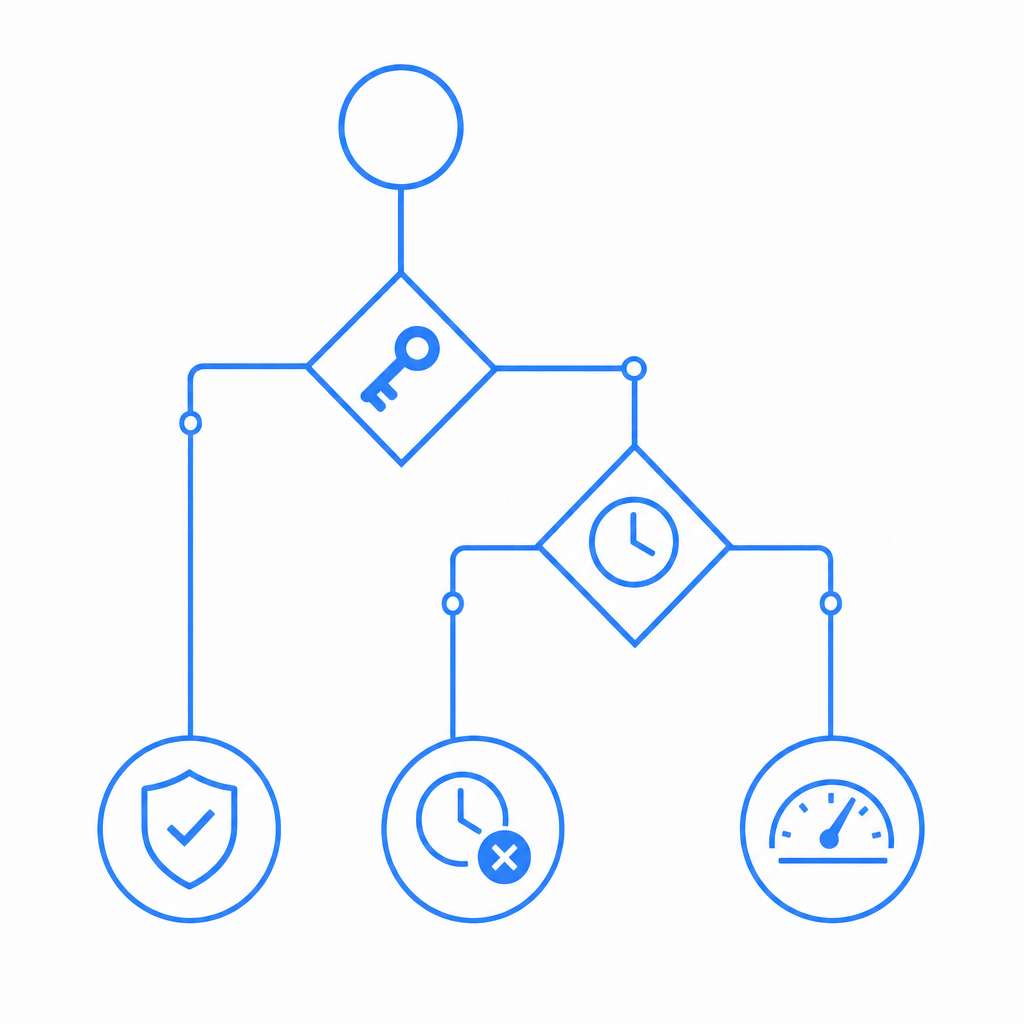
Where CaptchaLa fits if you want an API-first setup
If your priority is a backend-verifiable CAPTCHA flow that works across web and mobile surfaces, CaptchaLa is worth evaluating because the integration model is simple: client challenge, server validation, and first-party data only. That last point matters for teams that want to minimize data sharing while still applying bot defense.
The docs are the fastest way to check implementation details and SDK-specific setup, especially if you are wiring this into an existing API gateway, login service, or mobile app. Start with docs if you want the endpoint shapes, SDK references, and request examples in one place.
Where to go next: review the docs for implementation steps, then compare your expected traffic against pricing before you ship.