
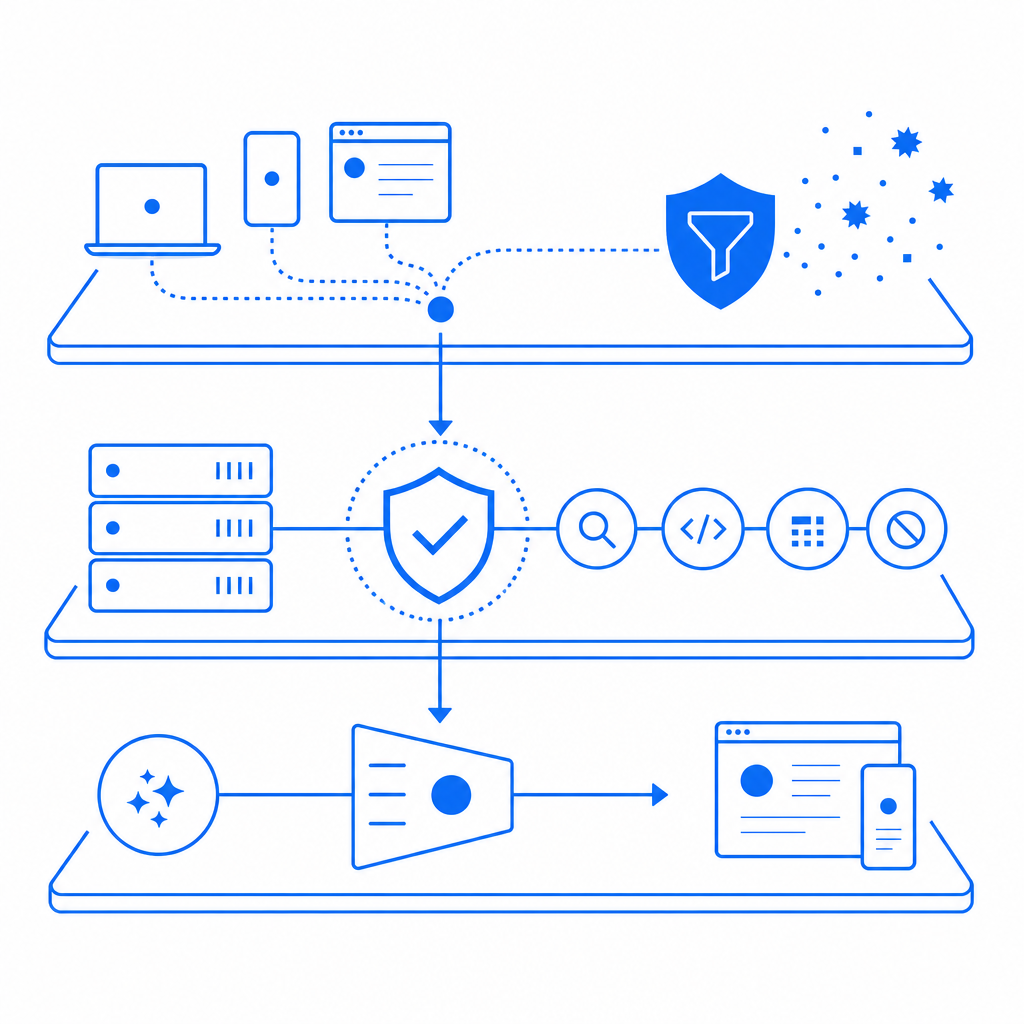
Anti-screen scraping is the practice of detecting and slowing automated attempts to extract content from pages, apps, or workflows by mimicking human browsing. The goal is not to “make scraping impossible” — that’s unrealistic on the open web — but to raise the cost of automation, protect sensitive surfaces, and keep legitimate users moving smoothly.
Most defenses work best when they combine client-side signals, server-side checks, and response shaping. That means looking beyond simple IP blocking and CAPTCHA placement to patterns like rapid navigation, unusual input timing, headless browser traits, and repeated access to the same content at machine speed. The more valuable the asset, the more important it is to treat anti-screen scraping as an ongoing control, not a one-time setting.
What anti-screen scraping is really trying to stop
Screen scraping usually refers to automated collection of text, prices, listings, account data, or other page-rendered content. In practice, defenders see a mix of threats:
- Bulk content harvesting for resale or model training.
- Price or inventory monitoring at scale.
- Credentialed abuse, where a logged-in session is used to extract protected data.
- Workflow automation that bypasses rate limits by rotating browsers, IPs, or accounts.
- “Human-assisted” automation, where a script drives a real browser to look legitimate.
The important distinction is that anti-screen scraping is broader than traditional bot blocking. You are not only protecting forms from spam. You are also protecting page views, API-backed rendering, and any endpoint that returns data valuable enough to be copied at volume.
A useful mental model is to separate your defenses into three buckets:
- Detection: identify probable automation.
- Friction: add challenge or delay when risk is elevated.
- Control: limit what data or actions are available when confidence is low.
That can mean rate limiting, device or session scoring, challenge escalation, and content shaping. For some teams, the most practical path is adding a CAPTCHA layer only when a request looks suspicious; for others, the right answer is protecting the entire flow, including app launches, login steps, and high-value content access.
Signals that matter more than raw request counts
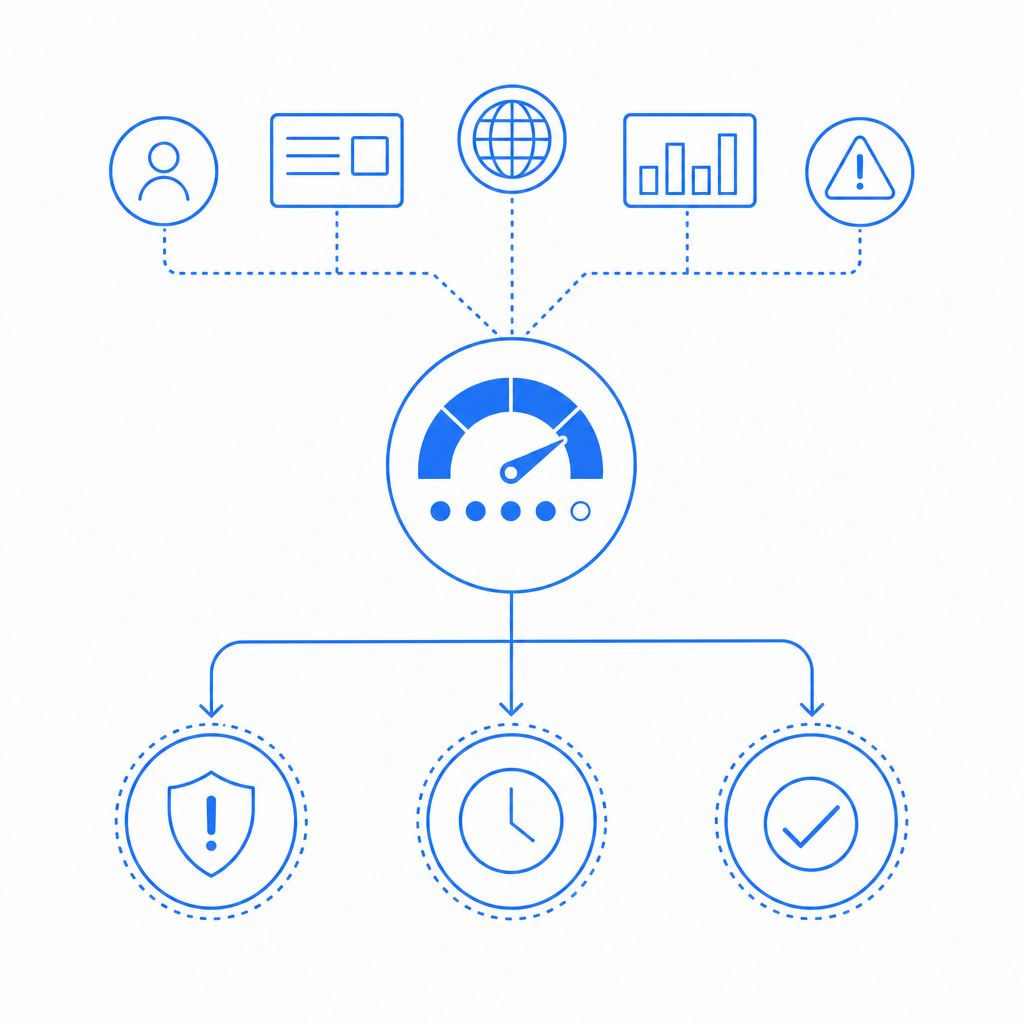
Raw request rate still matters, but sophisticated scraping often stays just under obvious thresholds. Better anti-screen scraping programs combine multiple signals and look for consistency across a session.
High-value signals to watch
- Navigation timing: page-to-page speed that is unrealistically uniform.
- Input timing: keystrokes or clicks with robotic cadence.
- Browser traits: missing or conflicting fingerprints, headless indicators, or unusual rendering behavior.
- Session reuse: many content views through one account, token, or device pattern.
- IP behavior: datacenter ranges, rapid geo changes, or rotating residential proxies.
- Response behavior: repeated access to the same URLs, sorted lists, or paginated endpoints in sequence.
A simple scoring approach might look like this:
# English comments only
risk = 0

if request_rate > threshold:
    risk += 2

if headless_browser_signals_detected:
    risk += 3

if session_views_same_resource_repeatedly:
    risk += 2

if input_timing_is_uniform:
    risk += 1

if ip_reputation_is_poor:
    risk += 2

if risk >= 5:
    trigger_challenge()
else:
    allow_request()
This is intentionally simple. Real systems usually separate stable identity signals from ephemeral request signals, then score both the session and the action. The best anti-screen scraping setups also feed outcomes back into the model: if a challenged request fails validation, that increases confidence in future decisions.
For teams that want a managed layer instead of building all of this from scratch, CaptchaLa provides a challenge flow that can be validated server-side with a simple request to POST https://apiv1.captcha.la/v1/validate using pass_token, client_ip, X-App-Key, and X-App-Secret.
Choosing the right defense for the job
No single tool solves every scraping problem. The most effective programs mix controls based on asset value and user impact.
| Control | What it helps with | Tradeoff |
|---|---|---|
| Rate limiting | Burst scraping, basic automation | Can affect legitimate power users |
| Device/session scoring | Repeated abuse, scripted browsing | Requires tuning and telemetry |
| CAPTCHA challenge | Suspicious traffic, form abuse, content gating | Adds friction for some users |
| Token-based gating | High-value flows, gated app launches | Needs solid backend validation |
| Response shaping | Content harvesting, bulk extraction | More complex to design well |
Where these controls shine:
- Rate limiting works well on known endpoints with predictable abuse patterns.
- Challenge escalation is useful when most traffic is legitimate but a small slice is risky.
- Token-based gating is strong for flows where you can validate trust before serving the next step.
- Response shaping helps when the asset is public but still worth protecting, such as marketplace listings or dynamically rendered content.
If you are comparing mainstream CAPTCHA products, the differences are usually less about “does it challenge bots?” and more about deployment style, risk tolerance, and integration burden. reCAPTCHA, hCaptcha, and Cloudflare Turnstile are all widely used, and each fits different operational constraints. Some teams prefer a lighter user experience; others care more about control, privacy posture, or server-side integration options.
CaptchaLa fits into that same decision space as a practical bot-defense layer. It supports 8 UI languages and native SDKs for Web (JS, Vue, React), iOS, Android, Flutter, and Electron, plus server SDKs for captchala-php and captchala-go. That matters when your protected surface spans web and mobile, or when the same anti-screen scraping policy needs to work across multiple app types.
Implementation patterns that reduce scraping without breaking UX
A good rollout starts small. You do not need to challenge every request on day one. Instead, protect the highest-risk steps first and expand only when you have enough telemetry.
A rollout checklist
Identify the top 3 scraping targets.
- Example: pricing pages, search results, account export endpoints.
Define a risk threshold for each target.
- Example: challenge after repeated views, low-trust IPs, or suspicious device signals.
Verify requests server-side.
- Keep trust decisions on the backend, not only in JavaScript.
Add progressive friction.
- Start with soft delays or hidden limits, then move to a challenge if abuse continues.
Monitor false positives.
- Watch conversion, bounce rates, and challenge completion rates by device and region.
Update rules regularly.
- Scraping methods change, and so should your scoring.
For teams protecting app flows, server-issued tokens can help make the client part of a broader trust chain. CaptchaLa supports a server-token flow via POST https://apiv1.captcha.la/v1/server/challenge/issue, which is useful when you want the backend to decide when a challenge should be shown. That approach is often easier to reason about than trying to infer everything from front-end behavior alone.
A few implementation details are easy to overlook:
- Keep first-party data only when possible; it simplifies governance and reduces unnecessary exposure.
- Validate on the server immediately after the user completes the challenge.
- Avoid forcing every user through a challenge just because one endpoint is popular.
- Use different thresholds for anonymous traffic, logged-in traffic, and high-value actions.
For teams evaluating rollout cost, pricing matters too. CaptchaLa’s free tier includes 1,000 validations per month, with Pro tiers in the 50K–200K range and Business at 1M. You can check the current structure at pricing and implementation details in the docs.
Common mistakes that make anti-screen scraping weaker
The biggest mistake is treating scraping defense as a static blacklist problem. Once defenders rely only on IP blocks or a single challenge page, attackers adapt quickly. A few other pitfalls are just as common:
- Over-challenging all users, which creates avoidable friction.
- Protecting only HTML while leaving data-rich JSON endpoints open.
- Trusting client-side checks without backend validation.
- Using one threshold for every route, even though the business risk is different.
- Ignoring logged-in abuse, where the attacker looks “real” but the behavior is still automated.
Another issue is failing to measure the outcome you actually care about. If you are protecting content, ask whether scraping volume dropped. If you are protecting a workflow, ask whether suspicious completions dropped while legitimate completion rates stayed stable. If you are protecting revenue pages, measure whether bot-driven page views fell without harming conversion.
A practical test is to review one week of suspicious traffic and ask: did the system force the attacker to slow down, retool, or abandon the target? If the answer is no, the control needs more signal, more friction, or better placement.
Anti-screen scraping works best when it is layered, measurable, and easy to adjust. That is true whether you build it in-house or use a platform like CaptchaLa as part of the stack.
Where to go next: read the docs for integration details, or compare plans on the pricing page.