
If you're searching for a captcha free trial, you're likely looking for an opportunity to test bot defense solutions risk-free before integrating them into your application or website. A free trial lets you evaluate crucial aspects like ease of integration, user experience, and security effectiveness without immediate financial commitment. This post explains how captcha free trials work, compares popular offerings including CaptchaLa, and highlights what you should consider when trying one out.
What Is a Captcha Free Trial and Why It Matters
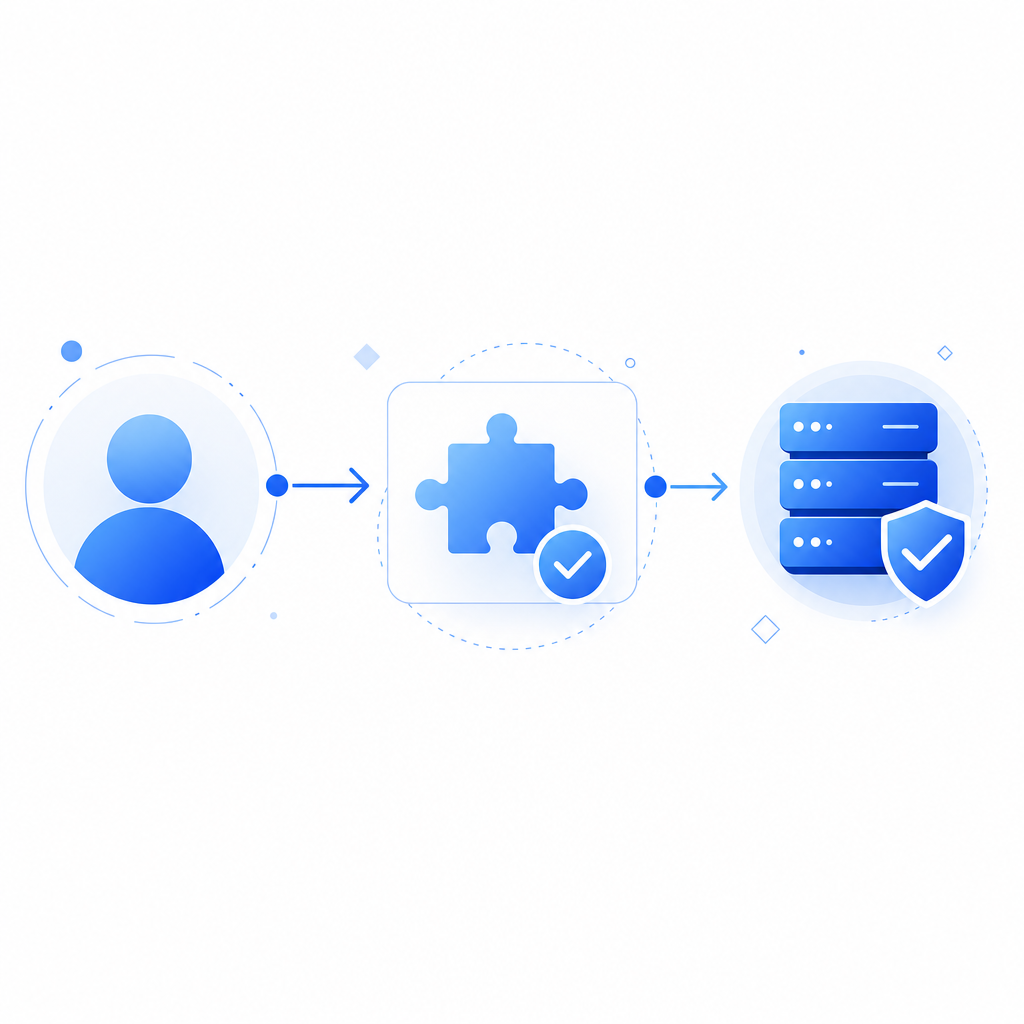
A captcha free trial provides developers and website owners with temporary access to a CAPTCHA or bot prevention service—usually with limited usage or features—so they can test the integration, customization options, and how well the solution filters out bots. Since CAPTCHAs affect user experience and site performance, a trial is invaluable for assessing:
- Usability: Does the CAPTCHA disrupt legitimate users?
- Bot detection accuracy: How effectively does it reduce spam and automated abuse?
- Developer experience: Are SDKs and APIs simple to implement and customize?
- Language and platform support: Does it fit your tech stack?
Without trying before buying, you risk selecting a bot defense that either frustrates users or leaves security gaps.
Common Forms of Free Trials
- Limited monthly requests: e.g., 1,000 validations/month free
- Time-limited access: e.g., 14-day full-featured trial
- Feature-limited access: core protection enabled, premium features not included
CaptchaLa currently offers a free tier allowing 1,000 monthly validations, which is perfect for small projects or testing phases. Other well-known providers offer similar trial or free tiers for initial exploration.
Comparing Popular Captcha Free Trials
Here’s a side-by-side comparison of free trial or free tier offerings from commonly used CAPTCHA providers:
| Provider | Trial Type | Monthly Limit | UI Language Support | SDKs & Platforms | Notes |
|---|---|---|---|---|---|
| CaptchaLa | Free tier + paid plans | 1,000 free/month | 8 | Web (JS/React/Vue), iOS, Android, Flutter, Electron, Server SDKs | First-party data only; easy self-hosted validation |
| Google reCAPTCHA | Free tier, unlimited | Unlimited | Multiple | Web, Android | Widely used; some privacy concerns |
| hCaptcha | Free trial + paid plans | Variable | Multiple | Web-based | Focus on privacy and user-friendliness |
| Cloudflare Turnstile | Free with no limits | Unlimited | Multiple | Web | Privacy-focused, transparent operation |
While reCAPTCHA is often default for many developers, some prefer solutions like CaptchaLa or Cloudflare Turnstile for privacy and customizable SDKs. Trying a free trial is the best way to see which aligns with your needs.
How to Get the Most from a Captcha Free Trial
When using any captcha free trial, follow this technical checklist to ensure thorough evaluation:
- Verify SDK integration: Use native SDKs fitting your tech stack (CaptchaLa supports JS/React/Vue, iOS, Android, Flutter, Electron).
- Perform test validations: Simulate legitimate users and bots to check pass/fail rates accurately.
- Measure latency impact: Assess how the CAPTCHA affects page load and user interactions.
- Customize language/UI: Ensure the CAPTCHA adapts well linguistically (CaptchaLa offers 8 UI languages).
- Check server validation: Test server-side token validation via API (
POST https://apiv1.captcha.la/v1/validate) using provided keys. - Review analytics: Analyze logs and reports offered to understand bot activity.
- Test edge cases: Challenge the system with unusual IPs, VPNs, or automation scripts to confirm robustness.
Here’s a quick example of server-side validation logic using CaptchaLa’s PHP SDK:
<?php
// Validate the CAPTCHA token server-side with CaptchaLa
$pass_token = $_POST['pass_token'];
$client_ip = $_SERVER['REMOTE_ADDR'];
$api_url = "https://apiv1.captcha.la/v1/validate";

$headers = [
    "X-App-Key: YOUR_APP_KEY",
    "X-App-Secret: YOUR_APP_SECRET",
    "Content-Type: application/json"
];

$data = json_encode([
    'pass_token' => $pass_token,
    'client_ip' => $client_ip
]);

$ch = curl_init($api_url);
curl_setopt($ch, CURLOPT_POST, true);
curl_setopt($ch, CURLOPT_POSTFIELDS, $data);
curl_setopt($ch, CURLOPT_HTTPHEADER, $headers);
curl_setopt($ch, CURLOPT_RETURNTRANSFER, true);

$response = curl_exec($ch);
curl_close($ch);

$result = json_decode($response, true);
if ($result['success']) {
    // Proceed with the request
} else {
    // Block or challenge the user
}
?>
Using official SDKs and APIs ensures you're testing the CAPTCHA under real-world conditions.

Considerations When Choosing a Captcha Free Trial
Beyond monthly request limits and platform support, other factors might influence your choice:
- Privacy policies: For industries requiring strict data compliance, check how user data is processed.
- Customization flexibility: Can you tailor CAPTCHA appearance or difficulty?
- Documentation quality: Good docs speed up trial evaluations. CaptchaLa’s docs provide clear integration steps.
- Support availability: Access to technical help during trials can avoid delays.
- Scalability: How easy is it to upgrade when your traffic grows?
Selecting a captcha free trial aligned with your technology, user base, and compliance requirements makes long-term adoption smoother.
Final Thoughts
A captcha free trial is an essential step before committing to any CAPTCHA or bot defense system. It enables hands-on evaluation of security, user experience, and implementation complexities. CaptchaLa provides a generous free tier, diverse SDK support, and straightforward APIs perfect for prototyping and early tests. When compared objectively with reCAPTCHA, hCaptcha, and Cloudflare Turnstile, you’ll find different strengths suited to various needs.
If you want to explore CaptchaLa’s offerings further, check out our pricing page for details on upgrading beyond the free tier or dive into our documentation for integration guides.
Wherever you start, testing is the key to picking the right CAPTCHA solution that balances bot protection with smooth user experience. Happy testing!