
If you’re searching for a captcha free download, the safe answer is: you usually don’t want a “captcha file” at all—you want a trusted CAPTCHA widget, SDK, or library that you integrate into your site or app. For defenders, the real question is how to add bot protection without exposing users, data, or your app to sketchy downloads, counterfeit scripts, or solver-style abuse.
That distinction matters because “free download” often gets used loosely. Some people mean a free plan, some mean a JavaScript loader, and some mean a downloadable package for mobile or server integration. The good news is that legitimate CAPTCHA systems do offer free tiers and installable SDKs. The risky part is that search results for this keyword can also lead to tools that are designed to bypass CAPTCHA rather than deploy it.
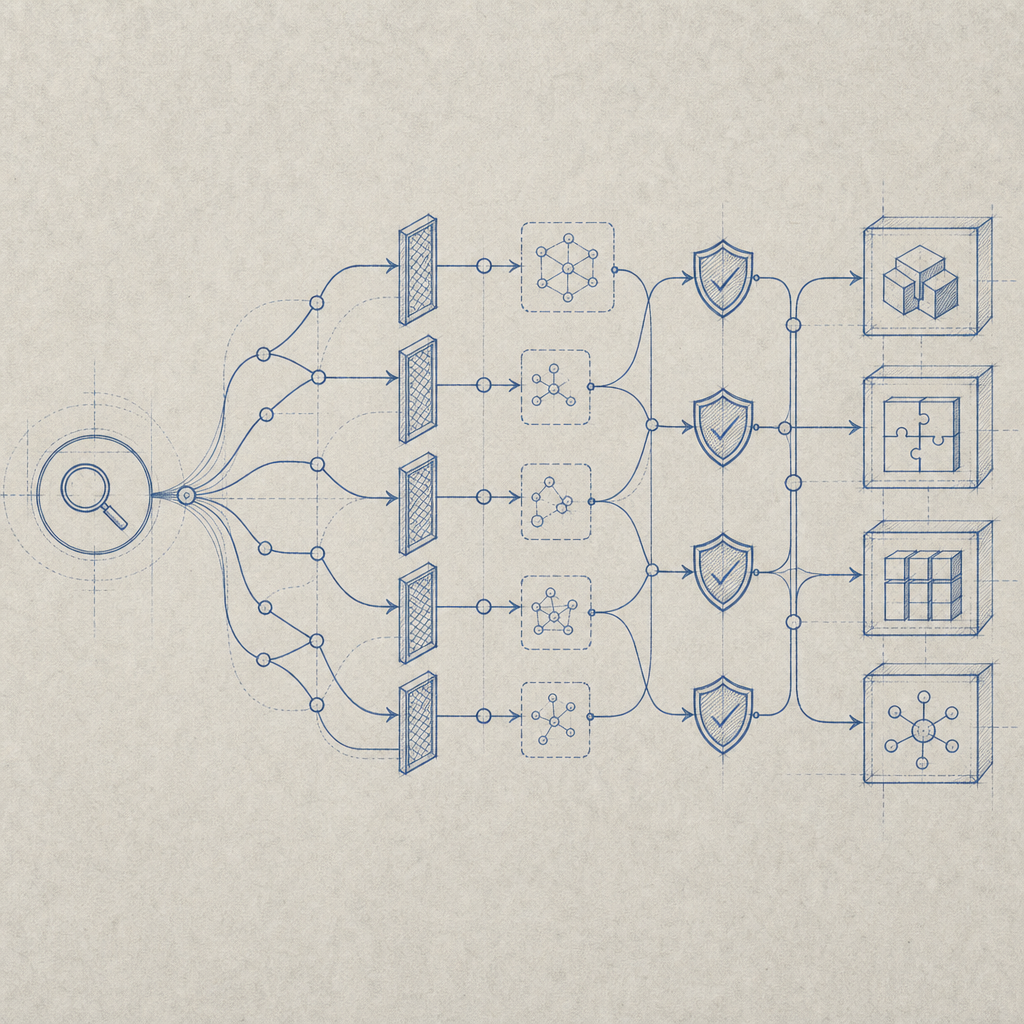
What people usually mean by “captcha free download”
A CAPTCHA is usually delivered as an embedded component, not a standalone app you install from a random download page. In practice, “captcha free download” tends to refer to one of these:
- A free CAPTCHA plan you can use on a website or app.
- A client SDK or loader script you can integrate into a frontend.
- A server SDK for validating challenge responses.
- A mobile package for iOS, Android, Flutter, or Electron.
If your goal is site protection, the safest route is to use an official implementation from the provider rather than a mirrored file from a third-party site. For example, CaptchaLa provides a loader script, platform SDKs, and server-side validation endpoints so you can integrate without hunting through questionable downloads.
A practical rule: if a download promises to “solve” CAPTCHAs, skip it. If it helps you issue, render, or validate challenges as part of your own application, that’s the kind of artifact you actually want.
Free options: what you can realistically get
Most teams do not need to pay before testing. Free tiers are meant for evaluation, low-volume sites, or early-stage applications. CaptchaLa’s free tier covers up to 1,000 challenges per month, which is enough for prototypes, internal tools, and early production traffic. Higher tiers are aimed at larger volumes, like Pro for roughly 50K–200K and Business at about 1M monthly challenges.
Here’s a simple comparison of common defender-side options:
| Option | What you download/use | Typical use case | Notes |
|---|---|---|---|
| reCAPTCHA | Google widget + server verification | General web forms | Widely recognized; Google-managed |
| hCaptcha | Widget + verification APIs | Forms, login, abuse prevention | Often chosen for privacy/control tradeoffs |
| Cloudflare Turnstile | Widget + verification | Low-friction challenge flows | Good fit for Cloudflare-centric stacks |
| CaptchaLa | Loader + SDKs + validation endpoints | Web, mobile, desktop, server apps | First-party data only, multiple SDKs |
The important part is that these are integrations, not “downloads” in the old software sense. You typically add a loader, call an API, and verify the response on your backend.
Why “free” should still include a trust check
Even if a CAPTCHA option is free, it still touches sensitive parts of your app:
- the visitor’s IP address,
- your challenge and validation flow,
- session or form submission logic,
- your app secrets.
So the source matters. Use official docs and package registries, and be careful with random GitHub reposts or ad-heavy download pages. If you’re evaluating a provider, check whether it documents its verification flow clearly, including what data it collects and how validation works. docs is the right place to inspect that kind of detail for CaptchaLa.
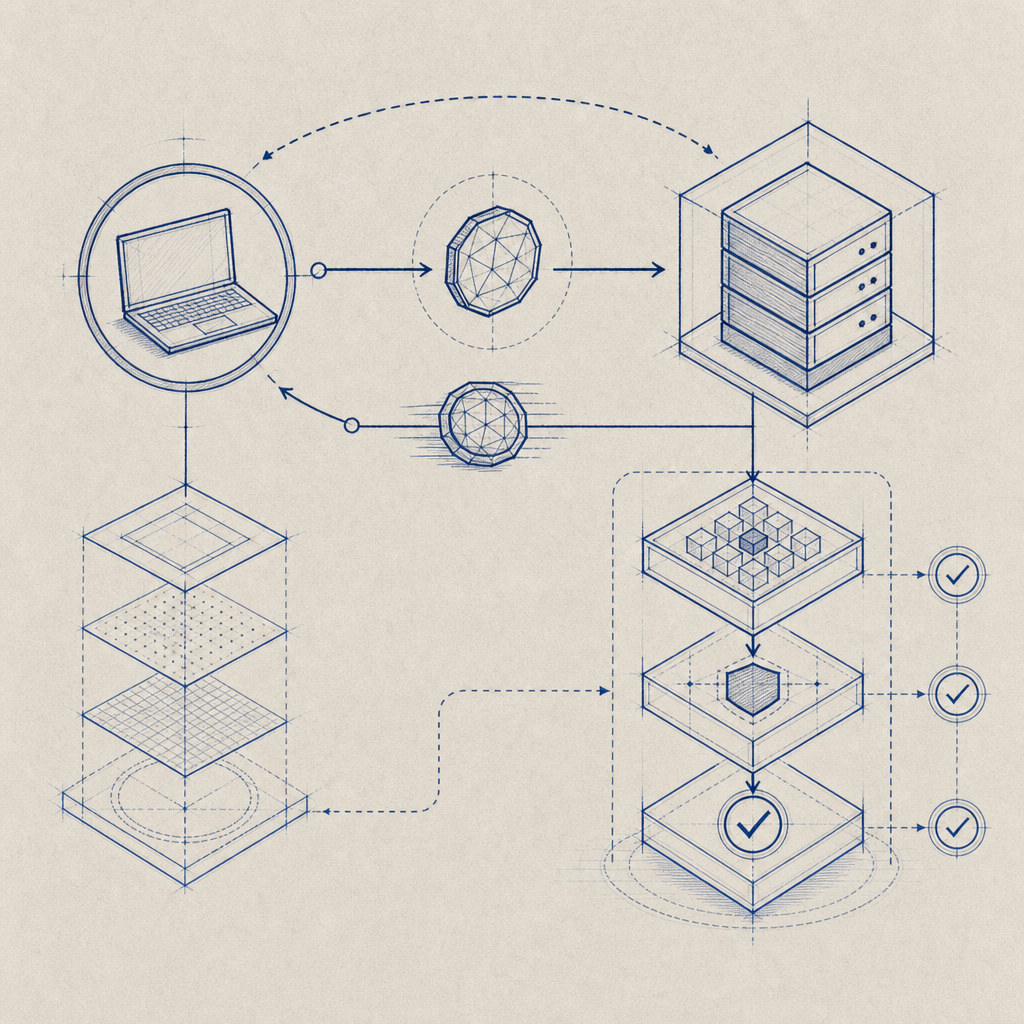
How to add CAPTCHA without risky downloads
The cleanest integration path is usually:
- Load the client script from the provider’s official CDN or install the SDK through an official package manager.
- Render the challenge where your form or login flow needs it.
- Send the pass token to your backend.
- Validate it server-side before accepting the action.
For CaptchaLa, the loader is hosted at https://cdn.captcha-cdn.net/captchala-loader.js. That means you can embed the client component without copying code into your own repo.
On the server, validation is straightforward. Your backend can call:
POST https://apiv1.captcha.la/v1/validate
with a body like:
{
  "pass_token": "user-pass-token",
  "client_ip": "203.0.113.42"
}
and authenticate the request with X-App-Key and X-App-Secret. This server-side check is the part that prevents token replay and helps ensure the challenge was actually completed.
If you’re issuing a server token for a challenge workflow, the endpoint is:
POST https://apiv1.captcha.la/v1/server/challenge/issue
That separation of client rendering and server validation is a good pattern because it keeps the trust decision on your backend, not in the browser alone.
Example flow for a web form
// English comments only
// 1. Load the CAPTCHA widget on the client
// 2. User completes the challenge
// 3. Send pass_token to your backend
// 4. Backend validates token with provider API

async function submitForm(passToken) {
  const response = await fetch("/api/submit", {
    method: "POST",
    headers: {
      "Content-Type": "application/json"
    },
    body: JSON.stringify({
      pass_token: passToken
    })
  });

  return response.json();
}
If you’re building across platforms, CaptchaLa also supports native SDKs for Web (JS, Vue, React), iOS, Android, Flutter, and Electron. There are published packages such as Maven la.captcha:captchala:1.0.2, CocoaPods Captchala 1.0.2, pub.dev captchala 1.3.2, plus server SDKs like captchala-php and captchala-go. That’s useful when you want a consistent challenge flow across web and app surfaces.
Choosing the right CAPTCHA provider for your stack
A lot of “captcha free download” searches are really trying to answer a more useful question: “Which integration will be easiest for my stack?” That depends on your architecture more than on price alone.
Consider these factors:
1. Platform fit
- Web app only: look for a simple loader and backend validation.
- Mobile app: check for native SDKs and app lifecycle support.
- Desktop app: confirm Electron support if you need it.
- Server-heavy workflow: make sure API validation is documented clearly.
2. Data handling
Some teams need to minimize data sharing and prefer first-party data only. If that’s part of your compliance or privacy strategy, verify the provider’s data model before you integrate.
3. Operational simplicity
A CAPTCHA should be easy to deploy, but also easy to rotate keys, inspect failures, and monitor traffic. Documentation quality matters as much as the widget itself.
4. User experience
reCAPTCHA, hCaptcha, and Cloudflare Turnstile all make different tradeoffs between friction and security. If your users are sensitive to challenge friction, test completion rates on your actual forms instead of guessing.
When teams evaluate CaptchaLa, they usually care about how quickly they can wire up the client and server pieces, and whether the same system can serve web and app traffic without extra glue code. That’s where a concise SDK set and a clear validation API help.
Practical checklist before you “download” anything
Before you grab the first free CAPTCHA asset you find, use this checklist:
- Confirm the source is official.
- Prefer a loader, SDK, or package registry entry over a random ZIP file.
- Check whether validation happens server-side.
- Confirm what data is sent and stored.
- Verify package names and versions against the provider’s docs.
- Test on a staging environment before production.
- Review how rate limits and quotas behave on the free tier.
If you can’t answer those questions, the download is probably the wrong starting point.
For teams that want a simple evaluation path, pricing and docs are the fastest places to compare tiers, implementation details, and supported SDKs.
Where to go next: if you’re evaluating a safer CAPTCHA integration, start with the docs or review the pricing page to see which tier matches your traffic.