
Anti scraping tools are systems that detect automated collection of your content or data and then slow it down, challenge it, or block it before it causes damage. The right choice depends on what you need to protect: public pages, search results, account flows, pricing data, or APIs. Some teams need a lightweight challenge on suspicious traffic; others need stronger server-side verification, device-aware signals, or SDK support across web and mobile.
The key idea is simple: don’t treat scraping as one problem. A product page scraped at scale, a login form probed for abuse, and an API endpoint hammered by bots each need different controls. That is why modern defenses usually combine fingerprinting, challenge/response, rate limiting, and server validation instead of relying on a single widget.
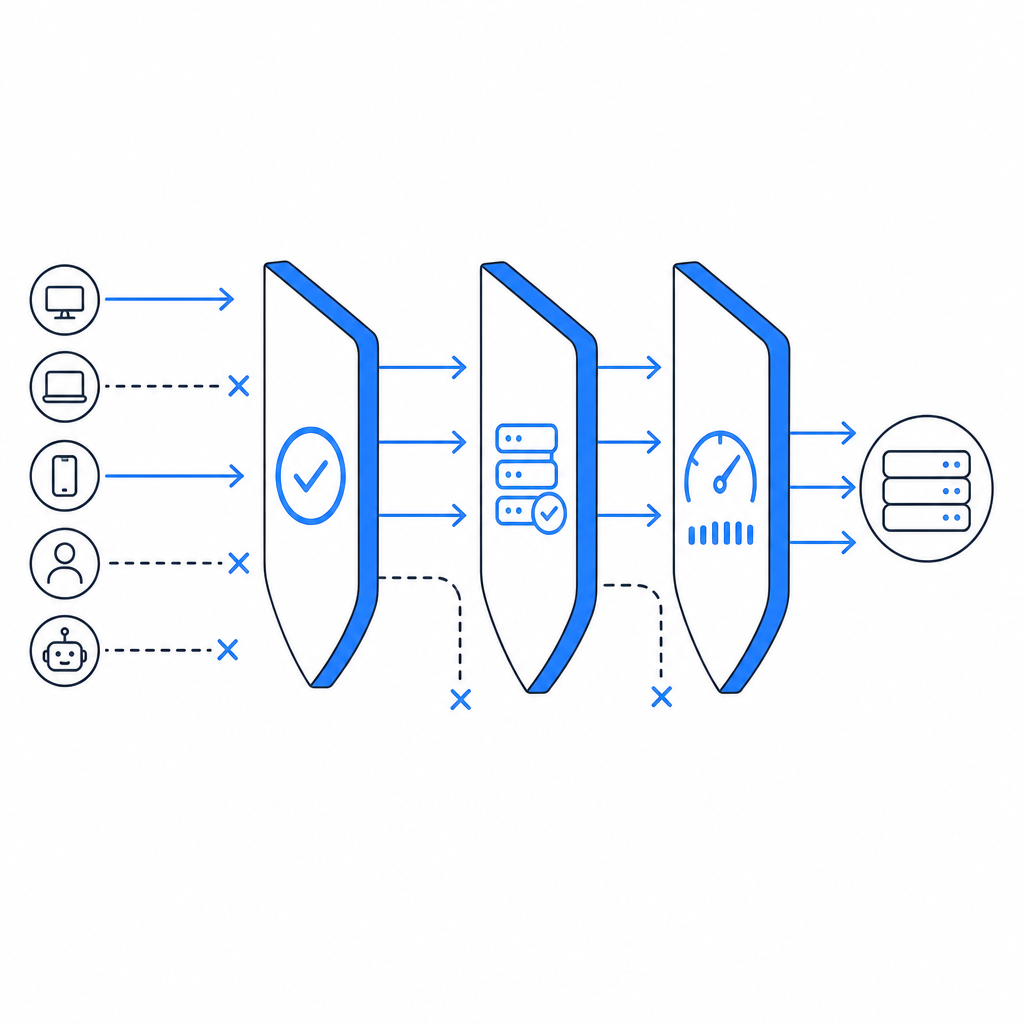
What anti scraping tools actually do
At a technical level, anti scraping tools try to answer one question: is this request likely coming from a real user or from automated infrastructure? They do that with signals and controls such as:
Client-side integrity checks
Detect whether the browser environment looks normal. This can include JavaScript execution, timing analysis, and basic tamper checks.Behavioral patterns
Watch for unnatural navigation, repeat requests, rapid form submissions, or identical paths across many sessions.Challenge flows
Present a task only when risk rises. That might be a CAPTCHA-style challenge, a token exchange, or a proof-of-work-like interaction.Server-side verification
Confirm that the client passed a challenge and that the token is valid for the current session, IP, or request context.Rate controls and policy rules
Apply thresholds to endpoints, user accounts, and IP ranges so scraping attempts lose efficiency quickly.
A useful way to think about this is that good defenses reduce the attacker’s return on effort without making normal users work much harder. If every visitor gets challenged, you’ve probably overcorrected. If nothing is checked, scraping will eventually win by scale.
How the main options compare
There are several familiar names in this space, and each fits a slightly different operating model. reCAPTCHA, hCaptcha, and Cloudflare Turnstile are commonly used choices for challenge and bot mitigation. They all help, but they differ in integration style, privacy posture, and how much control you keep over the experience.
| Tool type | Strengths | Trade-offs | Best fit |
|---|---|---|---|
| reCAPTCHA | Widely recognized, mature ecosystem | Can add friction; UX varies by challenge type | General web forms and high-traffic sites |
| hCaptcha | Flexible challenge model, bot-defense focus | Some teams find tuning and UX less predictable | Sites that want challenge-based control |
| Cloudflare Turnstile | Low-friction verification, easy to adopt in Cloudflare setups | Best when your stack already leans on Cloudflare | Sites prioritizing lightweight verification |
| Dedicated anti scraping tools | More control over signals, thresholds, and server validation | Requires more thoughtful integration | Apps protecting content, APIs, or mixed web/mobile flows |
The important part is not brand preference; it is fit. If you need a broader bot-defense layer that can cover web and app traffic, a dedicated system may be easier to tune than a generic form widget. If your needs are narrow, a simpler challenge layer may be enough.
CaptchaLa sits in that “fit matters” category. It supports 8 UI languages and offers native SDKs for Web (JS/Vue/React), iOS, Android, Flutter, and Electron, which is useful when you need a consistent defense across products rather than separate tools for each client. If you want to inspect the integration details first, the docs are the right place to start.
What to evaluate before you adopt one
A checklist helps, but a better approach is to evaluate tools against real abuse paths. Here are the technical specifics I would look at first:
Validation model
- Does the client receive a pass token?
- Is that token verified on your server, not only in the browser?
- Can validation include request context like client IP?
Integration surface
- Do you have SDKs for your actual clients?
- Is there a loader that can be deployed without heavy front-end changes?
- Can you support both web and native mobile flows?
Operational control
- Can you adjust challenge frequency by route, risk score, or endpoint?
- Can you distinguish between login abuse and content scraping?
- Can you log decisions for later review?
Deployment fit
- Does it work with your backend stack?
- Is the server verification simple enough for your engineers to maintain?
- Can you adopt it without rewriting auth or checkout flows?
Privacy and data handling
- What data does the service process?
- Can you keep the system limited to first-party data?
- Are the APIs explicit about what is required for validation?
That last point matters more than many teams expect. If you are protecting customer-facing flows, you should know exactly what leaves your environment and why.
A practical implementation often looks like this:
// Client flow
1. Load the challenge script
2. Render challenge when risk threshold is met
3. Receive pass_token on success

// Server flow
1. Receive protected request with pass_token
2. POST to validation endpoint with pass_token and client_ip
3. Accept only if validation succeeds
4. Log outcome for monitoring and tuning
For CaptchaLa specifically, the server validation endpoint is POST https://apiv1.captcha.la/v1/validate with a body containing pass_token and client_ip, plus X-App-Key and X-App-Secret headers. There is also a server-token flow at POST https://apiv1.captcha.la/v1/server/challenge/issue, which is handy when you want the backend to initiate a challenge path. The loader lives at https://cdn.captcha-cdn.net/captchala-loader.js.
Choosing a strategy by abuse type
Not every scraping problem deserves the same response. The right defense depends on the endpoint and the cost of false positives.
Public content scraping
If the goal is to copy articles, product listings, or search results, you usually want a mix of rate limiting, bot scoring, and selective challenge issuance. The challenge should appear only when behavior looks abnormal, because casual readers should not feel punished.
Account abuse and credential attacks
For login, signup, and password reset, stronger controls make sense. Here, challenge verification should be paired with lockout rules, IP reputation, and anomaly detection. A token that is validated server-side is more trustworthy than a client-side success state alone.
API scraping
API abuse is often easier to measure than browser scraping because request volume is obvious. Use per-key quotas, endpoint-specific limits, and token validation. If the API serves valuable data, consider adding device or session checks so one leaked credential does not open the floodgates.
Hybrid web and app stacks
Teams with both browsers and native apps benefit from one consistent policy layer. That is where SDK breadth matters. CaptchaLa’s support for Web, iOS, Android, Flutter, and Electron can reduce duplicated logic, and its pricing tiers are simple to reason about: free at 1,000 monthly uses, then Pro for 50K-200K and Business at 1M. You can review that structure on the pricing page.
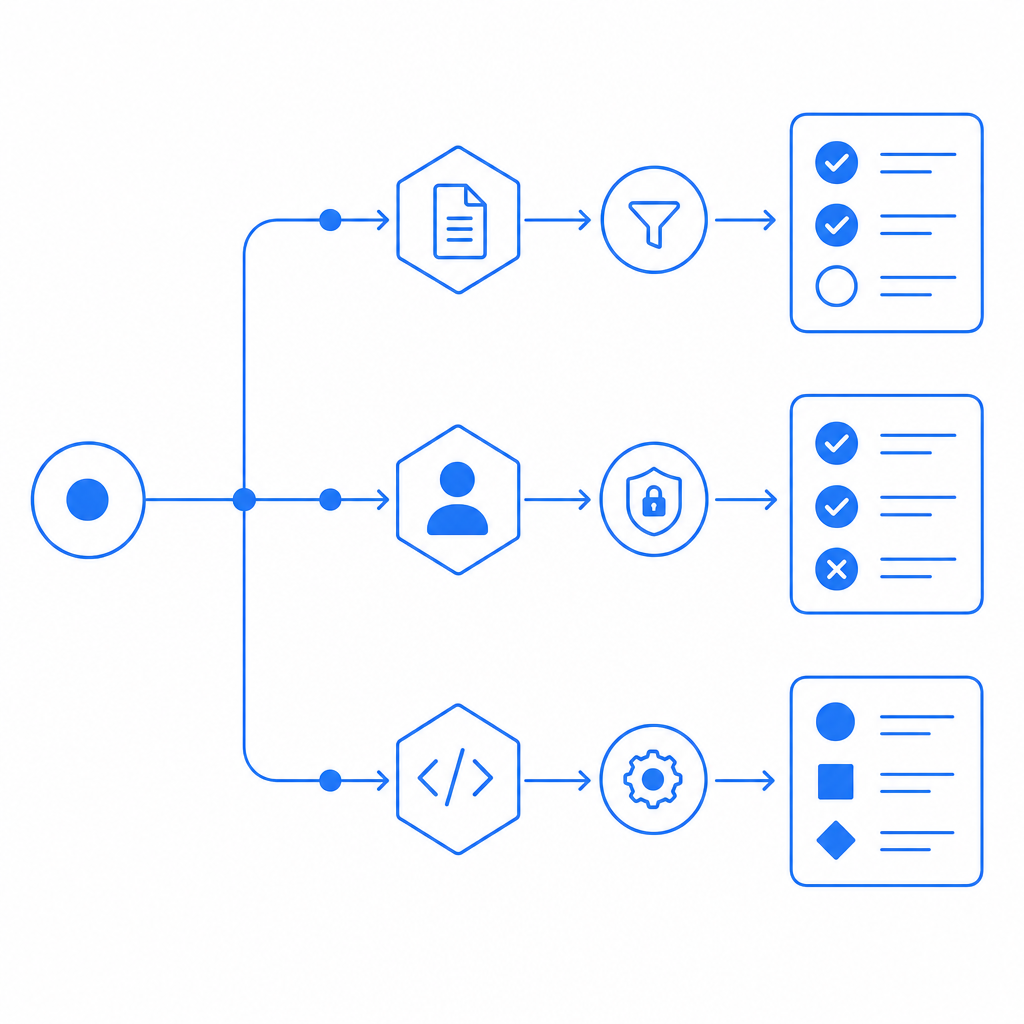
What a good rollout looks like
Start with measurement, not blocking. Log suspicious patterns for a week if you can, then enable challenges on the routes most commonly targeted. That gives you a baseline for false positives and helps you avoid over-enforcing on legitimate traffic.
A sensible rollout usually has three stages:
Observe
- Record request rates, retries, and challenge outcomes.
- Separate traffic by endpoint and device type.
Challenge selectively
- Apply challenges only to suspicious sessions.
- Tune thresholds by route rather than sitewide.
Verify and enforce
- Confirm tokens on the server.
- Block or slow traffic that repeatedly fails validation.
- Revisit the policy after you see attacker adaptation.
This is also where documentation quality matters. If your engineering team can implement verification in an afternoon and adjust policy without a redeploy, adoption is much easier. The reason many teams stick with a tool is not only efficacy; it is operational simplicity.
For developers who want a straightforward path, CaptchaLa’s docs cover the integration details, SDK options, and validation flow without making you reverse-engineer the product. That matters when you are trying to protect a live endpoint, not rebuild your stack.
Anti scraping tools work best when they are treated as part of a broader abuse strategy. They should complement rate limits, access controls, monitoring, and good API design. If you do that, you get stronger protection without turning your product into a fortress users have to fight.
Where to go next: review the implementation details in the docs or compare plans on the pricing page.