
Yes — CAPTCHA can be free, but “free” usually means a capped monthly volume, limited features, or stricter data-sharing terms. If you only need basic bot protection for a small site, a free tier may be enough. If you handle login, signup, checkout, or API abuse at scale, the real question is not whether it’s captcha free, but whether the free plan fits your traffic, privacy, and integration needs.
A good way to think about it: free CAPTCHA is often a starting point, not a finish line. You’ll want to check request limits, supported platforms, localization, validation flow, and whether the vendor uses first-party data only or mixes in broader telemetry. That last point matters more than many teams realize.
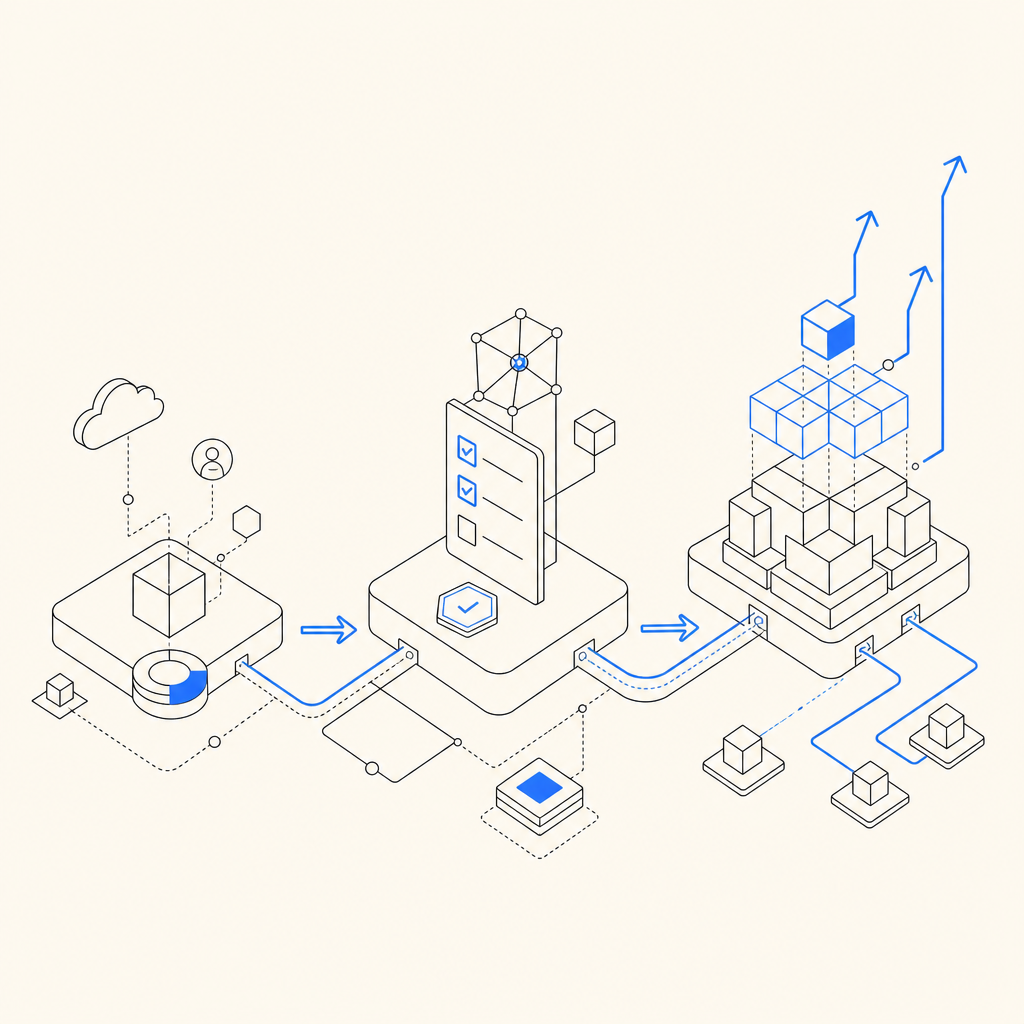
What “captcha free” usually includes
Most free CAPTCHA offerings cover the essentials:
- A basic widget or challenge flow for web traffic.
- A monthly request cap.
- Simple server-side verification.
- A small set of customization options.
What tends to change between providers is how much you can do before you hit limits, and how much control you have over the user experience. For example, Google reCAPTCHA is widely used and easy to find documentation for, but teams often compare it with alternatives because of UX, privacy, and implementation preferences. hCaptcha is another common option, especially for sites that want a different balance between challenge style and abuse resistance. Cloudflare Turnstile focuses on a more friction-light experience, which some teams prefer for forms and account creation.
If you’re evaluating a “captcha free” plan, ask these questions first:
- How many verifications are included per month?
- Is the free plan suitable for production, or only testing?
- Are mobile SDKs available?
- Can you validate on your own backend?
- Does the vendor support your stack and regions?
- What data is collected, and is it first-party only?
Those questions usually reveal the real cost of “free.”
Free tier tradeoffs you should check
Free tiers can be excellent for low-volume apps, internal tools, prototypes, and early-stage SaaS products. But they can also become brittle once your traffic patterns change. Here are the main tradeoffs to watch.
1) Volume caps
A generous free plan is useful only if the cap matches your traffic. A form that gets 30 daily signups is a very different problem from a consumer app with thousands of authentication attempts per day.
2) Platform coverage
Some CAPTCHA products are web-only, while others extend cleanly into mobile or desktop apps. If your product spans React on web, Flutter on mobile, and Electron on desktop, integration depth matters more than a headline claim.
3) Localization
If you serve multiple markets, UI language support can affect completion rates. Captcha flows that feel native in one region can become awkward in another.
4) Privacy and data handling
If your compliance team cares about minimizing third-party data sharing, pay attention to whether a provider relies on broad tracking signals or stays within first-party data boundaries. That distinction can influence legal review as much as engineering effort.
5) Verification ergonomics
A simple front-end widget is only half the story. You still need a secure backend validation step, retry handling, and logs that help you understand false positives and bot spikes.
Here’s a compact comparison of common directions teams take:
| Option | Typical free access | Good for | Watch-outs |
|---|---|---|---|
| reCAPTCHA | Yes | Broad web adoption | UX consistency, policy review, and fit for mobile-heavy stacks |
| hCaptcha | Yes | Abuse prevention with different challenge behavior | Integration choices and challenge friction |
| Cloudflare Turnstile | Yes | Lower-friction web forms | Best fit depends on your broader Cloudflare setup |
| A dedicated bot-defense platform | Often yes | Apps needing web + mobile + backend validation | Check limits, SDK coverage, and data policy |
The important part is not which name appears on the homepage. It’s how well the plan matches your actual traffic and stack.
How to evaluate a free CAPTCHA in practice
A useful evaluation process is short, measurable, and developer-friendly.
Estimate monthly challenge volume.
Count signups, logins, password resets, contact forms, and any sensitive endpoints.Map your client platforms.
Web only? Or also iOS, Android, Flutter, and desktop?Confirm verification architecture.
Your app should obtain a pass token client-side and validate it server-side. For example, a secure backend flow typically posts to a validation endpoint with the token and client IP, then checks the response before allowing the action.Review SDK support.
Native integrations can save time. CaptchaLa, for instance, supports Web SDKs for JS/Vue/React, plus iOS, Android, Flutter, and Electron, which makes mixed-platform rollouts simpler.Check documentation quality.
Good docs save engineering hours. If you can’t find setup steps, token validation, and error handling quickly, the free tier may become expensive in dev time.Test localization and UX.
If you need multiple languages, make sure the UI can adapt cleanly. CaptchaLa supports 8 UI languages, which is the kind of detail that quietly improves conversion.
If you want to inspect implementation details before committing, the docs are the fastest place to see request formats, SDK setup, and backend verification examples.
What a secure integration looks like
From a defender’s perspective, the cleanest CAPTCHA setup has three parts: the client loads the challenge, the server verifies the token, and the app gates the protected action only after validation succeeds.
A typical integration pattern looks like this:
# English comments only

1. Load the CAPTCHA script on the client.
2. Render or trigger a challenge for the sensitive action.
3. Receive a pass token after completion.
4. Send the pass token to your backend.
5. Backend validates the token with the CAPTCHA provider.
6. Allow or deny the request based on the validation result.
On the backend, that validation step should be a normal server-to-server call, not a front-end-only check. With CaptchaLa, validation happens via POST https://apiv1.captcha.la/v1/validate using {pass_token, client_ip} along with X-App-Key and X-App-Secret. That matters because it keeps the trust decision on your server, where it belongs.
For apps that need server-issued challenge state, CaptchaLa also provides a server-token flow at POST https://apiv1.captcha.la/v1/server/challenge/issue. That can be useful when you want tighter control over when a challenge is created.
If you’re comparing implementations, the loader is also straightforward: https://cdn.captcha-cdn.net/captchala-loader.js. Teams often care less about the exact URL and more about whether the integration is predictable and easy to audit.
Example verification checklist
- Verify only on the backend.
- Bind the token to the current user session where possible.
- Reject reused or expired tokens.
- Log validation failures for fraud analysis.
- Rate-limit sensitive endpoints even after CAPTCHA passes.
CAPTCHA should be one layer, not your only layer.
Choosing free now and scaling later
Free tier plans are most useful when they let you start small without painting you into a corner. CaptchaLa’s free tier includes 1,000 monthly requests, which can work well for prototypes or modest production traffic. If you grow past that, the usual next steps are Pro ranges like 50K–200K or Business at 1M, depending on your volume and risk profile. You can review current options on pricing without needing to rework your whole integration.
That scaling path matters because CAPTCHA traffic is rarely flat. A launch, marketing campaign, seasonal event, or bot wave can change your usage overnight. A solid plan is one that handles the quiet months gracefully and still has an obvious path upward when your product gets attention.
CaptchaLa is one example of a platform built with that progression in mind: free entry point, broader SDK coverage, and backend verification that fits normal application architecture. But whichever vendor you choose, the decision should come down to fit, not hype.

Bottom line
So, is captcha free? Yes — often enough to get started, test a workflow, or protect a smaller app. But the real decision is whether the free tier supports your traffic, platforms, privacy requirements, and verification model without creating hidden work later.
If you’re mapping out your next integration, start with the docs and compare the plan limits against your real usage. Where to go next: see the docs or check pricing.