
If you want to protect your Vue.js application from bots and spam, adding a CAPTCHA solution is essential. CAPTCHA helps verify that your users are human, preventing automated abuse like fake sign-ups or fraudulent form submissions. Implementing a CAPTCHA in Vue isn’t complicated; with the right tools and approach, you can quickly add effective bot defense that won’t disrupt user experience.
This post explains how to integrate CAPTCHA for Vue apps, comparing common providers and detailing CaptchaLa’s approach, with step-by-step examples and technical considerations to get you started confidently.
What Makes CAPTCHA for Vue Different?
Vue.js is a reactive, component-based frontend framework. This means when adding CAPTCHA, you’ll want a solution that:
- Integrates seamlessly as a Vue component or plugin
- Supports reactive state and lifecycle hooks
- Offers customizable UI that fits your app’s design
- Provides easy API validation on the backend
- Minimizes frontend load times and complexity
Many CAPTCHA services offer JavaScript SDKs with Vue support, but they vary in ease of integration and flexibility. This post discusses CaptchaLa alongside popular options like Google reCAPTCHA, hCaptcha, and Cloudflare Turnstile.
Popular CAPTCHA Solutions: A Comparison for Vue
| Feature | CaptchaLa | Google reCAPTCHA | hCaptcha | Cloudflare Turnstile |
|---|---|---|---|---|
| Vue SDK | Official, native | Community-built | Community-built | Official widget only |
| UI Customization | Flexible & multilingual | Limited | Moderate | Limited |
| Privacy / Data Handling | First-party only | Google ecosystem | Third-party data | Cloudflare ecosystem |
| Pricing | Free tier & scalable | Free with limits | Free + paid tiers | Free |
| SDK Languages | Web, iOS, Android, Flutter, Electron | Web only | Web only | Web only |
| Server-side Validation | Yes, with API tokens | Yes | Yes | Yes |
CaptchaLa’s native Vue SDK simplifies integration and supports 8 UI languages out of the box, catering well to international applications. It prioritizes first-party data privacy, which is often important for compliance-conscious projects.
Step-by-Step: Integrating CaptchaLa in a Vue App
Here’s a basic example outlining how to add CaptchaLa in a Vue 3 application:
- Install CaptchaLa npm package (or use CDN):
npm install @captchala/vue- Import and register the CaptchaLa component or composable:
import { defineComponent } from 'vue'
import { CaptchaLa } from '@captchala/vue'

export default defineComponent({
  components: { CaptchaLa },
  setup() {
    const onSuccess = (passToken) => {
      // passToken is needed for server-side validation
      console.log('Captcha passed:', passToken)
    }
    return { onSuccess }
  }
})- Use component in your template:
<template>
  <form @submit.prevent="submitForm">
    <!-- Your form fields here -->
    <CaptchaLa @success="onSuccess" siteKey="your-site-key" />
    <button type="submit">Submit</button>
  </form>
</template>- Validate token on your server:
After your client receives the passToken, send it to your backend API and POST it to CaptchaLa’s validation endpoint:
POST https://apiv1.captcha.la/v1/validate
Headers: X-App-Key, X-App-Secret
Body: { pass_token: 'token_from_client', client_ip: 'user_ip_address' }
Upon validation success, you can proceed to process the user's request securely.
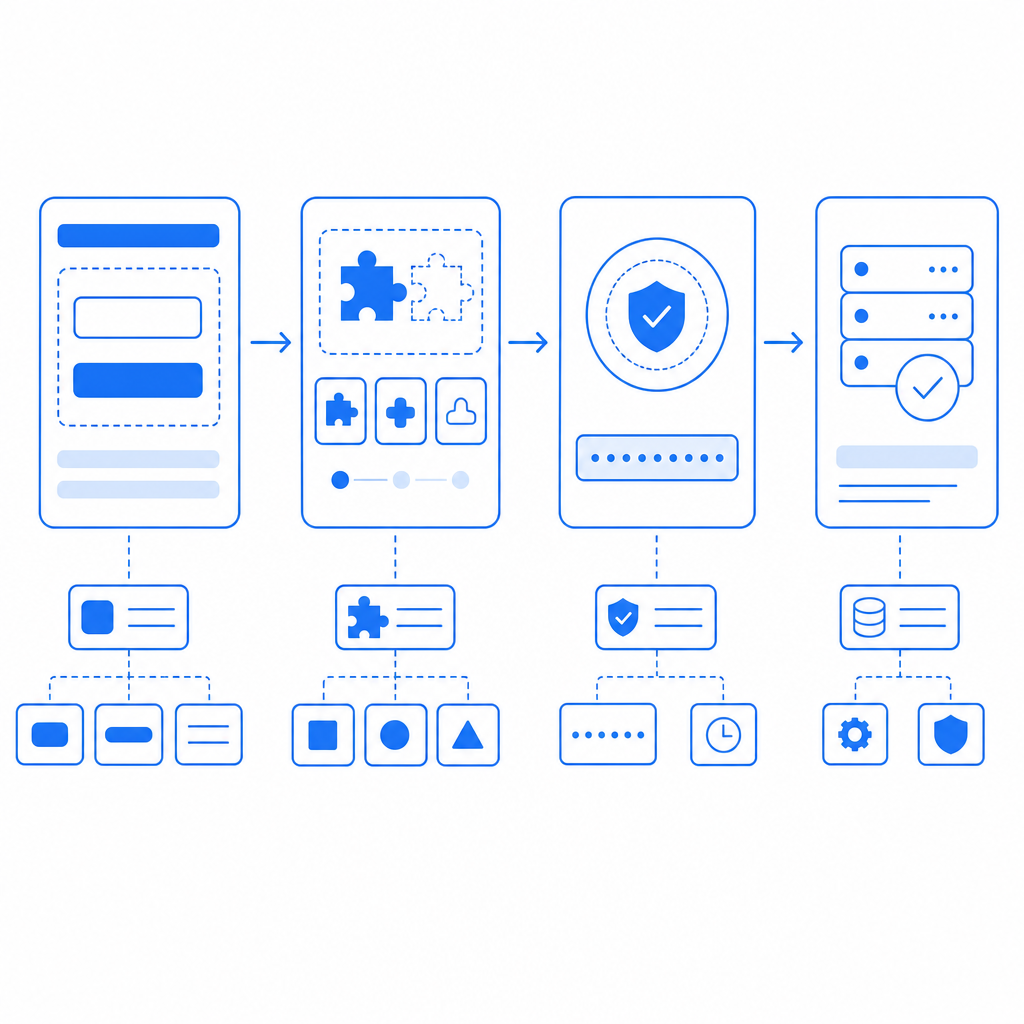
Tips for Effective CAPTCHA Integration in Vue
1. Minimize User Friction
Choose CAPTCHA settings that balance protection with a smooth user experience. Invisible or interactive CAPTCHAs often reduce friction compared to image picking challenges.
2. Optimize Load Performance
Load the CaptchaLa loader script asynchronously:
<script src="https://cdn.captcha-cdn.net/captchala-loader.js" async></script>This reduces page blocking and improves perceived speed.
3. Handle State Reactively
Track CAPTCHA completion within Vue’s reactive state to disable form submission until verification is complete.
4. Use Server-Side Validation Always
Never rely solely on frontend verification. Use CaptchaLa’s server API or equivalent from other providers to validate the token securely.
When to Consider Alternatives to CaptchaLa?
While CaptchaLa offers a comprehensive SDK and privacy-focused approach, reCAPTCHA remains popular due to Google’s infrastructure and widespread familiarity. However, reCAPTCHA’s data handling may concern privacy-sensitive use cases, leading some developers to prefer hCaptcha or Cloudflare Turnstile, which can provide lightweight or privacy-first options but sometimes lack native Vue components and extensive SDK support.
Your choice depends on your project’s priorities — privacy, UI customization, pricing tiers, or ecosystem compatibility.

Summary
Using CAPTCHA for Vue protects your app against bots with manageable integration effort. CaptchaLa’s native Vue SDK, multilingual UI, and server validation APIs offer a solid option focusing on privacy and ease of use. Comparing popular alternatives clarifies trade-offs around customization, pricing, and data policies.
If you're starting a new project or considering replacing an existing CAPTCHA, exploring CaptchaLa's docs will help you get started quickly. You can also check their pricing to see the tiers suitable for your app scale.
Adding CAPTCHA for Vue today means fewer bots tomorrow — a small step for stronger web security.
Ready to secure your Vue app with seamless captcha integration? Dive deeper with CaptchaLa’s documentation or explore plans on their pricing page.