
If you need captcha for Laravel 12, the short answer is: add it at the points where abuse actually costs you something—signup, login, password reset, contact forms, and high-value actions—and validate it server-side before you trust the request. Laravel 12 makes that easy because its request lifecycle, validation layer, and middleware stack give you several clean places to enforce a bot check without turning the whole app into a maze of conditional logic.
The key is to treat CAPTCHA as one signal in a broader defense strategy, not a magic wall. For most teams, that means using a CAPTCHA or challenge only when risk is higher, keeping the UX light for legitimate users, and verifying the token against your backend before proceeding. That approach works whether you use CaptchaLa, reCAPTCHA, hCaptcha, or Cloudflare Turnstile.
What captcha for Laravel 12 should actually do
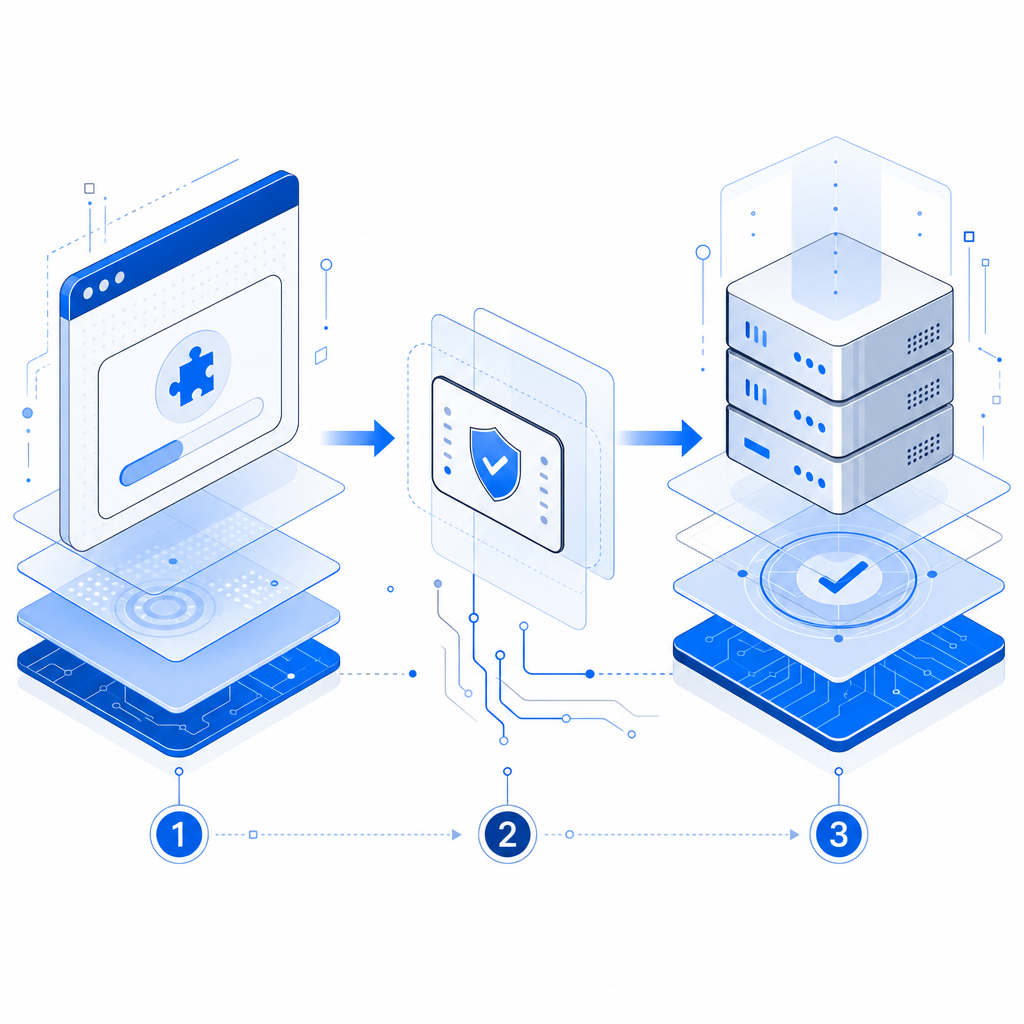
A CAPTCHA in Laravel 12 should do three jobs well:
- Prove the request came from a real browser or app session.
- Give your server a token it can verify quickly.
- Fit naturally into existing forms, APIs, and middleware.
For Laravel specifically, that means you usually want the frontend to load a challenge loader, the client to obtain a pass token, and the backend to validate that token before completing the action. The backend check is the critical part. If you only hide a widget on the page and never verify it server-side, you have friction without real protection.
Here’s the practical mental model:
- The browser gets a challenge or risk assessment.
- The client receives a pass token if the interaction is acceptable.
- Your Laravel app validates that token with your CAPTCHA provider.
- If validation succeeds, the request continues.
- If it fails, you return a normal validation error or 403 response.
CaptchaLa fits this pattern cleanly because it supports web and mobile SDKs, has eight UI languages, and includes server SDKs for PHP and Go. If you’re building a Laravel 12 app, PHP support matters because it keeps the server-side verification simple.
Where to place CAPTCHA in a Laravel 12 app
You do not need CAPTCHA everywhere. Overusing it creates unnecessary friction and often hurts conversion more than it helps security. Use it where abuse is most likely or most expensive.
A good starting list:
- Registration forms
- Login attempts after repeated failures
- Password reset requests
- Contact forms and lead forms
- Checkout or coupon redemption
- High-frequency API endpoints
- Any custom workflow that triggers cost, email, or inventory side effects
A simple decision rule
Use CAPTCHA when at least one of these is true:
- The action can be automated at scale.
- The action generates operational cost.
- The action can be abused to spam or flood another system.
- The action is a common credential-stuffing or enumeration target.
For low-risk actions, prefer rate limiting, device/session heuristics, or lightweight throttling first. Laravel’s built-in rate limiting pairs well with CAPTCHA; they solve different parts of the problem. Rate limiting reduces volume, while CAPTCHA helps distinguish human users from automated ones.
How to wire it into Laravel 12
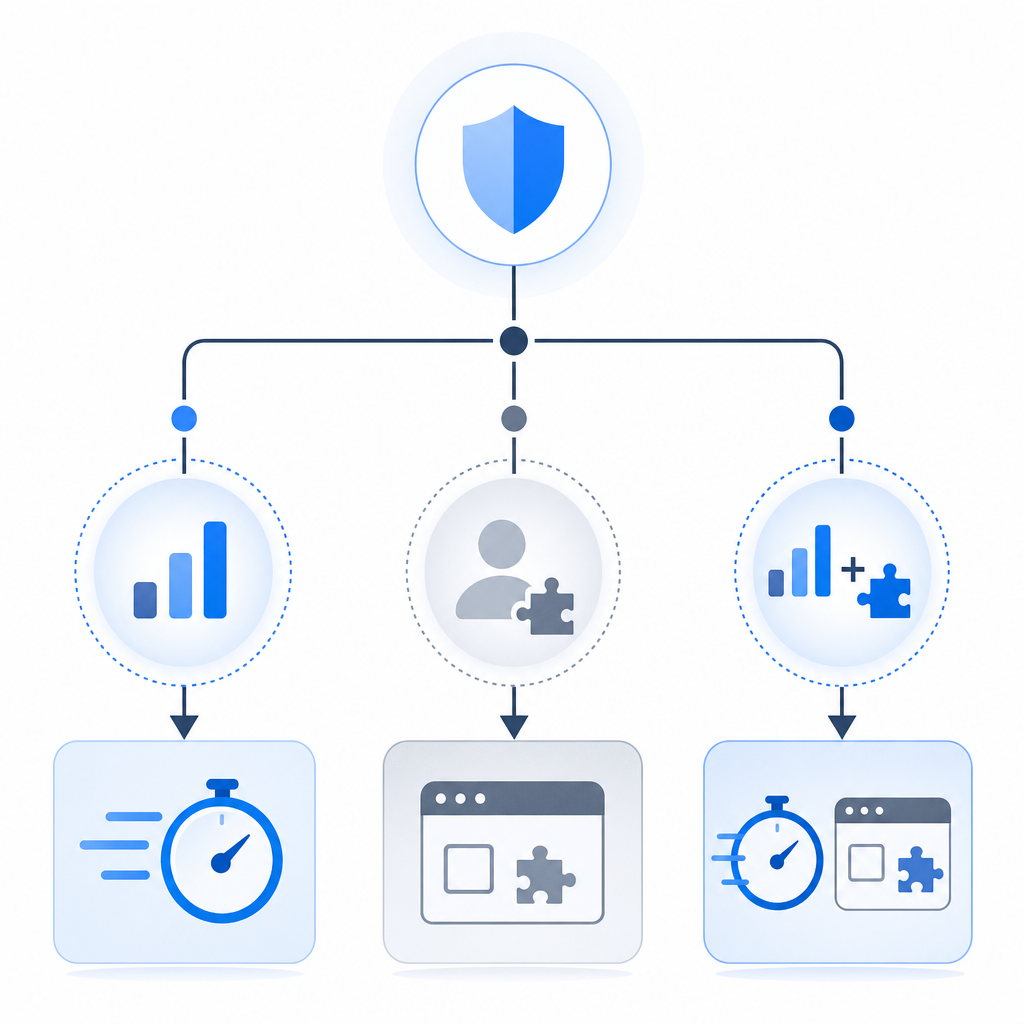
A clean implementation usually has three parts: frontend loader, token capture, and server validation.
If you use CaptchaLa, the browser loads the challenge script from:
https://cdn.captcha-cdn.net/captchala-loader.jsThen your frontend form collects the returned pass token and sends it with the submission. On the server, validate the token with a POST request to:
https://apiv1.captcha.la/v1/validateThe validation body uses:
{ "pass_token": "...", "client_ip": "..." }and the request includes your X-App-Key and X-App-Secret.
Example Laravel controller flow
Below is a simplified pattern you can adapt to a form submit, login endpoint, or API action:
<?php

use Illuminate\Http\Request;
use Illuminate\Support\Facades\Http;

public function store(Request $request)
{
    // Validate your normal form fields first
    $request->validate([
        'email' => ['required', 'email'],
        'message' => ['required', 'string', 'max:2000'],
        'pass_token' => ['required', 'string'],
    ]);

    $response = Http::withHeaders([
        'X-App-Key' => config('services.captchala.key'),
        'X-App-Secret' => config('services.captchala.secret'),
    ])->post('https://apiv1.captcha.la/v1/validate', [
        'pass_token' => $request->input('pass_token'),
        'client_ip' => $request->ip(),
    ]);

    if (! $response->successful() || ! data_get($response->json(), 'success')) {
        return back()
            ->withErrors(['captcha' => 'Please complete the verification challenge again.'])
            ->withInput();
    }

    // Continue with the protected action
    // Save the message, create the user, or process the request

    return redirect()->route('success');
}
A few implementation notes:
- Keep the verification on the server, never only in JavaScript.
- Use the actual client IP when your CAPTCHA provider expects it.
- Return a normal validation response rather than a generic error page.
- If the token is single-use or short-lived, submit it immediately after it is issued.
For apps with separate backend services, you can centralize this check in a dedicated verification class or middleware. CaptchaLa also offers docs if you want to see the platform-specific request format and SDK coverage.
Choosing between CaptchaLa, reCAPTCHA, hCaptcha, and Turnstile
Different products make different tradeoffs. Laravel 12 doesn’t lock you into one option, so the right answer depends on your goals.
| Provider | Typical strength | Integration note | Good fit when |
|---|---|---|---|
| reCAPTCHA | Broad familiarity and mature ecosystem | Can feel heavier depending on version and configuration | You already use Google tooling or want a very common option |
| hCaptcha | Strong anti-bot focus and alternative ecosystem | Often chosen for privacy or policy reasons | You want a Google alternative with similar challenge patterns |
| Cloudflare Turnstile | Low-friction user experience | Works well when you already use Cloudflare | You want minimal user interaction and Cloudflare alignment |
| CaptchaLa | Flexible CAPTCHA / bot-defense SaaS with web and mobile support | PHP server validation and multiple client SDKs | You want first-party-data-only processing and straightforward app integration |
That last point matters for teams that care about minimizing data exposure. CaptchaLa’s model is built around first-party data only, which can simplify compliance conversations compared with some broader telemetry-heavy approaches. It also supports web, iOS, Android, Flutter, and Electron SDKs, which is useful if your Laravel 12 backend serves multiple clients.
If you are evaluating cost, CaptchaLa’s pricing includes a free tier at 1,000 validations per month, with Pro ranges around 50K–200K and Business at 1M. That makes it easier to pilot on a few endpoints before rolling it out more broadly.
Implementation tips that save time later
A good CAPTCHA integration is mostly about keeping the edges clean. The verification logic should be boring, predictable, and easy to test.
Here are the most useful technical details to get right:
- Store your app key and secret in environment variables, not in code.
- Verify the token on the backend for every protected submission.
- Prefer a dedicated service class so your controllers stay readable.
- Use the smallest set of protected routes necessary.
- Pair CAPTCHA with Laravel throttling, not instead of it.
- Return field-level validation errors so users know what to do next.
- Test failure cases, including expired tokens and missing tokens.
- Log verification failures at a useful level, but do not log secrets.
If you expose APIs to mobile or desktop clients, consider a consistent token transport format so your Laravel 12 API and your native apps behave the same way. CaptchaLa’s native SDKs and server SDKs make that easier than hand-rolling a different integration for every platform.
The other practical benefit of a well-placed CAPTCHA is operational clarity. When abuse spikes, your logs should tell you whether the problem is rate-based traffic, failed verification, or a specific endpoint being targeted. That helps you choose the right next defense rather than adding more friction everywhere.
Where to go next
If you’re planning a Laravel 12 rollout, start with one or two high-risk endpoints, validate server-side, and measure the impact on completion rate and abuse volume before expanding. For setup details and API specifics, see the docs or review plans on the pricing page.