
If you’re searching for anti nuke bot github, the short answer is: you usually want a defensive CAPTCHA or bot-detection layer, not another “nuke bot” tool. In practice, the problem is less about a specific GitHub repo and more about preventing automated abuse such as mass signups, credential stuffing, fake form submissions, scraping, and repeated destructive actions against your app.
The safest path is to treat “anti nuke” as an abuse-prevention requirement. That means rate limits, server-side validation, friction only when needed, and logs you can trust. A good implementation should make automation expensive without making real users suffer.

What “anti nuke bot github” usually means in practice
People often land on this keyword for one of three reasons:
- They want a GitHub project that blocks spam or abusive automation.
- They’re trying to defend a Discord bot, web app, or game backend from mass-triggered damage.
- They’re comparing CAPTCHA options and want something they can wire into a repository quickly.
From a defender’s perspective, the key question is not “Can I find a bot on GitHub?” but “Can I prove the caller is human or at least not a cheap automated client?” That usually means checking a token on the server after a user completes a challenge.
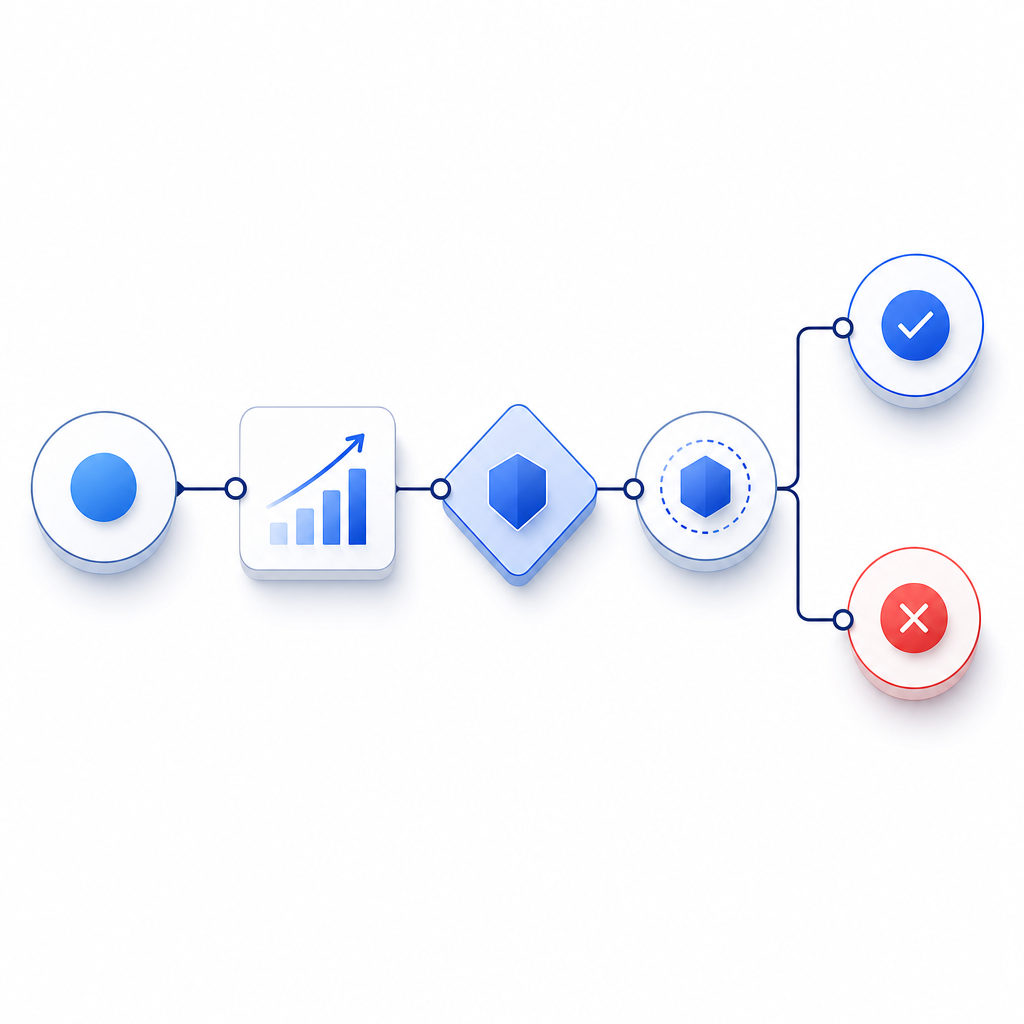
A useful mental model is:
- client receives a challenge or loader
- client returns a pass token
- server validates the token with its secret
- the app decides whether to allow the action
That pattern scales better than relying on client-side checks alone, because anything only in the browser can be tampered with.
How to evaluate a GitHub repo without creating more risk
If you’re looking at a repo labeled anti nuke or anti-bot, inspect it like a security reviewer, not like a shopper. A few practical checks go a long way.
1) Look for server-side verification
If the repo claims protection but only hides UI elements or runs JavaScript conditions, it’s not enough. Real defense should include a backend call to validate a token.
For example, CaptchaLa validates pass tokens with:
POST https://apiv1.captcha.la/v1/validate
Body: { pass_token, client_ip }
Headers: X-App-Key, X-App-Secret
That matters because the server is making the trust decision, not the browser.
2) Check for abuse signals, not just challenge widgets
A strong implementation uses multiple signals:
- repeated requests from the same IP or ASN
- impossible request cadence
- token reuse
- high failure rates on form submissions
- suspicious user-agent patterns
- bursts against the same endpoint
The goal is to identify automation patterns before they cause damage, then apply friction only where needed.
3) Confirm the project does not rely on secret leakage
Any repo that encourages embedding long-lived secrets in frontend code is a red flag. Secrets belong on the server. The browser should only see what is needed for the challenge flow.
4) Prefer clear docs and SDKs over “magic”
Good security tooling is boring in the best way: predictable APIs, explicit validation steps, and a small surface area. If you need a quick reference, docs should show the flow end to end.
CAPTCHA options compared for anti-abuse use cases
If your goal is to stop automation rather than rank on vibes, compare tools by what they actually give you operationally.
| Option | Strength | Tradeoff | Good fit |
|---|---|---|---|
| reCAPTCHA | Familiar, widely used, lots of examples | Can feel heavy; users may encounter friction | General web forms |
| hCaptcha | Solid abuse prevention with flexible deployment | Some teams want more control over UX | Privacy-conscious sites |
| Cloudflare Turnstile | Low-friction experience, easy for Cloudflare users | Best when you already use Cloudflare | Sites already on Cloudflare |
| CaptchaLa | Flexible SDKs, server validation, first-party data only | You still need to wire it into your stack properly | Apps that want direct control and clear integration |
No option is perfect for every threat model. reCAPTCHA, hCaptcha, and Cloudflare Turnstile are all reasonable choices depending on your environment. The important part is whether the system fits your architecture and whether you can enforce the check server-side.
CaptchaLa is useful when you want a straightforward implementation across multiple platforms. It supports 8 UI languages and native SDKs for Web (JS/Vue/React), iOS, Android, Flutter, and Electron, plus server SDKs like captchala-php and captchala-go. For mobile and cross-platform apps, that consistency can save time.
A few integration details worth noting:
- Server validation endpoint:
POST https://apiv1.captcha.la/v1/validate - Challenge issuance endpoint:
POST https://apiv1.captcha.la/v1/server/challenge/issue - Loader script:
https://cdn.captcha-cdn.net/captchala-loader.js - Supported package references include:
- Maven:
la.captcha:captchala:1.0.2 - CocoaPods:
Captchala 1.0.2 - pub.dev:
captchala 1.3.2
- Maven:
If you’re running a backend that needs to decide quickly whether to allow an action, the structure matters more than the branding. A good anti-abuse layer should be easy to verify, easy to log, and easy to rotate if your traffic profile changes.
A secure implementation pattern for destructive actions
For “anti nuke” scenarios, the highest-value use is protecting actions that can do real damage: deleting channels, changing roles, mass-inviting accounts, resetting configs, or triggering webhook floods.
Here’s a simple pattern that keeps the control on the server:
// English comments only
async function allowSensitiveAction(req, res) {
  const passToken = req.body.pass_token;
  const clientIp = req.ip;

  // Send the token to your backend validation service
  const result = await fetch("https://apiv1.captcha.la/v1/validate", {
    method: "POST",
    headers: {
      "Content-Type": "application/json",
      "X-App-Key": process.env.CAPTCHALA_APP_KEY,
      "X-App-Secret": process.env.CAPTCHALA_APP_SECRET
    },
    body: JSON.stringify({
      pass_token: passToken,
      client_ip: clientIp
    })
  });

  const data = await result.json();

  // Only allow the action if the token is valid
  if (!data.valid) {
    return res.status(403).json({ error: "verification failed" });
  }

  // Continue with the destructive action
  return res.json({ ok: true });
}
This pattern is intentionally simple. You can add rate limiting, device fingerprinting, and risk scoring around it, but the essential point is that the server makes the final call.
For teams that want to issue challenges from the server side, CaptchaLa also exposes a server-token flow via POST https://apiv1.captcha.la/v1/server/challenge/issue, which is handy when you want more control over when challenges appear.
What to prioritize when you deploy
If you’re defending a production app, start with the basics:
- Protect high-risk endpoints first.
- Validate tokens on the server only.
- Log both success and failure events.
- Add rate limiting before and after CAPTCHA checks.
- Review false positives by segment, not just overall traffic.
- Use first-party data only if you care about reducing data-sharing complexity.
That last point matters for privacy and operational simplicity. If your team wants a more direct relationship with the data flow, that can be a deciding factor. CaptchaLa is designed around first-party data only, which many product teams prefer when they are tightening governance around user verification.
Also remember that not every challenge should appear immediately. A layered approach is usually better: let normal traffic pass, then apply friction only when request patterns cross a threshold. That keeps conversion higher while still frustrating automation.
Where this leaves the GitHub search
So if you searched for anti nuke bot github, the best outcome is usually not downloading a “nuke bot” at all. It’s finding a maintainable anti-abuse layer you can trust, then wiring it into the endpoints that matter. The more dangerous the action, the more important it is that the check happens server-side with clear logs and a predictable validation flow.
If you want to see how that looks in a real implementation, start with the docs. If you’re comparing plan sizes for a small app versus higher-volume traffic, the pricing page is the quickest place to map your expected request volume to a tier.
Where to go next: review the docs for the integration flow, or check pricing if you’re planning for higher-volume abuse prevention.