
If you’re building an anti nuke bot dashboard, it should do one thing well: help defenders see abuse fast, confirm it with reliable signals, and respond before a malicious burst causes real damage. That means the dashboard is not just a visual layer on top of CAPTCHA checks; it’s the operational center for issuing challenges, verifying pass tokens, tracking abuse patterns, and tuning risk response without making the app painful for legitimate users.
A useful dashboard gives you three views at once: the live state of challenge traffic, the account or device patterns behind repeated requests, and the controls that determine what happens next. If those pieces are separated, teams end up reacting too late. If they’re unified, you can make better decisions about throttling, step-up verification, and escalation.

What an anti nuke bot dashboard needs to show
“Anti nuke” usually means preventing rapid, destructive abuse: mass account creation, credential stuffing, token spraying, form flooding, or scripted actions that trigger downstream damage. A dashboard for this job should help an operator answer a few practical questions quickly:
- Is the traffic spike real abuse or a normal burst?
- Which endpoints are being targeted?
- Are challenges being solved by normal users or repeatedly failed?
- Which sessions, IP ranges, or client fingerprints are associated with suspicious behavior?
- What enforcement action should happen next?
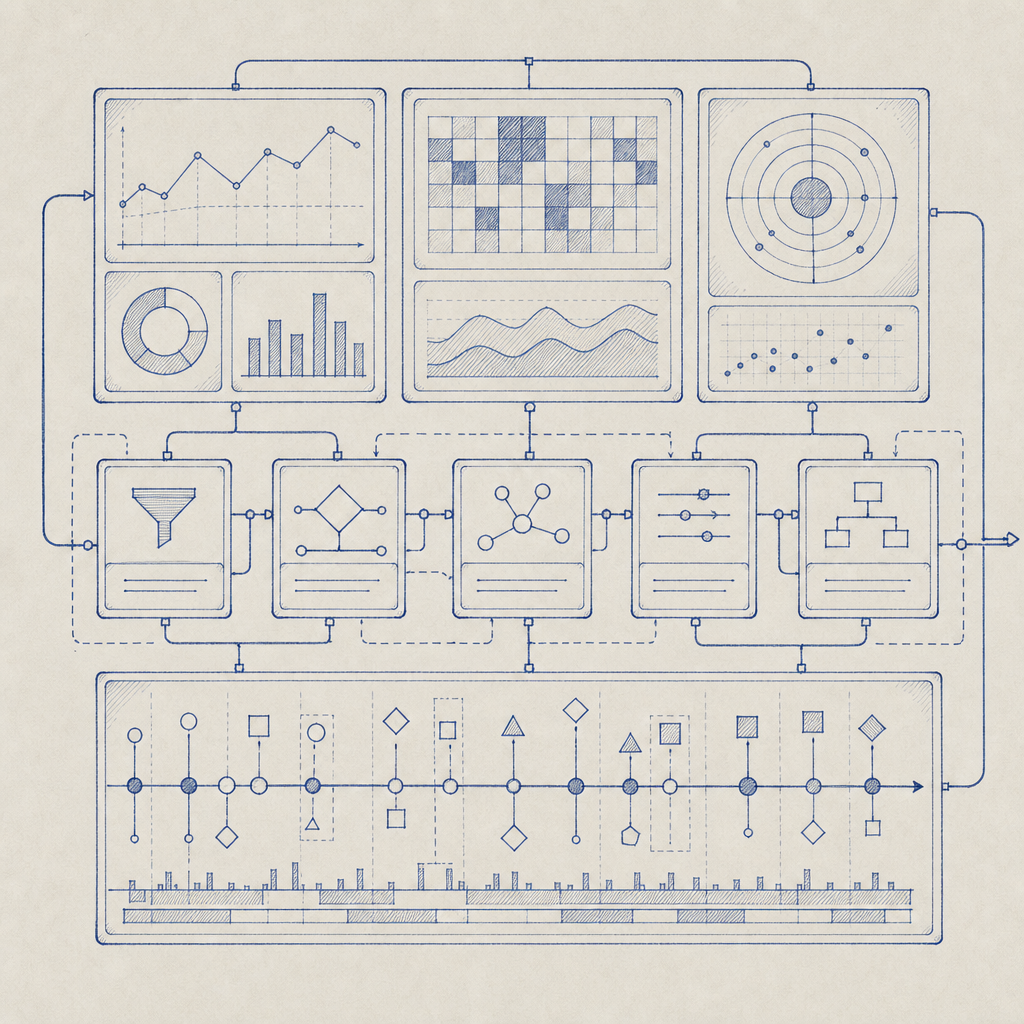
That means the dashboard needs more than charts. It needs a workflow. A good setup usually includes:
- a real-time event stream for challenge issuance and validation outcomes
- counters for pass, fail, timeout, and retry rates
- endpoint-level breakdowns, so you can see whether login, signup, password reset, or checkout is being targeted
- client-side and server-side correlation, so a solved challenge can be tied back to a specific request path
- rule controls for escalation, such as requiring step-up checks after repeated failures
If your team is comparing CAPTCHA providers, the dashboard experience matters as much as the challenge type itself. reCAPTCHA, hCaptcha, and Cloudflare Turnstile each solve a piece of the problem, but the operator experience differs, especially around how much control you get over validation flow and telemetry. The right choice depends on how much internal visibility you want and whether you need a tighter link between the challenge and your own abuse logic.
The validation flow behind the dashboard
A dashboard is only as useful as the signals it can trust. For an anti nuke bot dashboard, the most important signal is the validation result from your backend, not just what the browser claims. A standard pattern looks like this:
- The client receives or completes a challenge.
- The client sends a pass token back to your app.
- Your backend validates that token against the CAPTCHA service.
- Your backend decides whether to allow, throttle, or challenge again.
- The dashboard records the outcome and updates the risk view.
With CaptchaLa, validation is done server-side through POST https://apiv1.captcha.la/v1/validate using {pass_token, client_ip} in the body and X-App-Key + X-App-Secret headers. That structure is important because it keeps the verification step on your side of the trust boundary. The dashboard then becomes the place where you inspect validation outcomes and tune enforcement, rather than the place where you blindly trust a front-end event.
Here’s a simple defender-side flow:
# English comments only

Client solves challenge
        |
        v
App receives pass_token
        |
        v
Backend POST /v1/validate
        |
        v
Valid? ---- no ----> mark as suspect, rate-limit, or step-up challenge
   |
  yes
   |
   v
Allow request and log the decision in the dashboard
If you also issue server-generated challenge tokens, the POST https://apiv1.captcha.la/v1/server/challenge/issue endpoint can fit into a tighter anti-abuse loop for higher-risk actions. That can be useful when you want the dashboard to separate routine traffic from events that require explicit server-side issuance and tracking.
Signals, segments, and response policies
A dashboard becomes genuinely useful when it helps you segment abuse instead of treating every failure as equal. A burst of failures from one IP in one region is different from distributed low-and-slow attempts across many sessions. Good segmentation keeps you from overblocking and helps you preserve legitimate usage.
Useful segments for operators
Consider these dimensions:
- IP and ASN
- endpoint or route
- session age
- device or browser category
- challenge success/failure history
- request velocity over time
- region and language
For example, a login endpoint with a sudden increase in failed validations is a stronger signal than a single failure on a low-risk form. Likewise, repeated failures from fresh sessions may suggest automation, but repeated failures from an established account may suggest account takeover attempts. Your dashboard should make those distinctions visible.
A practical policy model often looks like this:
| Signal pattern | Suggested response | Reason |
|---|---|---|
| High request rate, low validation success | Rate-limit or step-up challenge | Common abuse pattern |
| Repeated failures on a sensitive route | Temporary block or stricter verification | Protects high-value actions |
| Validated user with unusual geographic shift | Log and monitor | May be legitimate travel or VPN use |
| Distributed low-volume failures | Aggregate and score | Avoids overreacting to one-off errors |
This is where first-party data matters. If your dashboard is built on signals you directly collect and validate, you can explain decisions more clearly and avoid depending on opaque third-party risk scoring. CaptchaLa emphasizes first-party data only, which makes it easier to keep your own operational logic consistent with what you can actually observe and verify.
Building for real operations, not just demos
A nice-looking dashboard can still fail in production if it can’t support your stack. For defender teams, integration breadth matters because abuse doesn’t happen in one framework only. CaptchaLa supports 8 UI languages and native SDKs for Web (JS, Vue, React), iOS, Android, Flutter, and Electron, plus server SDKs for captchala-php and captchala-go. That range is helpful when the same anti-abuse policy has to work across mobile apps, desktop wrappers, and web flows.
It also helps when the deployment details are predictable. Some implementation anchors worth planning around:
- Loader:
https://cdn.captcha-cdn.net/captchala-loader.js - Maven:
la.captcha:captchala:1.0.2 - CocoaPods:
Captchala 1.0.2 - pub.dev:
captchala 1.3.2
For an operator dashboard, those details matter because they determine how quickly engineers can instrument a new surface, attach telemetry, and get validation events back into the same abuse console. If your team wants to read the implementation notes before wiring it in, the docs are the right place to start.
A simple operational checklist
Use this when designing or auditing the dashboard:
- Record every challenge issuance event.
- Record every validation attempt, success, failure, and timeout.
- Attach route metadata so you know where abuse concentrates.
- Separate user-facing friction from backend enforcement logic.
- Keep rate limits and step-up rules configurable without code changes.
- Review false positives regularly, especially on login and signup.
That last point is easy to underestimate. Anti-abuse systems get better when operators can correct mistakes quickly. If your dashboard can’t show why a request was blocked, you’ll end up with frustrated users and engineers spending time in logs instead of improving policy.
How to keep the dashboard useful over time
The best anti nuke bot dashboard is one that stays understandable as traffic changes. Start with a small set of high-signal metrics, then add only what helps an operator make a better decision. Too many widgets create noise; too few create blind spots.
A good review cadence is to revisit:
- top blocked routes
- average validation latency
- false-positive reports
- challenge pass rates by client type
- recurring source networks or automation patterns
Also decide what “success” means for your team. If the goal is preventing account spam, your dashboard should highlight signup bursts and repeated failure clusters. If the goal is protecting transactional workflows, the same dashboard should emphasize step-up rates and abandonments after a challenge. The control surface should reflect the threat model, not a generic security score.
Where to go next: if you’re planning the validation flow or sizing usage, check the pricing page, then review the docs to map the dashboard into your app and backend.