
Implementing CAPTCHA for Android apps is essential to protect your user base from automated bot attacks and spam. CAPTCHA solutions verify that app interactions are performed by humans rather than malicious bots, securing login forms, sign-ups, in-app actions, and even purchases. This guide walks you through modern CAPTCHA integration strategies for Android, comparing popular options and highlighting CaptchaLa’s developer-friendly SDK.
Why Use CAPTCHA in Android Apps?
Mobile apps are increasingly targeted by bots seeking to abuse services, scrape data, or perform fraudulent activities. Unlike web applications, mobile apps require CAPTCHAs to be embedded natively for smooth user experience. Integrating CAPTCHA prevents:
- Fake account creation and spam registrations
- Automated brute-force login attempts
- Fraudulent transactions and abuse of in-app features
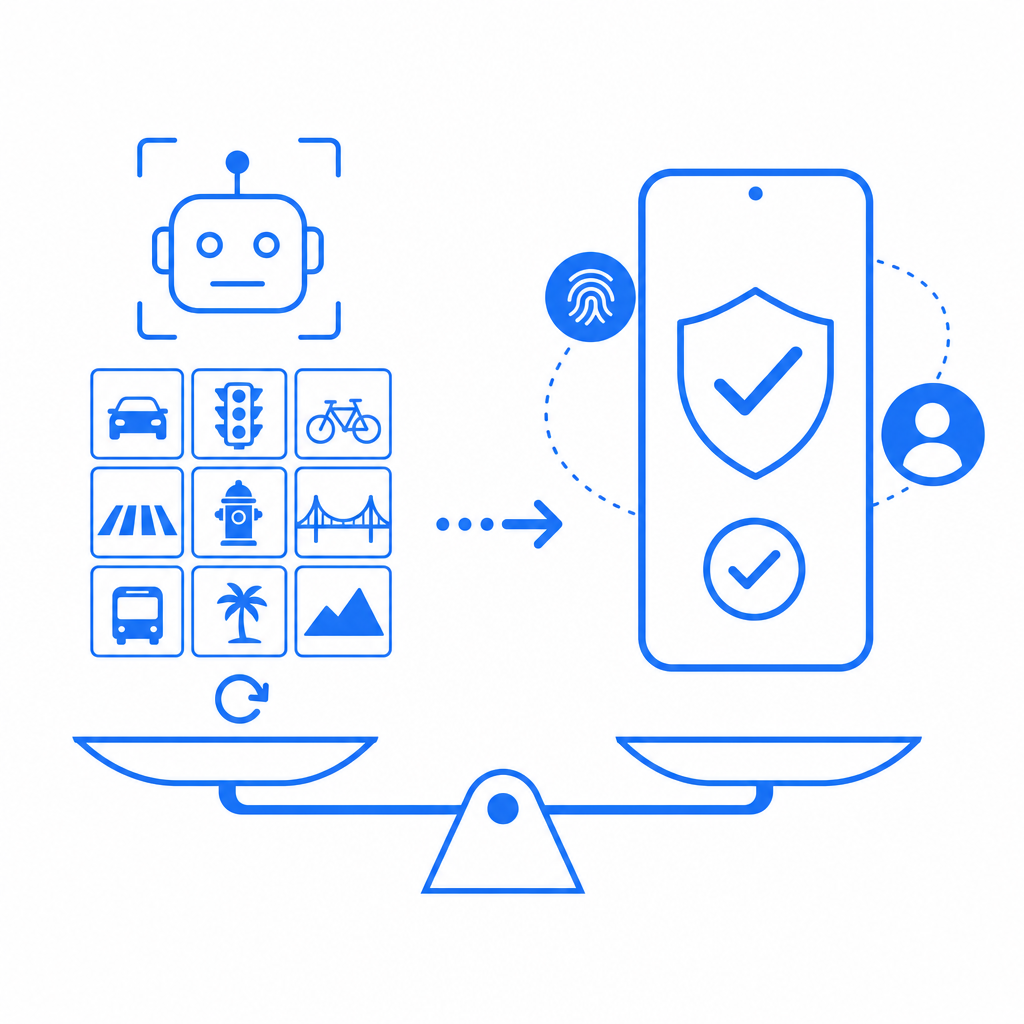
Because mobile users expect fast, frictionless experiences, your CAPTCHA solution must be effective yet unobtrusive. Implementing a native Android CAPTCHA ensures a seamless challenge flow and better performance than web-view based approaches.
Popular CAPTCHA Options for Android and How They Compare
Many developers choose between reCAPTCHA, hCaptcha, Cloudflare Turnstile, and newer options like CaptchaLa's native SDK. Here is a high-level comparison of their Android support:
| Feature | reCAPTCHA | hCaptcha | Cloudflare Turnstile | CaptchaLa |
|---|---|---|---|---|
| Native Android SDK | Yes (SafetyNet API) | Yes | No (Web-based) | Yes (Maven la.captcha) |
| GDPR-Compliant Data Usage | Depends on config | Yes | Yes | Yes, first-party only |
| Challenge Types | Checkbox, Invisible, Score | Checkbox, Puzzle | Invisible, Score | Interactive, adaptive |
| Pricing Structure | Free with limits, Paid plans | Usage-based pricing | Free | Free tier + scalable paid tiers |
| Ease of Integration | Moderate, needs SafetyNet | Moderate | Easy (embedding widget) | Designed for native Android |
| Customizable UI | Limited | Moderate | Minimal | Supports 8 UI languages + themes |
| Server Validation | Supported via REST API | Supported | Supported | Supported (POST endpoints) |
While reCAPTCHA remains popular, its reliance on Google SafetyNet sometimes creates integration complexities. hCaptcha provides good privacy compliance but can introduce UX friction on smaller screens. Cloudflare Turnstile is simple but lacks a native Android SDK, limiting some use cases.
CaptchaLa offers a lightweight, fully native SDK specifically designed for Android, with easy Maven dependency inclusion and server token validation APIs. Its modular design lets you customize user challenges in 8 languages, meeting diverse global user needs.
Step-by-Step: How to Integrate CaptchaLa for Android
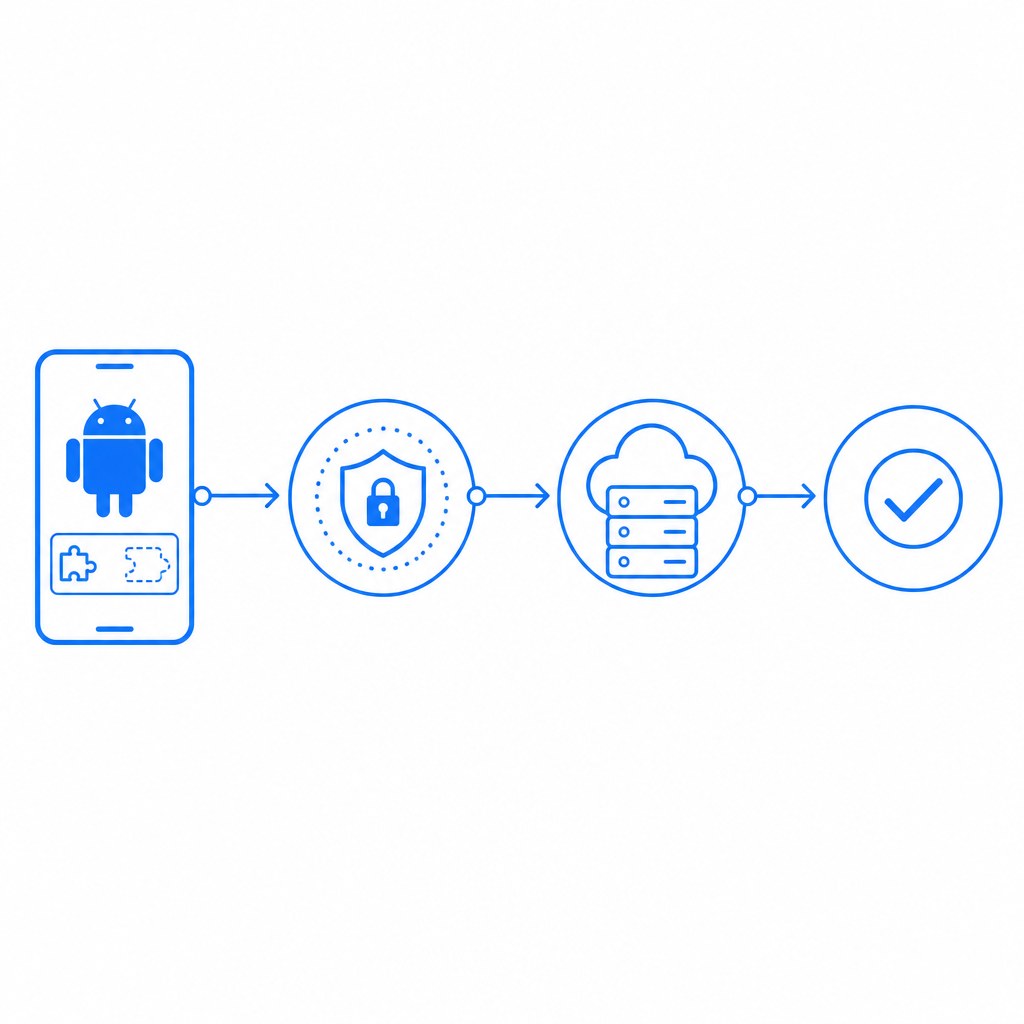
Here’s a simplified technical outline to add CaptchaLa CAPTCHA to your Android app:
- Add CaptchaLa Maven Dependency
Add this to yourbuild.gradledependencies:gradleimplementation 'la.captcha:captchala:1.0.2' - Initialize CaptchaLa SDK
Create a CaptchaLa client instance in your app’sonCreate:java// Initialize CaptchaLa client with your App Key and Secret CaptchaLaClient client = new CaptchaLaClient("YOUR_APP_KEY", "YOUR_APP_SECRET"); - Request Server Challenge Token
Securely call the server token API from your backend to get a challenge token for the user. - Show CAPTCHA Challenge UI
Render the challenge widget in your Android activity or fragment using the SDK’s UI components. - Validate User Response
Upon completion, sendpass_tokenandclient_ipto CaptchaLa API:javaboolean isValid = client.validateUserResponse(passToken, clientIp); if (isValid) { // Proceed with request } else { // Block suspicious user }
Using first-party data only makes CaptchaLa well-suited for privacy-conscious apps while enabling you full control over challenge customization, language, and difficulty.
Best Practices When Using CAPTCHA in Android Apps
- Optimize User Experience: Keep CAPTCHA appearance consistent with your app’s UI and limit challenges to high-risk actions only.
- Use Invisible or Adaptive Challenges: To reduce user friction, test invisible or risk-based challenges where possible.
- Handle Network Failures Gracefully: Provide fallbacks and caching to avoid lockouts if CAPTCHA validation endpoints are temporarily unreachable.
- Localize UI Strings: CaptchaLa supports 8 UI languages natively—leverage this to provide localized experiences.
- Monitor CAPTCHA Analytics: Track failed and passed challenges to tune security rules and challenge difficulty effectively.
Integrating CAPTCHA early helps you stay ahead of bot attacks, maintaining trusted app functionality and user trust.
Conclusion: Which CAPTCHA Should You Choose for Android?
Selecting the right CAPTCHA for Android involves balancing security, user experience, and development effort. reCAPTCHA and hCaptcha remain strong options but may require more complex implementation or impact app UX. Cloudflare Turnstile’s lack of a native SDK limits its suitability for fully native Android apps.
For native Android developers wanting a straightforward, privacy-conscious solution with multi-language support, CaptchaLa’s SDK delivers flexibility and ease of use. Its Maven package, REST API validation, and customization options make it a compelling choice for protecting your mobile app from automated abuse.
Where to go next? Check out CaptchaLa’s documentation for detailed developer guides and explore the pricing plans to find the best fit for your app’s bot defense needs.