
A captcha font generator is a tool that creates unique, distorted text styles specifically designed to make CAPTCHAs harder for bots to solve while remaining readable for humans. At its core, this tool shapes the visual challenge that differentiates users from automated scripts by manipulating fonts, sizes, angles, and distortions. Using a captcha font generator enhances security and ensures accessibility in bot defense systems.
Because bots increasingly rely on powerful optical character recognition (OCR) technologies, the fonts used in CAPTCHAs must evolve to stay effective. Custom font generators enable websites and SaaS platforms like CaptchaLa to generate CAPTCHA challenges tailored to specific bot-evasion strategies. This article explains how captcha font generators work, the quality criteria that matter, comparisons among popular CAPTCHA providers, and technical implementation tips.
What Makes a Good Captcha Font Generator?
Creating a successful captcha font requires balancing two critical factors:
Human readability: The text should be legible enough that genuine users can solve the challenge without excessive frustration. Accessibility considerations often involve font clarity, character spacing, and language support.
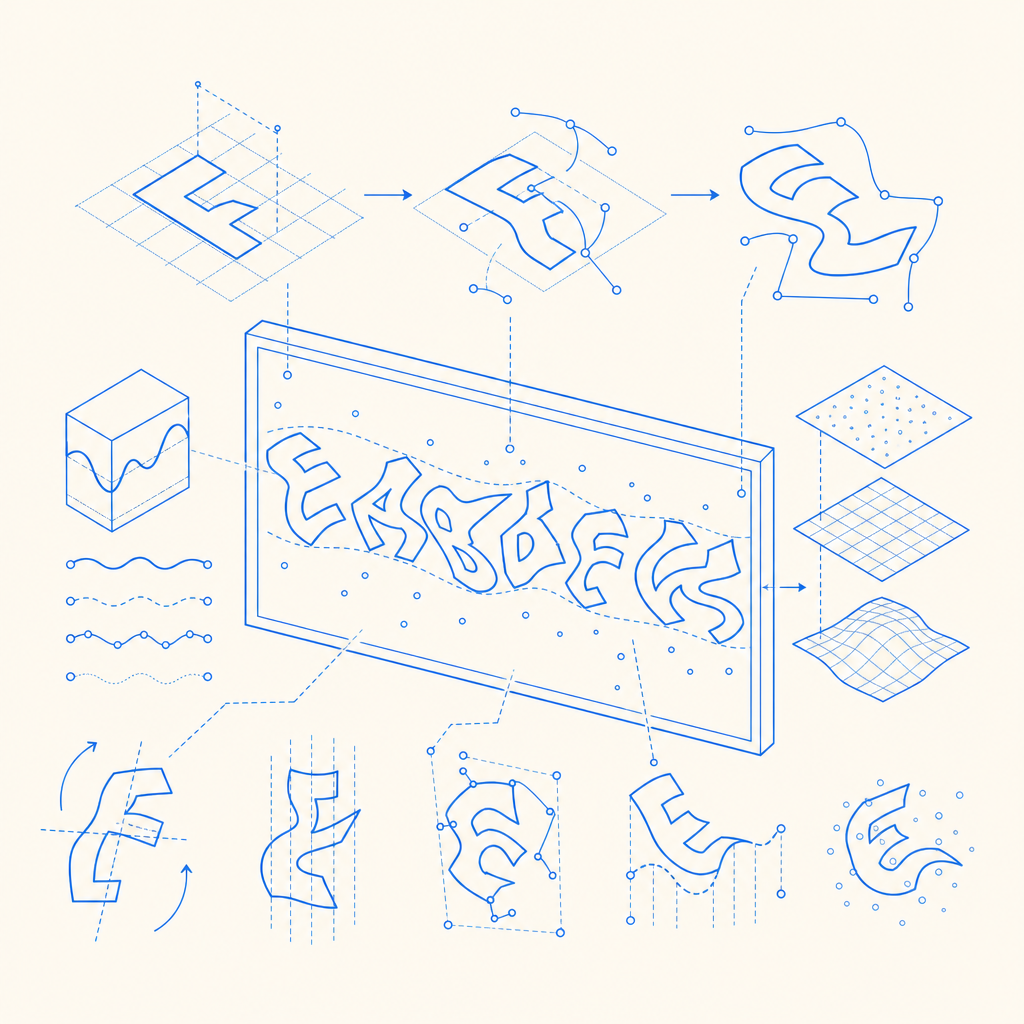
Bot-resistance: The font style must introduce distortions or complexities that confuse automated OCR tools. Techniques include warping, character overlapping, noise patterns, and varying font weights.
A specialised captcha font generator typically offers:
- Multiple font types suitable for alphanumeric and mixed-character captchas.
- Distortion controls such as rotation angles, squiggles, or wave effects.
- Randomized character positioning for unpredictability on every challenge.
- Language and script support for international CAPTCHA implementations.
By tuning these parameters, developers can greatly reduce the success rate of bots attempting to solve image-based text CAPTCHAs.
Comparing Captcha Font Generators Across Popular Solutions
While CaptchaLa provides customizable font generation integrated into its anti-bot service, several competitors also offer varied approaches:
| Feature | CaptchaLa | reCAPTCHA | hCaptcha | Cloudflare Turnstile |
|---|---|---|---|---|
| Custom font styles | Yes, with distortion options | Limited font styling | Limited control over fonts | No visual CAPTCHA, invisible |
| International script support | Yes, 8 UI languages | Supports Latin + some scripts | Basic language support | N/A – uses behavior analysis |
| Integration SDKs | Web (JS/Vue/React), iOS, Android, Flutter, Electron | Web JS SDK | Web SDK | JS-based, no font tooling |
| Challenge type | Image/text-based CAPTCHAs | Image/text + checkbox | Image/text + audio | Invisible, no challenge font |
| Pricing model | Free tier 1000/mo, paid tiers | Free for standard use | Pay-as-you-go | Included with Cloudflare services |
As seen, captcha font generators like CaptchaLa’s are essential where tangible image/text challenges play a central defense role, unlike invisible or behavior-based alternatives such as Cloudflare Turnstile.
How to Implement a Captcha Font Generator in Your Bot-Defense Setup
If you're integrating a captcha font generator, here are some technical specifics to consider:
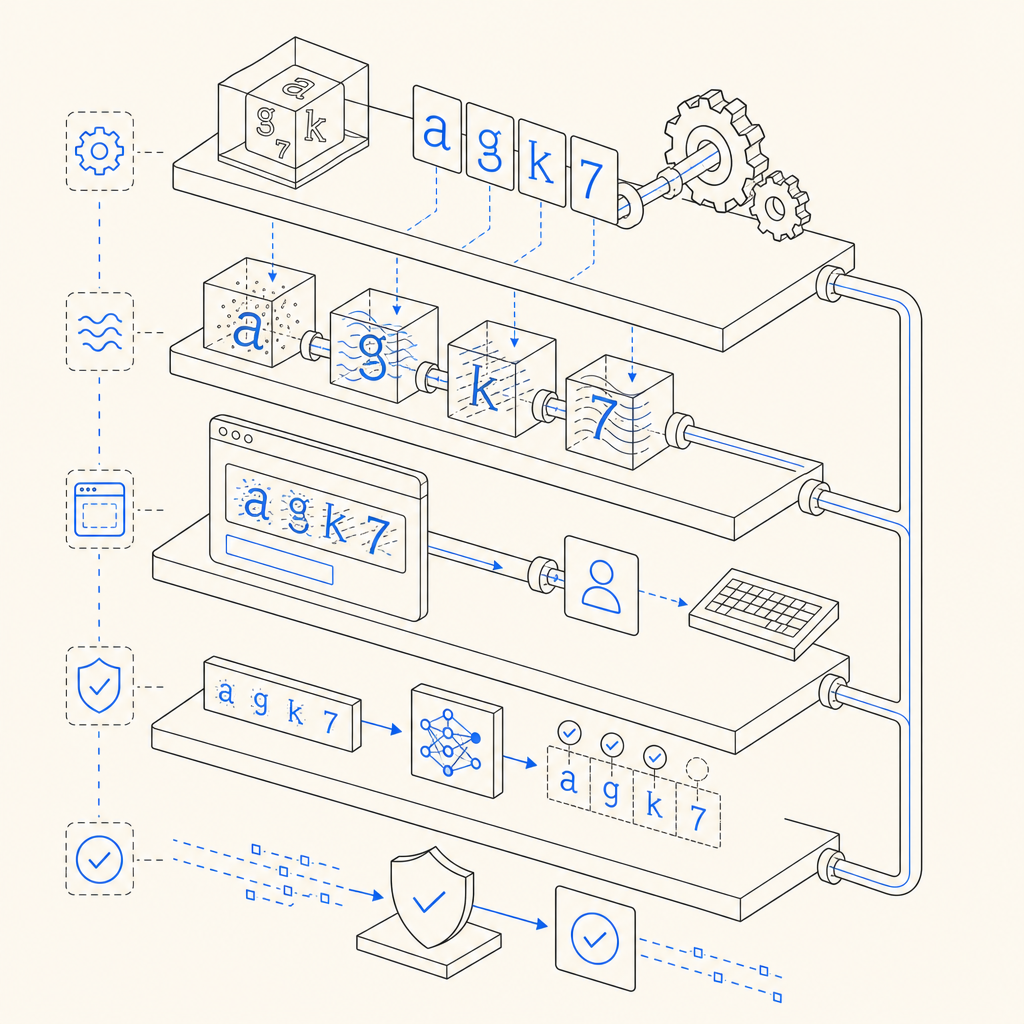
Font generation API or library: Use either a built-in font generator or third-party libraries that allow SVG or canvas manipulation with distortion features.
Randomization logic: Ensure each challenge uses randomized character sequences and styles to avoid pattern recognition by bots.
Client-side rendering: Render captcha images or text using secure loaders—CaptchaLa provides a loader script that works seamlessly with their service and supports multiple frameworks.
Validation workflow: After user submission, validate tokens server-side using API endpoints such as:
// English comments only
POST https://apiv1.captcha.la/v1/validate
Headers:
  X-App-Key: YOUR_APP_KEY
  X-App-Secret: YOUR_APP_SECRET
Body:
  {
    "pass_token": "TOKEN_FROM_CLIENT",
    "client_ip": "USER_IP_ADDRESS"
}- Accessibility features: Offer alternative challenge types or audio CAPTCHAs, and support multiple UI languages to make your CAPTCHA inclusive and user-friendly.
Using such steps, developers can build and tune captcha challenges that leverage font generation techniques to keep automated abuse at bay efficiently.
Why Choose CaptchaLa's Font Generator?
CaptchaLa focuses on delivering customizable font generation as part of a comprehensive anti-bot SaaS platform. The ability to select and tweak CAPTCHA fonts is combined with expansive SDK support for Web (JavaScript, Vue, React), mobile SDKs (iOS, Android, Flutter), and server-side validation libraries (PHP, Go). Its tiered pricing models make it accessible from free trials to large-scale enterprise needs.
Compared to broadly scoped solutions like reCAPTCHA or hCaptcha, CaptchaLa’s font generator and challenge customization provide developers more precise control over the visual complexity of their CAPTCHAs. This helps maintain challenge effectiveness as OCR advances and bot capabilities grow.
Where to go next? If you're interested in integrating or experimenting with captcha font generators as part of your bot defense, explore CaptchaLa’s documentation for SDK guides and API references. To understand usage limits and pricing plans, visit the pricing page.
Getting the font right is just one piece in building secure, user-friendly CAPTCHA systems, and CaptchaLa offers practical tools to help you get there.