
If you’re looking for a captcha flutterflow setup, the short answer is: use FlutterFlow for the app UI, but validate the CAPTCHA on your backend before you trust any form, signup, or sensitive action. The client can collect a challenge result; the server must decide whether that result is valid.
That distinction matters because FlutterFlow can speed up front-end delivery, but bot defense only works when the verification step is enforced server-side. If you only check the token in the browser, you’ve built a speed bump, not a gate.
What “captcha flutterflow” usually means
Most teams searching for captcha flutterflow want one of three things:
- Protect a contact form, signup flow, or password reset screen.
- Add a challenge only when traffic looks suspicious.
- Keep the implementation compatible with FlutterFlow’s generated Flutter app.
Because FlutterFlow outputs Flutter code, you usually have two implementation paths:
- Embed a CAPTCHA widget or challenge inside a custom widget area.
- Use a native Flutter SDK inside the app and pass the result to your backend.
For many teams, the cleanest pattern is: render the challenge in the app, collect a pass_token, send it to your API, then validate it with your secret key on the server. That way the client never gets the authority to approve itself.
If you’re choosing a vendor, pay attention to whether it supports Flutter, mobile, and backend verification cleanly. CaptchaLa, for example, provides native SDKs for Flutter and other platforms, plus server-side validation endpoints and a loader script for web use. It also supports 8 UI languages, which is useful if your FlutterFlow app is localized.
The architecture that actually holds up
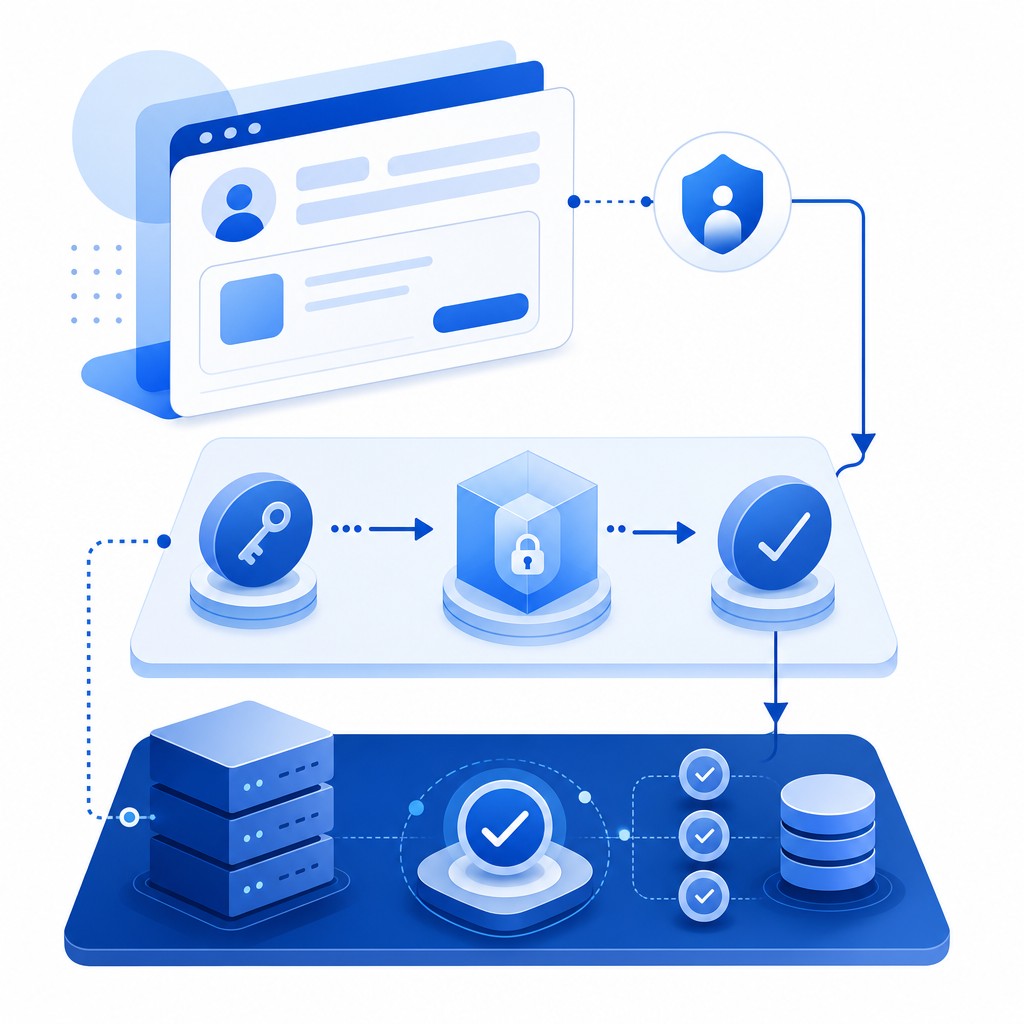
A solid CAPTCHA integration for FlutterFlow has three moving parts:
1) Client-side challenge
The app displays the CAPTCHA or challenge widget. The user completes it and gets a temporary token.
2) Backend validation
Your API receives the token, plus the client IP if you use it, and validates the token with your CAPTCHA provider using server credentials.
3) Decision point
Only after validation succeeds should you create the account, submit the form, or allow the action.
Here’s the key idea: the app can request trust, but only your backend should grant it.
A typical request pattern looks like this:
Client app
  -> sends pass_token to your API
Your API
  -> POST https://apiv1.captcha.la/v1/validate
  -> body: { pass_token, client_ip }
  -> headers: X-App-Key, X-App-Secret
Provider
  -> returns validation result
Your API
  -> allows or rejects the action
If you’re using CaptchaLa, the validation endpoint is POST https://apiv1.captcha.la/v1/validate, and the server-token issuance endpoint is POST https://apiv1.captcha.la/v1/server/challenge/issue. For server integration, it also offers captchala-php and captchala-go SDKs, which can simplify the validation logic.

How to wire it into FlutterFlow
FlutterFlow projects vary a bit, but the implementation usually follows the same practical steps.
Option A: use a custom widget or custom code
If your flow needs a built-in CAPTCHA UI, add a custom widget in FlutterFlow and connect it to your app state. When the user passes the challenge, store the returned token and submit it along with the form payload.
Option B: keep FlutterFlow simple and validate on submit
If the CAPTCHA is not part of the main UI, you can trigger it right before form submission. That often works well for:
- signup forms
- passwordless login
- contact forms with rate limits
- referral or invite flows
- ticket request forms
Implementation checklist
- Trigger the CAPTCHA only at the action point, not on app load.
- Capture the returned token in state.
- Send the token to your backend over HTTPS.
- Validate token server-side with your CAPTCHA provider.
- Accept or reject the request based on the validation result.
- Log failures for abuse analysis, but avoid storing unnecessary personal data.
If your app already uses Firebase, Supabase, or a custom API, the CAPTCHA verification usually belongs in the same endpoint that processes the form submission. That keeps the trust boundary tight.
For teams that want to compare deployment effort, here’s a quick overview:
| Provider | Flutter fit | Server validation | Mobile support | Notes |
|---|---|---|---|---|
| reCAPTCHA | Moderate | Yes | Good | Familiar, but integration details vary by platform |
| hCaptcha | Moderate | Yes | Good | Often chosen for privacy posture and flexibility |
| Cloudflare Turnstile | Moderate | Yes | Web-first | Lightweight for web flows; mobile patterns depend on app architecture |
| CaptchaLa | Strong for Flutter | Yes | Strong | Native Flutter SDK plus backend endpoints |
This isn’t about declaring a winner. It’s about choosing the provider whose SDKs and verification model fit your stack. If you want a Flutter-oriented integration path, the availability of a pub.dev package such as captchala 1.3.2 is convenient, and the docs at docs can help when you’re mapping the flow to your own backend.
Practical choices that affect security and UX
A CAPTCHA layer should be visible when needed and invisible when possible. The goal is not to annoy humans; it’s to make automation expensive.
Keep the secret on the server
Never ship your X-App-Secret to the app. The client can hold a short-lived pass token, but the verification secret belongs only in backend code or serverless environment variables.
Use the client IP thoughtfully
Some validation flows include client_ip. That can improve risk evaluation in some setups, but you should account for proxies, mobile networks, and reverse proxies in your infrastructure. Make sure your API extracts the real client IP consistently if you rely on it.
Match the challenge to the risk
You do not need the same friction on every endpoint. A newsletter signup may need less friction than account recovery or high-volume messaging. A sensible pattern is:
- Low-risk actions: silent or low-friction checks.
- Medium-risk actions: interactive challenge when signals look suspicious.
- High-risk actions: strict verification every time.
Stay focused on first-party data
If your organization is careful about data handling, verify that the CAPTCHA flow stays aligned with your policies. CaptchaLa’s product positioning emphasizes first-party data only, which matters when legal, privacy, or compliance teams are involved.
A simple backend validation example
The exact code depends on your backend, but the logic is straightforward. Below is a generic server-side pattern:
// English comments only
// Receive the token from the client
const passToken = req.body.pass_token;
const clientIp = req.body.client_ip;

// Send the token to the CAPTCHA validation API
const response = await fetch("https://apiv1.captcha.la/v1/validate", {
  method: "POST",
  headers: {
    "Content-Type": "application/json",
    "X-App-Key": process.env.CAPTCHA_APP_KEY,
    "X-App-Secret": process.env.CAPTCHA_APP_SECRET
  },
  body: JSON.stringify({
    pass_token: passToken,
    client_ip: clientIp
  })
});

// Check the response before allowing the action
const result = await response.json();
if (!result.success) {
  return res.status(403).json({ error: "captcha_failed" });
}

// Continue with the protected action
That’s the basic security model: verify first, then process. If you’re using CaptchaLa, the same pattern works across common backend stacks, and the docs cover the request/response details needed to wire it correctly.
Choosing a plan and rollout strategy
For small FlutterFlow apps, a free tier can be enough to start testing abuse controls. CaptchaLa’s free tier includes 1,000 requests per month, with Pro tiers in the 50K–200K range and Business around 1M. That makes it easier to match the rollout to your traffic without overcommitting early.
A practical rollout plan looks like this:
- Put CAPTCHA on the highest-abuse endpoint first.
- Watch completion rate and false positives.
- Expand to other forms only if needed.
- Keep a server-side allow/deny log for debugging.
- Revisit thresholds as traffic grows.
You can also use separate challenge rules for different endpoints, which is useful in FlutterFlow apps where one screen may be public while another is account-sensitive.
Where to go next: if you’re planning a captcha flutterflow integration, start with the implementation notes in the docs and check the available tiers on pricing before you ship.