
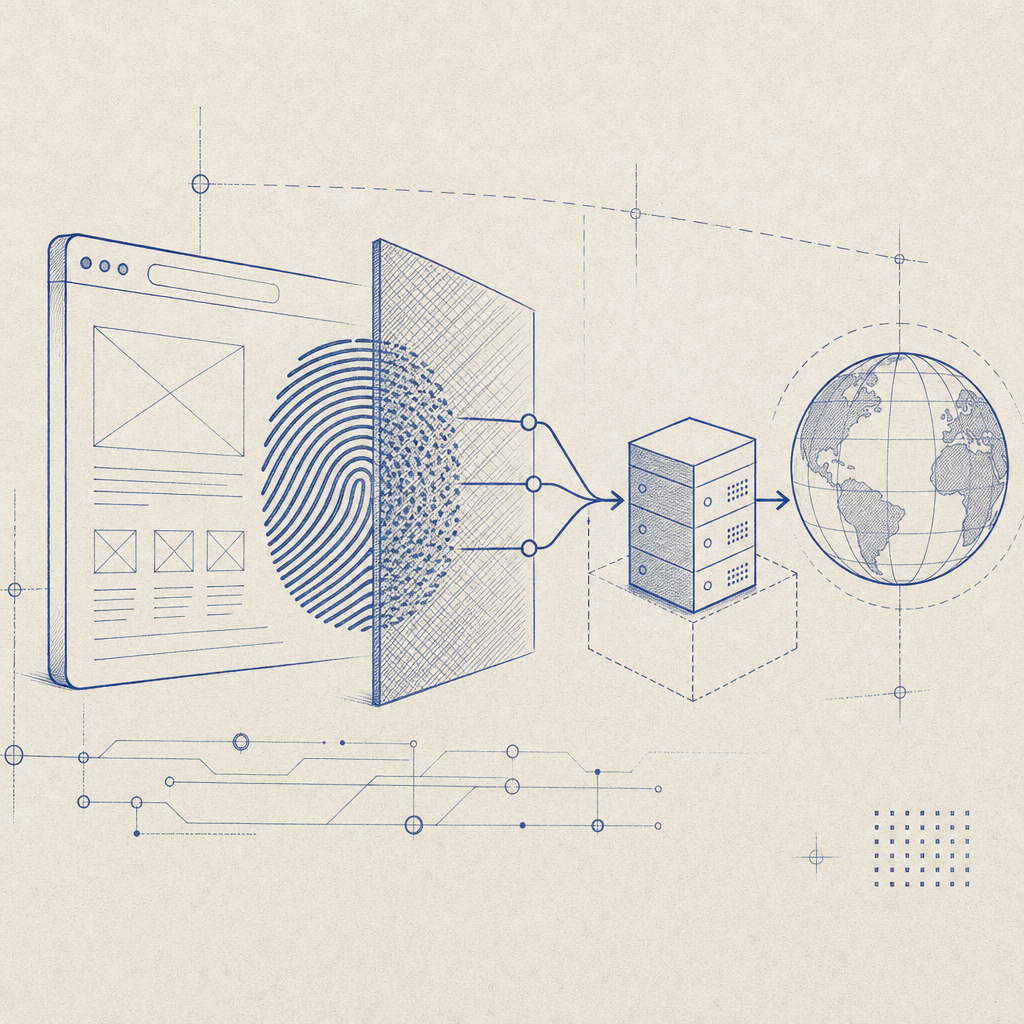
An anti fingerprint browser with proxy combines two powerful privacy tools to shield users from pervasive tracking and identification techniques. By masking device-specific browser fingerprints and routing traffic through anonymous proxies, these browsers minimize online traceability, reduce risk from bot detection algorithms, and create robust boundaries against surveillance and profiling.
What is an Anti Fingerprint Browser with Proxy?
An anti fingerprint browser is designed to prevent websites and services from identifying and tracking users based on unique browser and device characteristics—known as "fingerprints." These fingerprints can include canvas rendering, installed fonts, screen resolution, hardware concurrency, and many other subtle signals that, collectively, create a unique profile difficult to spoof or reset.
When paired with a proxy—a server that forwards your network requests—this setup anonymizes your IP address by replacing it with the proxy’s IP. This further obfuscates your real location and identity and can bypass restrictions or geographic-based blocking.
Together, these features significantly raise the bar for anyone trying to track or block you based on your browser identity or IP, whether for advertising, profiling, or automated bot mitigation.
How Anti Fingerprinting Works
Anti fingerprint browsers employ multiple techniques to standardize or randomize identifying attributes that websites read to build a fingerprint:
- User Agent Spoofing: Presenting a generic or rotating User Agent string rather than the real browser signature.
- Canvas and WebGL Noise: Altering the graphics fingerprint by injecting noise or rendering fake outputs that frustrate canvas fingerprinting methods.
- Font and Plugin Masking: Limiting or standardizing lists of installed fonts and browser plugins to reduce uniqueness.
- Shared Device Parameters: Forcing common values for screen resolution, timezone, language, and touch support.
- JavaScript Behavior Normalization: Replacing subtle timing or API differences with normalized responses.
The goal is to ensure your fingerprint blends into a large crowd rather than standing out as unique.
Role of Proxies in Enhancing Privacy
Proxies serve as intermediaries between your browser and the web. Instead of directly communicating, your browser sends requests to the proxy, which then contacts the target server on your behalf. The target sees the proxy’s IP, not yours.
Types of proxies include:
- Residential Proxies: IPs assigned by ISPs to homeowners, less likely to be blocked.
- Data Center Proxies: High-speed servers housed in data centers, easier to acquire in bulk but more often flagged by bot detection.
- Rotating Proxies: Automatically rotate IP addresses after each request or session.
Using proxies adds a layer of anonymity and allows users to circumvent geo-blocks or IP-based bans, especially in conjunction with anti fingerprinting.
Comparison: Anti Fingerprint Browsers with Proxy vs. Standard Browsers
| Feature | Standard Browser | Anti Fingerprint Browser with Proxy |
|---|---|---|
| Browser Fingerprint Uniqueness | Typically unique | Highly homogenized or randomized fingerprints |
| IP Address Leakage | Direct public IP visible | Masked via proxy |
| Resistance to Tracking | Low to moderate | High |
| Bypass of Geo-Restrictions | Limited | Possible through IP proxy |
| Susceptibility to Bot Detection | High | Lower due to spoofed fingerprints and IP anonymity |
Technical Specifics for Developers and Security Teams
If you are integrating bot defense or working on privacy tools, deploying an anti fingerprint browser with proxy capabilities involves consideration of:
- Fingerprint Randomization Algorithms: Implement various layers of spoofing across APIs—WebGL, Canvas, AudioContext—to complicate fingerprint collection.
- Proxy Configuration: Use authenticated proxies to prevent abuse and log usage; rotate IPs periodically to avoid bans.
- Latency Optimization: Proxy operations add latency; optimize the proxy’s geographic distribution and server capacity.
- Detection Avoidance: Monitor browser behavior patterns to ensure proxy and anti fingerprint measures do not trigger suspicious activity flags.
- Compatibility: Ensure your solution integrates smoothly with JavaScript frameworks, mobile platforms, and native SDKs—as CaptchaLa does with JS, Vue, React, iOS, Android, Flutter, and Electron.
For example, CaptchaLa’s SDK and server validation endpoints support smooth integration with anti fingerprint and proxy setups. Their API validation accepts client IP parameters, helping you cross-check consistency with proxy info and token challenge results.
Balancing Anti-Fingerprint Browsers with Bot Defense Systems
Bot defense tools like reCAPTCHA, hCaptcha, and Cloudflare Turnstile rely on signals stemming from browser fingerprints and IP addresses among others. An anti fingerprint browser with proxy can complicate these systems’ ability to distinguish humans from bots, because:
- Randomized fingerprints break persistent tracking needed for behavioral analysis.
- Proxy IPs mask origin and location, undermining IP reputation scoring.
For defenders, understanding how these browsers behave can help in fine-tuning context-aware detection that integrates network, challenge-response, and client interaction signals, rather than relying solely on fingerprinting data.

Wrapping Up: Use Cases and Considerations
An anti fingerprint browser with proxy is an essential component for users and organizations prioritizing privacy and anti-tracking. Common use cases include:
- Privacy-conscious browsing to avoid mass surveillance and tracking.
- Researchers and security analysts testing and analyzing bot defenses without being blocked.
- Businesses wanting to verify geo-specific content or price variations.
- Ad fraud prevention teams validating their bot detection systems against spoofed traffic.
While this combination enhances anonymity, it is not foolproof—advanced tracking can still occur through behavioral analysis, cookies, and server-side correlation. Combining these methods with robust CAPTCHA systems remains important. Solutions like CaptchaLa provide flexible API integration and multi-language SDKs facilitating layered bot defense compatible with complex privacy setups.
Where to go next? Review our pricing plans or dive into the developer docs to see how CaptchaLa supports diverse browser environments including those with proxy and fingerprint anonymization features.