
A captcha field is a user interface element on websites or apps designed to distinguish human users from automated bots. It typically requires users to complete a simple test—such as identifying images, typing distorted text, or solving puzzles—to prove they are not machines. This process helps protect websites from spam, abuse, and fraudulent activity by blocking malicious automated traffic.
Understanding the captcha field meaning is essential not just for web developers but also for anyone involved in online security or user experience. Let’s dive into what the captcha field entails, how it works, and why it remains a critical component of online bot defense.
What Exactly Is a CAPTCHA Field?
At its core, a captcha field is a challenge-response test embedded into a form or webpage. CAPTCHA stands for “Completely Automated Public Turing test to tell Computers and Humans Apart.” The field usually appears as part of registration pages, login screens, comment forms, or checkout flows, where verifying genuine users prevents bots from abusing services.
The captcha field can take several forms:
- Text-based CAPTCHA: Users type letters or numbers from a distorted image.
- Image-selection CAPTCHA: Users choose specific objects (traffic lights, cars) from a grid of photos.
- Behavioral CAPTCHA: Invisible tests that analyze user interaction patterns or mouse movements.
- Puzzle CAPTCHA: Tasks like dragging or rotating elements to fit.
The meaning of a captcha field extends beyond the visible challenge—it's a gatekeeper that enforces digital trust by filtering user authenticity before form submission.
Types and Variations of CAPTCHA Fields
Different providers implement captcha fields with unique approaches, balancing user friction and security:
| CAPTCHA Type | Description | Common Providers | User Experience |
|---|---|---|---|
| Text CAPTCHA | Enter distorted or obscured text | Early versions of reCAPTCHA | Challenging for humans with poor vision |
| Image CAPTCHA | Select certain images matching criteria | reCAPTCHA v2, hCaptcha | More intuitive, but can be time-consuming |
| Invisible CAPTCHA | Runs in the background analyzing behavior | reCAPTCHA v3, Cloudflare Turnstile | Seamless, no visible interaction |
| Puzzle CAPTCHA | Drag and drop or slide to solve a puzzle | Some custom and enterprise solutions | User-friendly, engaging |
While reCAPTCHA by Google has been widely adopted, newer players like hCaptcha emphasize privacy and monetization, and Cloudflare’s Turnstile offers a frictionless experience by analyzing client behavior invisibly. CaptchaLa provides a similar layered approach with customizable challenges and easy SDK integration for multiple platforms.

The Role of CAPTCHA Fields in Bot Defense
CAPTCHA fields serve as an essential line of defense against bots that attempt to perform activities such as:
- Account Creation Abuse: Bots creating fake accounts to spam or manipulate services.
- Credential Stuffing: Automated login attempts using stolen credentials.
- Form Spam: Auto-submission of forms with malicious or promotional content.
- Scraping and Data Theft: Harvesting sensitive or proprietary data automatically.
The captcha field’s primary function is to introduce a difficulty level that machines struggle to pass without involving humans. Sophisticated solutions like CaptchaLa rely on first-party data and server-side validation to improve challenge accuracy and thwart evolving bot techniques.
How CaptchaLa Handles Validation
After the user completes a captcha challenge, the client sends a validation request to CaptchaLa’s API endpoint:
POST https://apiv1.captcha.la/v1/validate
Body: {
  "pass_token": "<token_from_client>",
  "client_ip": "<user_client_ip>"
}
Headers: {
  "X-App-Key": "<app_key>",
  "X-App-Secret": "<app_secret>"
}
This server-side validation confirms whether the challenge was correctly solved, letting the website proceed only with verified human interactions.
Integrating CAPTCHA Fields: Technical Considerations
Adding a captcha field to your website or app requires balancing security, performance, accessibility, and user experience:
1. SDK Support and Platform Compatibility
CaptchaLa offers native SDKs for Web (JavaScript, Vue, React), iOS, Android, Flutter, and Electron. This wide support allows developers to integrate captcha fields consistently across client platforms without sacrificing user experience.
2. Multilingual UI
CaptchaLa supports 8 UI languages natively, allowing global sites to display challenges in their users’ preferred languages automatically, which helps reduce user frustration.
3. Accessibility Compliance
When implementing captcha fields, ensure alternatives for visually impaired users, such as audio challenges or invisible CAPTCHA options.
4. Security Best Practices
- Use server-side validation for challenge tokens to prevent token reuse or forgery.
- Rotate API keys and secrets regularly to reduce exposure risk.
- Monitor captcha challenge success/failure rates as bot signals.
Example Captcha Field Loader Integration
<!-- Add CaptchaLa loader script -->
<script src="https://cdn.captcha-cdn.net/captchala-loader.js"></script>

<!-- Captcha field container -->
<div id="captcha-container"></div>

<script>
  // Initialize captcha field in the container with site key
  CaptchaLaLoader.init({
    container: '#captcha-container',
    siteKey: 'your-site-key',
    onSuccess: function(token) {
      // handle token submission
      console.log("Captcha solved, token:", token);
    }
  });
</script>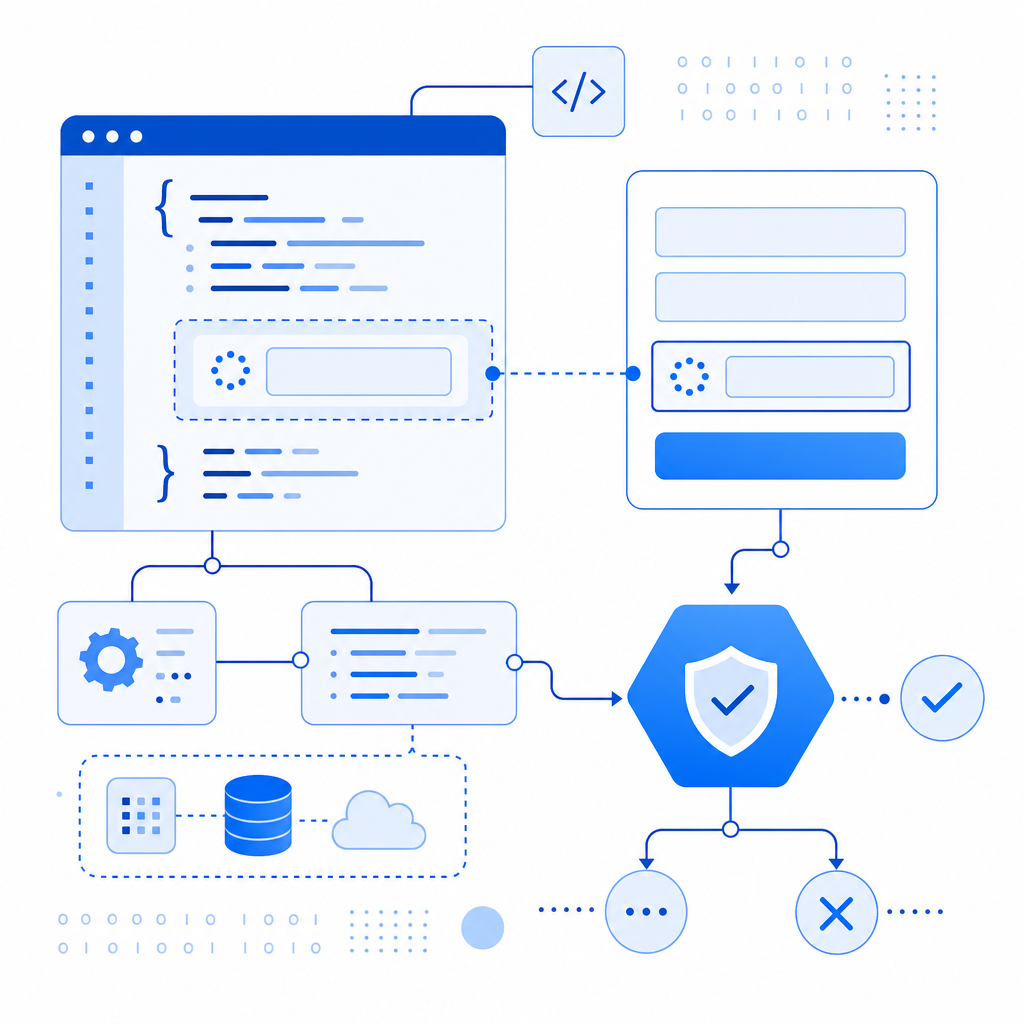
Comparing CaptchaLa With Other Solutions
| Feature | CaptchaLa | reCAPTCHA | hCaptcha | Cloudflare Turnstile |
|---|---|---|---|---|
| Privacy Focus | First-party data only | Google-owned, collects data | Privacy-focused, user rewards | Privacy-centric, no challenge visible |
| Supported Platforms | Web, iOS, Android, Flutter, Electron | Web, Mobile web | Web | Web |
| UI Languages | 8 | 30+ | 10+ | 5 |
| Invisible Option | Yes | Yes (v3) | Partial | Yes |
| Pricing | Free tier + scalable tiers | Free/paid tiers | Free + monetization | Free with Cloudflare plan |
Each tool offers unique benefits. CaptchaLa’s focus on first-party data and wide SDK support makes it a flexible choice for developers valuing privacy and a customizable integration.
Summary
The captcha field meaning boils down to a critical security checkpoint designed to distinguish between real users and automated bots. By embedding these fields thoughtfully, websites can curb spam, fraud, and abuse while maintaining a user-friendly experience. With providers like CaptchaLa offering multilingual support, server SDKs, and scalable pricing options, implementing captcha fields is both accessible and effective for modern web security.
Where to go next? Explore detailed setup instructions and SDK documentation at the CaptchaLa docs, or check how pricing plans align with your site's needs at CaptchaLa pricing. Protect your digital interactions with clarity and confidence.