
If you’re searching for “anti fingerprint browser GitHub,” you’re probably looking at tools that make browsers look less unique to tracking and anti-bot systems. For defenders, the key point is simple: these projects can reduce the reliability of browser fingerprinting, so you should treat fingerprinting as one signal among many, not as a standalone gate.
That doesn’t mean fingerprinting is useless. It means resilient bot defense needs layered checks: behavior, challenge outcomes, session consistency, network signals, and server-side validation. If you rely too heavily on one browser fingerprint, sophisticated automation can blend in; if you overcorrect and block too aggressively, you’ll frustrate real users. The right approach is to make spoofing expensive while keeping the user experience smooth.

What “anti fingerprint browser” projects usually change
A browser fingerprint is a bundle of attributes that can include canvas output, WebGL characteristics, user agent hints, font lists, audio quirks, timezone, screen metrics, and more. GitHub projects in the anti-fingerprinting space often aim to normalize or randomize those attributes so the browser appears less unique.
From a defender’s perspective, that creates three practical challenges:
Consistency checks become less trustworthy.
If a browser can present a stable-but-fake fingerprint, the signal may no longer distinguish a real device from a controlled environment.Single-session fingerprints may not persist.
Some tools rotate values across launches or profiles, so historical matching becomes noisy.Automation can look “human enough” at the browser layer.
A well-tuned setup may emulate mainstream browser characteristics while hiding automation indicators elsewhere.
A useful mental model is to separate signals into two buckets:
- Static-ish signals: browser and device characteristics that change infrequently
- Dynamic signals: interaction patterns, timing, challenge behavior, token integrity, and server-side context
The second bucket is usually harder to fake at scale.
Why defenders should care, even if they don’t use fingerprinting heavily
Fingerprinting has always been a probabilistic control, not a proof of humanity. Anti-fingerprint browser projects on GitHub matter because they show how quickly attackers can adapt when a defense depends on one weak point. That’s especially true for signup abuse, credential stuffing, content scraping, inventory hoarding, and promo abuse.
A stronger defense stack tends to work like this:
- Collect first-party data only from your own app and traffic.
- Challenge when risk rises, instead of challenging every request.
- Validate server-side so the client can’t self-certify success.
- Correlate multiple sessions rather than trusting one browser fingerprint in isolation.
- Watch for consistency gaps between IP reputation, client behavior, and challenge completion.
Here’s a concise comparison of common approaches:
| Signal type | What it helps with | Common weakness | Defender takeaway |
|---|---|---|---|
| Browser fingerprint | Basic device continuity | Spoofable or normalized | Use as a supporting signal |
| Behavioral timing | Bot-like interaction patterns | Can be tuned by automation | Look at aggregates, not single events |
| CAPTCHA challenge | Human verification step | Can be targeted by headless tooling | Validate outcomes on the server |
| IP / ASN / geo context | Network anomaly detection | VPNs and proxies blur it | Score in combination with other data |
| Session continuity | Abnormal replay or rotation | Storage resets and profile churn | Detect impossible transitions |
If you’re using a provider such as CaptchaLa, the useful part is not “blocking based on one attribute,” but combining a client challenge with server verification and your own app logic. That keeps the trust decision close to your backend, where it belongs.
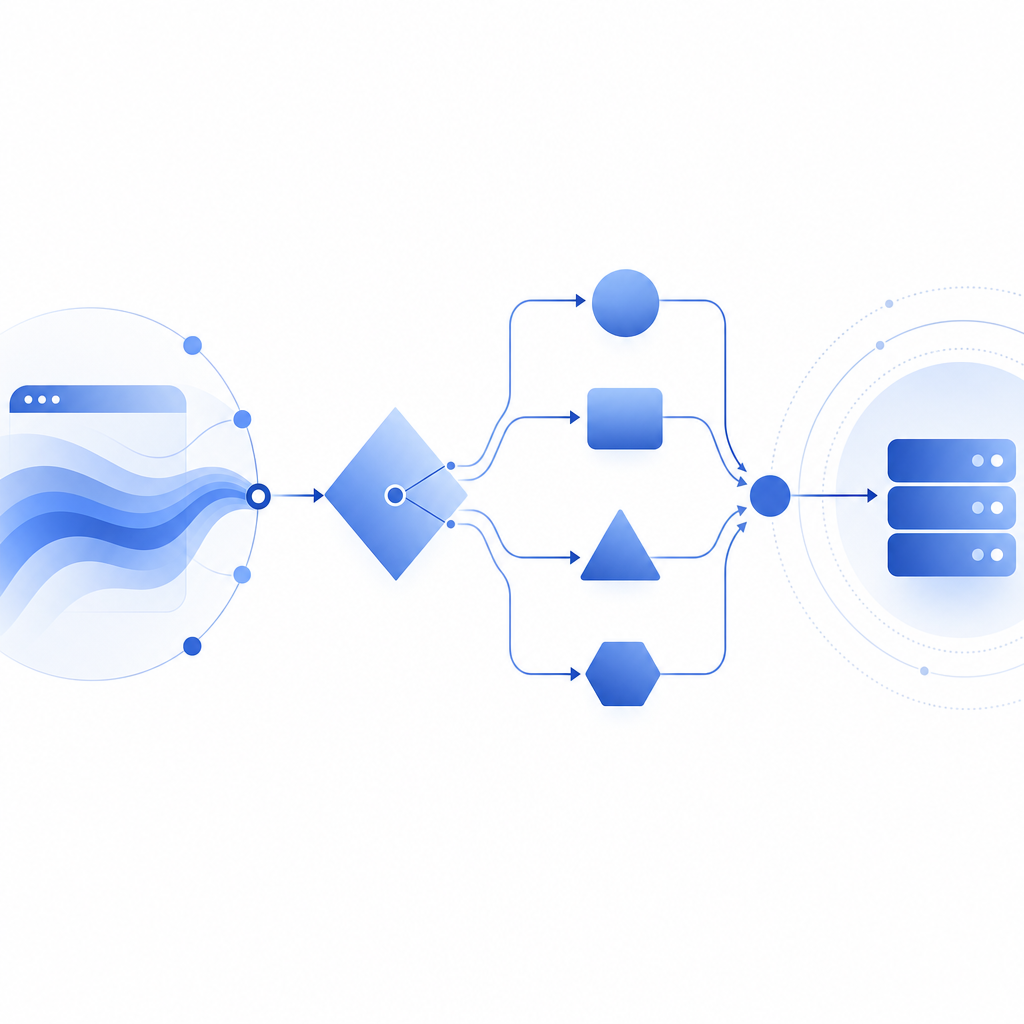
How to evaluate an anti-fingerprint browser against your defenses
You do not need to reverse-engineer every GitHub project to defend against it. You do need a repeatable test plan. Start by checking whether your current stack assumes too much about browser uniqueness.
A practical evaluation workflow:
Capture baseline traffic from real users.
Compare regular sessions across devices, browsers, and locales. Note normal variation in fingerprint attributes and challenge rates.Simulate controlled variation.
Test browsers with changed fonts, language settings, timezones, window sizes, and privacy settings. This helps you learn which signals are naturally noisy.Measure continuity across sessions.
Check whether the same account or device can reappear with inconsistent browser traits without triggering review.Score challenge outcomes with server context.
A solved challenge should be validated server-side with the request context you actually trust.Look for automation patterns beyond the browser.
Timing regularity, account creation bursts, and request sequencing often reveal more than a spoofed fingerprint.
If you need a concrete implementation anchor, CaptchaLa docs describe the basic server-side validation flow:
# Server-side validation flow
# 1. Receive pass_token from the client
# 2. Read client_ip from the request context
# 3. POST to the validation endpoint
# 4. Include X-App-Key and X-App-Secret
# 5. Treat success as one signal, not the entire decision

POST https://apiv1.captcha.la/v1/validate
Body: { pass_token, client_ip }
Headers: X-App-Key, X-App-Secret
That pattern is important because it shifts trust away from the browser. If a GitHub project changes the client’s visible traits, your backend still decides whether the challenge was actually passed and whether the surrounding session looks legitimate.
Comparing CAPTCHA options with an anti-fingerprinting threat model
Not every CAPTCHA product is optimized for the same risk profile. If you’re dealing with browsers that try to hide or standardize their identity, the question is less “Which one looks hardest?” and more “Which one gives me reliable server-side confirmation with manageable UX?”
A neutral way to think about common options:
- reCAPTCHA: widely recognized, often used for generic abuse prevention, but can be friction-heavy depending on the deployment.
- hCaptcha: similar category, with a focus on human verification and flexible integrations.
- Cloudflare Turnstile: generally designed for lower-friction challenges and automated risk assessment.
- CaptchaLa: a CAPTCHA and bot-defense layer with native SDKs and server validation, built around first-party data only.
For teams shipping web and app products, integration breadth matters. CaptchaLa supports 8 UI languages and native SDKs for Web (JS, Vue, React), iOS, Android, Flutter, and Electron. Server SDKs are available for captchala-php and captchala-go, and mobile packages include Maven la.captcha:captchala:1.0.2, CocoaPods Captchala 1.0.2, and pub.dev captchala 1.3.2.
That does not make one product automatically right for every stack. It does mean you can match the verification path to the surface you’re protecting without overfitting to one browser attribute. For example, a login flow might use a lightweight challenge at the edge and a stricter backend check for risky account recovery attempts. A checkout flow might use fewer interruptions but stronger server correlation on suspicious sessions.
If you’re price-planning rather than architecture-planning, the published tiers are straightforward: Free tier at 1,000 validations/month, Pro at 50K-200K, and Business at 1M. You can review pricing when deciding whether you need a small test deployment or higher-volume coverage.
Building a defense that survives spoofed fingerprints
The main lesson from anti fingerprint browser GitHub projects is not that browser fingerprinting is dead. It’s that defenders should stop treating browser identity as a single source of truth.
A durable setup usually includes:
- Client challenge or proof step
- Server-side validation
- IP and session correlation
- Rate and burst controls
- Account-level anomaly detection
- Manual review for high-value edge cases
If you want a starting point, use the browser fingerprint as a hint, not a verdict. Then let your backend combine that hint with challenge results and real traffic history. In practice, that means spoofing a browser is only one part of a much harder problem for an attacker: keeping every other signal consistent over time.
Where to go next: read the docs for implementation details, or check pricing if you’re planning a rollout across web or mobile.