
A captcha failed event usually means one of two things: the user could not complete the challenge, or your backend could not validate the token correctly. In practice, it is rarely “just a broken captcha”; it is often a mix of timing, client-side loading, token handling, IP checks, or a mismatch between frontend and server logic.
If you are seeing repeated failures, the fastest path is to separate presentation problems from verification problems. That distinction matters because the fix for a slow loader is very different from the fix for an invalid pass_token. When teams treat every failure as a UX issue, they can accidentally weaken their bot defense; when they treat every failure as a security issue, they can make the user experience miserable.
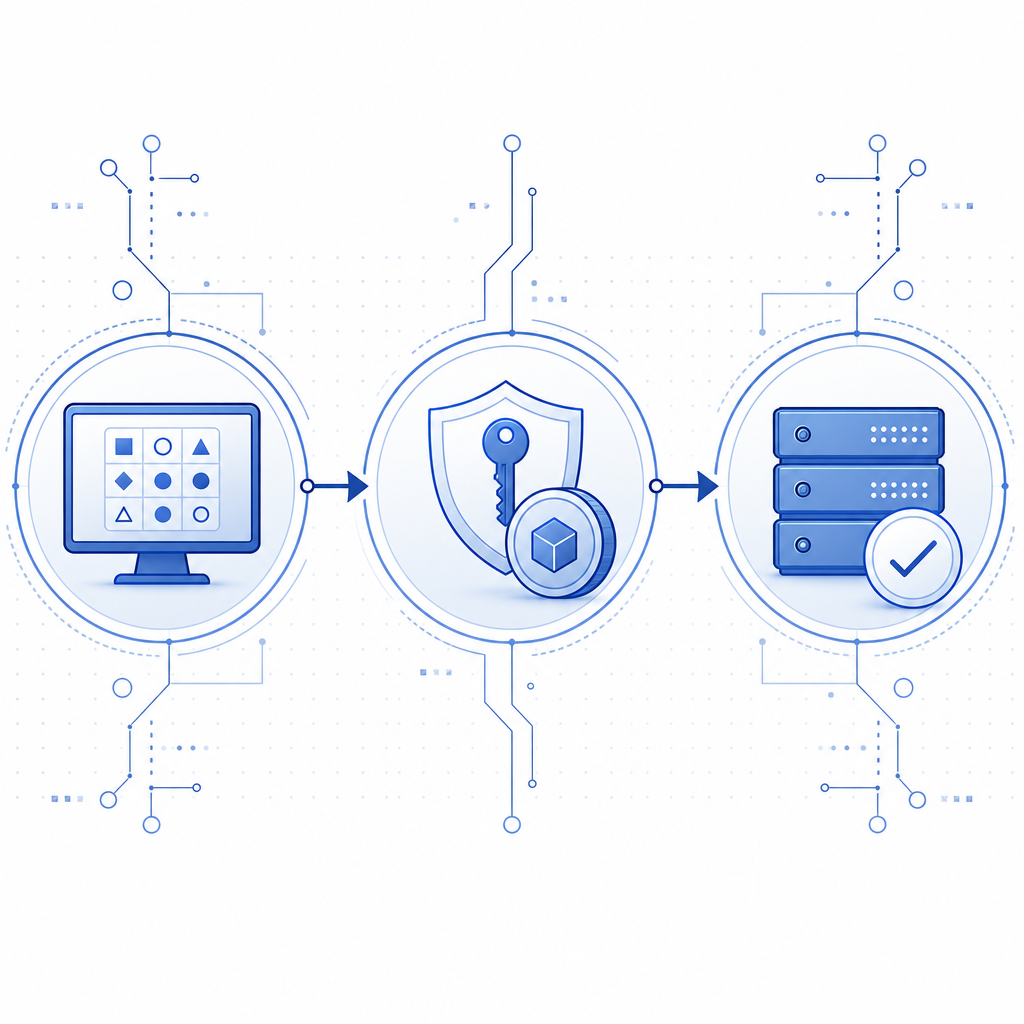
What “captcha failed” usually means
A failed captcha is not a single error state. It is a family of outcomes that happen at different points in the flow.
1) The challenge never loaded correctly
This is often caused by script loading issues, CSP restrictions, ad blockers, network timeouts, or stale assets. If the loader script does not execute, the widget cannot render, and the user gets stuck before they even attempt a challenge.
For CaptchaLa, the loader is served from:
https://cdn.captcha-cdn.net/captchala-loader.jsIf your site uses a strict Content Security Policy, make sure the script source is allowed. Also confirm that your bundler or tag manager is not caching an older version that no longer matches your integration.
2) The user completed the challenge, but validation failed
This is the classic “it worked on the page, but the submit was rejected” problem. Common causes include:
- Missing or malformed
pass_tokenin the request to your server. - Expired token because the form sat idle too long.
- IP mismatch when the validation endpoint expects
client_ip. - Wrong app credentials, especially if
X-App-KeyandX-App-Secretare swapped or copied from the wrong environment. - Double submission or token reuse after the token was already consumed.
If you are using server-side validation, the endpoint is:
POST https://apiv1.captcha.la/v1/validatewith a body like:
{
  "pass_token": "token-from-client",
  "client_ip": "203.0.113.10"
}
and headers:
X-App-Key: your_app_key
X-App-Secret: your_app_secret
3) The challenge is too hard for legitimate users
Sometimes captcha failed means the challenge design is mismatched to your audience. This can happen with accessibility constraints, mobile friction, language barriers, or users behind privacy tools that make certain challenge formats more fragile.
Captcha systems from providers like reCAPTCHA, hCaptcha, and Cloudflare Turnstile all try to balance abuse prevention and usability, but the tradeoffs differ. The right choice depends on your traffic profile, compliance constraints, and how much first-party telemetry you want to use.
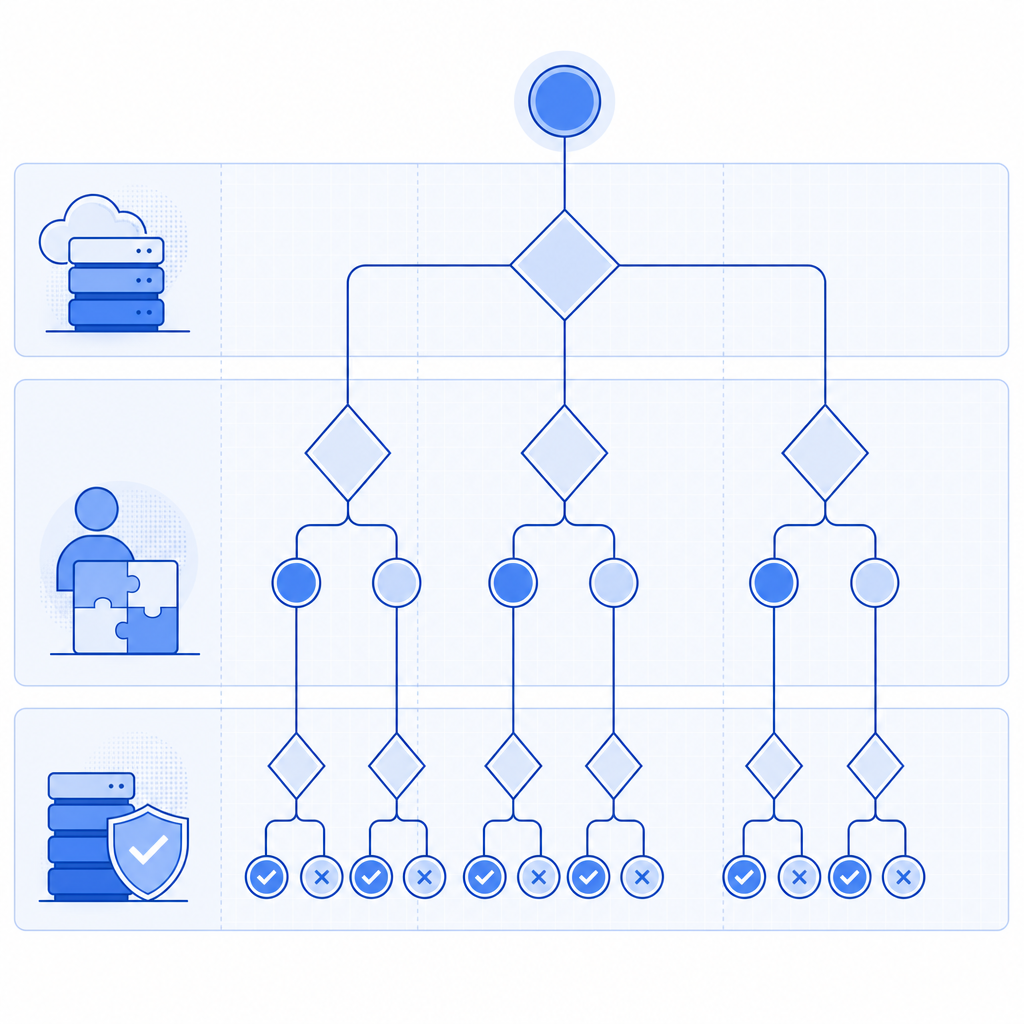
How to debug failures without weakening protection
The goal is not to “make every captcha pass.” The goal is to understand which failure mode you are seeing and then reduce false negatives without opening the door to abuse.
Check the client flow first
Start with the browser:
- Confirm the loader script returns a 200 and is not blocked.
- Inspect the network tab for the challenge assets.
- Verify the widget initializes only once per page view.
- Ensure the token is captured immediately after completion and submitted with the form.
- Re-test in a clean browser profile, mobile browser, and any high-friction environments your users commonly use.
If you use a modern SPA framework, watch for component re-renders that accidentally destroy the widget before submission. That is especially common when challenge state is tied to route transitions or form validation libraries.
Then validate the backend
Your server should treat captcha validation as an explicit, logged step. The most useful logs are not “captcha failed” alone; they are structured notes such as:
- validation request received
- token present or missing
- token age
- remote IP used
- upstream response code
- environment name
A simple server-side pattern looks like this:
1. Receive form submission
2. Extract pass_token from the request
3. Read client_ip from the request context
4. POST to /v1/validate with X-App-Key and X-App-Secret
5. Reject if validation fails
6. Allow the protected action only if validation succeeds
If you need to issue a server-side challenge token first, CaptchaLa also exposes:
POST https://apiv1.captcha.la/v1/server/challenge/issueThat can be helpful when you want the backend to initiate or coordinate the challenge lifecycle.
A practical comparison of common CAPTCHA approaches
Different products fail differently, so it helps to compare them as systems rather than labels.
| Provider | Typical integration style | Common failure source | Notes |
|---|---|---|---|
| reCAPTCHA | Script + client token + server verify | User friction, script blocking, token handling | Widely used, but behavior depends on version and configuration |
| hCaptcha | Script + server-side verification | Challenge friction, CSP/script issues | Often chosen for privacy or policy reasons |
| Cloudflare Turnstile | Client token + server validation | Hosting/CSP integration, token timing | Usually lightweight, but still requires careful backend checks |
| CaptchaLa | Web/mobile SDKs + server validation | Token lifecycle, environment mismatch, integration gaps | Supports 8 UI languages and native SDKs for Web, iOS, Android, Flutter, and Electron |
The main takeaway is that “captcha failed” is usually an integration or lifecycle issue, not a brand-specific flaw. A solid implementation keeps the user flow short, validates tokens once, and records enough context to debug false failures without creating a new abuse path.
Build a failure-tolerant flow
A resilient setup reduces both legitimate friction and operational confusion. That means designing for retry, observability, and graceful degradation.
Recommended implementation habits
- Use a short-lived token and validate it immediately after form submit.
- Bind the validation step to the exact action being protected, not to an unrelated session event.
- Track token age and backend validation latency.
- Keep client and server environments aligned so test keys never leak into production or vice versa.
- Add a clear user-facing retry path if validation fails for transient reasons.
- Avoid accepting the protected action on a “soft pass”; if you do that, you erase the value of the control.
For teams building across multiple platforms, CaptchaLa’s native SDK coverage can reduce integration drift. Web projects can use JS, Vue, or React. Mobile and desktop teams can use iOS, Android, Flutter, or Electron SDKs. If you are working from the server side, there are SDKs for captchala-php and captchala-go, and the docs are a good place to confirm exact request shapes: docs.
If you are pricing this out for traffic spikes or seasonal abuse patterns, it is also worth checking the tier fit early rather than after launch: pricing. CaptchaLa’s plans are based on first-party data only, which is a useful constraint for teams trying to keep their risk model and privacy posture clear.
Small integration details that prevent big failures
- Make sure the frontend sends the token once, not multiple times.
- Preserve the user’s original form data if validation requires a retry.
- Handle expired tokens by asking the user to retry, not by reusing the old token.
- Log validation failures separately from business-rule failures, so your metrics stay actionable.
- Test with real network conditions, not only localhost.
Conclusion: treat captcha failure as a signal
A captcha failed message is useful when you treat it as a signal about your system. It can point to broken script delivery, expired tokens, incorrect backend validation, or an overly strict user journey. The fix is usually not “we need a weaker CAPTCHA”; it is “we need a cleaner flow, better logging, and tighter token handling.”
If you are tightening up an existing integration or planning a new one, start with the validation path, test across devices, and compare the full user journey against your risk model. Where to go next: review the integration details in the docs or see which plan fits your traffic on pricing.