
A “captcha failed” message usually means the verification step did not produce a valid pass result, so the system cannot confirm the request is human. In practice, that can happen because the challenge was answered incorrectly, the token expired, the network request broke, the user’s browser blocked needed resources, or the server rejected the validation data.
What “captcha failed” actually means
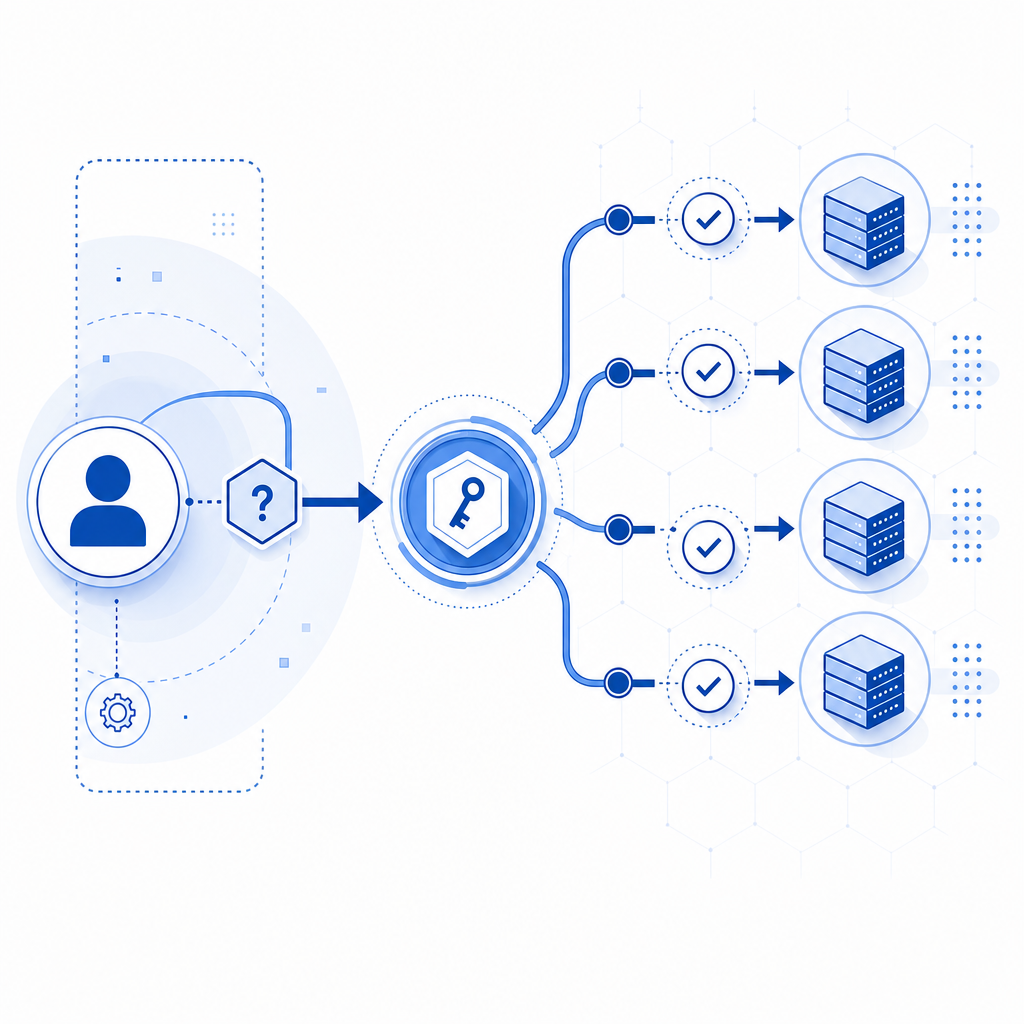
At a high level, CAPTCHA systems work as a gate: the client completes a challenge, receives a pass token, and the server validates that token before allowing access. When you see “captcha failed meaning,” it is not always “the user is a bot.” More often, it means the verification pipeline had a problem somewhere between challenge rendering, token creation, transmission, and server-side validation.
That distinction matters because the right fix depends on where the failure happened. A failed CAPTCHA on the frontend might be caused by missing scripts or blocked third-party resources. A failed CAPTCHA on the backend might come from an invalid secret, expired token, or a mismatch between the client IP and the submitted validation payload.
Common failure points include:
- The challenge was not fully loaded because the loader script was blocked.
- The user completed the challenge, but the pass token expired before submission.
- The server rejected the validation request because credentials were wrong.
- The request was replayed, malformed, or missing required fields.
- Network or browser privacy settings interfered with the challenge flow.
The most common technical causes
If you are debugging this from a product or engineering perspective, the fastest way to think about it is to trace the full verification path. The challenge itself is only one part of the system.
1) Loader or script loading problems
If the CAPTCHA loader never initializes, the user may see a failure before they even interact with the challenge. This can happen when a content blocker, CSP rule, ad blocker, or a network outage prevents the loader from loading. For example, a client-side integration might depend on a script like:
<!-- Load the CAPTCHA client loader -->
<script src="https://cdn.captcha-cdn.net/captchala-loader.js"></script>
If that file is blocked, the UI may never appear or the widget may not be able to obtain a pass token.
2) Token validation failures
On the backend, validation is where many “captcha failed” issues become visible. A typical validation endpoint expects a pass_token plus metadata such as client_ip, and the server authenticates the request with headers like X-App-Key and X-App-Secret.
For CaptchaLa, validation is done with:
POST https://apiv1.captcha.la/v1/validate- Body:
{ pass_token, client_ip } - Headers:
X-App-KeyandX-App-Secret
If the token is expired, tampered with, reused, or never generated correctly, the validation call will fail. If the IP address sent to the server does not match the one associated with the session, that can also trigger rejection depending on your policy.
3) Challenge issuance mistakes
Some applications use a server token step before rendering a challenge. If the issuance request fails, the user may never get a valid challenge to begin with. In CaptchaLa’s flow, that issue may involve:
POST https://apiv1.captcha.la/v1/server/challenge/issue
If your backend cannot securely mint the challenge token, the front end has nothing reliable to validate later.
4) Browser and network conditions
Modern browsers are increasingly protective of privacy, which is good for users but occasionally awkward for security flows. A strict tracking-prevention mode, disabled cookies, cross-origin restrictions, or aggressive caching can interfere with stateful challenge systems. Mobile networks can also introduce timeouts that make a token expire before it reaches the server.
How to debug a failed CAPTCHA without weakening security
The goal is not to make CAPTCHA easier to bypass; it is to make legitimate users fail less often while keeping your protections intact. A good debugging plan focuses on instrumentation, timeouts, and clear separation between client and server responsibilities.
Here is a practical checklist:
- Confirm the loader script is reachable from the user’s browser.
- Check that the challenge renders consistently across browsers and devices.
- Log the moment a pass token is generated.
- Compare token age against your server validation time.
- Verify that backend credentials are correct and environment-specific.
- Inspect whether
client_ipis being passed in a consistent format. - Review CSP, proxy, and CDN rules for blocked requests.
- Retry validation once only if the token model supports a single short retry window.
A simple server-side validation sketch might look like this:
// Receive the pass token from the client
// Send it to the validation endpoint
// Reject the request if validation fails

async function validateCaptcha(passToken, clientIp) {
  const response = await fetch("https://apiv1.captcha.la/v1/validate", {
    method: "POST",
    headers: {
      "Content-Type": "application/json",
      "X-App-Key": process.env.APP_KEY,
      "X-App-Secret": process.env.APP_SECRET
    },
    body: JSON.stringify({
      pass_token: passToken,
      client_ip: clientIp
    })
  });

  return response.ok;
}
If you are using CaptchaLa, the docs are a useful place to verify the exact request shape for your stack: docs. The main point is to keep the client responsible for interaction and the server responsible for trust decisions.
Comparing likely causes across CAPTCHA providers
Different providers tend to fail in similar broad categories, but integration details vary. Whether you use reCAPTCHA, hCaptcha, Cloudflare Turnstile, or CaptchaLa, the failure usually falls into one of these buckets: rendering, token generation, network delivery, or server validation.
| Failure area | What it looks like | Typical root cause |
|---|---|---|
| Render/load | Widget never appears | Script blocked, CSP issue, network outage |
| User completion | User cannot finish challenge | Browser incompatibility, accessibility friction, timeout |
| Token handoff | Client gets a token but backend rejects it | Expired token, replay, malformed payload |
| Server validation | API responds invalid/unauthorized | Wrong secret, wrong endpoint, bad headers |
| Environment mismatch | Works in dev, fails in prod | Domain settings, proxy headers, IP handling |
Some teams choose reCAPTCHA because it is familiar; others prefer hCaptcha for different policy or operational reasons; Cloudflare Turnstile is often discussed when people want a less intrusive UX. The specific “captcha failed meaning” stays similar across them: the system could not confidently validate the interaction.
CaptchaLa follows the same general trust model, with support for web and mobile native SDKs across JS, Vue, React, iOS, Android, Flutter, and Electron, plus server SDKs like captchala-php and captchala-go. It also supports eight UI languages, which can reduce user-side confusion when a challenge needs to be completed.
Preventing false failures in production
False failures are painful because they block real users while still letting attackers try again. The best prevention strategy is to make the challenge resilient and observable.
A few concrete practices help a lot:
- Set token lifetimes that are short enough to be safe, but long enough for mobile and slow connections.
- Keep challenge rendering close to the user, but validate only on trusted servers.
- Use first-party data only, so your integration stays simpler and less exposed to third-party dependency issues.
- Monitor failure rates by browser, country, device class, and endpoint.
- Make sure error messages distinguish between “challenge not loaded,” “verification expired,” and “verification rejected.”
If your traffic volume is growing, it can also help to map plan sizing to real usage patterns. CaptchaLa’s published tiers include a free tier at 1,000/month, Pro at 50K–200K, and Business at 1M, which makes it easier to match expected request volume to operational needs without overengineering the first rollout. You can review pricing when you need to estimate load and failure impact together.
A simple way to interpret “captcha failed meaning”
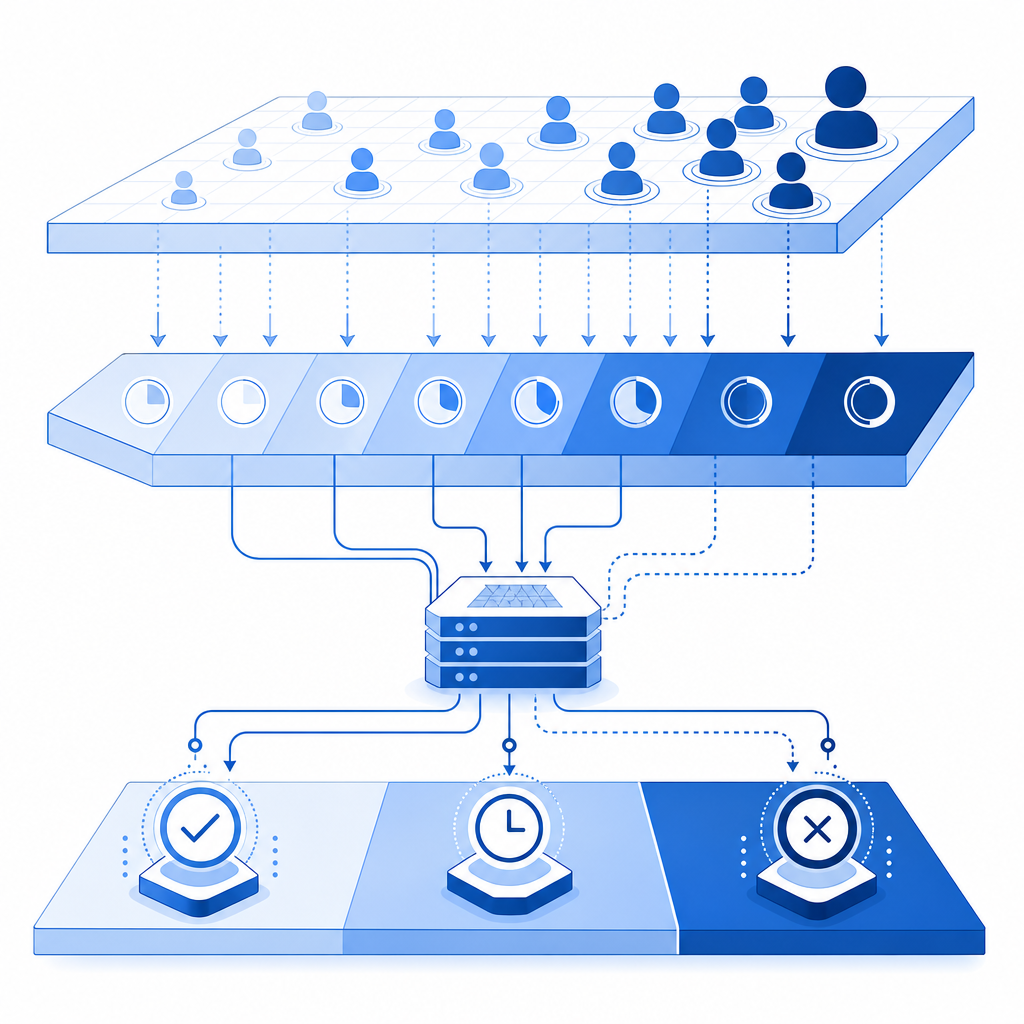
When a user sees “captcha failed,” interpret it as “the trust check did not complete successfully,” not automatically “the user is malicious.” That framing leads to better fixes: confirm the loader, inspect token timing, validate server credentials, and verify the request path end to end.
If you want a cleaner implementation path, start with the docs, test the validation endpoint in a staging environment, and compare failure rates across browsers before changing challenge difficulty.
Where to go next: review the implementation details in the docs or check pricing if you are planning traffic growth.