
A captcha error usually means the browser, frontend script, or validation step failed to complete the challenge flow cleanly. In practice, that can look like a missing widget, a token that never validates, a timeout, a blocked script, or a server-side mismatch between what the client sent and what your backend expected. The good news: most captcha error cases are diagnosable, and the fix is usually more about integration hygiene than brute force troubleshooting.
For teams shipping signups, logins, checkouts, or forms, the important question is not just “why did the captcha error happen?” but “where in the flow did it fail, and what can we do so users never notice?” That’s the right framing whether you use CaptchaLa, reCAPTCHA, hCaptcha, or Cloudflare Turnstile.
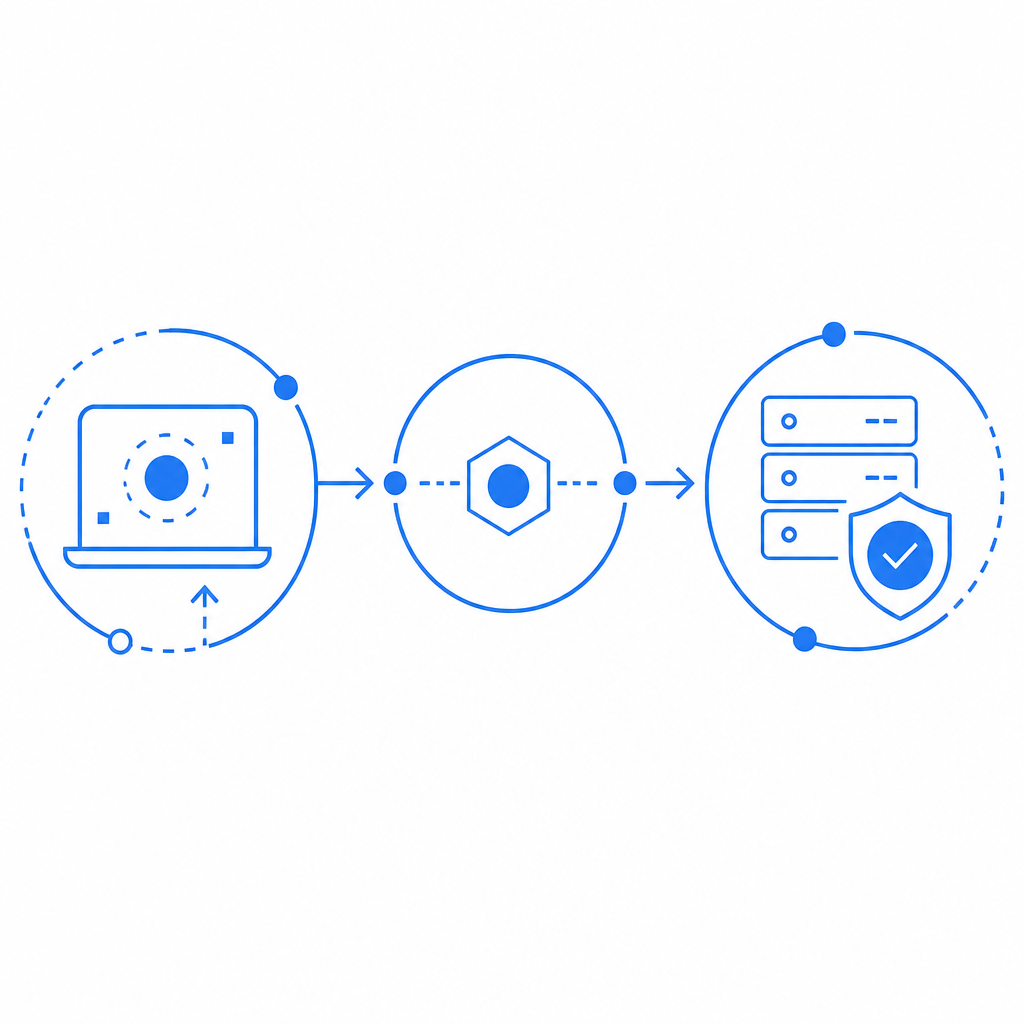
What a captcha error usually means
A captcha error is not one single issue. It’s a bucket of failures that happen across four layers:
- Script delivery — the loader did not load, was blocked, or loaded too late.
- Challenge rendering — the widget did not mount or was initialized with bad configuration.
- Token generation — the user completed the challenge, but no usable pass token was produced.
- Server validation — the backend rejected the token, secret, IP, or request shape.
The most common mistake is to treat all of these as “captcha is broken.” That leads to bad fixes like reloading the page repeatedly or removing the captcha entirely. A better approach is to identify which layer failed and instrument each step separately.
If you use CaptchaLa, the intended flow is straightforward: the browser loads the client script from https://cdn.captcha-cdn.net/captchala-loader.js, the client obtains a pass token, and your server validates it by POSTing to https://apiv1.captcha.la/v1/validate with {pass_token, client_ip} plus X-App-Key and X-App-Secret. When that sequence breaks, the failure point is usually obvious once you log it.
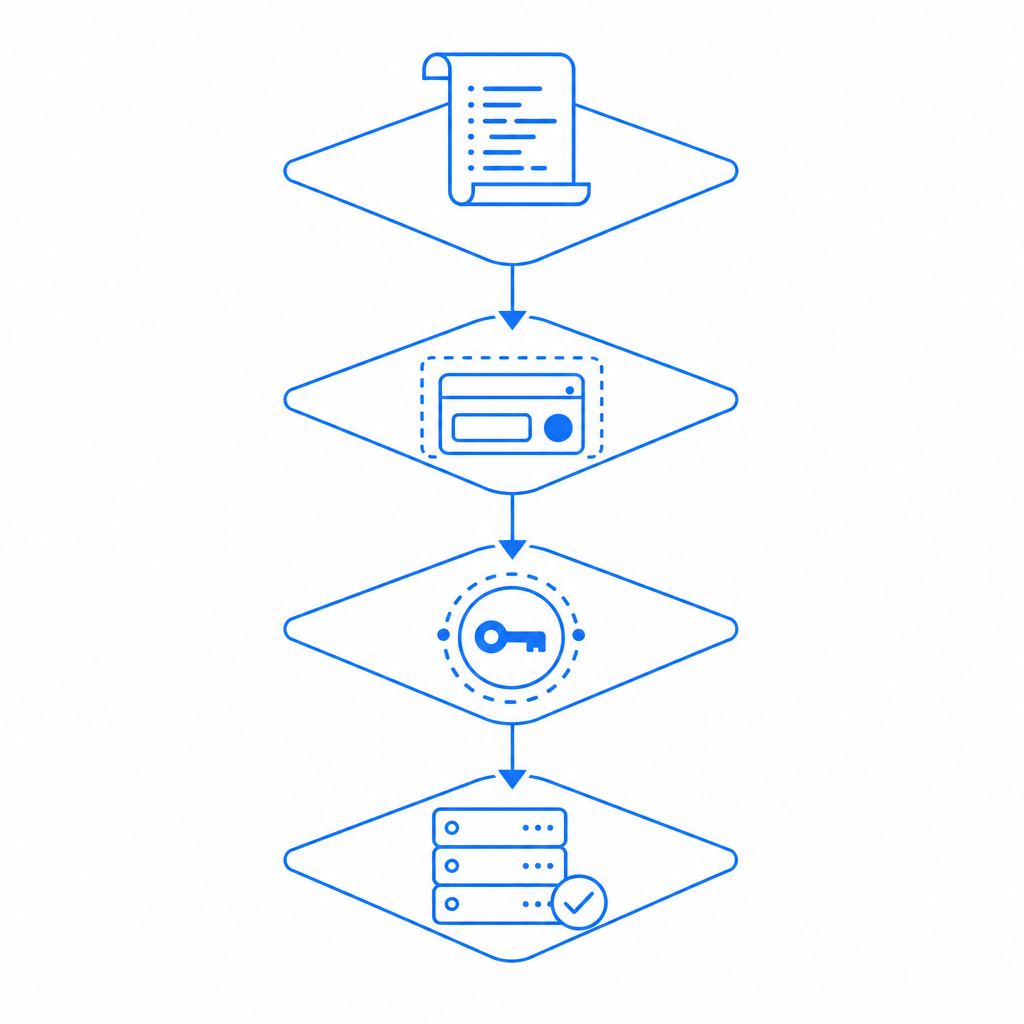
The most common causes, from front end to backend
1) The script never loaded
This is the boring one, but it accounts for a lot of captcha error reports. Causes include:
- Ad blockers or privacy tools blocking the loader
- CSP rules that omit the captcha script host
- DNS, CDN, or network failures
- A race condition where the form submits before the widget initializes
If the challenge depends on a JavaScript loader, make sure you have explicit error handling around script load completion. Don’t assume the page is ready just because the DOM rendered.
2) The widget rendered, but the token was missing or expired
Tokens can disappear if the user waits too long, navigates away, or submits from multiple tabs. On mobile, app backgrounding can also interrupt the flow. A captcha error here often appears as “invalid token,” “expired token,” or simply a silent server rejection.
Defensive fix:
- Tie token generation to the actual submit action
- Enforce short-lived token use
- Reset the challenge after a failed submission
- Show a clear retry path instead of blank failure
3) Your backend validation is inconsistent
This is where many integrations go sideways. The frontend may be fine, but the backend sends the wrong client IP, uses stale secrets, or validates against the wrong endpoint. With CaptchaLa, the validation request should be a server-side POST to https://apiv1.captcha.la/v1/validate. If your service is proxying requests, make sure the client_ip you provide is the real end-user IP, not your internal proxy IP.
A useful mental model: a token is proof of a completed challenge, not proof that your server configured the handshake correctly. If the secret is wrong, the endpoint is wrong, or the token is reused, the backend should reject it.
4) Browser privacy and network controls interfered
Modern browsers and enterprise environments can interfere with captcha delivery in subtle ways. Common triggers:
- Third-party script restrictions
- Tracking protection rules
- Corporate firewalls
- Mixed-content errors on insecure pages
- Service worker caching mistakes
This is where first-party data and clean asset hosting matter. CaptchaLa is designed to keep the integration focused on first-party data only, which helps reduce dependency on messy cross-domain behavior.
How to debug a captcha error systematically
The fastest way to fix a captcha error is to stop guessing. Use a checklist and verify each stage independently.
Confirm script load
- Check the network panel for
captchala-loader.js - Verify CSP allows the required script host
- Make sure the page does not lazy-load the script too late
- Check the network panel for
Confirm challenge initialization
- Verify the widget mounts in the expected container
- Ensure the site key or equivalent frontend config is correct
- Check for JavaScript exceptions before render
Confirm token creation
- Inspect whether the client receives a pass token
- Validate that the token is attached to the form submission
- Ensure token lifetime matches your submit flow
Confirm server verification
- Send the validation request server-side only
- Include
X-App-KeyandX-App-Secret - Pass the real
client_ip - Log upstream status codes and response bodies
Confirm the user experience
- Show a retry button
- Preserve form field values
- Avoid resetting the entire page on one captcha failure
Here’s a minimal server-side shape for a validation request:
# Send the token to your backend, not directly from the browser
curl -X POST https://apiv1.captcha.la/v1/validate \
  -H "Content-Type: application/json" \
  -H "X-App-Key: YOUR_APP_KEY" \
  -H "X-App-Secret: YOUR_APP_SECRET" \
  -d '{
    "pass_token": "TOKEN_FROM_CLIENT",
    "client_ip": "203.0.113.10"
  }'
That example is intentionally simple. In production, you should log validation failures with enough metadata to distinguish network issues from policy rejections, while still avoiding sensitive data leakage.
Comparing common CAPTCHA options when errors matter
Different providers fail in different ways, and that matters when you’re designing retries and fallback UX. Here’s a practical comparison from a defender’s perspective:
| Provider | Typical integration pattern | Common failure mode | Notes |
|---|---|---|---|
| reCAPTCHA | Script + challenge + token validation | Script blocking or token friction | Widely used, but privacy and UX concerns can appear in some environments |
| hCaptcha | Similar browser challenge model | Challenge completion delays | Often chosen as an alternative when teams want a different trust relationship |
| Cloudflare Turnstile | Lightweight browser verification | Network or embed configuration issues | Often less visible to users, but still needs correct setup |
| CaptchaLa | Loader + pass token + server validation | Validation mismatch or client script blocking | SDKs span web, mobile, and desktop use cases |
No provider is immune to a captcha error. The real question is how predictable the failure mode is, and whether your team can observe it quickly. That’s why SDK coverage matters. CaptchaLa supports native SDKs for Web (JS, Vue, React), iOS, Android, Flutter, and Electron, plus server SDKs like captchala-php and captchala-go. If your app spans web and mobile, a consistent validation model can reduce debugging time.
For mobile and cross-platform apps, package support can also prevent mismatched integrations. Current published packages include Maven la.captcha:captchala:1.0.2, CocoaPods Captchala 1.0.2, and pub.dev captchala 1.3.2. That consistency helps teams avoid the “web works, app fails” version of captcha error.
Preventing repeat failures without adding friction
The best captcha flow is the one users barely notice, but your logs fully explain. To get there, focus on prevention:
- Bind the challenge to the actual submit event, not page load
- Expire tokens quickly so replay attempts fail cleanly
- Validate server-side only, never from browser code
- Log error codes and timing at each step
- Keep the retry path visible and preserve form state
- Test behind VPNs, ad blockers, and corporate filters
- Use environment-specific keys so staging doesn’t mimic production incorrectly
If you’re comparing plans, it’s also worth checking whether your usage pattern matches your traffic volume. CaptchaLa’s documented tiers include a free tier for 1,000 monthly checks, Pro for 50K–200K, and Business for 1M. The right plan is less about features hype and more about operational fit.
In some teams, the biggest win is simply moving the captcha validation concern into a clearly owned backend module. That makes it easier to audit, easier to retry safely, and much easier to distinguish a real abuse event from a captcha error caused by a bad deploy.
Where to go next: if you want the implementation details, start with the docs. If you’re sizing traffic or planning rollout, review pricing.