
If you’re searching for “anti captcha com api,” you’re usually trying to solve one of two problems: stopping automated abuse on your own product, or understanding how CAPTCHA APIs work so you can integrate them cleanly. From a defender’s perspective, the right answer is not a bypass tool; it’s a verification API that checks whether a challenge was completed legitimately and returns a decision your backend can trust.
For teams evaluating options, the important questions are straightforward: how does the client challenge load, what does the server validate, how many platforms are supported, and how much integration friction will your engineers tolerate? That’s the lens we’ll use here.

What an anti captcha com api should actually do
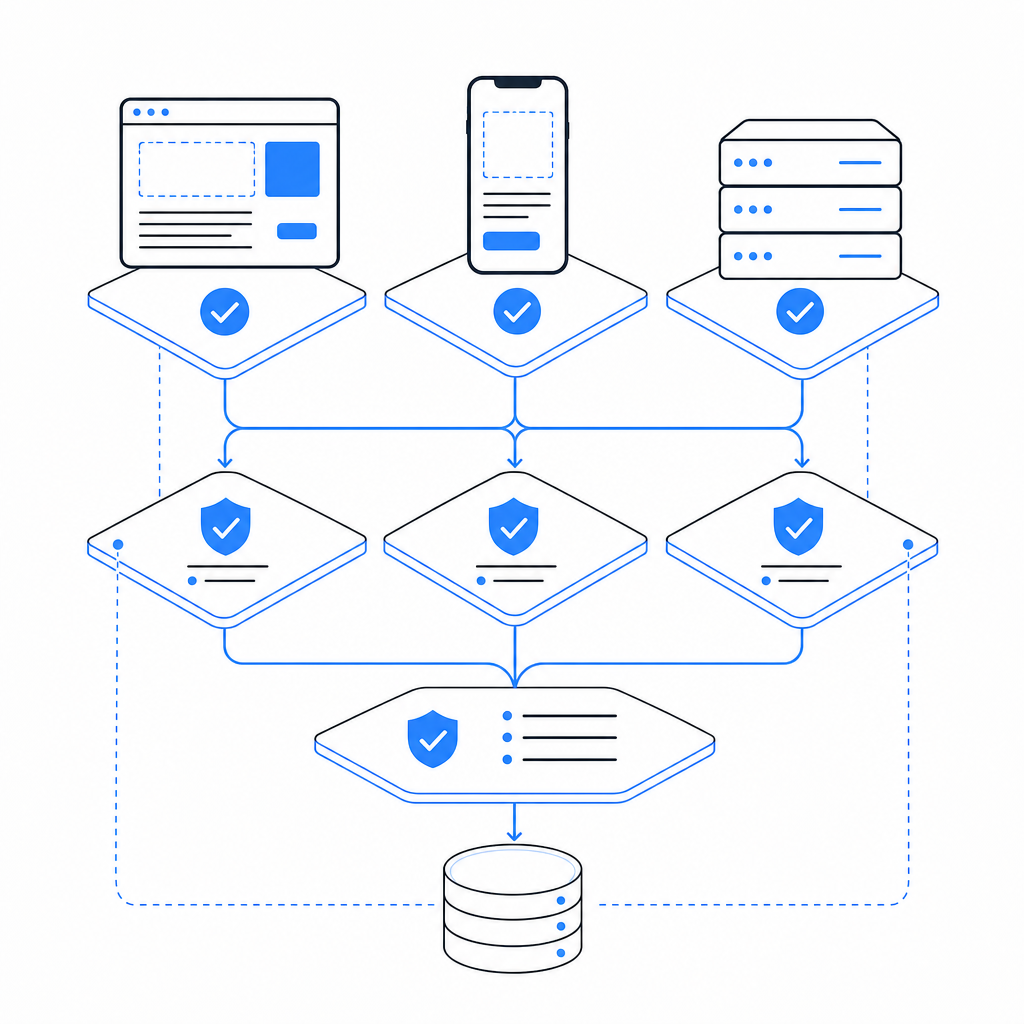
A legitimate CAPTCHA or bot-defense API should help you confirm that a real user interaction happened and that the result can be trusted by your backend. At minimum, that means:
- Presenting a challenge or risk check on the client.
- Producing a short-lived token or proof after completion.
- Validating that proof server-side with request context.
- Returning a clear allow/deny decision for your application.
The key word is server-side validation. Client-side checks alone are easy to imitate or replay. A proper API gives you a verification endpoint and a secret key flow so the decision is made on your infrastructure, not the browser.
With CaptchaLa, the pattern is simple: load the client script, collect the pass token, and validate it on your server with your app credentials. The service supports 8 UI languages and native SDKs for Web (JS, Vue, React), iOS, Android, Flutter, and Electron, which matters if your product spans more than one platform.
Typical integration surface
You’ll generally see three touchpoints:
- Client loader: injects the challenge widget or interactive flow.
- Token handoff: your front end receives a pass token after completion.
- Backend validation: your server posts the token to a validation endpoint.
CaptchaLa’s loader is served from:
https://cdn.captcha-cdn.net/captchala-loader.jsOn the server side, validation uses:
POST https://apiv1.captcha.la/v1/validatewith a body that includes:
{
  "pass_token": "token-from-client",
  "client_ip": "203.0.113.10"
}
and authentication headers:
X-App-Key
X-App-Secret
That structure is what you want from any anti captcha com api: a clean proof exchange, minimal data exposure, and a deterministic backend result.
Comparing common CAPTCHA and bot-defense options
Different products solve the same broad problem in different ways. If you’re choosing a vendor or revisiting an existing integration, compare the operational fit, not just the brand name.
| Option | Primary model | Strengths | Tradeoffs |
|---|---|---|---|
| reCAPTCHA | Risk scoring + challenge | Familiar, widely documented, easy to recognize | Can feel opaque; tuning and privacy concerns vary by deployment |
| hCaptcha | Challenge + verification | Strong anti-abuse focus, familiar integration pattern | UX can be heavier in some flows |
| Cloudflare Turnstile | Managed bot check | Low-friction user experience, simple embed for many sites | Best fit when you already use Cloudflare’s ecosystem |
| CaptchaLa | CAPTCHA / bot-defense API | Multi-platform SDKs, validation endpoint, first-party data only | Requires backend integration like any verification-based system |
The comparison is less about “which one wins” and more about what your team values:
- If you want a conventional verification flow, all of these can work.
- If you want broader platform coverage, SDK availability becomes important.
- If you’re strict about data handling, look closely at what gets collected and retained.
- If your app has mobile and desktop clients, not just web, SDK depth matters a lot.
CaptchaLa’s published pricing tiers are also useful during evaluation: Free tier at 1,000 monthly requests, Pro at 50K–200K, and Business at 1M. That makes it easier to test in staging and then scale without redesigning the integration.
How the validation flow works in practice
A good anti captcha com api should be boring in production. “Boring” here means predictable, auditable, and easy to retry when needed.
Here’s a practical flow:
- Render the loader on the client.
- Challenge the user only when risk or policy requires it.
- Receive a pass token after successful completion.
- Send the token to your backend along with request metadata.
- Validate on the server using your app key and secret.
- Gate the protected action based on the validation response.
For example, a backend service might look like this conceptually:
// English comments only
async function verifyCaptcha(passToken, clientIp) {
  const response = await fetch("https://apiv1.captcha.la/v1/validate", {
    method: "POST",
    headers: {
      "Content-Type": "application/json",
      "X-App-Key": process.env.CAPTCHALA_APP_KEY,
      "X-App-Secret": process.env.CAPTCHALA_APP_SECRET
    },
    body: JSON.stringify({
      pass_token: passToken,
      client_ip: clientIp
    })
  });

  if (!response.ok) {
    return { allowed: false };
  }

  const result = await response.json();
  return {
    allowed: result.valid === true
  };
}
That pattern is common across verification-based systems because it keeps trust boundaries where they belong. Your browser gets a challenge; your server makes the decision.
If you’re building server-to-server issuance as part of a protected workflow, CaptchaLa also exposes a server-token endpoint:
POST https://apiv1.captcha.la/v1/server/challenge/issueThat can be useful when the challenge lifecycle is initiated from trusted infrastructure rather than directly from the browser.
Platform support that reduces rework
One reason teams revisit their CAPTCHA setup is platform sprawl. A web-only integration often becomes a maintenance headache when mobile or desktop apps need the same anti-abuse policy. CaptchaLa’s SDK coverage can help here:
- Web: JS, Vue, React
- iOS: CocoaPods
Captchala 1.0.2 - Android: Maven
la.captcha:captchala:1.0.2 - Flutter: pub.dev
captchala 1.3.2 - Electron: native support for desktop apps
- Server SDKs:
captchala-php,captchala-go
That breadth matters if you want consistent enforcement across signup, login, password reset, checkout, or account recovery. It also keeps your policy logic from fragmenting by platform.
What to ask before you integrate any API
Before you ship an anti-abuse check into production, ask these questions:
Where is the trust boundary?
The answer should be your server, not the browser.What data is required?
Prefer first-party data only when possible, especially for privacy-sensitive products.How are failures handled?
Decide whether a failed validation blocks the action, retries, or falls back to a lower-trust path.Is there a test path?
You need staging and QA workflows that do not pollute production telemetry.Can it scale with usage?
A free tier is great for experiments, but your actual traffic profile may land in Pro or Business territory quickly.Does it fit your product stack?
SDK coverage can save far more engineering time than a slightly lower per-request cost.
A small but important implementation detail: pass the client_ip when validating if your backend has a reliable view of it. That can improve signal quality and makes the validation request more context-aware.
Choosing the right posture
For most teams, the practical question is not whether CAPTCHAs are “good” or “bad.” It’s whether your anti-abuse control is easy for humans, hard for automation, and simple for your team to maintain.
reCAPTCHA, hCaptcha, and Cloudflare Turnstile all have their place. So does CaptchaLa if you want a verification API with broad SDK support, explicit validation endpoints, and first-party data handling. If you’re standardizing bot defense across multiple apps, that combination can reduce friction without changing your overall security posture.
For teams comparing options right now, the healthiest approach is to prototype the client flow, wire up backend validation, and measure how often real users get challenged versus how much abuse gets blocked. That gives you a real decision, not a guess.
Where to go next: review the implementation details in the docs or compare usage tiers on the pricing page.