
A CAPTCHA error meaning typically refers to a failure during the verification process designed to distinguish human users from bots. When users encounter a CAPTCHA error, it signals that their input was rejected or not validated correctly by the CAPTCHA system, potentially due to incorrect responses, technical glitches, or environmental factors such as browser settings or connectivity issues. Understanding these errors helps improve user experience and strengthens bot defense mechanisms.
What Does a CAPTCHA Error Mean?
At its core, a CAPTCHA error indicates that the challenge failed to meet the criteria set by the verification system. This might occur because:
- The user incorrectly solved the CAPTCHA challenge (e.g., misentered text, failed image puzzle).
- The CAPTCHA system detected suspicious behavior or bot-like activity.
- There was a technical problem during validation between the client and server.
- Network latency or browser security settings blocked the request or response.
Errors are a signal for either the user to retry the verification or for the site administrator to investigate underlying configuration or integration issues. CAPTCHA solutions like CaptchaLa provide detailed server responses that help pinpoint specific error causes, making troubleshooting more straightforward.
Common Types of CAPTCHA Errors
Many CAPTCHA implementations generate specific error codes or messages. Here are typical error types and their meaning:
| Error Type | Meaning | Possible Causes |
|---|---|---|
| Incorrect Input | The user’s response did not match the expected answer. | User input mistakes, difficulty of challenge |
| Timeout Error | The CAPTCHA session expired before completion. | User took too long to respond, session token expired |
| Network/Validation Fail | The client's response could not be validated by the server. | Network issues, misconfigured API keys, server downtime |
| Repeated Attempts Blocked | Multiple failed attempts triggered anti-bot blocks. | Suspicious behavior, possible automated bot traffic |
| Token Reuse/Invalid Token | The token submitted has already been used or is malformed. | Incorrect integration, replay attacks prevented |
This classification helps developers and site owners understand whether the issue is user-related or system-related, allowing better response strategies.
Key Technical Reasons Behind CAPTCHA Errors
1. User Input and Interaction Challenges
CAPTCHA challenges can sometimes confuse users — distorted text, ambiguous images, or overly complex puzzles lead to higher failure rates. Accessibility can also play a role; while CaptchaLa supports 8 UI languages and various platforms (Web JS/Vue/React, iOS, Android, Flutter), users may still struggle if instructions aren’t clear.
2. API Integration and Server Communication
The actual verification requires a backend call to the CAPTCHA provider’s server endpoint, such as CaptchaLa’s POST https://apiv1.captcha.la/v1/validate with pass_token and client_ip. If API keys or secrets are invalid or missing, or if network issues disrupt communication, validation will fail.
3. Security and Bot-Detection Policies
Advanced CAPTCHA providers (including reCAPTCHA, hCaptcha, Cloudflare Turnstile) monitor behavior patterns and risk signals. When suspicious activities are detected, they may intentionally reject validation attempts to deter automated abuse, resulting in CAPTCHA errors for users who unknowingly trigger these safeguards.
Best Practices to Reduce and Handle CAPTCHA Errors
1. Implement Clear and Friendly User Prompts
Minimize user confusion by providing concise challenge instructions. Accessibility and multilanguage support, like those offered by CaptchaLa, enhance user comprehension.
2. Validate Server-Side with Proper API Usage
Ensure correct integration by following provider-specific documentation. For example, CaptchaLa offers extensive docs explaining server SDK usage (captchala-php, captchala-go) and token validation methods.
3. Use Retry and Fallback Mechanisms
Allow users to retry if they fail a CAPTCHA challenge without blocking them immediately. Rate limiting and retry logic help distinguish genuine users from bots.
4. Monitor and Analyze Error Logs
Log CAPTCHA errors centrally to detect unusual spikes or patterns signaling either abuse attempts or technical misconfigurations.
5. Choose the Right CAPTCHA Solution for Your Needs
Different providers balance user friction and security differently. For instance, Google reCAPTCHA offers widespread usage but may be heavier on intrusive challenges, while Cloudflare Turnstile focuses on invisible challenges with low friction. CaptchaLa aims to provide a balanced approach with native SDKs for many platforms and configurable settings.
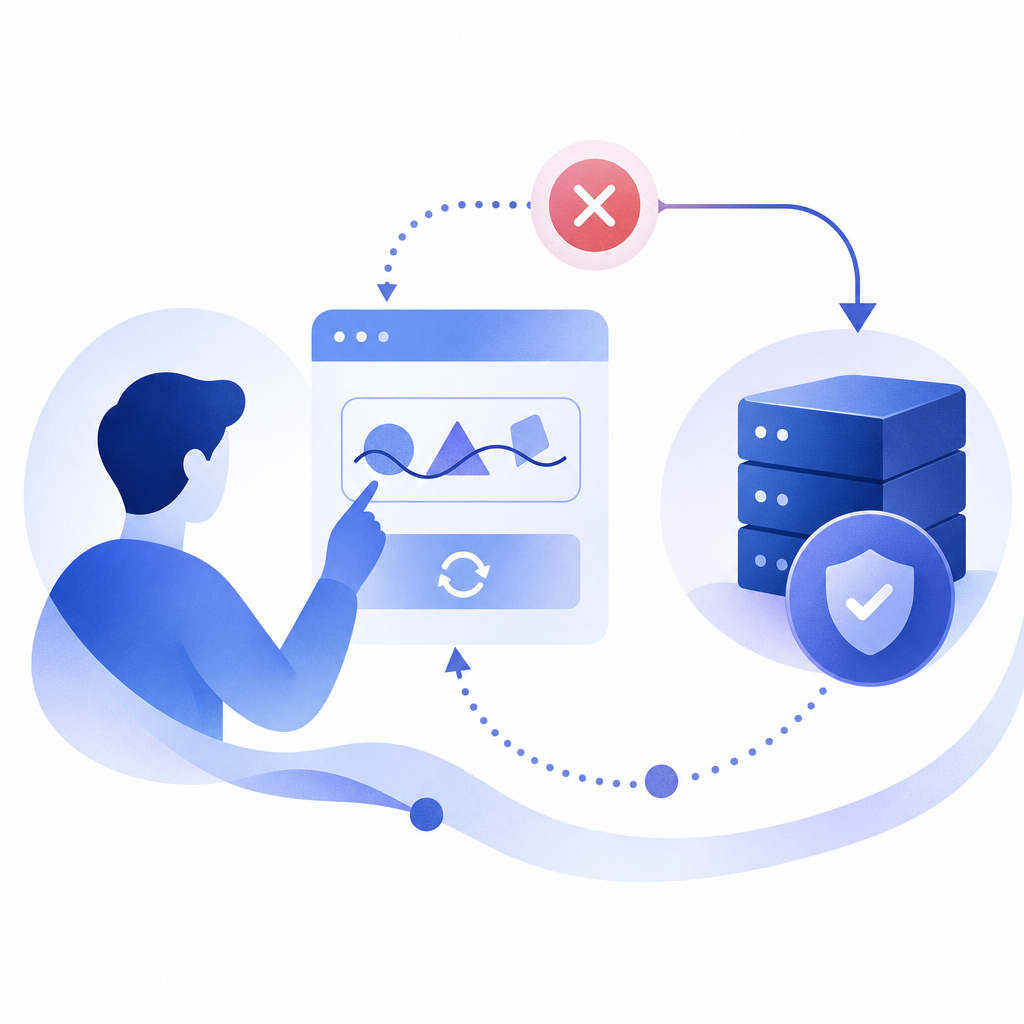
Comparison of Popular CAPTCHA Providers’ Error Handling Features
| Feature | CaptchaLa | reCAPTCHA | hCaptcha | Cloudflare Turnstile |
|---|---|---|---|---|
| Error Code Granularity | Detailed server responses | Basic error messages | Moderate error details | Minimal error exposure |
| Multilingual UI Support | 8 UI languages | 10+ languages | Multiple languages | Few languages |
| SDK Availability | Web, iOS, Android, Flutter, Electron | Web, iOS, Android | Web, iOS, Android | Web-centric only |
| Free Tier Limit | 1000/mo (free), scalable tiers | Free tier with limits | Free tier with limits | Free, designed for scale |
| Support for Customization | High (customizable challenges & APIs) | Moderate (mostly branding) | Moderate | Low |
This table summarizes different CAPTCHA providers’ approaches to error handling and integration flexibility, helping developers choose what fits their user base and security needs.

Diagnosing and Debugging CAPTCHA Errors with CaptchaLa
To effectively diagnose errors with CaptchaLa, developers should:
- Capture the exact error response from the validation endpoint.
- Check API keys and secrets to ensure they are correct.
- Confirm that
pass_tokenand client IP are sent correctly. - Review user behavior logs to rule out bot-like activity triggering blocks.
- Test on different browsers and networks to exclude connectivity issues.
Sample server validation request with CaptchaLa:
// Example: Node.js server-side validation with CaptchaLa
const axios = require('axios');

async function verifyCaptcha(passToken, clientIp) {
  try {
    const response = await axios.post('https://apiv1.captcha.la/v1/validate', {
      pass_token: passToken,
      client_ip: clientIp
    }, {
      headers: {
        'X-App-Key': process.env.CAPTCHA_APP_KEY,
        'X-App-Secret': process.env.CAPTCHA_APP_SECRET
      }
    });
    return response.data.success; // true or false
  } catch (error) {
    console.error('CAPTCHA validation error:', error.message);
    return false;
  }
}
Following this integration pattern reduces the risk of misconfiguration and unexpected errors in production.
CAPTCHA errors signal important feedback in the bot defense process, and understanding their meaning helps improve both usability and security. Leveraging detailed documentation and SDKs from providers like CaptchaLa facilitates smoother setup and diagnostics. For site owners and developers interested in exploring deeper, check out our pricing and docs to get started with flexible, developer-friendly CAPTCHA solutions.