
An anti captcha API key is a unique identifier provided by CAPTCHA service providers that allows your application to securely communicate with their API for bot detection and verification purposes. It acts like a digital handshake, authorizing requests to challenge suspicious users, validate their responses, and prevent malicious bots from abusing your site or service. Without properly managing an anti captcha API key, your bot protection measures remain incomplete and vulnerable.
If you want to integrate CAPTCHA-based bot defense into your websites or apps, understanding how this key works and how to use it effectively is essential. This article explains the role of the anti captcha API key, best practices for using it, comparisons between popular services, and how CaptchaLa fits into that ecosystem as a flexible option.
What Is an Anti Captcha API Key and Why Is It Important?
An anti captcha API key is a secure token issued when you register with a CAPTCHA provider such as CaptchaLa, reCAPTCHA by Google, hCaptcha, or Cloudflare Turnstile. This key enables your application backend to access the provider’s verification API endpoints, allowing you to:
- Request challenges or tokens for users to solve
- Send user responses for validation
- Monitor usage and control quotas
- Track security analytics and logs
Each request sent to the CAPTCHA API must include your unique API key (sometimes accompanied by a secret key) to authenticate and associate that request with your account. This two-part authentication prevents abuse of the API and helps providers enforce usage limits.
For example, with CaptchaLa, API calls require headers like X-App-Key and X-App-Secret alongside request data to validate tokens. This ensures only authorized clients leverage the bot protection services.
Failing to secure your anti captcha API key can lead to unauthorized use, wasted quota, or compromised bot defenses. Therefore, keys should be stored securely on the server side and never exposed in client-facing code.
How to Use an Anti Captcha API Key: Step-by-Step Overview
Integrating a CAPTCHA provider typically involves the following technical steps:
Obtain Your API Key
Register on the CAPTCHA provider’s platform (e.g., CaptchaLa signup) and generate your API key and secret.Load Client-Side CAPTCHA Widget or SDK
Embed the CAPTCHA challenge using the provider’s front-end component. For CaptchaLa, this might involve loading the loader script:html<script src="https://cdn.captcha-cdn.net/captchala-loader.js"></script>The widget displays a verification challenge to the user (image recognition, checkbox, invisible, etc.).
Collect User Response Tokens
Upon user interaction, the CAPTCHA widget returns a token representing the user's completed challenge.Server-Side Validation using the API Key
Send a POST request to the CAPTCHA provider with the received token, client IP, and include your API key in HTTP headers to verify legitimacy:httpPOST https://apiv1.captcha.la/v1/validate Headers: X-App-Key: your_api_key X-App-Secret: your_api_secret Body: { "pass_token": "user_response_token", "client_ip": "user_ip_address" }The server responds with whether the token is valid, confirming a human user or suspicious activity.
Implement Logical Access Controls
Use response results to allow, challenge further, or block requests automatically.
This secure server-side validation using your anti captcha API key closes the loop on verifying clients while protecting your API credentials from exposure.
Comparing Popular Anti Captcha API Solutions
| Feature | CaptchaLa | reCAPTCHA (Google) | hCaptcha | Cloudflare Turnstile |
|---|---|---|---|---|
| API Key & Secret Model | Yes (X-App-Key & X-App-Secret) | Site Key & Secret Key | Site Key & Secret Key | Site Key & Secret Key |
| Captcha Types | Image/challenge, invisible, checkbox | Checkbox, invisible, v3 scoring | Image recognition, checkbox | Invisible, non-interactive |
| SDKs & Languages | JS, Vue, React, iOS, Android, Flutter, Electron; PHP, Go backend SDKs | Primarily JS client + server libs | JS client + server libs | JS client + server libs |
| Quotas & Pricing | Free 1,000/mo; Pro 50K-200K; Business 1M | Free tier with usage limits; paid | Free + paid plans | Included with Cloudflare plans |
| First-Party Data Focus | Yes, no third-party cookies | Uses Google’s data ecosystem | Data shared with hCaptcha | Uses Cloudflare network & data |
Choosing the right integration depends on your security needs, privacy preferences, and scalability. CaptchaLa’s API key-based model with native SDKs across multiple platforms offers a strong balance between ease of integration and control over sensitive data.
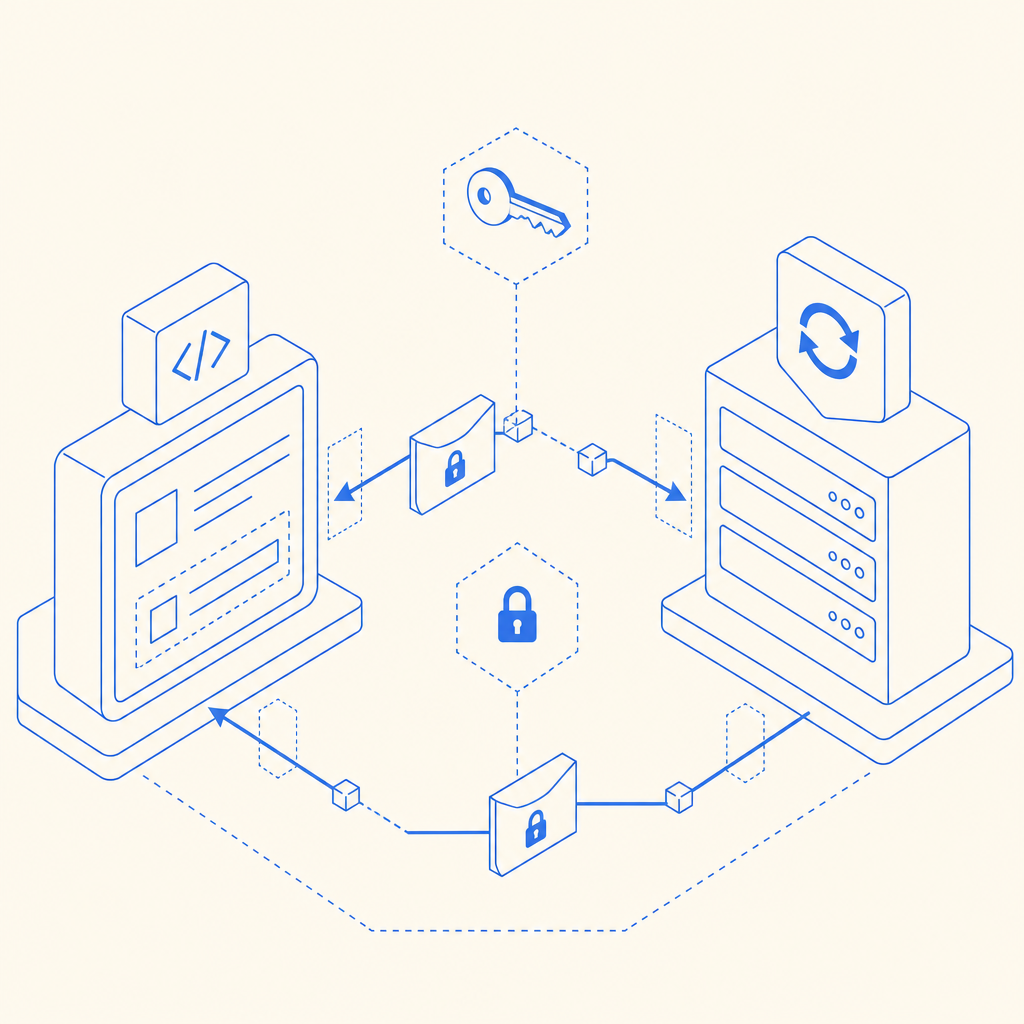
Best Practices for Managing Your Anti Captcha API Key
Proper API key management is critical to maintaining secure and reliable bot defenses:
Keep API Keys Confidential
Never embed your secret key in front-end code. Always perform validation server-side.Use Environment Variables or Secure Vaults
Store keys securely in environment variables or secrets management tools.Rotate Keys Periodically
To minimize risk of misuse, rotate API keys on a regular schedule.Monitor Usage and Alerts
Regularly check usage statistics and set alerts for unusual spikes or failures.Restrict API Access
Where supported, restrict keys by IP addresses, HTTP referrers, or app environments.Handle Errors Gracefully
Implement fallback user flows if CAPTCHA validation cannot be performed (e.g., degraded mode).
Applying these best practices with providers like CaptchaLa ensures your anti captcha API key remains an effective guardrail against automation abuse.
How CaptchaLa Supports Secure and Flexible API Key Usage
CaptchaLa is designed with developer convenience and enterprise-grade security in mind. Some notable features include:
- Multi-language SDKs: Clients can integrate CAPTCHA easily using JavaScript frameworks (React, Vue), mobile SDKs (iOS, Android, Flutter), and backend libraries (PHP, Go).
- Clear API Contract: Validation requests require
X-App-KeyandX-App-Secretheaders alongside a JSON body containing tokens and IPs. - Free and Scalable Pricing: Start with a free tier of 1,000 validations per month, scaling up to over a million validations for business plans.
- First-party Data Privacy: CaptchaLa does not rely on third-party trackers or cookies, supporting privacy-conscious deployments.
These capabilities allow developers to protect applications confidently while tailoring bot defense to their specific needs.
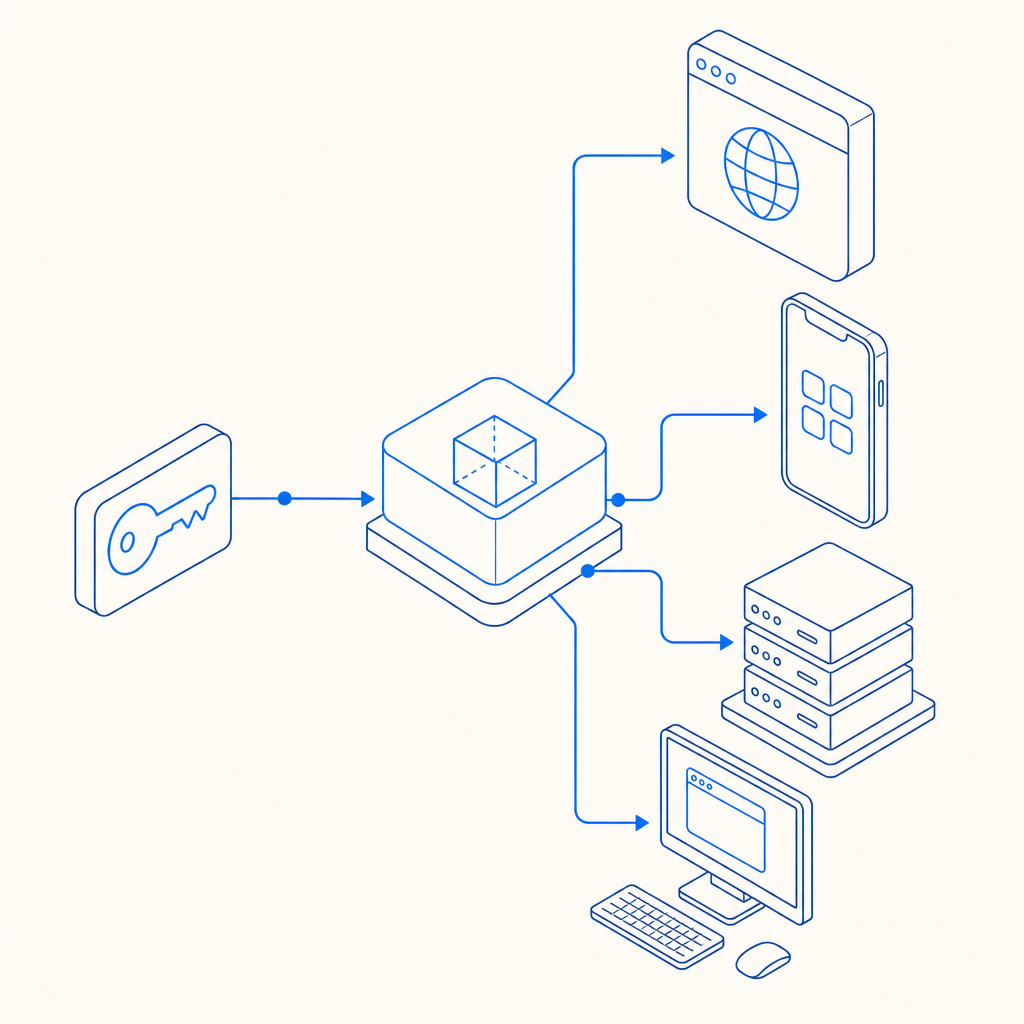
Conclusion: Using Your Anti Captcha API Key Wisely
An anti captcha API key acts as the critical credential unlocking bot protection service APIs and legitimizing your CAPTCHA validations. Properly obtained, securely stored, and strategically used, this key enables you to defend your website or app against increasingly sophisticated automation threats.
Whether you select CaptchaLa with its flexible SDKs, Google’s reCAPTCHA, hCaptcha, or Cloudflare Turnstile, each relies on API key mechanisms to authenticate and protect communication between your system and their services.
Where to go next? Dive deeper into implementation details by visiting the CaptchaLa docs or explore suitable plans on the CaptchaLa pricing page to find your ideal match for bot defense needs.