
Captcha entry is the process where users complete a challenge designed to prove they are human, not automated bots. Whether it’s clicking images, solving puzzles, or typing distorted text, captcha entry serves as a frontline defense against spam, abuse, and fraudulent activity on websites and apps. This quick verification step might seem simple, but behind it lies a sophisticated mechanism balancing security with user experience.
In this post, we’ll break down what captcha entry entails, why it matters, common implementations, and how platforms like CaptchaLa help streamline bot defense while maintaining user engagement.
What Is Captcha Entry and Why Does It Matter?
A CAPTCHA (Completely Automated Public Turing test to tell Computers and Humans Apart) requires users to demonstrate human behavior that bots find difficult to mimic. Captcha entry typically involves:
- Visual challenges (selecting certain images)
- Audio challenges (listening and typing phrases)
- Behavioral analysis (tracking mouse movement and timing)
This process prevents automated scripts from abusing services such as account registrations, comment submissions, or online polls.
The reason captcha entry remains vital is that bots increasingly try to mimic human actions, generating fraudulent traffic or attacks like:
- Credential stuffing
- Spam and fake accounts
- Ticket scalping
- Denial of service attacks
Without captcha entry, websites risk degrading service quality, damaging reputation, and incurring significant costs.
Common Types of Captcha Entry and User Impact
There are multiple captcha entry formats widely used, each with pros and cons for security and user experience.
| Captcha Type | Description | Pros | Cons | Typical Use Cases |
|---|---|---|---|---|
| Text-based Captchas | Distorted letters and numbers typed by users | Easy to implement, familiar to users | Accessibility challenges, can be cracked | Legacy sites, simple forms |
| Image Selection Puzzles | User selects images matching a prompt | More engaging, harder for bots | Frustration for some users, slow | Account signup, comment forms |
| Invisible/Behavioral | No direct action; analyzes mouse/touch patterns | Seamless user experience | False positives, less transparent | Logged-in user verification |
| Audio Captchas | Audio clips users transcribe | Accessibility for visually impaired | Noisy environments hinder use | Accessibility compliance |
Among major providers, Google’s reCAPTCHA is widely recognized, offering a combination of image puzzles and invisible detection. hCaptcha focuses on privacy-conscious users and pays website owners for solving tasks. Cloudflare Turnstile emphasizes a user-first invisible approach without using user data for monetization.
CaptchaLa supports multiple captcha entry types with a focus on privacy, multiple UI languages, and native SDKs for common platforms like Web (JavaScript, Vue, React), iOS, Android, Flutter, and Electron.
How CaptchaLa Supports Efficient Captcha Entry
Implementing captcha entry should not degrade site performance or frustrate users. CaptchaLa provides several features that help developers integrate secure, user-friendly bot defense quickly:
Multi-Platform Native SDKs
- JavaScript loader:
https://cdn.captcha-cdn.net/captchala-loader.js - Server-side validation endpoints for PHP, Go
- Mobile and desktop SDKs (iOS, Android, Flutter, Electron) that ensure native app compatibility
Simple Validation Flow
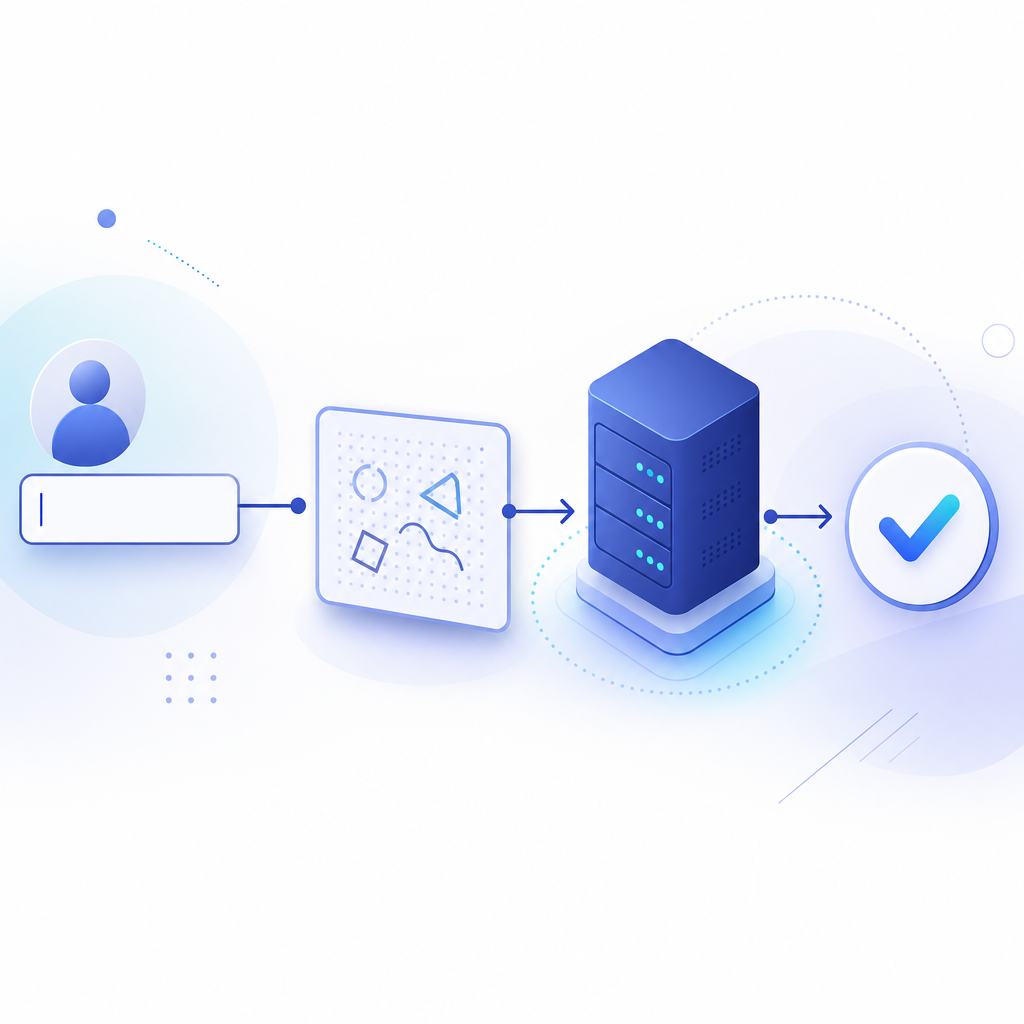
When users complete a captcha, your backend performs a POST with their pass_token and client_ip to CaptchaLa’s API to verify:
POST https://apiv1.captcha.la/v1/validate
Headers: X-App-Key, X-App-Secret
Body: {
  pass_token: "<user-token>",
  client_ip: "123.45.67.89"
}
Scalable Plans and Privacy-Focused Design
- Free tier supports up to 1,000 requests per month
- Paid tiers scale to 1 million validations, suitable for enterprise needs
- CaptchaLa uses first-party data only, respecting privacy and avoiding third-party trackers
Comparing CaptchaLa With Other Captcha Providers
| Feature | CaptchaLa | Google reCAPTCHA | hCaptcha | Cloudflare Turnstile |
|---|---|---|---|---|
| Privacy Focus | First-party data only | Uses Google user data | Privacy-conscious, but third-party involved | No tracking, privacy-focused |
| SDK Support | Web, iOS, Android, Flutter, Electron | Web, Android, iOS (limited) | Web, iOS, Android | Web only |
| UI Languages | 8 languages | Multiple languages | Multiple languages | Limited languages |
| Pricing Model | Free tier + scalable paid plans | Free | Paid with payout for solving users | Free |
| User Experience | Customizable, balanced security | Widely recognized but can be intrusive | Ads-like puzzles, moderate friction | Invisible by default |
While all providers offer effective bot defense, choosing the right captcha entry solution depends on your project's privacy requirements, user base, and desired experience. CaptchaLa’s native SDKs and focus on first-party data make it a strong option for developers who want control and scalability without reliance on third-party tracking.

Best Practices for Implementing Captcha Entry
To maximize captcha entry effectiveness while minimizing user friction, consider these technical best practices:
- Use adaptive challenges – Present harder captchas only when suspicion is high, allowing most users seamless access.
- Optimize for accessibility – Include audio or alternative challenges for users with disabilities.
- Cache validation tokens – Avoid redundant API calls for users who’ve just solved a captcha in a short timeframe.
- Implement server-side validation – Always verify captcha tokens on your server to prevent client-side manipulation.
- Monitor suspicious behavior – Combine captcha results with rate limiting, IP reputation, and device fingerprinting for layered defense.
Captchas aren’t foolproof but combined with layered security, they substantially raise the cost for attackers.
Conclusion
Captcha entry remains a crucial step in protecting websites and apps from abuse and fraud by verifying human users efficiently. Balancing security and user friction is vital, and solutions like CaptchaLa provide flexible, privacy-respecting SDKs and APIs to help developers integrate captcha entry seamlessly.
Whether you’re building a startup, scaling an app, or managing an enterprise platform, selecting the right captcha provider and following best practices will improve bot defense without degrading user experience.
Interested in exploring CaptchaLa further? Check out our detailed docs or see plans and pricing on the pricing page.