
An anti captcha API is a server-side verification layer that helps you decide whether a user interaction looks legitimate before you let it reach sensitive endpoints. In practical terms, it is the part of your bot-defense stack that verifies a challenge result, checks request context, and returns a clear allow-or-block signal for signups, logins, password resets, and other high-risk flows.
That definition matters because the security value comes from validation, not from the widget alone. A frontend challenge can slow down abuse, but the actual trust decision should be made on your server using a token, your app credentials, and context like client IP. If you only treat CAPTCHA as a visual hurdle, you miss the real point: reducing automated abuse without degrading the experience for real users.
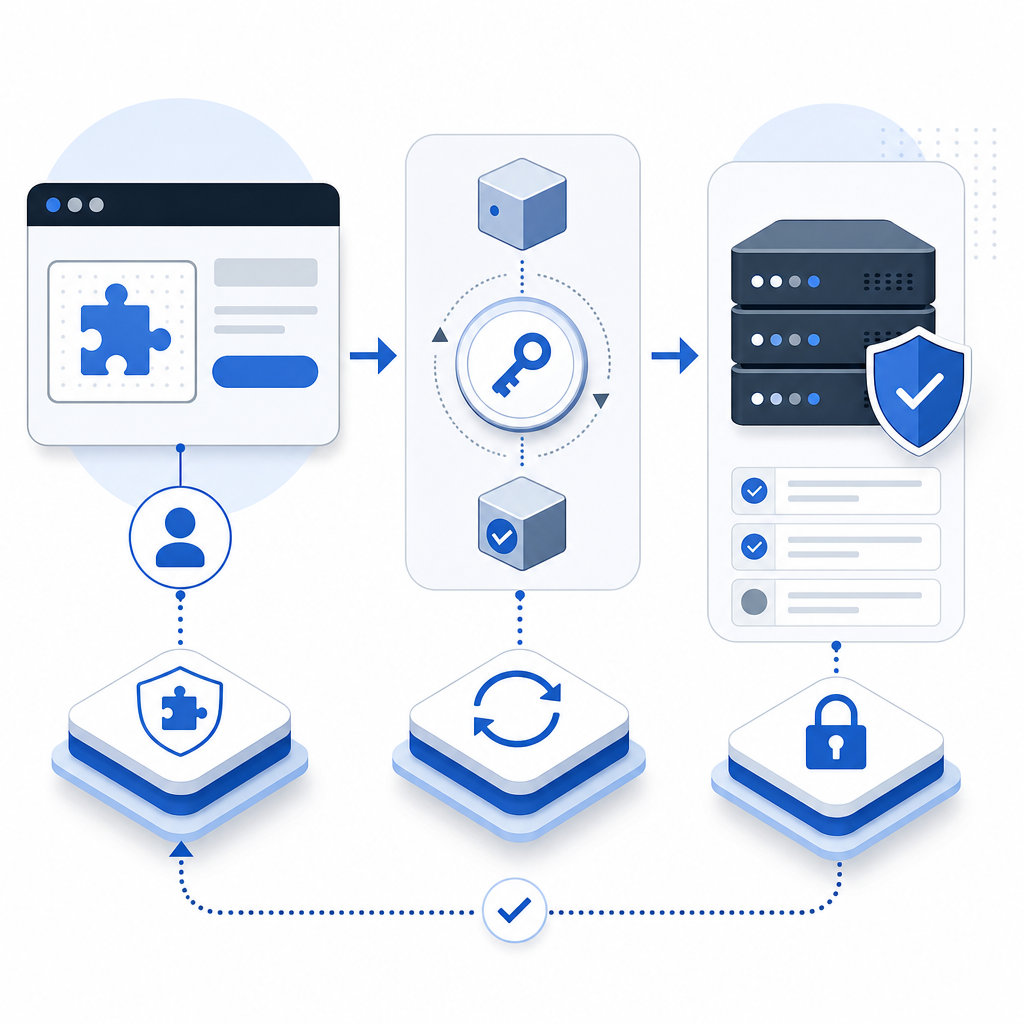
What an anti captcha API actually checks
At a high level, an anti captcha API sits between your public form and your protected backend. The browser completes a challenge, receives a pass token, and sends it with the form submission. Your server then validates that token against the CAPTCHA provider before processing the request.
A solid implementation usually checks more than one thing:
- Token authenticity — Was the token issued by the provider and signed for this session?
- Request binding — Does the token match the client IP or other request metadata you provided?
- Freshness — Is the token still within its valid time window?
- Risk context — Does the request pattern resemble abuse, such as repeated signups or credential stuffing?
- Session continuity — Did the token originate from the same flow the user is completing?
This is why an API-centric approach works better than a purely visual challenge. The UI is only one part of the defense. The verification endpoint is where you enforce your rules.
For teams that want to keep implementation simple, CaptchaLa exposes a straightforward validation flow and developer docs that map directly to these checks. It also supports 8 UI languages and native SDKs for Web (JS, Vue, React), iOS, Android, Flutter, and Electron, which helps keep the user experience consistent across platforms.
How server-side validation should be wired
The most important implementation rule is simple: never trust the browser alone. Your app should collect the pass token from the client, send it to your backend, and let the backend verify it using provider credentials.
A typical server-side flow looks like this:
- Render the challenge on the client.
- On success, receive a
pass_token. - Submit your form along with that token.
- Your backend sends a validation request to the provider.
- Only process the action if validation succeeds.
Here is the general shape of the request CaptchaLa supports:
POST https://apiv1.captcha.la/v1/validate
Headers:
  X-App-Key: your_app_key
  X-App-Secret: your_app_secret

Body:
{
  "pass_token": "token_from_client",
  "client_ip": "203.0.113.42"
}
If you issue server-side challenges for higher-risk flows, there is also:
POST https://apiv1.captcha.la/v1/server/challenge/issueThat separation is useful. You can use a lighter browser flow for ordinary traffic and escalate to a stricter server-issued challenge when abuse patterns change.
A few implementation details are worth getting right:
- Keep secrets server-side only. Never ship app secrets into frontend code.
- Validate before side effects. Do not create accounts, send password-reset emails, or charge cards until verification succeeds.
- Pass client IP consistently. If your provider uses IP binding, make sure your backend extracts the right address from trusted headers or your edge layer.
- Treat failures as security signals. Repeated validation failures may indicate automation, token replay, or a broken integration.
- Log minimally. Store enough to debug, but avoid collecting unnecessary personal data.
For teams using CaptchaLa, the docs at docs are organized around exactly this server-first pattern, and the SDKs make it easier to wire validation into common stacks without hand-rolling everything.
Choosing the right CAPTCHA or bot-defense layer
Not every product needs the same level of friction, and not every provider is a good fit for every stack. The right choice depends on your traffic profile, UX goals, and how much control you want over validation.
Here is a practical comparison of common options:
| Option | Strengths | Tradeoffs | Good fit |
|---|---|---|---|
| reCAPTCHA | Widely recognized, familiar integration patterns | Can add noticeable friction depending on mode | General web forms and legacy stacks |
| hCaptcha | Flexible challenge model, often used for abuse reduction | May require tuning to keep UX smooth | Public signups, scraping-sensitive pages |
| Cloudflare Turnstile | Low-friction user experience, often invisible to users | Works best when you are already aligned with Cloudflare’s ecosystem | Sites that want lightweight verification |
| CaptchaLa | First-party data only, server-side validation, SDK coverage across web/mobile | Smaller ecosystem than the biggest incumbents | Teams that want straightforward integration and control |
The most important question is not “Which CAPTCHA is hardest to solve?” It is “Which verification model gives us the strongest signal with the least user friction?” That is where the anti captcha API matters most. It turns a front-end interaction into a backend decision.
If you are comparing pricing and scaling plans, CaptchaLa’s free tier starts at 1,000 validations per month, Pro covers 50K–200K, and Business supports 1M. For many products, that makes it easier to pilot in one flow first and expand later without changing the architecture.
Practical patterns for real applications
Anti-abuse controls work best when they are layered. A CAPTCHA API is not a replacement for rate limits, device signals, reputation checks, or email verification. It is one control in a broader defense strategy.
Here are three common patterns that work well:
1) Use CAPTCHA only where risk is highest
Do not force every user through the same challenge. Place verification on:
- signups
- password resets
- contact forms with public exposure
- checkout or promo-code submission
- credential entry points
2) Escalate based on behavior
If a user fails a validation, hits a rate threshold, or comes from suspicious traffic, increase friction on the next attempt. Server-issued challenges can be helpful here because your backend decides when to escalate.
3) Combine with application-level controls
Even with a CAPTCHA API in place, keep:
- rate limiting by IP and account
- email verification for new accounts
- anomaly detection for repeated failures
- abuse monitoring on endpoints and referral patterns
This layered approach is especially important when bots adapt quickly. A single static challenge is easy to overuse or underuse. A server-verified flow gives you more room to tune risk without forcing every legitimate visitor through the same experience.
For implementation references, CaptchaLa documents the validation endpoint, server-issued challenge flow, and SDKs for common frameworks, which can shorten the path from prototype to production.
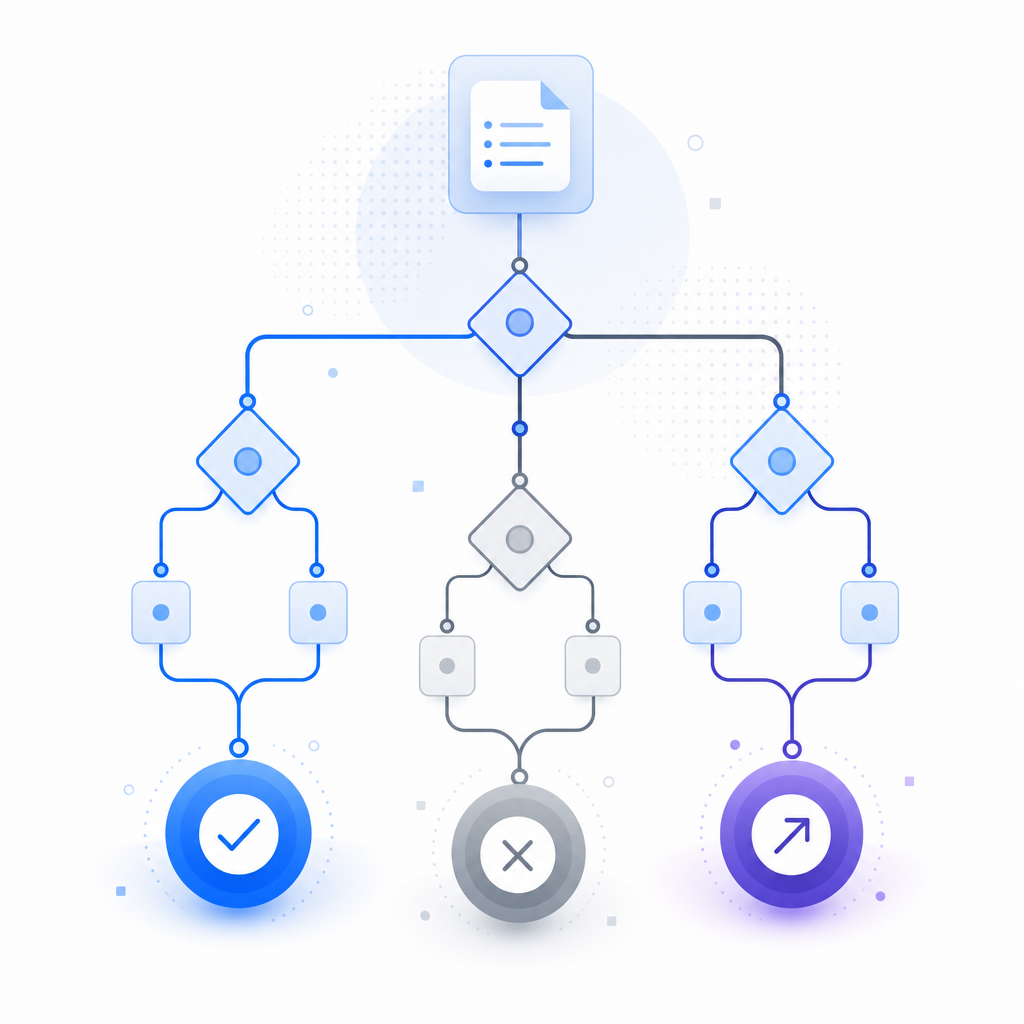
A deployment checklist you can actually use
Before you roll an anti captcha API into production, it helps to walk through a short checklist. This keeps the integration reliable and avoids the most common mistakes.
Register your app keys
- Store
X-App-KeyandX-App-Secretin your secret manager. - Rotate them like any other production credential.
- Store
Add client-side challenge handling
- Load the provider script from the approved CDN.
- For CaptchaLa, the loader is
https://cdn.captcha-cdn.net/captchala-loader.js. - Keep it asynchronous so it does not block page render.
Capture and submit the token
- Send the
pass_tokenwith your form request. - Include
client_ipfrom your backend, not from the browser.
- Send the
Validate on the server
- Call the validation endpoint before any database write or downstream action.
- Reject missing, expired, malformed, or duplicate tokens.
Tune logging and alerts
- Track validation pass/fail rates.
- Watch for endpoint spikes, repeated failures, and unusual geographies.
- Use these signals to decide where to add stricter controls.
Test across devices
- Check desktop, mobile web, and native apps.
- Validate accessibility and localization, especially if you serve multiple markets.
If you build on mobile or desktop, CaptchaLa’s SDK coverage can reduce integration drift across platforms. Maven, CocoaPods, and pub.dev packages are available for common stacks, and the server-side SDKs captchala-php and captchala-go can help keep validation code consistent.
An anti captcha API is most effective when it is boring in production: predictable, observable, and easy to maintain. The fewer surprises your security layer creates for legitimate users, the better it tends to perform overall.
Where to go next: if you want to see the implementation details, start with docs, or review the plan limits on pricing to estimate what fits your traffic.