
If you’re searching for a “captcha download,” you likely want to add bot defense to your website or app by integrating a CAPTCHA system. The term is a bit of a misnomer—CAPTCHAs are rarely standalone downloadable programs. Instead, they are usually integrated through SDKs, libraries, or script loaders, not simple binary downloads. This article explains how you can acquire, deploy, and customize a CAPTCHA system through downloads and SDKs, along with comparisons of popular options including CaptchaLa, Google reCAPTCHA, hCaptcha, and Cloudflare Turnstile.
What Does “Captcha Download” Mean in Practice?
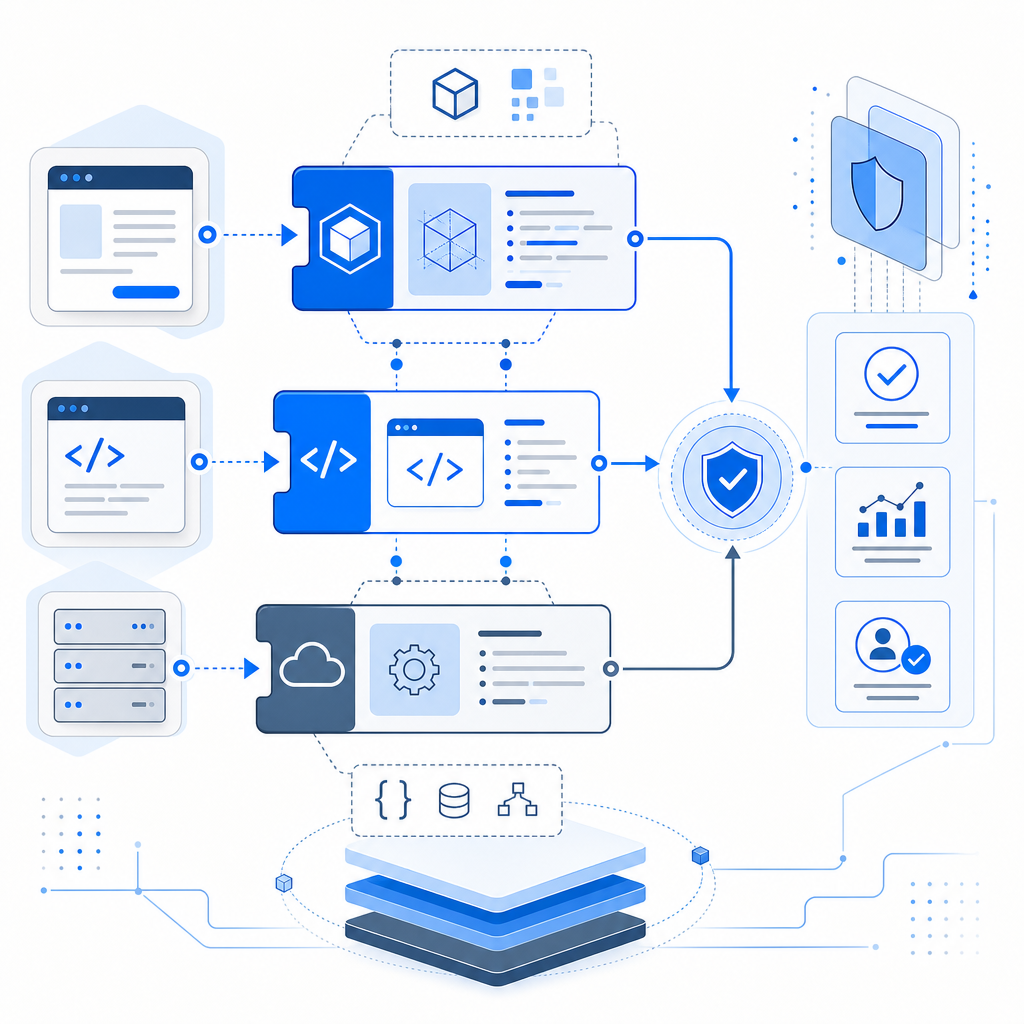
Unlike traditional software, CAPTCHAs are typically provided through web integrations—JavaScript loaders, server SDKs, or mobile SDKs. These components must be integrated into your existing codebase rather than downloaded and run standalone. Here are a few common forms:
- JavaScript loader scripts you embed in your webpages
- SDK packages you include in your server or client apps (e.g., npm packages, Maven artifacts)
- REST APIs to generate and validate challenges
- Mobile libraries for iOS or Android apps
For example, CaptchaLa provides a loader script—https://cdn.captcha-cdn.net/captchala-loader.js—plus SDKs for various platforms like Web (JS/Vue/React), iOS, Android, Flutter, and Electron. These SDKs are downloadable packages (Maven, CocoaPods, pub.dev) allowing seamless CAPTCHA integration in modern development environments.
By downloading and integrating these SDKs, developers can add customizable bot challenges without relying solely on third-party hosted widgets.
Popular CAPTCHA Download Options and How They Compare
When you search for “captcha download,” you need to select a CAPTCHA solution that fits your technology stack and compliance preferences. Here is a comparison of four well-known CAPTCHA solutions in terms of download options, languages supported, and deployment flexibility:
| Feature | CaptchaLa | Google reCAPTCHA | hCaptcha | Cloudflare Turnstile |
|---|---|---|---|---|
| Downloadable SDKs | Yes (Web, iOS, Android, Flutter, Electron) | Limited (via third-party libs) | Limited (mostly JS) | No (JavaScript only) |
| Languages Supported | 8 UI languages | Multiple languages | Multiple languages | Multiple languages |
| Server SDK Availability | PHP, Go | No official | No official | No official |
| Captcha Types | Puzzle, logic, image | Image checkbox, invisible | Image checkbox, invisible | Invisible |
| Hosting | Self-hosted SaaS + CDN | Google servers | hCaptcha servers | Cloudflare servers |
| Free Tier | 1000/mo | Unlimited with restrictions | Free tier available | Free |
| Integration Complexity | Moderate - SDK and API calls | Easy - JS snippet | Moderate | Easy - JS snippet |
CaptchaLa stands out for those who want downloadable SDKs for multiple platforms, plus server SDKs, enabling tighter control and possibly compliance with data privacy regulations by utilizing first-party data handling.
How to Download and Integrate CaptchaLa
Below is a simplified overview of how to start your CAPTCHA integration with CaptchaLa using their downloadable SDKs and loader.
Step 1: Add the Loader Script to Your Web Page
<!-- Link to CaptchaLa loader script -->
<script src="https://cdn.captcha-cdn.net/captchala-loader.js"></script>
This script lazy-loads the CAPTCHA widget and manages challenge rendering automatically.
Step 2: Install Client SDKs
Depending on your platform, you can download the SDK from package managers:
- Maven for Java/Android:
la.captcha:captchala:1.0.2 - CocoaPods for iOS:
Captchala 1.0.2 - pub.dev for Flutter:
captchala 1.3.2
Step 3: Server-side Validation
After a user completes a CAPTCHA, your server must validate the token via API:
POST https://apiv1.captcha.la/v1/validate
Headers:
  X-App-Key: your_app_key
  X-App-Secret: your_app_secret
Body:
{
  "pass_token": "token_from_client",
  "client_ip": "user_ip_address"
}
The server receives a pass/fail response to allow or block access.
Step 4: Optional Server-Side Challenge Issuance
For advanced flows or server-controlled challenges, use:
POST https://apiv1.captcha.la/v1/server/challenge/issueto generate challenges programmatically.
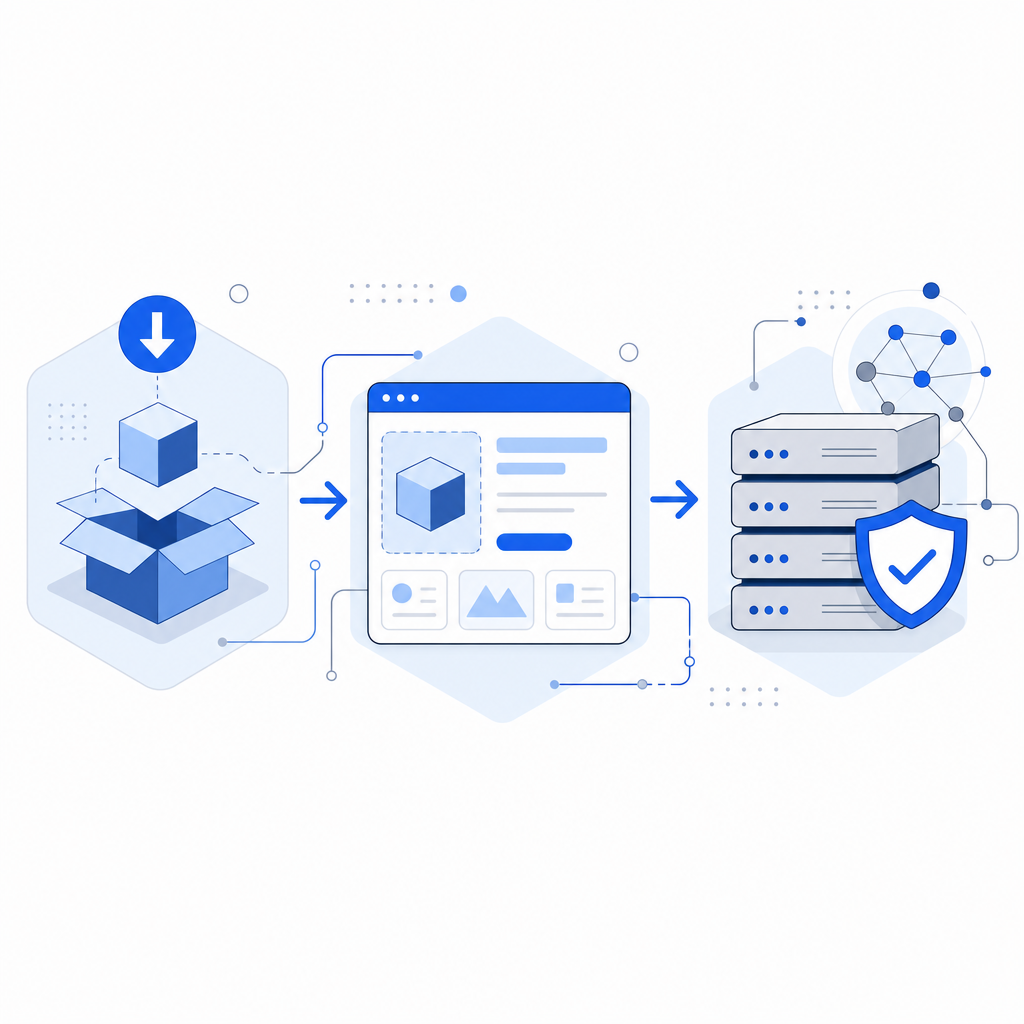
This modular approach—front-end SDK and back-end validation API—is common among CAPTCHA providers but is more developer-friendly with CaptchaLa’s downloadable libraries.
Considerations When Choosing a CAPTCHA Download
Here are key technical points to keep in mind when deciding which CAPTCHA from your “captcha download” options suits your needs:
- Platform Support: Does your solution provide SDKs for your target environments? (Web, iOS, Android, Flutter, Electron)
- Customization: Can you modify the challenge UI and logic, or are you locked to a fixed widget?
- Data Privacy: Do you handle the user data on your servers or send it to third parties? CaptchaLa focuses on first-party data use.
- Latency and Reliability: How fast is the CAPTCHA loading and validation? Using cached SDKs and local validation servers can improve performance.
- Pricing Tiers: Downloadable SDKs often come with usage limits. CaptchaLa offers free and paid tiers, with transparent limits referenced on their pricing page.
Comparing CaptchaLa with Competitors: Why Downloadability Matters
Google reCAPTCHA is the most popular and easy to integrate via a simple JavaScript snippet, but it offers limited downloadable SDKs for mobile or server verification, focusing on offloading processing to Google servers.
hCaptcha offers some downloadable components and free tiers but relies heavily on their cloud-hosted challenges with limited server SDK support.
Cloudflare Turnstile is lightweight and privacy-focused, easy to integrate by including JavaScript, but does not provide downloadable SDKs for deeper platform embedding.
CaptchaLa balances these aspects by offering downloadable SDKs across web and mobile while giving API-driven control with privacy-first design. If your team prefers embedding CAPTCHA tightly with control, CaptchaLa's download packages and server SDKs are beneficial.
If you’re ready to explore how downloadable CAPTCHA SDKs and APIs can secure your project, start by visiting CaptchaLa’s documentation for installation instructions and integration examples. To understand the cost implications, check out the detailed plan breakdowns on the pricing page.
Deploying CAPTCHA with downloaded components lets your team keep more control over user experience and data privacy, essential in today's bot defense strategies. Whether it’s a web app, mobile app, or server-side integration, choosing the right downloadable CAPTCHA tools is key to balancing security, usability, and compliance.
Happy coding, and may your defenses be bot-proof!