
If captcha is down, treat it as an availability incident, not just a front-end annoyance. Your goal is to restore legitimate traffic fast without accidentally opening a door for bots. The safest response is usually to detect the outage, switch to a controlled fallback, and keep validating requests server-side as much as possible.
Most CAPTCHA failures fall into a few buckets: the widget script fails to load, validation requests time out, origin/CSP rules block the asset, or a dependency upstream is having a bad day. The right fix depends on which layer broke, so the first move is to separate “challenge rendering” from “token validation” and inspect both.
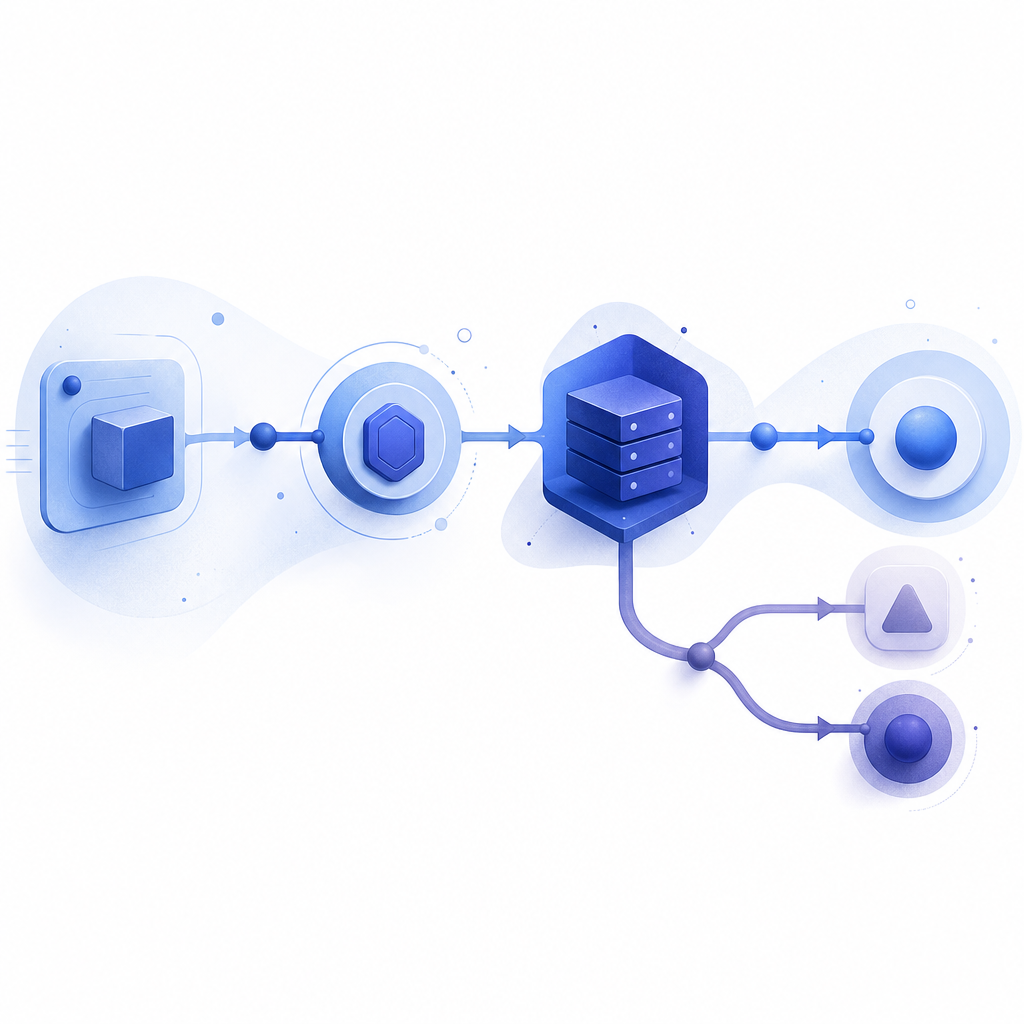
First: identify which part is actually down
“Captcha down” can mean several different failure modes, and they do not all have the same blast radius.
- Loader failure: the browser cannot fetch the CAPTCHA script or assets.
- Challenge failure: the widget renders, but users cannot complete it.
- Validation failure: the client gets a token, but your backend cannot verify it.
- Policy failure: CSP, firewall, or DNS changes block the CAPTCHA domain.
- Provider degradation: the service responds slowly or intermittently.
A quick triage routine helps:
- Check the browser console for script errors or blocked network requests.
- Confirm whether the loader URL is reachable from the client network.
- Inspect server logs for validation errors, timeouts, and malformed payloads.
- Compare the failure rate across browsers, regions, and device types.
- Verify whether the issue is isolated to one endpoint or affects signup, login, password reset, and contact forms alike.
If you use a provider like CaptchaLa, you can separate client-side rendering from server-side validation more cleanly. That matters during incidents because a broken widget is easier to degrade gracefully than a broken verification pipeline.
What to do immediately: fail safely, not open
When CAPTCHA is unavailable, the safest default is not “let everyone through.” It is “reduce friction for humans while preserving controls.” That might mean temporary rate limits, risk scoring, step-up checks, or queueing sensitive actions.
Here is a practical incident checklist:
Disable hard failures on non-critical entry points
Let users reach the form, but require extra checks before account creation, password changes, or checkout.Keep server-side validation enabled where possible
If the client can still produce a pass token, validate it before trusting the request.Apply temporary throttles
Rate-limit by IP, ASN, account age, and request velocity.Add a fallback challenge
Offer email verification, one-time codes, or a simpler risk-based challenge for a limited time.Log everything
Record the endpoint, user agent, IP, token state, and error class so you can reconstruct the outage.
A compact defensive pattern looks like this:
// English comments only
async function handleProtectedSubmit(req, res) {
  const token = req.body.pass_token;
  const clientIp = req.headers["x-forwarded-for"] || req.socket.remoteAddress;

  try {
    const result = await validateCaptchaToken({
      pass_token: token,
      client_ip: clientIp
    });

    if (!result.valid) {
      return res.status(403).json({ error: "challenge_failed" });
    }

    return res.json({ ok: true });
  } catch (err) {
    // Fallback: do not fully open the gate
    // Use rate limits, queueing, or step-up verification
    return res.status(503).json({ error: "challenge_unavailable" });
  }
}
The key idea is simple: treat CAPTCHA as one control in a layered defense, not the only lock on the door.

How to validate correctly when the service is healthy
A lot of “captcha down” tickets are actually caused by integration mistakes that look like outages. For example, a misconfigured secret, a bad content security policy, or a client token that never reaches the backend can all produce the same user-facing symptom.
A standard server-side flow should look like this:
- The client obtains a pass token from the widget or challenge flow.
- Your backend sends that token to the validation endpoint.
- You include the client IP when required by your risk model.
- The backend authenticates with the app key and app secret.
- You accept the request only if validation succeeds.
For CaptchaLa, the validation endpoint is:
POST https://apiv1.captcha.la/v1/validate
with a body like:
{
  "pass_token": "token-from-client",
  "client_ip": "203.0.113.42"
}
and headers using X-App-Key and X-App-Secret.
If you need to create a token for a server-driven challenge, the issue endpoint is:
POST https://apiv1.captcha.la/v1/server/challenge/issue
For client integration, the loader is:
https://cdn.captcha-cdn.net/captchala-loader.js
That loader should be allowed by your CSP and any third-party script restrictions. It is also worth testing on a clean browser profile and a restrictive corporate network, because “works on my laptop” is not a useful incident metric.
Comparing common CAPTCHA and bot-defense options
When you are evaluating a fallback or a replacement path, it helps to compare how providers fit different operational needs. Here is a high-level, non-marketing view:
| Provider | Typical strength | Typical tradeoff | Operational note |
|---|---|---|---|
| reCAPTCHA | Broad familiarity, mature ecosystem | Can be sensitive to privacy, UX, and policy requirements | Often used as a default, but integration and risk tuning matter |
| hCaptcha | Good bot-defense focus, flexible deployment | May require careful UX tuning for legitimate users | Useful when you want another independent option |
| Cloudflare Turnstile | Low-friction user experience | Works best when aligned with Cloudflare-centered infrastructure | Good fit for some edge-first stacks |
| CaptchaLa | Multi-platform SDKs, server validation, first-party data only | Still needs proper integration and incident handling | Includes Web, mobile, desktop, and server SDK support |
If your organization cares about privacy posture, data minimization, and keeping more of the flow under your own control, CaptchaLa is worth a look. It supports 8 UI languages and native SDKs for Web (JS, Vue, React), iOS, Android, Flutter, and Electron, plus server SDKs for PHP and Go. That breadth matters when you want one defense pattern across a mixed stack rather than a one-off widget.
Build resilience so one CAPTCHA outage does not become a full outage
The best response to “captcha down” is designing so the outage stays contained. That means your app should be able to degrade without losing security posture or blocking the entire product.
A few technical practices pay off quickly:
Use timeout budgets
Don’t let validation hang forever. Set a short network timeout and define a fallback behavior.Cache only non-sensitive state
You can remember that a session has already passed a challenge, but do not cache secrets or trust decisions longer than necessary.Segment protection by action
Signup, password reset, comment posting, and checkout should not all have the same failure mode.Monitor challenge success rates
Alert on sudden drops in loader success, token issuance, and validation acceptance separately.Keep rollback paths ready
Feature flags make it possible to swap challenge modes or temporarily relax only the least risky entry points.
CaptchaLa’s pricing tiers may also help with planning capacity during periods of high traffic or repeated incidents: Free covers 1,000 validations per month, Pro is suited to roughly 50K–200K, and Business is sized for around 1M. That is useful when you are testing fallbacks in staging or scaling a rollout after an outage.
A final operational note: using first-party data only can simplify incident review because you are not juggling extra vendor data flows while debugging availability issues. That makes it easier to answer a basic question under pressure: is the failure in your app, your network, or the CAPTCHA layer itself?
Where to go next: review the integration details in the docs or compare plans at pricing so your fallback strategy is ready before the next incident.