
If you see “anti bot verification powered by Google,” it usually means a site is using Google-backed risk checks or CAPTCHA-style verification to distinguish humans from automated traffic. For defenders, the real question is not whether the label sounds familiar; it is whether the verification flow is accurate, low-friction, accessible, and compatible with your own application and data requirements.
That matters because bot defense is rarely a single toggle. It is a combination of challenge design, token validation, backend enforcement, mobile and web SDK support, and analytics that help you decide when to step up verification. A Google-powered flow may be fine for some teams, but it is worth comparing it with alternatives like reCAPTCHA, hCaptcha, and Cloudflare Turnstile before you commit to the tradeoffs.

What “powered by Google” usually implies
In practice, the phrase points to one of two things:
- A CAPTCHA or risk-based challenge whose challenge generation, scoring, or client-side behavior is tied to Google services.
- A site that uses Google-branded verification technology as part of a broader anti-abuse stack.
For defenders, the important part is what happens after a visitor interacts with the challenge. A useful verification system should produce a token or proof that your backend can validate quickly and reliably. It should also give you enough control to tune rules for login, signup, checkout, scraping-sensitive pages, and account recovery.
Google-backed verification is often associated with low-friction experiences, but it can still create operational questions:
- How much control do you have over when a challenge appears?
- Can you validate server-side with clear request and response semantics?
- Does it fit your platform mix, including mobile and desktop apps?
- What languages and SDKs are available for your stack?
- How easy is it to measure false positives and user drop-off?
If you are evaluating a product like CaptchaLa, those questions are central. The value is not the brand name on the challenge, but whether the verification can be enforced consistently across channels and environments.
How defenders should evaluate a CAPTCHA provider
When a team says “we need anti-bot verification,” they often mean several different jobs at once: blocking credential stuffing, reducing fake signups, filtering scraping, and protecting high-value forms. A good evaluation should separate those use cases.
1) Check the validation path
A challenge is only as strong as your server-side validation. For CaptchaLa, validation is done with a POST request to:
https://apiv1.captcha.la/v1/validate
The body includes:
{
  "pass_token": "token-from-client",
  "client_ip": "203.0.113.10"
}
and the request uses X-App-Key plus X-App-Secret. That pattern matters because it keeps enforcement on your backend, where you can combine token checks with your own risk signals.
2) Look for platform coverage
If your product spans web, iOS, Android, and desktop, you want native support rather than a patchwork of workarounds. CaptchaLa supports:
- Web SDKs for JS, Vue, and React
- iOS
- Android
- Flutter
- Electron
That makes it easier to keep the user experience consistent across apps without inventing separate verification flows for each platform. It also helps engineering teams avoid one-off integrations that are painful to maintain.
3) Confirm localization and accessibility
A verification tool that frustrates users in one language can hurt conversion globally. CaptchaLa provides 8 UI languages, which is especially useful if your traffic is international. That matters whether you’re protecting a signup form or a payment step where every extra second can affect completion.
4) Review data posture
Some organizations need stricter data handling than a generic third-party challenge can provide. CaptchaLa uses first-party data only, which can simplify internal review for teams that are careful about cross-site sharing and privacy boundaries.
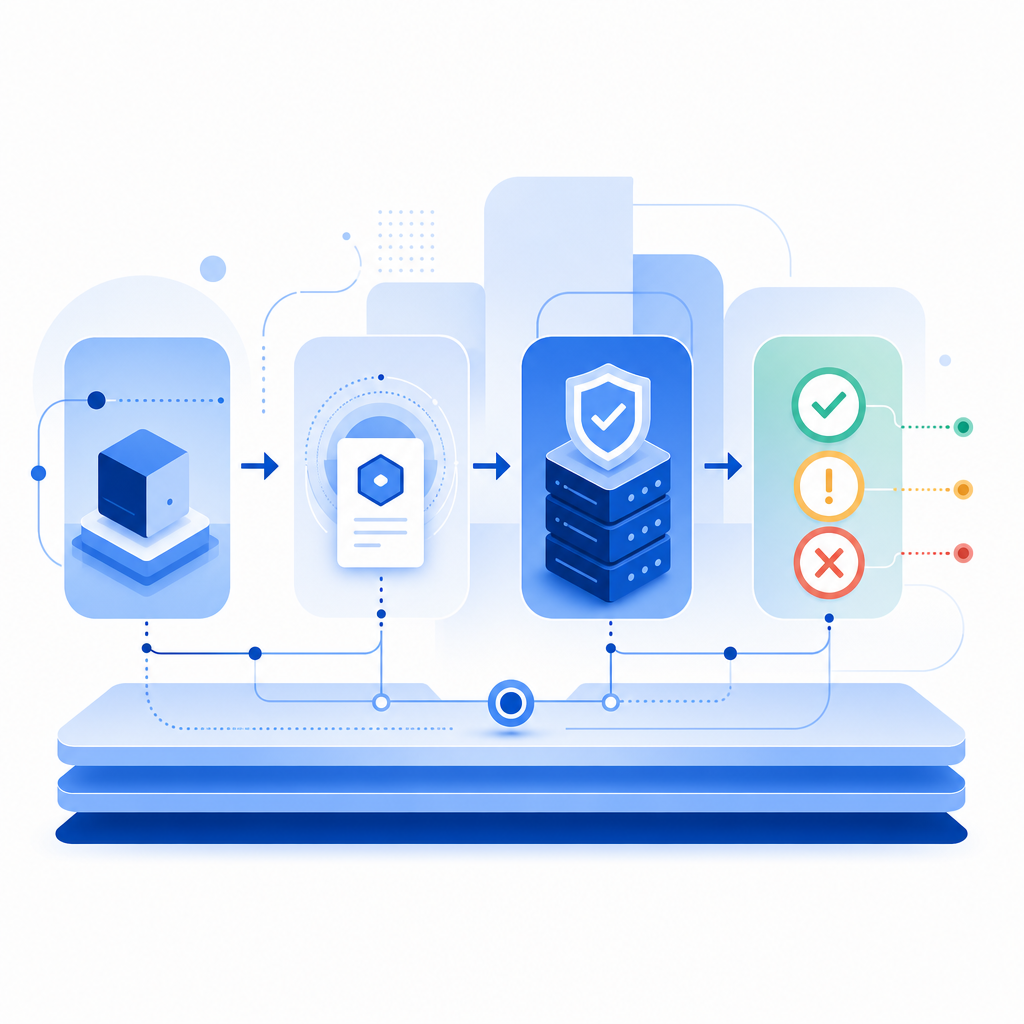
Comparison: common verification choices
Here is a practical way to think about the options most teams compare.
| Option | Typical strength | Typical tradeoff | Best fit |
|---|---|---|---|
| Google-backed verification | Familiar, often low-friction | Less control depending on implementation; Google ecosystem considerations | Teams already standardized on Google-oriented tooling |
| reCAPTCHA | Widely recognized, broad adoption | Can feel opaque; UX can vary by risk level | General web protection and legacy deployments |
| hCaptcha | Strong anti-abuse focus, flexible deployment | Challenge experience may be more visible | Sites prioritizing bot resistance and explicit challenge workflows |
| Cloudflare Turnstile | Low-friction, privacy-forward positioning | Ties into Cloudflare-oriented infrastructure choices | Teams already using Cloudflare services |
| CaptchaLa | Multi-platform SDKs, server validation, first-party data only | Requires your own integration and policy choices | Teams that want tighter product control across web and apps |
This is not about naming a winner. It is about matching the verification system to the problem you are solving. For example, if you need a mobile app flow plus a web checkout guard, platform coverage matters more than a familiar brand. If your security team wants tight server-side control and clear validation endpoints, that may matter more than how the challenge looks to the user.
Implementation details that actually matter
A lot of bot-defense projects fail because the integration is treated as cosmetic. It is not. The challenge should be one part of a layered policy.
Here is a defender-oriented checklist you can use:
Issue the challenge only when risk warrants it.
- Trigger on suspicious signup velocity, unusual login patterns, or sensitive workflow steps.
- Avoid punishing every visitor with the same friction.
Validate the token on your server.
- Do not trust client-side success alone.
- Check
pass_tokenagainst the validation endpoint and includeclient_ipwhen relevant.
Bind the decision to the action.
- A token that proves “human” for newsletter signup should not automatically allow password reset.
- Keep challenge scope narrow.
Log both success and failure.
- Measure challenge pass rate, challenge abandonment, and backend validation failures.
- Separate legitimate failures from bot activity.
Reassess by channel.
- Mobile app abuse may look different from browser scraping.
- Use different thresholds or fallback paths where needed.
A minimal server-side pattern looks like this:
# English comments only
# Receive the token from the client
token = request.json["pass_token"]
client_ip = request.client_ip

# Send token to the validation endpoint
response = post(
    "https://apiv1.captcha.la/v1/validate",
    headers={
        "X-App-Key": APP_KEY,
        "X-App-Secret": APP_SECRET
    },
    json={
        "pass_token": token,
        "client_ip": client_ip
    }
)

# Enforce the result before continuing
if response.json()["success"] is True:
    allow_request()
else:
    block_or_step_up()
If you are using CaptchaLa, the integration docs are a good place to confirm request structure and platform-specific SDK behavior: docs. And if your team is estimating rollout cost or planning volumes, the pricing page shows the free and paid tiers clearly.
Where Google-powered verification fits, and where it may not
A Google-powered anti bot verification flow can be a sensible default when you want something familiar and relatively easy to deploy. It may be especially comfortable for teams already using Google infrastructure or identity tooling. But familiarity is not the same as fit.
Consider alternatives when you need:
- More explicit backend control over challenge issuance and validation
- SDKs across web, mobile, and desktop
- Clearer first-party data boundaries
- A single verification stack across multiple products or brands
- Pricing that maps cleanly to your traffic profile
CaptchaLa’s tiers are straightforward for planning: free tier at 1,000 monthly verifications, Pro at 50K–200K, and Business at 1M. That makes it easier to match expected usage to deployment size without overbuilding on day one.
The main takeaway is simple: anti bot verification powered by Google can help, but it is only one possible implementation of a larger defense strategy. The right choice depends on your application surface, compliance needs, and how much control you want over the full verification lifecycle.
Where to go next: review the integration options in the docs or compare plans on pricing.