
If you’re seeing “anti bot verification failed” and the message mentions that VPNs may cause this, the short answer is: the site likely flagged your connection, not necessarily your behavior. VPNs can change your apparent IP reputation, place you on shared exit nodes, or trigger geo and risk checks that look bot-like to verification systems.
That doesn’t mean VPNs are “bad” or that the site is wrong to check them. It means anti-bot layers use signals like IP consistency, request patterns, cookie continuity, and challenge success history. A VPN can disrupt one or more of those signals at once, especially if the endpoint is heavily shared. For defenders, the right response is usually to distinguish legitimate privacy users from automated traffic instead of blocking everything on sight.
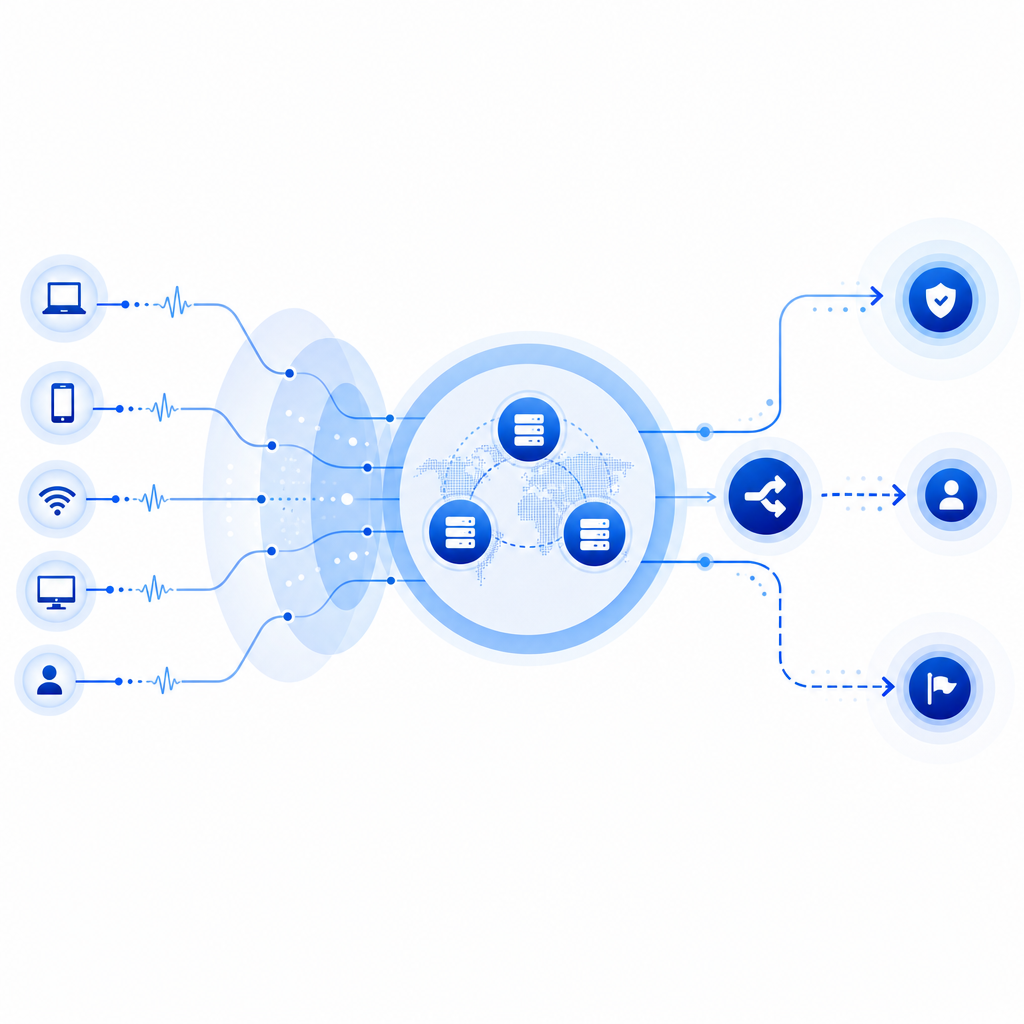
Why VPNs trigger anti-bot verification failures
The phrase “anti bot verification failed vpns may cause this” usually points to one of a few technical causes:
Shared IP reputation
Many VPN providers route thousands of users through the same exit IPs. If even a small portion of traffic from that IP is abusive, the reputation score can drop and future requests inherit that suspicion.Geo and ASN mismatch
Some systems compare IP geolocation with browser locale, timezone, or prior session location. A VPN hop to a different country or autonomous system can create a mismatch that looks anomalous.Session instability
Switching VPN servers mid-session can change your IP between page load and validation. If the verification token is tied to the original session context, the backend may reject it.Automation fingerprints
A VPN alone is not proof of automation, but it often appears alongside patterns defenders watch for: repeated retries, headless browser traits, missing cookies, or unusually fast form submissions.Network-layer filtering
Some providers and WAFs apply stricter checks to datacenter IP ranges, hosting ASNs, or exit nodes known for abuse. VPN egress often falls into those buckets.
The important thing to remember is that anti-bot systems are trying to estimate trust. VPN use can lower that estimate, even when the user is real.
What users can try when verification fails
If you’re a legitimate user and a VPN appears to be the trigger, the fastest fix is often simple. Try these steps in order:
Disable the VPN temporarily and retry
This is the cleanest test. If verification succeeds immediately after disconnecting, the VPN exit was likely the issue.Keep the same exit node during the whole flow
If you must use a VPN, avoid switching servers between page load and submission.Clear only the relevant site session
Sometimes stale cookies or a partially completed challenge cause repeat failures. Sign out, clear site data for that domain, and try again.Check browser privacy extensions
Strict tracker blockers, cookie cleaners, or script blockers can interfere with verification scripts and storage.Match your browser locale and system time
Large differences between timezone, language, and IP location can look suspicious to risk engines.Try a different network
A mobile hotspot or home connection can help isolate whether the problem is the VPN, the browser, or the site itself.Contact the site with the exact error
If you’re blocked repeatedly, the site owner may whitelist your account or review the risk rule. Include the timestamp, IP region if known, and the exact wording.
For organizations, the goal is not to punish privacy-conscious users. It’s to reduce friction while preserving protection against automation.
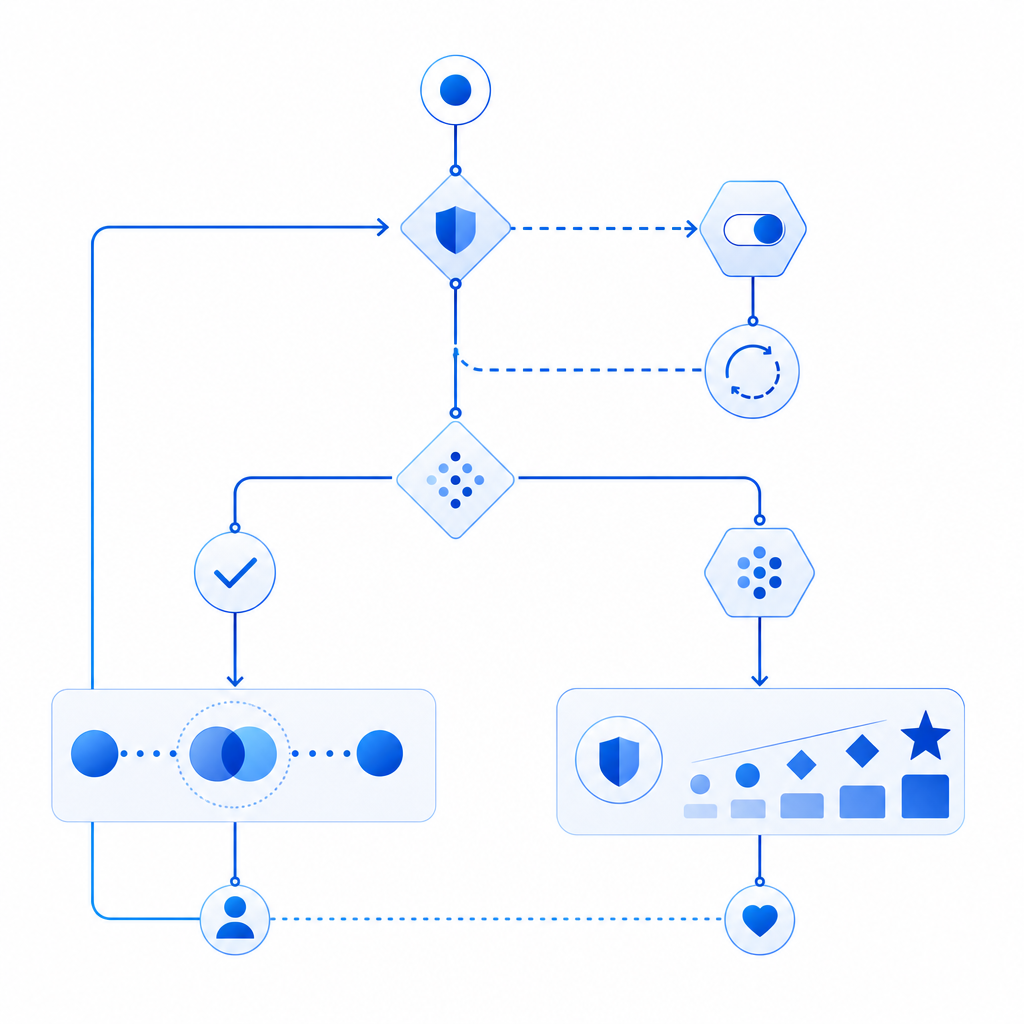
How defenders should handle VPN-heavy traffic
A good anti-bot policy should not treat every VPN user as malicious. That approach creates false positives, especially for enterprises, travelers, journalists, and remote teams. Instead, tune policies around context.
Prefer layered signals over a single block
A VPN IP alone is a weak reason to deny access. Better signals include:
- challenge completion history
- device and browser consistency
- velocity across actions
- cookie or token continuity
- IP reputation plus ASN classification
- form-filling behavior over time
Use challenges as a step-up, not a wall
Many platforms succeed by escalating rather than hard blocking. For example, Cloudflare Turnstile emphasizes a lower-friction challenge experience, while reCAPTCHA and hCaptcha are widely used for interactive or score-based verification. Each has different tradeoffs in UX, privacy, and integration style. The right fit depends on your risk profile and audience.
A practical pattern is:
- allow low-risk traffic to pass
- challenge medium-risk sessions
- block only when multiple signals align
That way, a privacy VPN may trigger a challenge, but not a dead end.
Keep the verification path stable
If your anti-bot flow depends on a token, make sure the session context is stable from issuance to validation. CaptchaLa, for example, supports a server-side validation flow where the client receives a pass token and the backend validates it with the client IP. The validate endpoint is:
POST https://apiv1.captcha.la/v1/validate
with body:
{
  "pass_token": "token_from_client",
  "client_ip": "203.0.113.10"
}
and the request uses X-App-Key and X-App-Secret. That structure helps bind the result to the intended session instead of treating verification as a standalone event.
Implementation details that reduce false positives
If you’re building or tuning a verification flow, small implementation choices make a big difference.
1. Issue challenges close to the action
Use a challenge token when the user is about to submit something important: login, checkout, signup, password reset, or scraping-sensitive forms. CaptchaLa’s server-token endpoint is:
POST https://apiv1.captcha.la/v1/server/challenge/issue
That lets you generate a challenge at the right moment instead of forcing users through unnecessary friction on every page view.
2. Keep the client bundle lightweight
A heavy anti-bot script can slow down real users and create more failure points on unstable networks. CaptchaLa’s loader is:
https://cdn.captcha-cdn.net/captchala-loader.js
If you’re embedding any verification layer, test how it behaves on mobile data, corporate VPNs, and high-latency routes.
3. Support your real user base
If your audience includes enterprise workers, remote teams, or cross-border users, expect a higher VPN rate than a consumer social app would see. That matters when choosing defaults.
CaptchaLa supports 8 UI languages and native SDKs for Web (JS, Vue, React), iOS, Android, Flutter, and Electron. There are also server SDKs for PHP and Go (captchala-php, captchala-go), which makes it easier to keep validation logic close to your app backend rather than scattering checks across clients.
4. Track false positives explicitly
Don’t just measure “blocked” versus “allowed.” Track:
- challenge pass rate by ASN
- failure rate by country
- repeat failure rate per session
- abandon rate after challenge
- support tickets mentioning VPN or privacy tools
That gives you a concrete way to tell whether a rule is catching abuse or just annoying real users.
Here’s a simple server-side decision sketch:
// English comments only
receive request
if token missing:
    issue challenge
else:
    validate token with app secret
    if validation passed:
        allow request
    else if IP reputation is low and session is inconsistent:
        step up challenge
    else:
        deny and log reason
Choosing a fit for your traffic pattern
Different products need different balances between friction and abuse resistance. A public content site may prefer minimal interruption, while a fintech or marketplace app may accept more challenge steps for higher-risk actions. If you’re comparing options like reCAPTCHA, hCaptcha, and Cloudflare Turnstile, focus on how each handles privacy-sensitive users, mobile latency, and VPN-heavy audiences rather than just checking whether a checkbox appears.
If you’re evaluating your own flow, a small pilot is often enough to reveal the problem. CaptchaLa has a free tier at 1000/month, with Pro plans in the 50K-200K range and Business at 1M, and it uses first-party data only. That makes it easier to test whether your current “anti bot verification failed” rate is really a bot problem or mostly a trust-signal tuning problem.
Where to go next: review the implementation notes in the docs or compare plans on the pricing page.