
A CAPTCHA (Completely Automated Public Turing test to tell Computers and Humans Apart) is a security mechanism designed to distinguish real human users from automated bots on the internet. It presents challenges that are easy for humans to solve but difficult for bots and scripts, helping protect websites from spam, fraud, data scraping, and abuse. This simple but effective test has become a fundamental tool in web security to ensure legitimate traffic while blocking malicious automation.
The Core Concept Behind CAPTCHA
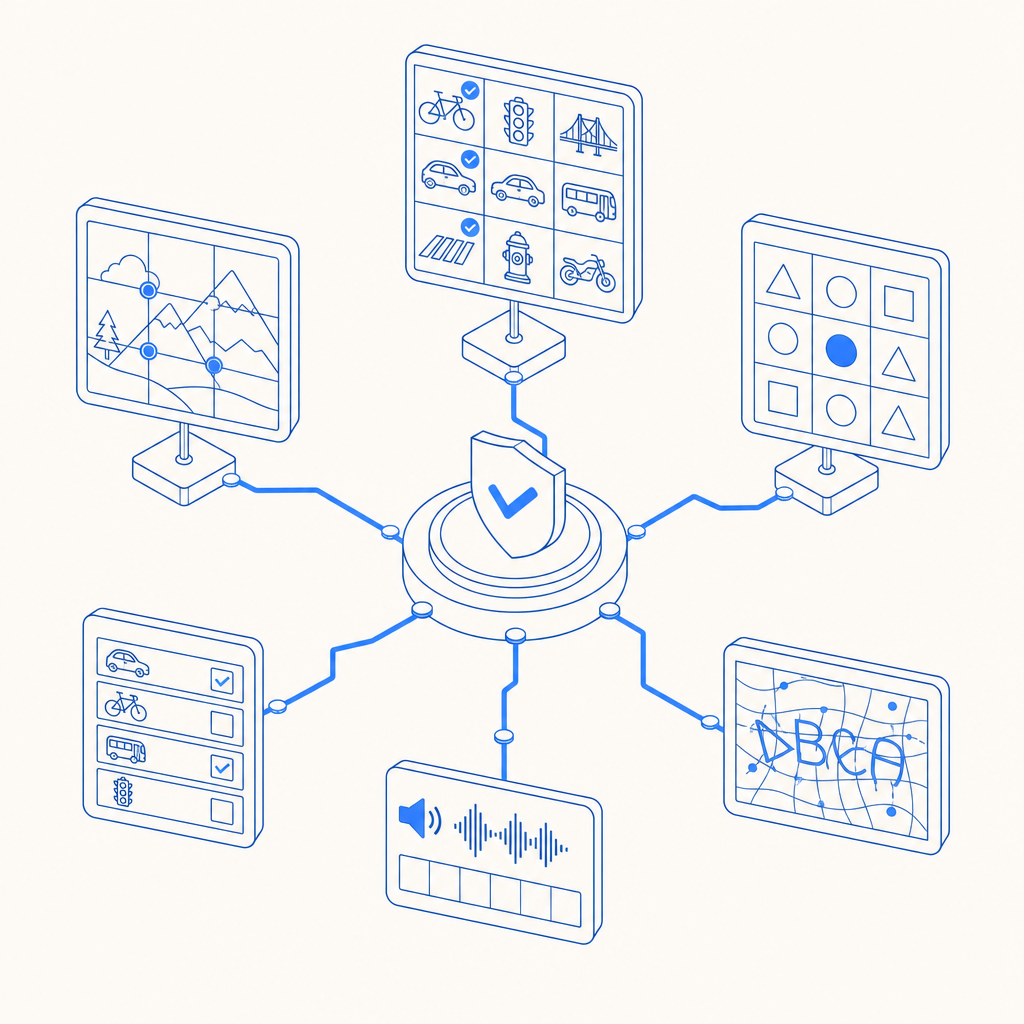
CAPTCHAs work by presenting puzzles or tasks that require human-like understanding or perception. Typical CAPTCHA challenges include identifying distorted text characters, selecting images with certain objects, or solving simple logic puzzles. The key is that these tests leverage tasks where humans naturally excel, like visual pattern recognition or understanding context, while current automated programs struggle to interpret or solve them with high accuracy.
For example, traditional CAPTCHAs show warped letters and numbers that users type into a form field. More modern variants use image recognition or behavior analysis, such as tracking mouse movements or keystroke timing, to determine if the interaction is human. As attack methods evolve, CAPTCHA systems continuously adapt by changing challenge types and using risk-analysis to improve bot detection without burdening legitimate users.
Types of CAPTCHA and How They Compare
Different CAPTCHA types vary in complexity and user experience. Here is a concise comparison highlighting the common forms you might encounter:
| CAPTCHA Type | How It Works | User Effort | Strength Against Bots | Examples/Providers |
|---|---|---|---|---|
| Text-based CAPTCHA | Enter distorted alphanumeric characters | Moderate | Medium | Traditional CAPTCHAs |
| Image-based CAPTCHA | Select images matching a theme | Moderate | Medium to High | Google reCAPTCHA, hCaptcha |
| Invisible CAPTCHA | Behavioral analysis, no visible challenge | Low | Moderate to High | Cloudflare Turnstile, Invisible reCAPTCHA |
| Audio CAPTCHA | Listen and type spoken text for accessibility | Moderate | Lower (audio bots exist) | Accessibility feature |
| Logic Puzzle CAPTCHA | Solve simple puzzles or math problems | Low to Moderate | Medium | Custom implementations |
While reCAPTCHA by Google remains widely used, alternatives like hCaptcha and Cloudflare Turnstile aim to balance stronger privacy or user experience. Solutions like CaptchaLa provide SDKs for easy integration in various platforms with a focus on developer control and privacy, supporting 8 UI languages and native SDKs for Web, iOS, Android, Flutter, and Electron.
How CAPTCHA Fits Into a Modern Bot-Defense Strategy
CAPTCHA is one layer among many in comprehensive bot defense. It helps:
- Mitigate automated form submissions, such as fake registrations or spam comments.
- Prevent credential stuffing and brute-force login attempts by forcing challenges on suspicious sessions.
- Protect online polls, ticketing systems, and payment pages from abuse.
- Reduce scraping activity by automated tools harvesting content or pricing data.
However, CAPTCHA alone is not foolproof. Today’s advanced bots use machine learning and distributed networks that sometimes solve CAPTCHAs or mimic human behavior. Hence, many services combine CAPTCHA with:
- Rate limiting and IP reputation analysis
- Behavioral analytics (mouse movements, typing patterns)
- Device fingerprinting
- Multi-factor authentication for sensitive actions
This layered approach increases overall security and reduces friction for genuine users.
Technical Implementation Basics
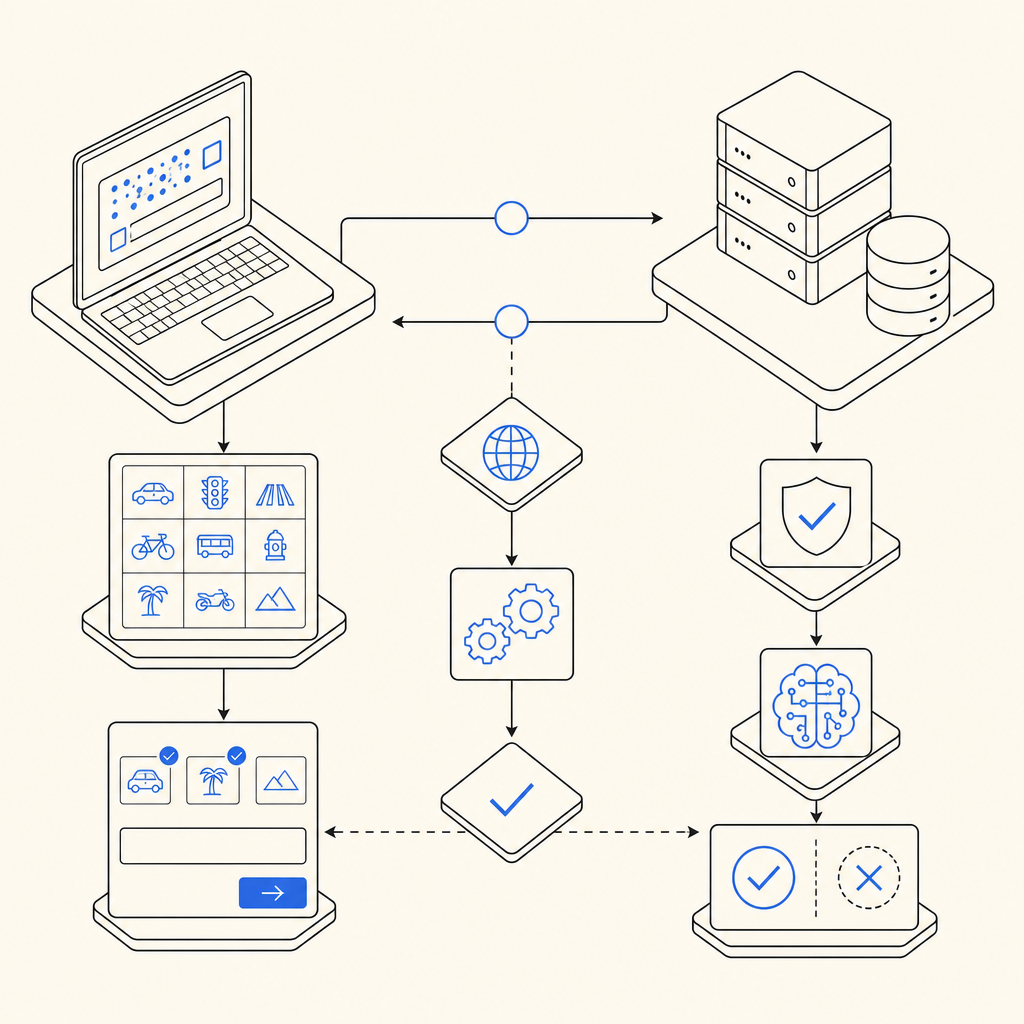
If you’re a developer curious about how CAPTCHA integrations typically work, here’s a simplified overview:
- Challenge issuance: The server or client SDK requests a CAPTCHA challenge token from the provider API.
- Client display: The challenge UI is shown using JavaScript or native SDK widget.
- User interaction: User solves the CAPTCHA; the client collects a token proving completion.
- Server validation: Your backend sends the token, along with optional client IP and secret keys, to the provider’s validation endpoint.
- Response handling: The backend receives a pass/fail verdict confirming if the user is likely human.
For example, with CaptchaLa, validation involves sending a POST request:
// Example pseudocode for server-side validation of CaptchaLa token
const response = await fetch("https://apiv1.captcha.la/v1/validate", {
  method: "POST",
  headers: {
    "X-App-Key": APP_KEY,
    "X-App-Secret": APP_SECRET,
    "Content-Type": "application/json"
  },
  body: JSON.stringify({
    pass_token: userToken,
    client_ip: userIP
  })
});
const result = await response.json();
if (result.success) {
  // Proceed with user request
} else {
  // Handle bot detection/failure
}
CaptchaLa supports multiple SDKs (PHP, Go, Flutter, React, Vue, Electron), providing flexible options to include CAPTCHA in your stack with localized UI text.
Choosing the Right CAPTCHA for Your Needs
Selecting a CAPTCHA solution depends on several factors:
- User experience: Invisible or behavior-based challenges reduce friction.
- Privacy concerns: Solutions like CaptchaLa emphasize first-party data use versus third-party tracking.
- Integration compatibility: Native SDKs and supported platforms are critical for seamless deployment.
- Volume and pricing: Consider monthly request limits and cost. CaptchaLa offers a free tier (1000/mo) and scalable plans for Pro and Business usage.
- Security efficacy: How well does the CAPTCHA stop emerging bot threats?
- Accessibility: Audio CAPTCHAs and multilingual support help comply with accessibility standards.
You may start with a free tier like CaptchaLa’s to evaluate performance and user feedback before scaling to a paid tier.
Understanding the CAPTCHA definition and its role helps demystify how web applications protect themselves from increased automation abuse. CAPTCHA is not just a nuisance to users but a vital part of maintaining trust, integrity, and performance in online services.
For more in-depth developer guidance or to explore CaptchaLa’s offerings, you can check out the documentation or review the pricing plans to find what fits your project’s needs.