
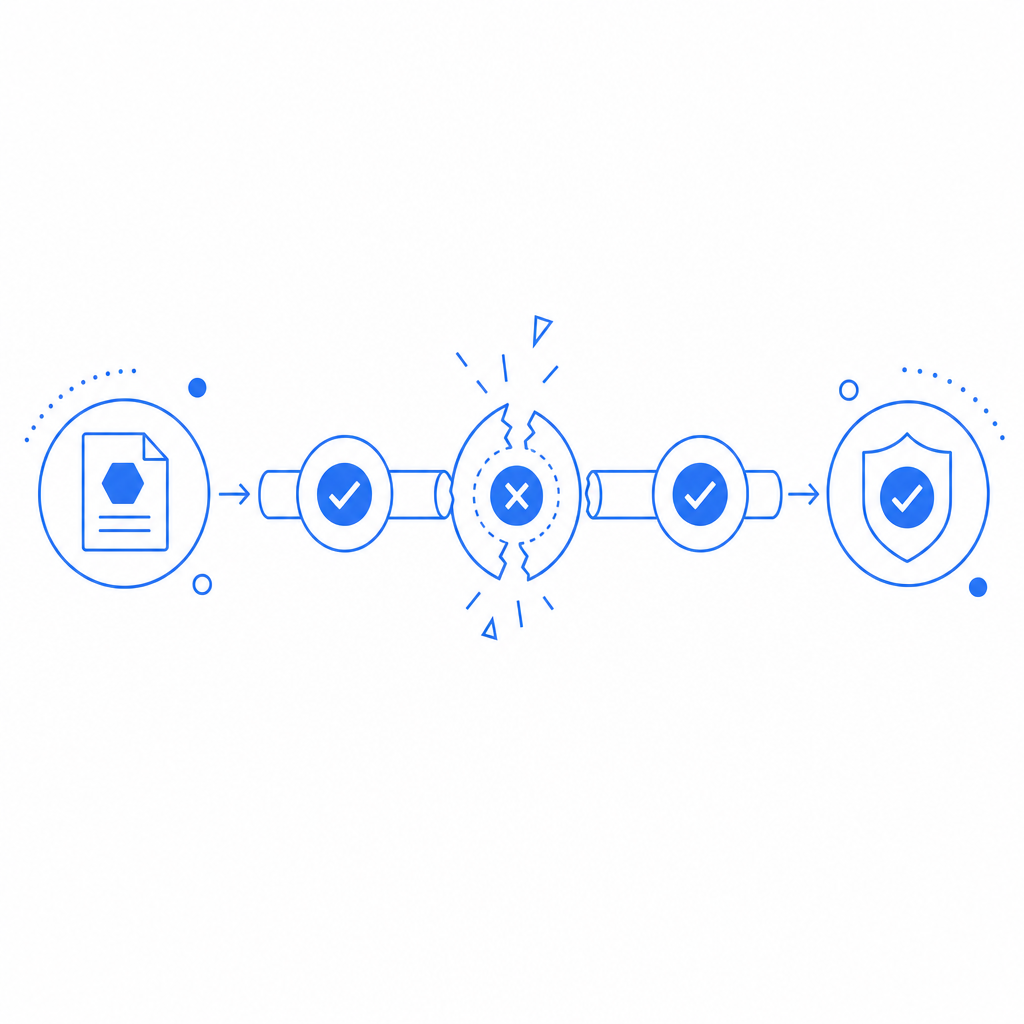
An anti bot update failed checkpoint usually means your bot-defense layer tried to refresh a challenge, policy, or verification state and that refresh did not complete cleanly. In plain terms: the protection system expected a valid update path, but something in the client, network, token flow, or server validation broke before the checkpoint could be advanced.
That does not automatically mean an attack is happening. It can happen to real users, too, especially during deploys, CDN issues, stale browser state, or misconfigured validation endpoints. The key is to determine whether the failure is isolated, recurring, or tied to a specific client path.
What “failed checkpoint” usually points to
A checkpoint is a decision point in a bot-defense flow: issue challenge, verify response, accept token, continue. If the update fails, the system cannot safely mark the request as trusted, so it stops or retries.
Common causes include:
Expired or malformed challenge state
- A pass token was generated but never validated.
- The client returned an old token after a page reload.
- A session cookie was cleared mid-flow.
Validation request failure
- Server-to-server validation timed out.
- Required headers or credentials were missing.
- The backend could not reach the validation endpoint.
Client environment mismatch
- The browser blocked the loader script.
- A mobile app shipped with an outdated SDK.
- WebView, iframe, or CSP rules prevented the challenge from loading correctly.
Policy or config mismatch
- The challenge mode changed, but the frontend still used old assumptions.
- The server expected one token shape, but the client sent another.
- Keys were rotated without updating all environments.
Too much friction in the network path
- Aggressive caching.
- Proxy rewriting.
- Intermittent latency between client, CDN, and origin.
How to debug it without guessing
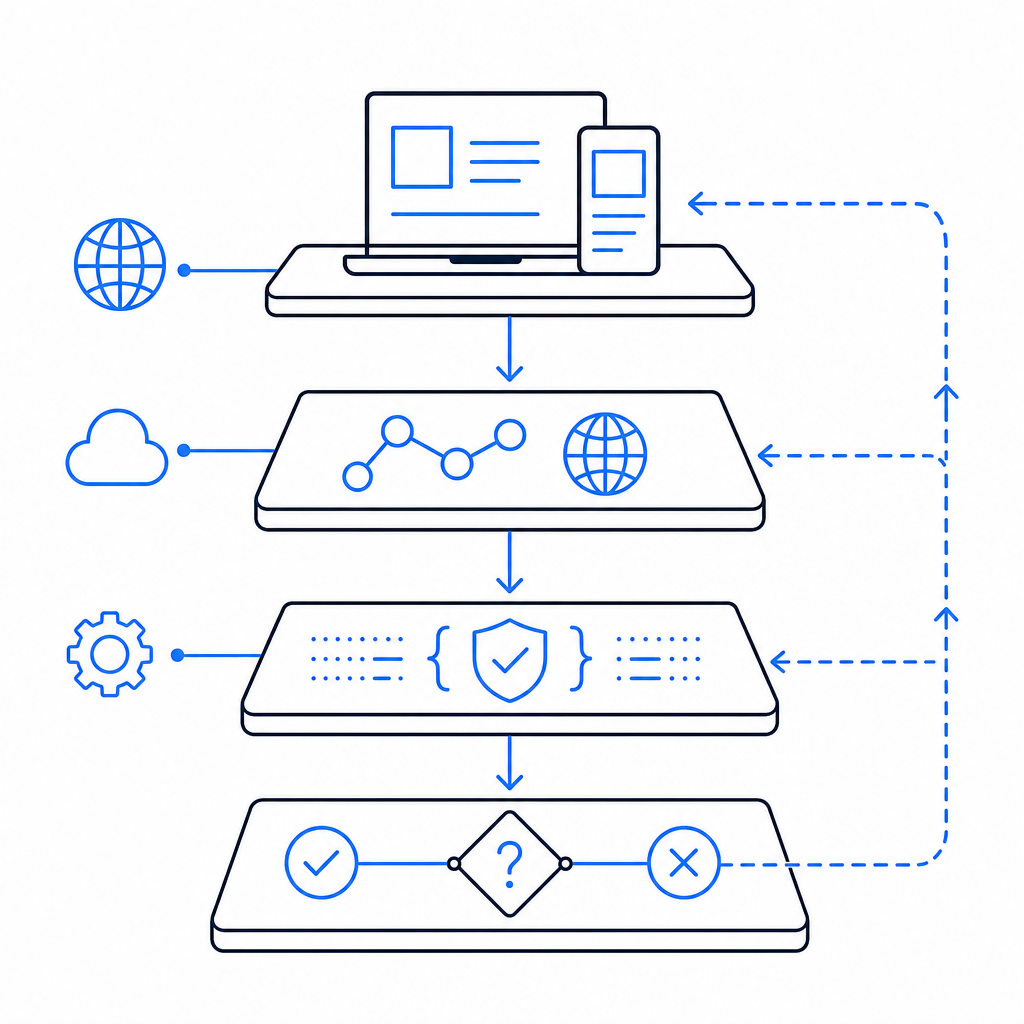
The fastest way to troubleshoot is to trace the full challenge lifecycle from browser or app to backend. If you only inspect the error message, you miss the actual break.
Start with this checklist:
Confirm the loader actually loads
- For web, verify
https://cdn.captcha-cdn.net/captchala-loader.jsis reachable. - Check CSP, ad blockers, and script integrity rules.
- Make sure the script is not being deferred in a way that breaks initialization order.
- For web, verify
Check token generation and return
- Did the challenge produce a pass token?
- Did the token make it back to your app?
- Was it stored, overwritten, or lost during navigation?
Validate on the server immediately
- Validate as soon as the token is received, not minutes later.
- Compare the client IP used in validation with the request context when possible.
- Log request IDs so you can correlate frontend and backend events.
Inspect response codes and timing
- Repeated 4xx errors often point to malformed payloads or missing keys.
- Timeouts may indicate network issues or overloaded backend dependencies.
- A spike only on one platform can reveal SDK or WebView problems.
Test with a clean session
- Fresh browser profile.
- No extensions.
- No cached challenge state.
- One environment variable or key change at a time.
A practical rule: if the same user can pass after a hard refresh but fails on the first try, your issue is often state handling rather than malicious traffic.
Example server-side validation pattern
// English comments only
async function verifyCaptcha(passToken, clientIp) {
  const res = await fetch("https://apiv1.captcha.la/v1/validate", {
    method: "POST",
    headers: {
      "Content-Type": "application/json",
      "X-App-Key": process.env.CAPTCHALA_APP_KEY,
      "X-App-Secret": process.env.CAPTCHALA_APP_SECRET
    },
    body: JSON.stringify({
      pass_token: passToken,
      client_ip: clientIp
    })
  });

  if (!res.ok) {
    throw new Error(`Validation failed: ${res.status}`);
  }

  return await res.json();
}
If you are using CaptchaLa, the validation flow is intentionally straightforward: the server calls POST https://apiv1.captcha.la/v1/validate with { pass_token, client_ip } and the X-App-Key / X-App-Secret headers. That makes it easier to isolate whether the checkpoint failed before or after verification.
Comparing likely failure points across common bot defenses
Different systems surface similar errors, but the failure modes are not identical. Here is a practical comparison:
| System | Typical checkpoint flow | Common failure source | Debug focus |
|---|---|---|---|
| reCAPTCHA | Client challenge then server verification | token age, integration mismatch, network blocking | token lifecycle and backend validation |
| hCaptcha | Challenge render then response token | browser blocking, stale state, webhook delay | client render and response handling |
| Cloudflare Turnstile | Browser attestation then origin check | CSP, script blocking, origin config | script loading and site settings |
| CaptchaLa | Loader + challenge + server validate | token transfer, validation config, SDK mismatch | request tracing and server validation |
The objective is not that one tool “wins” everywhere. It is that each system can fail at a different point, so the fix depends on where the checkpoint breaks. A front-end rendering problem needs a different response than a backend secret mismatch.
Preventing repeat failures in production
Once you have isolated the cause, reduce the chance of seeing the same checkpoint failure again. The best defenses are boring: consistent instrumentation, clear versioning, and conservative rollout.
Good operational habits
Log the full challenge path
- Challenge issued
- Token received
- Validation request sent
- Validation response status
- Final allow/deny decision
Version your client and server together
- If you change token handling on the frontend, deploy the server validator in the same release window.
- Keep an eye on app stores and embedded web containers, which may lag behind web deployments.
Add graceful fallback behavior
- If validation service is unavailable, show a retry path.
- Avoid permanently blocking users on transient outages unless risk is high.
Watch for drift across platforms
- Native iOS, Android, Flutter, Electron, and web builds can diverge fast.
- A token flow that works on desktop Chrome may fail in a mobile WebView if you assume the same storage or cookie behavior.
Use your provider docs and SDK versions deliberately
- For CaptchaLa, native SDKs are available for Web (JS/Vue/React), iOS, Android, Flutter, and Electron.
- Server SDKs include
captchala-phpandcaptchala-go. - Package references currently include Maven
la.captcha:captchala:1.0.2, CocoaPodsCaptchala 1.0.2, and pub.devcaptchala 1.3.2. - If you need implementation specifics, the docs are the cleanest place to start.
When the error is actually a signal, not a bug
Sometimes “failed checkpoint” is your early warning that the defense is doing its job, just a bit too aggressively. For example:
- A bot burst may be generating malformed or replayed tokens.
- A proxy farm may be altering request headers enough to break validation.
- Rate-limited automation may be hitting the challenge flow faster than state can be refreshed.
From a defender’s perspective, the goal is not to eliminate every failure message. It is to separate genuine user friction from suspicious traffic. If the same checkpoint fails across many unrelated IPs, browsers, and sessions, look at your integration first. If it clusters around one source pattern, investigate the traffic.
For teams that need multiple deployment options, CaptchaLa can be kept simple: first-party data only, clear server validation, and a modest path from trial to scale. The available tiers are straightforward as well, with a free tier at 1000/month and paid plans ranging from Pro at 50K–200K to Business at 1M. If you are comparing options, pricing is the fastest way to see what fits your volume.
The most useful mindset here is to treat the checkpoint like a transaction log, not a mystery. If you can trace who issued it, who received it, and who validated it, the fix usually becomes obvious.
Where to go next: review the integration docs or compare usage tiers on pricing.