
Anti bot tracking on Shopee is about detecting automated behavior early enough to stop scraping, fake signups, credential stuffing, and checkout abuse without blocking real shoppers. The practical answer is not “track bots forever,” but to combine request patterns, device and session signals, and challenge-based verification that only escalates when risk is high.
For marketplaces, the tricky part is that bot traffic rarely looks like a single obvious attack. It often blends into normal browsing: category crawling, price checks, inventory polling, coupon testing, and bursts of login attempts. That means the most useful defenses are the ones that correlate behavior across requests and sessions rather than relying on one static fingerprint.
What anti bot tracking on Shopee is trying to catch
If you are defending a Shopee-like marketplace, the goal is usually to detect abuse across four areas:
- Catalog scraping — repeated requests for search, product, review, or seller pages at machine speed.
- Account abuse — credential stuffing, fake registrations, OTP abuse, and takeover attempts.
- Checkout automation — cart stuffing, coupon farming, inventory hoarding, and fast-order scripts.
- API abuse — direct calls to endpoints that were meant for app or browser flows.
The challenge is that each of these can be distributed across IPs, proxies, and device emulators. So “anti bot tracking” should mean telemetry, not just blocking. You want to observe enough to answer questions like:
- Is the same session hitting the same product families in a pattern?
- Are requests arriving faster than a human could navigate?
- Do headers, JavaScript execution, and cookie behavior line up?
- Are challenge outcomes changing after a user logs in, changes shipping options, or enters checkout?
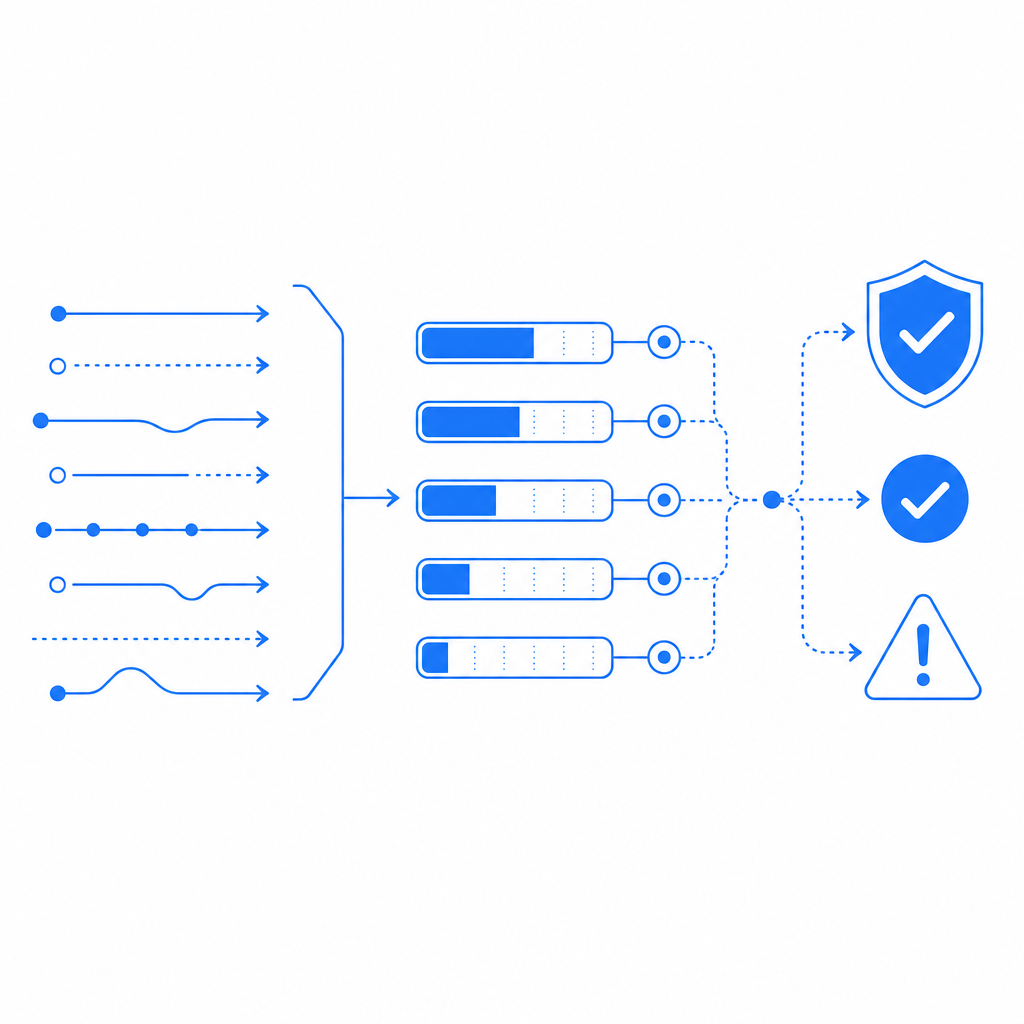
A strong defense uses signals from the browser or app, then decides whether to allow, challenge, throttle, or deny. That keeps friction low for normal buyers while making automation expensive and noisy.
A defender’s signal stack: what to measure
A useful anti-bot setup for a marketplace usually combines several layers. No single signal is enough on its own.
| Signal layer | What it tells you | Defender use |
|---|---|---|
| Request rate | Speed and burstiness | Detect scraping, login storms, and coupon abuse |
| Session continuity | Cookies, token reuse, navigation order | Spot scripted flows and broken browser state |
| Device/app integrity | Genuine browser or native app behavior | Distinguish real clients from emulators or headless automation |
| IP / ASN patterns | Proxy, hosting, or rotating infrastructure | Add risk without relying only on IP blocks |
| Interaction timing | Scroll, click, form timing, idle gaps | Separate human pacing from scripted loops |
| Challenge outcomes | Success/fail/skip behavior | Escalate only when risk is confirmed |
The important part is correlation. For example, one login failure is normal. Thirty accounts from the same behavior cluster in ten minutes is not.
A practical implementation often follows this sequence:
- Collect first-party signals from your web, iOS, Android, Flutter, or Electron client.
- Assign a risk score based on rates, repetition, and client integrity.
- Escalate selectively to a CAPTCHA or proof step only when the score crosses a threshold.
- Log outcomes so you can tune thresholds by endpoint, geography, and device type.
- Review false positives on a schedule, especially after app releases or traffic spikes.
If you use CaptchaLa, this kind of flow fits a first-party data model: you validate challenge outcomes server-side, and you can keep the decision logic close to your own application rather than outsourcing the whole policy to a black box.
How to wire it into a marketplace flow
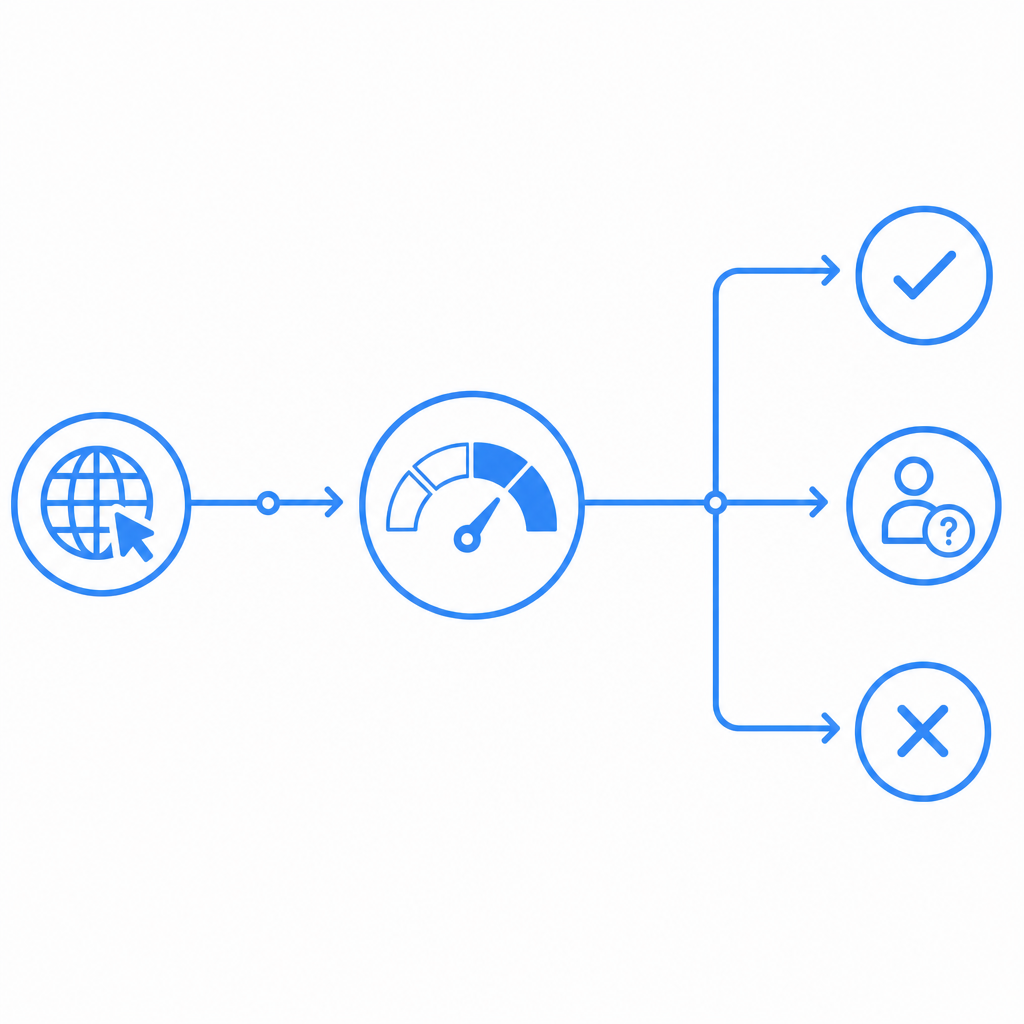
The most reliable anti-bot design is usually “detect, then verify.” That means your app or site watches behavior, and only when needed asks for a challenge token that your backend verifies.
A simple server-side validation path looks like this:
# Client completes challenge and receives pass_token
# Backend validates token before allowing the action
POST https://apiv1.captcha.la/v1/validate
Headers:
  X-App-Key: your_app_key
  X-App-Secret: your_app_secret
Body:
  {
    "pass_token": "token_from_client",
    "client_ip": "203.0.113.10"
  }
For server-issued challenge flows, the issue endpoint can be used to create a challenge token from the backend:
POST https://apiv1.captcha.la/v1/server/challenge/issue
Headers:
  X-App-Key: your_app_key
  X-App-Secret: your_app_secret
That pattern is helpful when the action is sensitive: login, password reset, checkout, seller listing edits, or coupon redemption. It also keeps the trust decision on your side.
Why this approach works better than hard blocking
Hard blocks are tempting, but marketplaces are noisy. Real users share IPs, use mobile networks, switch devices, and make lots of legitimate rapid actions. A challenge-based step is usually safer than a blanket deny.
Here’s a practical comparison:
| Approach | Strengths | Weaknesses |
|---|---|---|
| IP blocking | Fast and simple | High false positives, easy to rotate around |
| Static CAPTCHA only | Familiar to users | Can be overused and create friction |
| Behavioral scoring + challenge | Flexible, lower friction | Needs tuning and telemetry |
| WAF-only rules | Good baseline protection | Limited user/session context |
For many teams, the right answer is a hybrid: WAF rules for obvious abuse, analytics for trends, and challenge verification for the borderline cases.
What to watch on Shopee-like traffic patterns
Shopee-style marketplace traffic has some distinctive patterns that are worth tracking carefully.
1. Search and browse loops
Bots often crawl search result pages with small keyword variations or repeated category traversal. Look for:
- very low dwell time between page loads,
- consistent pagination depth,
- repeated product IDs across multiple sessions,
- unusual ratios of search-to-detail-page visits.
2. Login and account creation bursts
Credential stuffing and fake signups tend to cluster by ASN, time window, or user agent family. A good detector watches for:
- repeated failed logins with varied passwords,
- impossible “new device” patterns across many accounts,
- OTP requests without normal navigation history,
- account creation followed by immediate high-value actions.
3. Cart and checkout automation
This is where friction matters most. A user buying a limited item may act quickly, but automation still tends to reveal itself through timing and repetition. Watch for:
- add-to-cart rates far above human speed,
- repeated address edits,
- coupon attempts across multiple accounts,
- checkout transitions without normal client state.
4. App and web parity
If you support web and native apps, compare how each client behaves. Bots often prefer the path with the weakest controls. CaptchaLa’s native SDK coverage across Web (JS/Vue/React), iOS, Android, Flutter, and Electron can help you keep policy aligned across client types, instead of having one weak spot where abuse concentrates.
It also helps to support the channels your users already use. CaptchaLa’s UI is available in 8 languages, which reduces friction when a real user does get challenged.
Choosing the right challenge level
Not every suspicious session needs the same response. A simple policy can go a long way:
- Low risk: allow silently.
- Medium risk: increase logging and rate-limit the endpoint.
- Higher risk: require a challenge and validate the token server-side.
- Critical risk: temporarily deny or queue the action for review.
That structure is especially useful when traffic spikes around flash sales or limited-stock drops. You can keep the store open while still slowing automation enough to make it uneconomical.
If you want to ship this without building the whole system from scratch, docs cover client integration and verification details, and pricing shows the current tiers, including a free tier for 1,000 validations per month and larger plans for heavier traffic. The product also supports server SDKs like captchala-php and captchala-go, plus package options such as Maven la.captcha:captchala:1.0.2, CocoaPods Captchala 1.0.2, and pub.dev captchala 1.3.2.
How this compares with reCAPTCHA, hCaptcha, and Turnstile
Most teams evaluating anti-bot tracking will compare a few familiar tools:
- reCAPTCHA is widely recognized and easy to explain internally.
- hCaptcha is often chosen for its challenge style and control options.
- Cloudflare Turnstile is attractive for low-friction verification and broader Cloudflare-native workflows.
Those tools can all be appropriate, depending on your stack and constraints. The main question is not brand, but fit: how well does the system match your app architecture, data requirements, and user experience goals?
A marketplace like Shopee has a lot of legitimate high-frequency behavior, so the ability to validate first-party signals and apply challenges selectively matters more than simply adding another gate. That is where CaptchaLa can fit naturally if you want to keep verification close to your application logic rather than relying only on third-party traffic decisions.
Closing thought
Anti bot tracking Shopee is less about “catching every bot” and more about making abuse expensive while keeping real shopping smooth. If you start with first-party telemetry, score behavior across sessions, and verify only when needed, you can protect search, login, and checkout flows without turning the marketplace into a maze.
Where to go next: read the docs for integration details, or check pricing to choose a plan that matches your traffic volume.