
A captcha creator is the tool you use to design and deploy challenges that separate real users from automated traffic without turning signup or checkout into a friction trap. If your goal is to reduce spam, fake account creation, credential stuffing, and abuse, the right approach is usually not “harder puzzles,” but a well-tuned verification flow that fits your app.
The key idea is simple: a good captcha creator should help you issue a challenge, validate the response server-side, and adapt the experience to risk level and device context. That gives you a control point without asking users to solve something annoying every time.
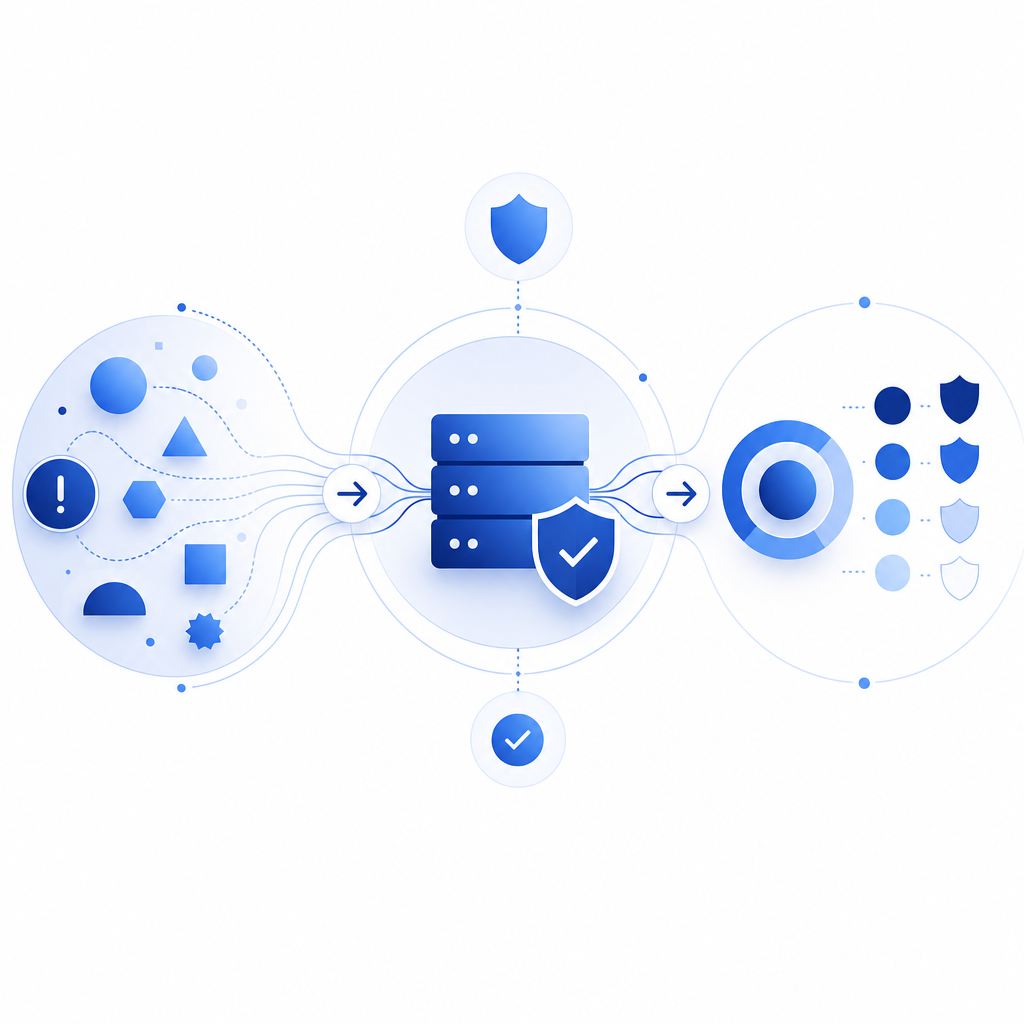
What a captcha creator actually needs to do
A lot of teams think of CAPTCHA as a single widget, but a useful captcha creator is really a small system with three jobs:
- Present a challenge that is understandable to humans.
- Produce a token or proof that can be checked on your backend.
- Let you vary strictness by route, session, or signal quality.
That matters because abuse rarely looks the same everywhere. A signup form may need a stronger check than a newsletter form. A password reset endpoint may need stricter throttling and challenge escalation. A checkout flow may need low-friction verification with server-side confirmation.
If you are evaluating a CaptchaLa deployment or any other product, focus on these implementation details:
- Can the challenge be embedded cleanly in web and mobile clients?
- Can the backend validate a token without trusting the browser?
- Do you get enough language coverage for your users?
- Can you vary policy by endpoint rather than using one global rule?
- Are the signals first-party, so you are not depending on brittle third-party cookies?
CaptchaLa, for example, supports 8 UI languages and native SDKs for Web (JS/Vue/React), iOS, Android, Flutter, and Electron. That combination is useful when you want a consistent verification experience across a web app and a companion mobile app.
How to think about implementation
A captcha creator is easiest to adopt when it follows a predictable client-server pattern. The client requests a challenge, the user completes it, and your server validates the resulting pass token before accepting the action.
A practical integration looks like this:
1. Client loads the CAPTCHA loader script
2. Client requests or receives a challenge
3. User completes the challenge
4. Client sends pass_token to your server
5. Server validates token with your CAPTCHA provider
6. Server accepts or rejects the protected action
For CaptchaLa specifically, the loader is served from:
https://cdn.captcha-cdn.net/captchala-loader.jsServer validation is done with a POST request to:
https://apiv1.captcha.la/v1/validatewith a body like:
{
  "pass_token": "value-from-client",
  "client_ip": "203.0.113.42"
}
and the X-App-Key plus X-App-Secret headers.
That server-side step is the important part. If validation only happens in the browser, an attacker can often bypass the logic by scripting the client. A solid captcha creator should make backend verification the default, not an optional afterthought.
Where server-token flows fit
Some applications need to issue a server token or challenge from the backend before the client even sees the interaction. CaptchaLa exposes a server-token endpoint for that purpose:
POST https://apiv1.captcha.la/v1/server/challenge/issueThis pattern is useful when you want tighter control over risk decisions, or when you are protecting flows that already depend on authenticated sessions, payment state, or sensitive account actions.

Comparing common CAPTCHA options objectively
There is no universal winner. The right captcha creator depends on your constraints: UX, cost, privacy posture, and how much control you want over the integration.
| Option | Strengths | Tradeoffs | Good fit for |
|---|---|---|---|
| reCAPTCHA | Familiar to many teams, broad adoption | Can feel opaque; UX and policy changes may be hard to predict | Teams that value widespread recognition |
| hCaptcha | Flexible deployment, often chosen for privacy-conscious setups | Can still add friction depending on configuration | Apps that want an alternative to reCAPTCHA |
| Cloudflare Turnstile | Low-friction experience, simple embed for some stacks | Best when your infrastructure already aligns with Cloudflare’s ecosystem | Sites already using Cloudflare heavily |
| Custom captcha creator / provider flow | More control over UX, routing, and server checks | You own more of the integration and policy decisions | Teams with specific abuse patterns or custom UX needs |
The important thing is not branding; it is control. If your app needs exact handling by route, you want a captcha creator that lets you issue challenges only where needed. If your user base is global, language support matters. If you ship native apps, SDK availability matters even more. And if you care about privacy or compliance posture, first-party data handling deserves attention.
CaptchaLa’s published pricing tiers are also easy to reason about: Free tier at 1,000 monthly requests, Pro at 50K–200K, and Business at 1M. That makes it straightforward to pilot on low-risk routes, then expand coverage as you measure abuse patterns.
Practical design tips for a better verification flow
A captcha creator should help you reduce abuse without making legitimate users feel punished. The best results usually come from policy design, not visual complexity.
Here are a few specific rules that tend to work well:
Challenge only when risk is elevated.
Trigger verification on suspicious velocity, unusual geolocation changes, repeated failed attempts, or high-value actions.Validate on the server every time.
Treat the pass token as a claim to verify, not a guarantee to trust.Keep the protected action close to the validation step.
Don’t validate a token and then wait several minutes before processing the action.Log result metadata carefully.
Store route, timestamp, request source, and outcome so you can tune policy later.Use consistent UX across platforms.
If a user sees your verification on web, iOS, or Android, the experience should feel like the same system, not three unrelated ones.Prefer adaptive challenge intensity.
A low-risk visitor may get a fast, lightweight check; a suspicious session may get a stronger one.
If you are implementing in code, the rough backend pattern often looks like this:
// English comments only
async function verifyCaptcha(passToken, clientIp) {
  const response = await fetch("https://apiv1.captcha.la/v1/validate", {
    method: "POST",
    headers: {
      "Content-Type": "application/json",
      "X-App-Key": process.env.CAPTCHA_APP_KEY,
      "X-App-Secret": process.env.CAPTCHA_APP_SECRET
    },
    body: JSON.stringify({
      pass_token: passToken,
      client_ip: clientIp
    })
  });

  const result = await response.json();

  // Accept only if the provider confirms the token
  return result && result.valid === true;
}
That kind of flow keeps the decision server-side, which is what you want for registration, login, password reset, coupon claims, and other abuse-prone endpoints.
Choosing a captcha creator for your stack
The best captcha creator is the one that matches your delivery model and your abuse profile. If you are web-only, a JS embed may be enough. If you are shipping mobile and desktop clients too, you probably want native SDKs so the same policy can follow the user across platforms.
A quick checklist:
- Web app with modern frontend framework? Look for JS, Vue, or React support.
- Mobile app? Confirm iOS and Android SDKs.
- Cross-platform app? Flutter support reduces duplication.
- Desktop app? Electron support may simplify rollout.
- Backend in PHP or Go? Server SDKs like
captchala-phpandcaptchala-gocan reduce glue code. - Multilingual audience? Make sure the UI language set covers your users.
- Privacy-sensitive product? Ask whether first-party data only is part of the architecture.
For implementation details and request formats, the docs are the right place to start. If you want to estimate rollout volume and compare tiers, the pricing page is the fastest reference.
Where to go next: if you are planning a rollout, start with the docs, wire up validation on one protected endpoint, then expand from there. A small, measured deployment usually tells you more than a full-site switch.