
An anti bot test is a security measure designed to distinguish between real human visitors and automated bots on websites or apps. The goal is to block malicious bots that scrape data, perform credential stuffing, or overload servers, while allowing genuine users a seamless experience. These tests are essential because bots can compromise security, degrade site performance, and distort analytics.
What Exactly Is an Anti Bot Test?
An anti bot test is a challenge-response mechanism or behavioral analysis tool used in web security to filter out automated scripts from human users. Unlike simple IP blocking or rate limiting, these tests probe user interactions or present tasks that are easy for people but difficult for bots.
There are several common types of anti bot tests:
- Visual CAPTCHAs requiring image recognition
- Interactive puzzles or sliders
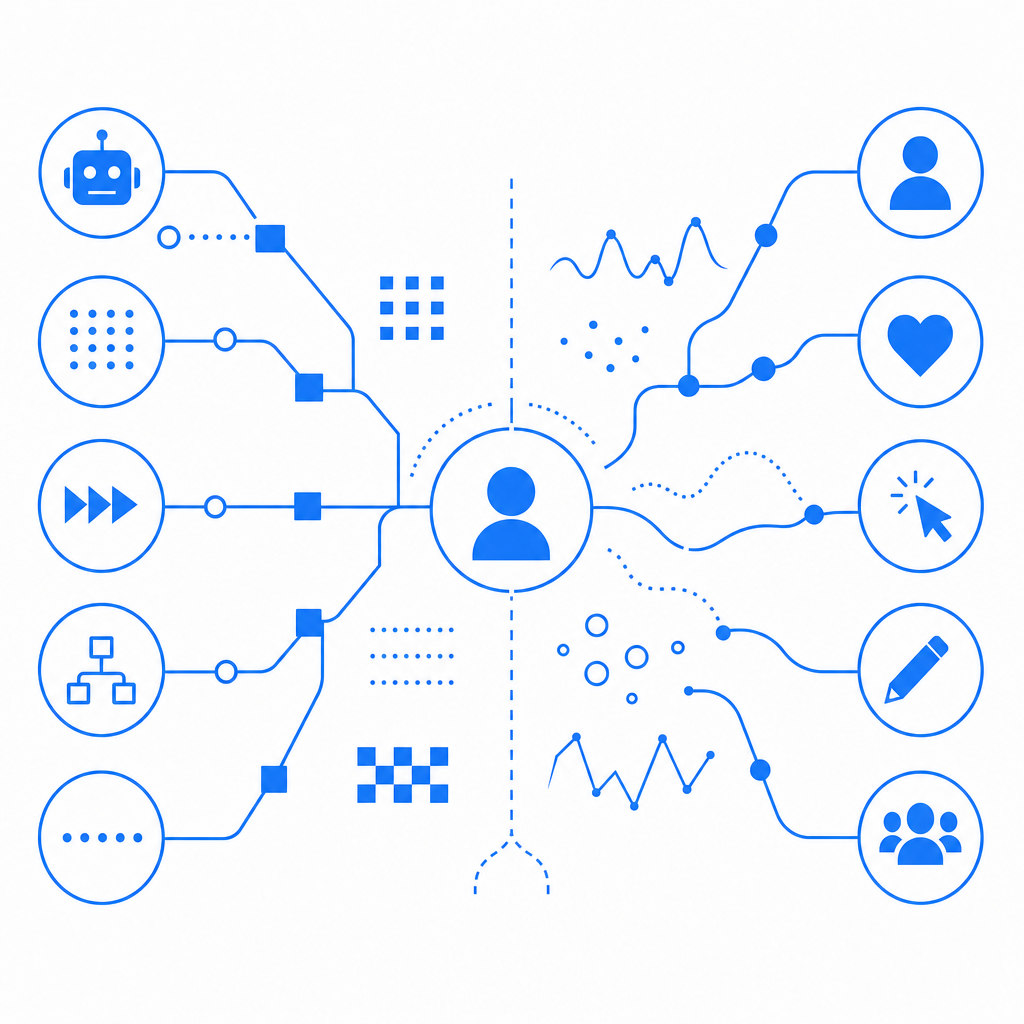
- Invisible behavioral analysis tracking mouse movements and typing patterns
- JavaScript challenges requiring client-side processing
As bot technology improves, anti bot tests have evolved beyond static challenges into dynamic assessments leveraging machine learning models and risk scoring.
Why Are Anti Bot Tests Critical for Security?
Bots can perform a variety of harmful activities including:
- Credential stuffing and brute force password attacks
- Scraping valuable data such as pricing, content, or user info
- Spamming comment forms or creating fake accounts
- Launching denial-of-service attacks through excessive requests
An effective anti bot test acts as a gatekeeper, allowing only legitimate human visitors to pass. This protects backend infrastructure, prevents fraud, maintains accurate analytics, and enhances user trust.
Comparing Popular Anti Bot Test Solutions
| Feature | CaptchaLa | reCAPTCHA v3 | hCaptcha | Cloudflare Turnstile |
|---|---|---|---|---|
| Challenge Types | Visual, behavioral | Invisible risk score + checkbox | Visual, puzzle-based | Invisible risk score + interaction |
| SDK Availability | Web, iOS, Android, Flutter, Electron, PHP, Go | Web only | Web only | Web only |
| UI Languages | 8 | Limited | Limited | Limited |
| First-party Data Handling | Yes | No | Limited | No |
| Free Tier Requests/Month | 1000 | High (free quota) | Moderate | High |
| Privacy Focus | Strong, GDPR-compliant | Moderate | Moderate | Moderate |
Each tool has strengths depending on your project needs. CaptchaLa stands out with native SDKs for multiple platforms and a commitment to first-party data privacy, minimizing external data sharing.
Technical Overview: How Anti Bot Tests Are Implemented
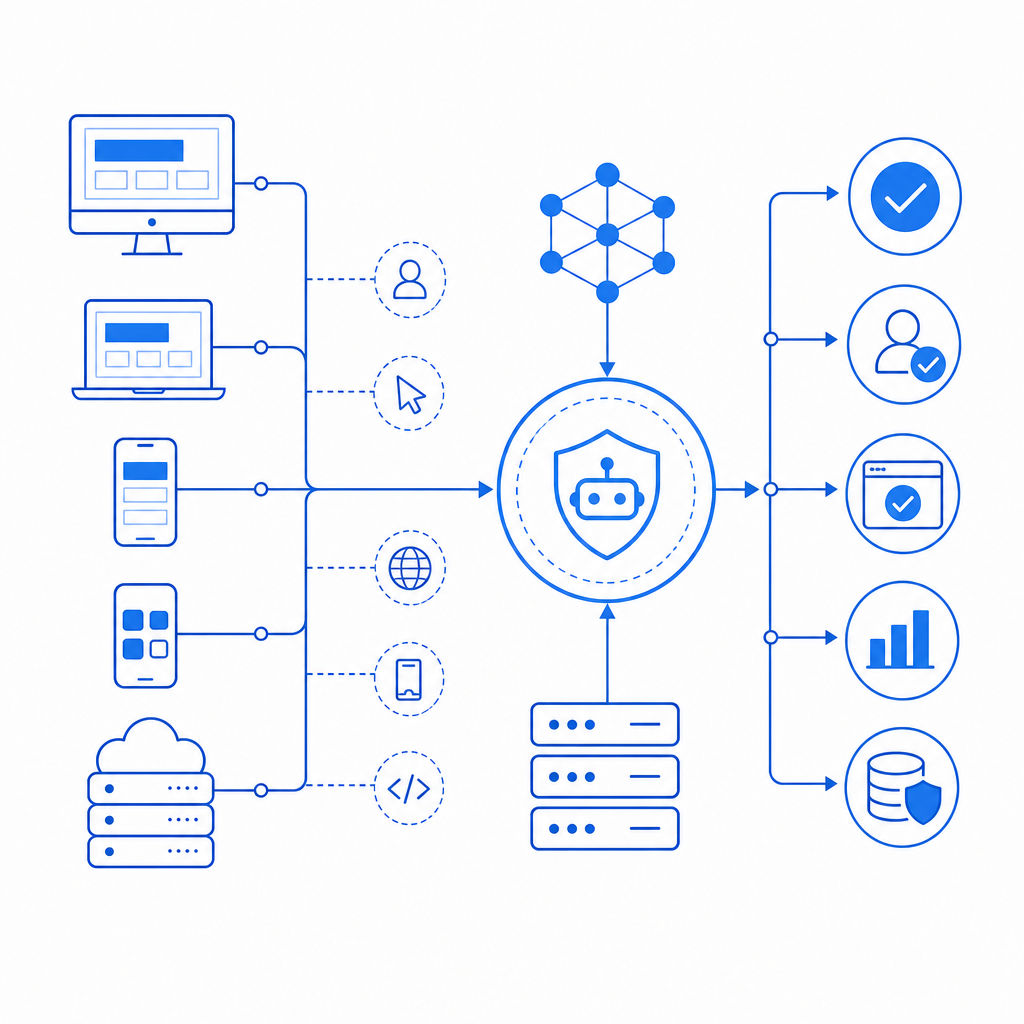
Implementing an anti bot test typically involves client-side and server-side components:
Client SDK Integration
Embed a JavaScript loader or native SDK (such as CaptchaLa's loader or Flutter SDK) into your app or website. This handles user interaction and triggers the challenge.Challenge Issuance
When user behavior triggers verification, the client requests a challenge token from the server (e.g., CaptchaLa’s POST to/server/challenge/issue).User Completion
The user completes the test, and a pass token is generated on success.Server Validation
Your backend sends the pass token, along with client IP, to the validation endpoint (POST https://apiv1.captcha.la/v1/validate) with required headers (X-App-Key+X-App-Secret).Request Allowance or Blocking
Based on the validation response, your system accepts or rejects the user’s request.
Here is a code snippet illustrating server-side validation in pseudocode:
# Server-side validation example (Python-like pseudocode)

def validate_captcha(pass_token, client_ip):
    payload = {
        "pass_token": pass_token,
        "client_ip": client_ip
    }
    headers = {
        "X-App-Key": YOUR_APP_KEY,
        "X-App-Secret": YOUR_APP_SECRET
    }
    response = http_post("https://apiv1.captcha.la/v1/validate", json=payload, headers=headers)
    return response.get("success", False)

# Usage
if validate_captcha(user_pass_token, user_ip):
    continue_request()
else:
    block_request()
Using SDKs and validating in this way provide robust protection while minimizing user friction.
Best Practices When Using Anti Bot Tests
When deploying anti bot tests, consider these technical specifics to optimize security and usability:
Choose SDKs Matching Your Platforms
Use native solutions like CaptchaLa’s SDKs for iOS, Android, Flutter, React, or backend libraries for PHP/Go for seamless integration.Leverage Invisible or Behavioral Tests First
Prioritize user-friendly invisible challenges to avoid frustration while detecting bots effectively.Implement Server-Side Validation Only
Never trust client validation alone; always verify tokens server-side to prevent manipulation.Monitor Traffic and Adjust Thresholds
Tailor challenge sensitivity based on observed attack patterns and user behavior.Respect User Privacy
Favor solutions that process first-party data and limit sharing with third parties to comply with privacy regulations like GDPR.
How CaptchaLa Fits into Your Anti Bot Strategy
CaptchaLa offers flexible, developer-friendly anti bot testing services with a focus on privacy and accessibility. Its multi-platform SDKs and straightforward server APIs simplify integration across web and apps. The service supports eight UI languages to accommodate diverse user bases and ensures the protection of your first-party data.
Unlike some tools that rely on third-party trackers or opaque scoring, CaptchaLa delivers transparent passes and failures with options suitable for both lightweight and enterprise usage. The service’s free tier covers 1000 monthly validations, with scalable plans for higher volume needs.
Where to go next? Dive into CaptchaLa’s documentation to explore integration details or visit the pricing page for plan options tailored to your needs. Implementing a thoughtful anti bot test today will safeguard your site and ensure a smoother experience for your legitimate users.