
A captcha code is a type of challenge-response test used on websites to distinguish human users from automated bots. When implemented correctly, captcha codes prevent spam, automated signups, and various malicious attacks by requiring users to solve a puzzle that is difficult for bots but easy for humans. This simple security measure safeguards websites from abuse, keeping user data and services safe.
What Exactly Is a Captcha Code?
At its core, a captcha code is a test designed to prove that the entity interacting with a website is a real person. Traditionally, a captcha might present distorted text characters or a string of numbers that users must type in correctly. More modern captchas can involve identifying objects in images, selecting certain pictures, or interacting with invisible challenge systems.
The term CAPTCHA stands for “Completely Automated Public Turing test to tell Computers and Humans Apart.” They are widely used in login forms, account registration, comment submission boxes, and payment gateways—where automatic abuse could cause significant damage.
Types of Captcha Codes Commonly Used
Text-based Captchas
This is the oldest form, where users type a displayed code. However, with advances in OCR (optical character recognition), these have become easier for bots to solve.
Image-based Captchas
These require users to select images matching a prompt, such as “select all traffic lights.” Google’s reCAPTCHA often uses this method.
Invisible and Behavior-based Captchas
Services like Cloudflare Turnstile and hCaptcha offer invisible captchas that analyze user behavior or risk scores without disrupting user flow.
Audio Captchas
To improve accessibility, audio-based captchas read out characters or numbers for visually impaired users.
| Captcha Type | Method | Accessibility | Bot Resistance | User Friction |
|---|---|---|---|---|
| Text-based | Enter distorted characters | Moderate | Moderate | Medium |
| Image-based | Select images matching prompt | Low | High | Higher |
| Invisible/Behavioral | Analyzes user behavior | High | Moderate-High | Low to None |
| Audio | Listen and input code | Designed for visually impaired | Variable | Medium |
How Captcha Codes Work Behind the Scenes
The process typically involves:
- Challenge Issuance: When a user visits a protected form or page, the captcha system issues a challenge—like generating images or distorted text.
- User Interaction: The user attempts the challenge (entering characters, selecting images).
- Client Verification: User inputs are submitted and verified by the captcha service’s backend.
- Server-side Validation: Your backend sends the user’s response and metadata (like IP address and tokens) to a captcha API endpoint for validation.
- Access Grant or Denial: If the response is valid (indicating a likely real user), form submission proceeds; otherwise, it’s blocked.
For example, CaptchaLa offers an API-driven approach where after a challenge is issued, a request is sent via a POST to https://apiv1.captcha.la/v1/validate with parameters like pass_token and client_ip. This server-side validation helps prevent attackers from bypassing client-side protections.
You can also use CaptchaLa’s SDKs for various platforms including Web (JavaScript, React, Vue), iOS, Android, Flutter, and Electron, making integration flexible across your application stack.
// Example: Client-side integration (JavaScript)
// Load CaptchaLa and initialize challenge
import { CaptchaLa } from 'captchala-sdk';

CaptchaLa.init({
  siteKey: 'your-site-key-here',
  onSuccess: (token) => {
    // Send token to server for validation
    fetch('/validate', {
      method: 'POST',
      body: JSON.stringify({ pass_token: token }),
      headers: { 'Content-Type': 'application/json' }
    }).then(res => {
      if (res.ok) alert('Captcha validated');
      else alert('Validation failed');
    });
  }
});
Comparing CaptchaLa with Other Popular Providers
When choosing a captcha service, it’s useful to understand how CaptchaLa compares objectively with popular options like Google reCAPTCHA, hCaptcha, and Cloudflare Turnstile.
| Feature | CaptchaLa | Google reCAPTCHA | hCaptcha | Cloudflare Turnstile |
|---|---|---|---|---|
| Client SDKs | Web, iOS, Android, Flutter, Electron | Web, Android, iOS | Web, Android, iOS | Web, Android, iOS |
| Server SDKs | PHP, Go | Various via community | Various via community | Limited official support |
| Supported UI Languages | 8 languages | Multiple | Multiple | Limited |
| Pricing Model | Free tier + Pro/Business plans | Free, with Google branding | Paid, with revenue sharing | Free, no branding |
| Privacy & Data Handling | First-party data only | Google control of data | Third party | Cloudflare proxy data |
| Bot Detection Accuracy | Competitive, adaptive | High | High | High |
CaptchaLa offers a straightforward privacy approach by only using first-party data and supporting multiple languages and native SDKs to fit many ecosystems seamlessly. Its transparent pricing and straightforward integration appeal to developers focused on control without relying on major ad networks or large cloud providers.
Common Technical Specifics to Consider When Implementing Captcha Codes
- User Experience: Invisible or low-friction captchas reduce drop-offs.
- Accessibility: Include audio or alternative captchas for users with disabilities.
- Security Configuration: Customize challenge difficulty based on risk.
- Localization: Multiple UI languages improve global user friendliness.
- Integration Effort: Choose SDKs and APIs that align with your tech stack.
- Data Privacy: Understand how the provider handles tokens and user data.
With CaptchaLa’s SDKs and validation endpoints, you can finely tune these elements, with REST API calls like POST https://apiv1.captcha.la/v1/server/challenge/issue to get dynamic challenges tailored to each client request.
Conclusion: Captcha Codes Are Essential for Bot Defense
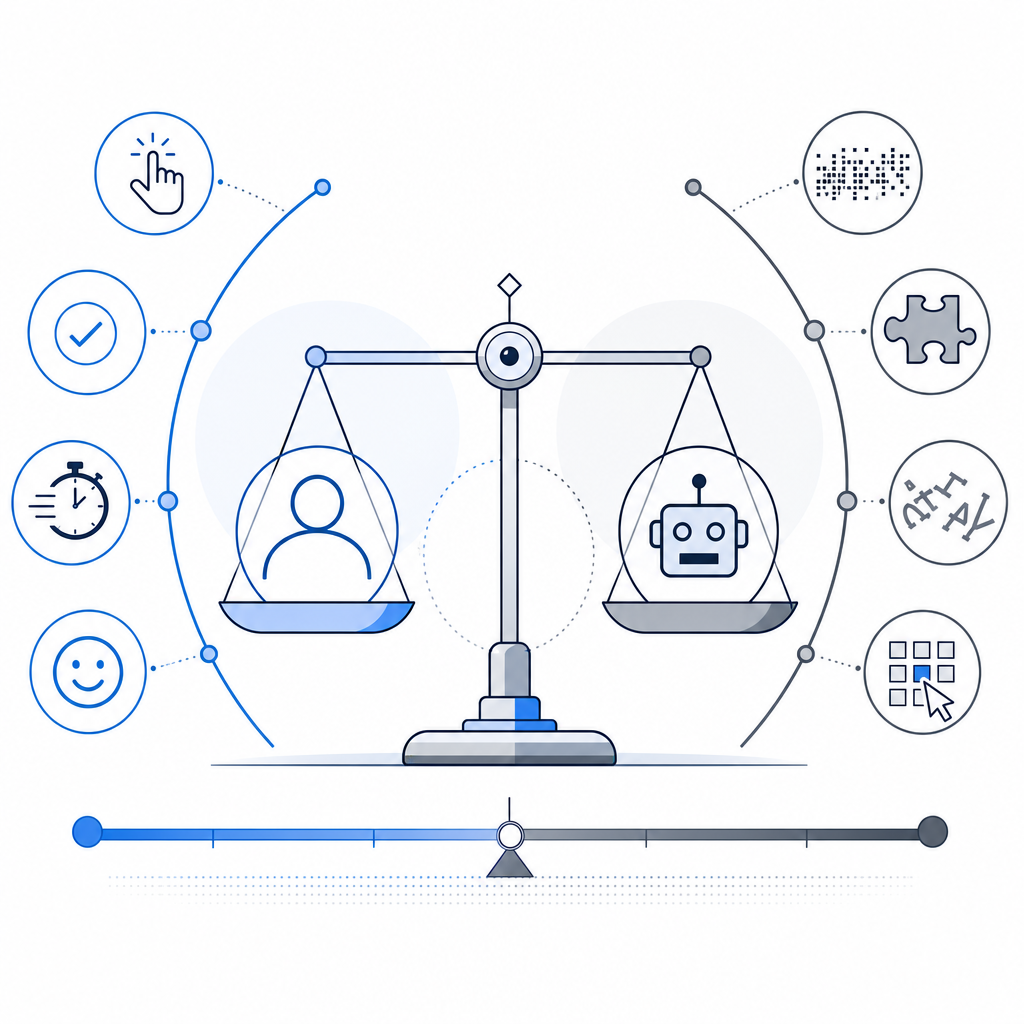
Captcha codes remain a critical line of defense against bots trying to abuse websites. Whether using classic text challenges or invisible behavioral systems, the goal is to balance security and user experience. CaptchaLa simplifies this balance by offering an easy-to-integrate, privacy-conscious captcha solution designed for modern applications with multiple SDK options and solid API validation.
If you want to explore how captcha codes can enhance your site’s security with flexible, developer-friendly tools, check out CaptchaLa. Detailed integration instructions are available in the docs, and their pricing page outlines plans suitable for various business sizes.
Where to go next? Visit CaptchaLa Pricing to find a plan that fits your project and start protecting your site from bots today.