
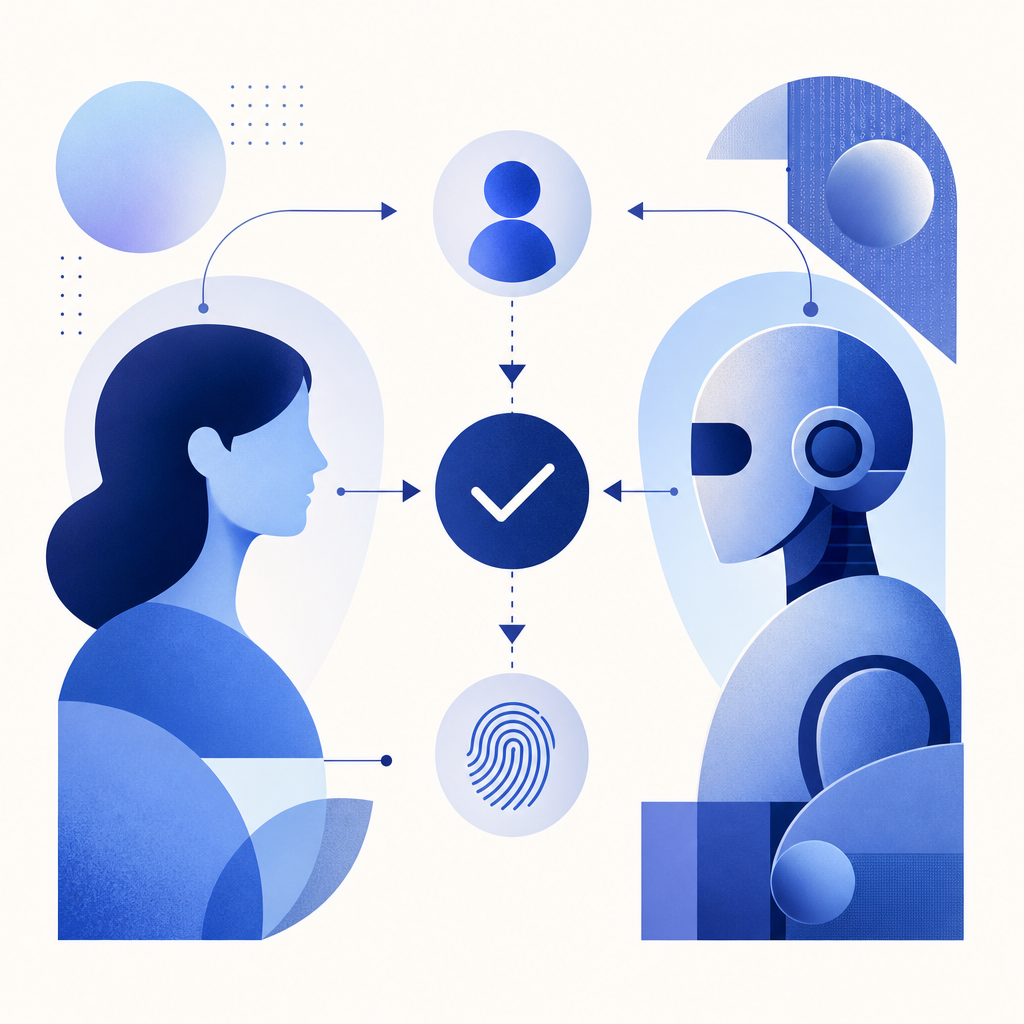
A captcha code is a challenge-response test designed to determine if the user interacting with a website is a human or an automated program (bot). Essentially, it’s a security measure used to prevent spam, abuse, or unauthorized access by requiring users to perform tasks that are easy for humans but difficult for bots. The term "captcha code" typically refers to the distorted text, images, or puzzles presented that must be solved or entered correctly to proceed.
Though often encountered as scrambled letters or numbers, captchas have evolved into more sophisticated formats that help websites filter genuine users from malicious automations.
What Is a Captcha Code?
The term CAPTCHA stands for "Completely Automated Public Turing test to tell Computers and Humans Apart." A captcha code is the actual content of the challenge—usually a combination of characters, images, or interactive elements that users must submit or solve correctly to verify they are human.
Fundamentally, captcha codes serve three key purposes:
- Block automated bots and scripts that try to abuse forms, registrations, or login processes.
- Prevent spam by ensuring only real users can submit comments or data.
- Protect sensitive actions on websites such as password resets or online purchases.
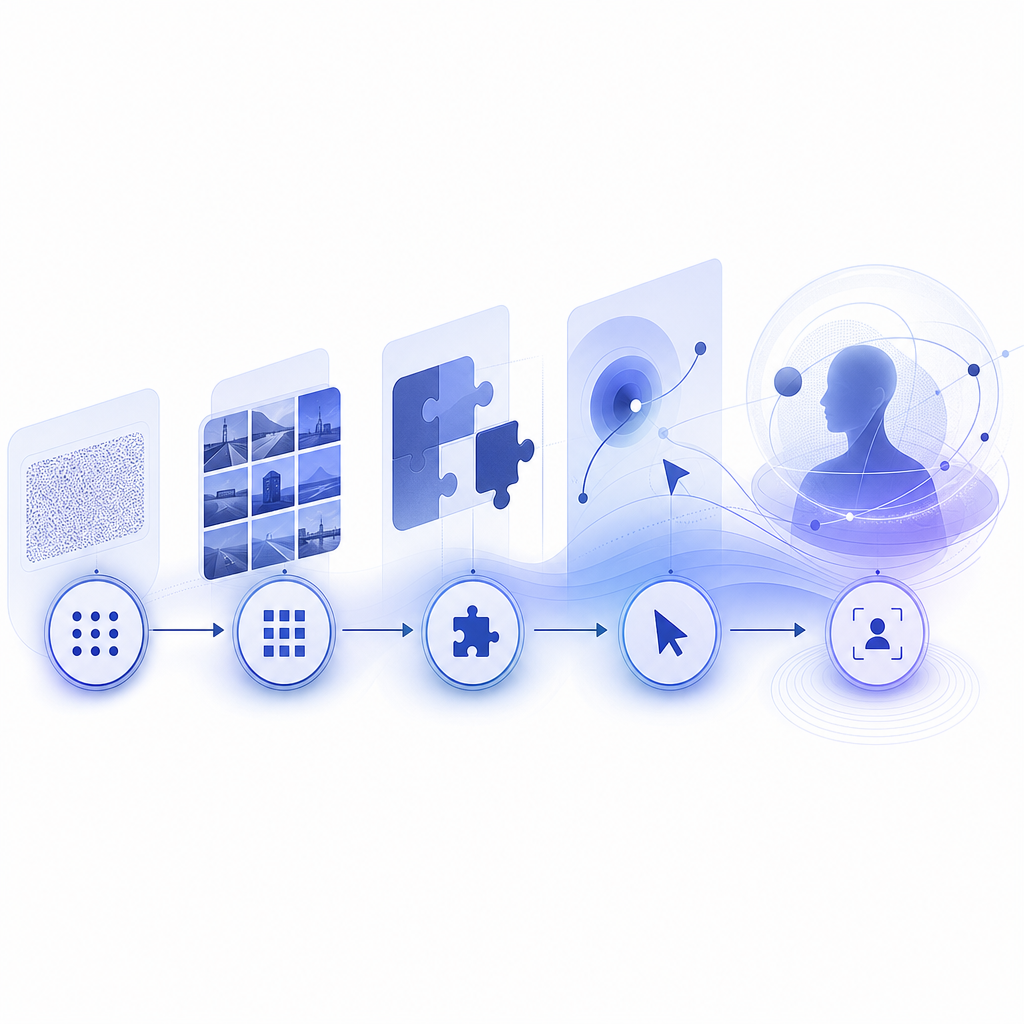
Over time, captcha codes moved beyond static text to dynamic puzzles like identifying pictures or clicking checkboxes.
Types of Captcha Codes
There are several types of captcha codes commonly used today:
1. Text-Based Captchas
Users are shown distorted letters and numbers and asked to type them into a field. These rely on the difficulty bots have in reading warped characters.
2. Image Recognition Captchas
Users identify and select images matching a prompt (e.g., select all images with traffic lights). This plays to human visual cognition strengths while challenging bots.
3. Interactive Captchas
Simpler "I’m not a robot" checkboxes detected by behavioral analysis or puzzles involving dragging and dropping.
4. Invisible Captchas
Operate in the background, analyzing user behavior without explicit tasks. Successful detection of a human user may require no action.
These modes help capture a broad range of user devices and accessibility requirements.
How Captcha Codes Work Technically
At the core, captcha codes rely on creating tests that are easy for humans but difficult for automated programs. Here’s a basic overview of the technical flow:
Challenge Issuance
When a user interacts with a protected web form, the server issues a captcha code or task—for example, an image puzzle or text code generated dynamically.User Interaction
The user completes the challenge (typing text, selecting images, clicking checkboxes).Verification
The response is submitted back to the server to validate correctness. This usually involves an API call to a captcha validation endpoint.Outcome
If the captcha code is correct, the user is allowed to continue; otherwise, they may be prompted again or blocked.
Here’s an example of a validation API request for CaptchaLa:
// Example pseudocode to validate captcha code server-side
const response = await fetch('https://apiv1.captcha.la/v1/validate', {
  method: 'POST',
  headers: {
    'Content-Type': 'application/json',
    'X-App-Key': 'your-app-key',
    'X-App-Secret': 'your-app-secret'
  },
  body: JSON.stringify({ pass_token: 'user-solution-token', client_ip: 'user-ip-address' })
});

const result = await response.json();
if (result.success) {
  // Proceed with user action
} else {
  // Deny or ask to retry captcha
}
Comparing Popular Captcha Solutions
Many providers offer captcha services, each with unique approaches and trade-offs:
| Feature | CaptchaLa | Google reCAPTCHA | hCaptcha | Cloudflare Turnstile |
|---|---|---|---|---|
| UI Languages | 8 supported | Multiple | Multiple | Multiple |
| SDK Support | Web, iOS, Android, Flutter, etc. | Web, Android, iOS | Web, Android | Web |
| Privacy Focus | First-party data only | Data shared with Google | Privacy-oriented | Privacy-oriented |
| Challenge Types | Text, image, interactive | Image selection, checkbox | Image selection, checkbox | Invisible, user behavior |
| Validation API | Yes | Yes | Yes | Yes |
| Pricing Model | Free (1000/mo) + tiers | Free | Free + paid tiers | Free |
Each option has different usability and privacy implications. For developers concerned about data privacy with third-party providers, CaptchaLa offers a solution focused on first-party data and flexible SDK integrations.
Why Captcha Code Meaning Matters for Website Security
Understanding what captcha code means and how it works helps website owners and developers implement effective bot defenses. Bots continue to evolve, making simple text captchas less reliable over time. Newer captcha codes that combine behavioral signals with visual puzzles add stronger layers of protection.
Captcha codes also impact user experience—too difficult or intrusive tests may frustrate legitimate users and reduce conversions. This balance is why options like CaptchaLa provide customizable, multilingual captchas with native SDKs for popular platforms (Web: JS/Vue/React, iOS, Android, Flutter, Electron) to tailor the solution.
Implementing captcha properly includes:
- Choosing captcha types suited to your user base.
- Validating challenges server-side to avoid spoofing.
- Monitoring captcha success and failure rates.
- Ensuring accessibility compliance for users with disabilities.
Future of Captcha Codes
As AI advances, captchas must continually adapt to stay effective without disrupting user convenience. Invisible and behavior-based captchas are becoming more common, sometimes removing the need for explicit user input but relying on complex backend signals.
CaptchaLa embraces this trend, offering APIs for challenge issuance and validation that work seamlessly with various platforms and languages, with customizable difficulty and protection levels, ensuring sites remain secure while users stay happy.
For developers looking to integrate flexible captcha solutions with full documentation and transparent pricing, CaptchaLa provides a good balance of security, usability, and privacy. Learn more about available SDKs and APIs in the docs, or explore the pricing plans to find what best fits your needs.