
An anti bot scanner is software designed to detect, analyze, and stop automated bots from accessing websites or applications. It acts as a gatekeeper, distinguishing human visitors from scripted bots trying to spam forms, scrape data, perform credential stuffing, or launch denial-of-service attacks. By analyzing traffic patterns, behavior, and interaction signals, an anti bot scanner helps prevent fraud, protect user data, and maintain website performance.
What Exactly Does an Anti Bot Scanner Do?
An anti bot scanner continuously scans incoming traffic to identify suspicious patterns associated with automation. Unlike simple rate limiting or IP blocking, these scanners use advanced heuristics and challenge-response mechanisms to differentiate between legitimate users and malicious bots. Some key functions include:
- Fingerprinting devices and browsers to detect unusual automation signatures
- Monitoring mouse movement, keystrokes, and behavioral cues in real-time
- Issuing interactive challenges like CAPTCHAs or invisible challenges
- Blocking or flagging requests based on risk scoring algorithms
- Integrating with server-side APIs for validation and threat intelligence
These techniques combined make it extremely difficult for bots to mimic human behavior convincingly or bypass verification measures.
How Anti Bot Scanners Compare: Key Features Across Popular Solutions
Here’s a high-level comparison of popular anti bot scanners, highlighting how each approaches bot detection:
| Feature | CaptchaLa | reCAPTCHA | hCaptcha | Cloudflare Turnstile |
|---|---|---|---|---|
| Challenge Type | Customizable CAPTCHAs + invisible modes | Image/grid CAPTCHAs + invisible | Privacy-focused CAPTCHAs | Privacy-first invisible token |
| SDK Availability | Web JS/React/Vue, iOS, Android, Flutter | Web JS, mobile SDKs via Google APIs | Web JS, mobile SDKs | Web native integration |
| Languages Supported | 8 UI languages | 30+ languages | 15+ languages | Multiple languages |
| Server SDKs | PHP, Go SDKs | None (API only) | None (API only) | None (API only) |
| Ease of Integration | Simple with detailed docs | Widely supported, well documented | Similar to reCAPTCHA | Easy with Cloudflare tools |
| Privacy & Data Usage | First-party data only | Google data ecosystem | Privacy focused | Minimizes data retention |
| Free Tier Limits | 1000/month | Unlimited with usage quotas | Free plan with request limits | Free for Cloudflare users |
CaptchaLa’s native SDKs across front-end frameworks and mobile platforms make integration seamless, especially for teams wanting more control over challenge customization and data privacy. Other services like reCAPTCHA dominate by popularity but raise privacy questions due to Google’s data policies.
Technical Breakdown: How Does an Anti Bot Scanner Work?
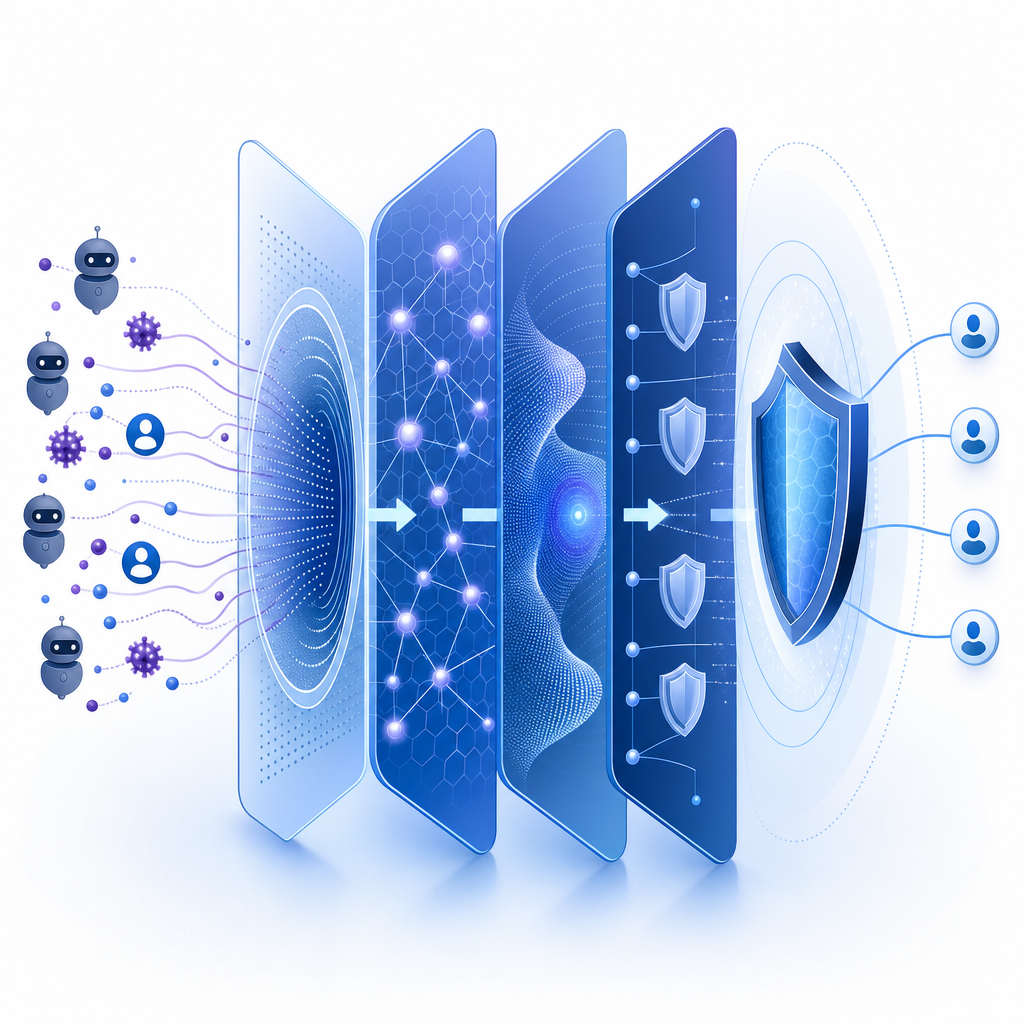
The effectiveness of an anti bot scanner depends on multiple layers of detection techniques working together:
Client-Side Behavioral Analysis
The scanner captures low-level signals such as click timings, typing speed, mouse movements, and device orientation. These are extremely hard to fake by bots.Device and Browser Fingerprinting
Unique combinations of browser plugins, fonts, screen resolution, and hardware features help identify suspicious or repeated bots.Challenge Issuance & Validation
When risk is detected, users may receive tests like image CAPTCHAs or puzzles. Solving a challenge proves human presence. CaptchaLa uses a server-token issue and validation API at endpoints likehttps://apiv1.captcha.la/v1/validateto verify solutions.Server-Side Risk Scoring
Besides client input, servers assess things like IP reputation, request patterns, and token integrity to assign risk levels dynamically.Adaptive Learning and Updates
Modern anti bot scanners update detection heuristics based on emerging bot behaviors, using machine learning and crowd-sourced data.
// Example of CaptchaLa client SDK loader integration
// Load the CaptchaLa widget asynchronously
const script = document.createElement('script');
script.src = 'https://cdn.captcha-cdn.net/captchala-loader.js';
document.head.appendChild(script);

// After load, initialize the scanner with your site key
script.onload = () => {
  CaptchaLa.init({
    siteKey: 'your-site-key-here',
    language: 'en',
    onSuccess: (token) => {
      // Send token to your server for validation
      fetch('https://apiv1.captcha.la/v1/validate', {
        method: 'POST',
        headers: {
          'Content-Type': 'application/json',
          'X-App-Key': 'your-app-key',
          'X-App-Secret': 'your-app-secret'
        },
        body: JSON.stringify({ pass_token: token, client_ip: 'user-ip' })
      }).then(response => response.json())
        .then(data => console.log('Validation result:', data));
    }
  });
};
Implementing an Anti Bot Scanner: Best Practices
For an effective bot defense, consider these best practices during implementation:
Choose Appropriate Challenge Levels
Use invisible or frictionless challenges where possible, reserving harder CAPTCHAs only for suspicious behavior. This improves user experience.Utilize Multi-Platform SDKs
Deploy native SDKs on web, iOS, Android, and desktop apps to ensure consistent bot protection everywhere.Leverage Server-Side Validation
Always validate tokens or challenge results on your backend to prevent spoofing.Monitor Traffic and Update Rules Regularly
Analyze logs to identify new bot patterns and adjust scanner thresholds or challenge types accordingly.Respect Privacy and Compliance
Select scanners with clear data privacy policies, like CaptchaLa’s first-party data approach, to stay GDPR and CCPA compliant.
Why Integrate CaptchaLa's Anti Bot Scanner?
CaptchaLa provides a robust anti bot scanner with:
- Seamless SDK support for modern web frameworks and mobile platforms (React, Vue, iOS, Android, Flutter).
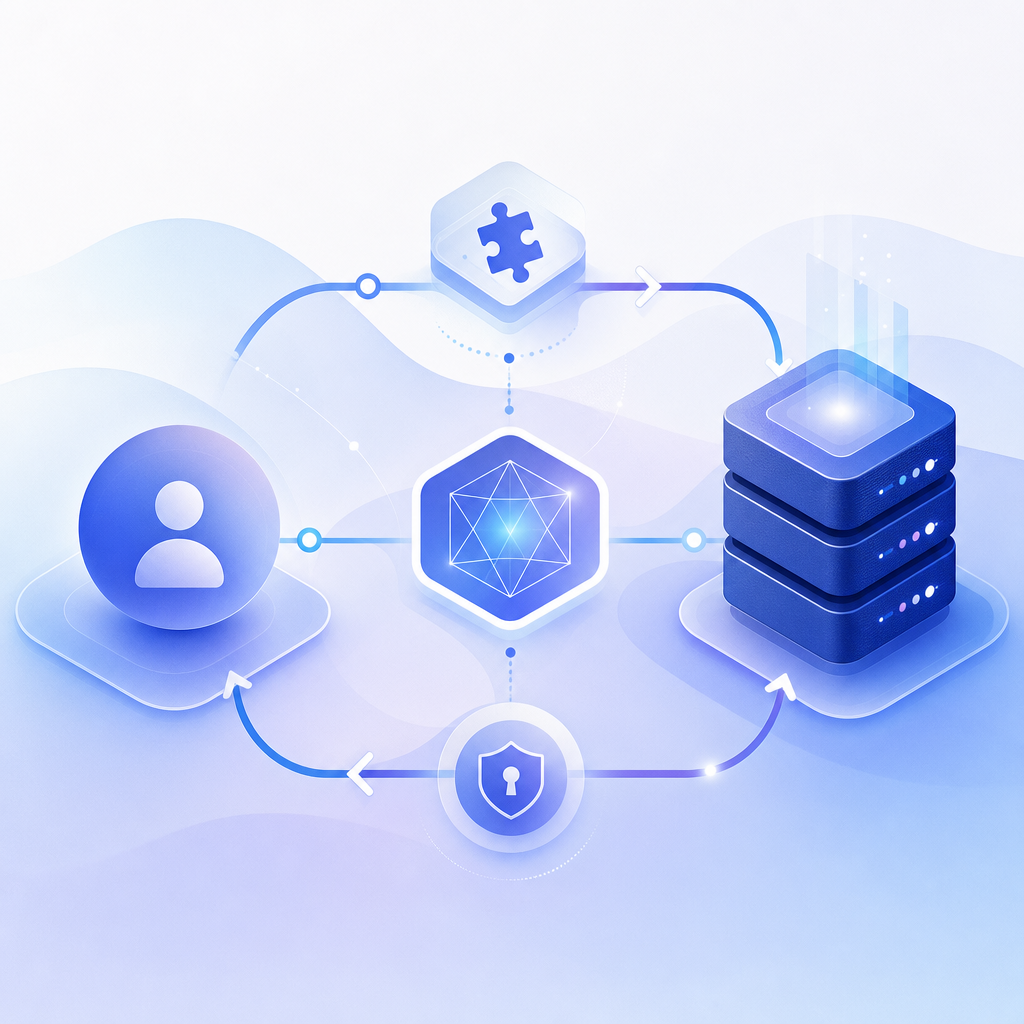
- Easy API integration with clear validation endpoints ensuring accurate bot detection and quick responses.
- A free tier to experiment with your site’s bot defense strategy without upfront costs.
- Privacy-conscious design focusing on first-party data, reducing third-party dependencies.
While competitors like reCAPTCHA or Cloudflare Turnstile rely on broad recognition, CaptchaLa provides flexibility for developers seeking straightforward and customizable bot defense capabilities backed by solid documentation.
Conclusion
An anti bot scanner plays a vital role in protecting online properties from automated abuse by detecting, challenging, and blocking malicious bots effectively. CaptchaLa offers an adaptable, developer-friendly solution that fits various platforms, ensuring both security and user experience. When choosing an anti bot scanner, consider factors like challenge type, SDK availability, privacy policies, and ease of integration to find the best fit for your needs.
Ready to strengthen your bot defense? Explore CaptchaLa pricing or dive into detailed documentation to get started with your anti bot scanner today.