
If you’re trying to build an anti bot Playwright defense, the short answer is this: don’t look for one magic “Playwright flag.” Instead, combine browser, network, and interaction signals, then verify suspicious sessions server-side before you trust them. Playwright-powered automation can mimic many normal browser behaviors, so reliable defense comes from layered checks rather than a single fingerprint.
That matters because Playwright is widely used by legitimate QA teams and also by automation scripts that abuse signups, credential forms, inventories, and content workflows. Your goal is not to block automation wholesale; it’s to distinguish human traffic, approved test traffic, and abusive scripted behavior with as little friction as possible.
What anti bot Playwright really means
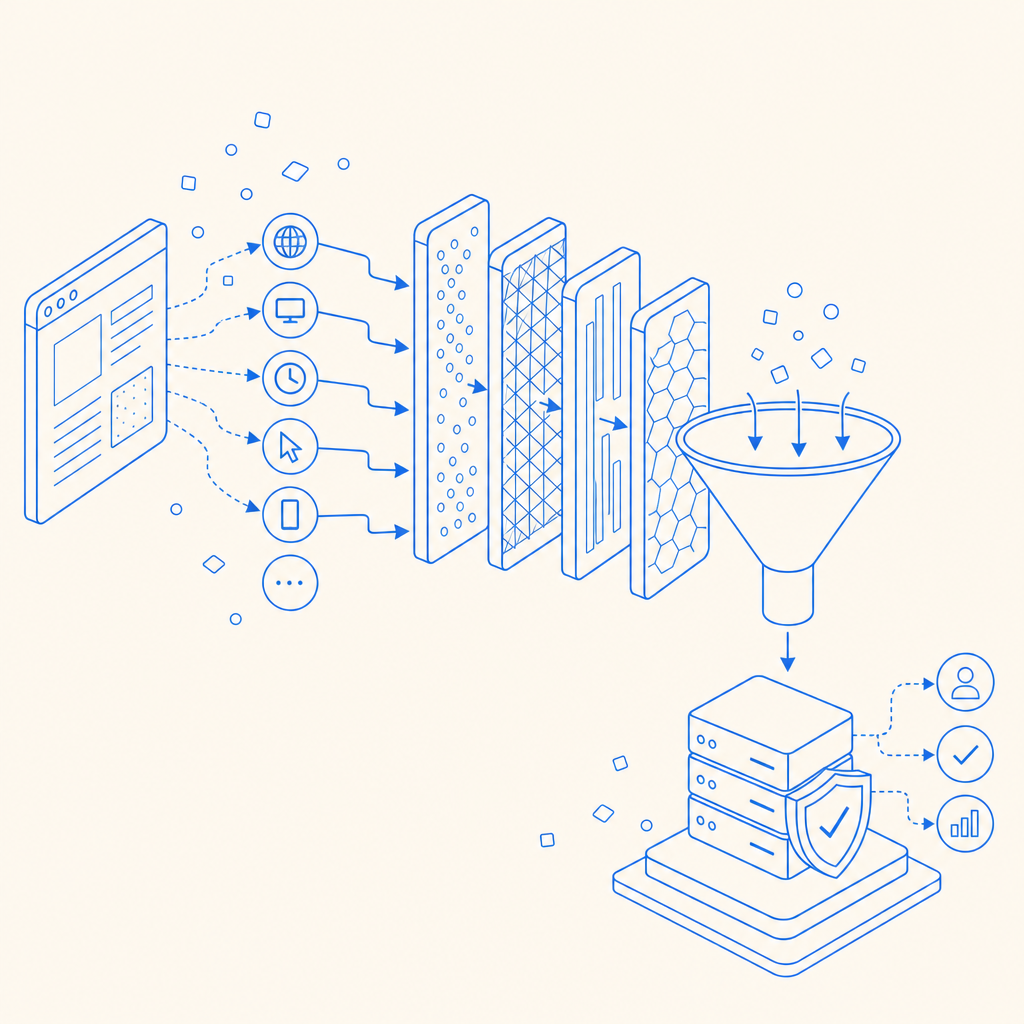
“Anti bot Playwright” usually refers to defending sites against traffic generated with Playwright, the browser automation framework. From a defender’s perspective, the challenge is that a Playwright session can appear very real: it can render JavaScript, click buttons, type into fields, and execute app code almost like a person.
The catch is that automation still leaves patterns. Some are obvious, like unnatural timing. Others are subtle, like how the browser is launched, how headers are formed, whether the session follows normal navigation paths, or whether requests arrive with impossible consistency. A useful defense strategy asks:
- Does the browser environment look consistent?
- Does the interaction pattern resemble a human?
- Does the backend see a token or proof that was issued to this session?
- Does the risk score justify friction, challenge, or denial?
That layered approach is more robust than checking a single property in the frontend and hoping it holds up.
Signals that help separate humans from Playwright automation
You do not need to guess based on one detail. Strong anti-bot systems tend to aggregate several low-confidence signals into one decision.
1) Browser and runtime consistency
A Playwright-driven browser can expose inconsistencies between user agent, platform, screen metrics, WebGL behavior, locale, and timing. None of these signals alone proves automation, but mismatches can be informative.
Examples of useful consistency checks:
- Browser language vs. Accept-Language header
- Time zone vs. geo-inferred region
- Touch support vs. device class
- Viewport size vs. device family
- Canvas/WebGL characteristics over a session, not just one request
2) Interaction quality
Humans rarely produce perfectly uniform event timing. Real users pause, correct themselves, move the pointer with noise, and vary their typing cadence. Playwright scripts can be more variable than people think, but they often still show structural differences: immediate focus changes, linear timing, missing intermediate gestures, or high-speed form completion across many fields.
Look for:
- Typing intervals with unnatural regularity
- Instant form completion after page load
- Navigation paths that skip typical page reading time
- Repeated identical sequences across accounts or IPs
- Very low entropy in cursor or touch movement
3) Session and request behavior
Abuse often becomes obvious once you watch a session over time. A single browser may look fine, but a cluster of sessions from the same subnet, ASN, or device signature can reveal coordinated automation.
Useful backend indicators include:
- Bursts of signups or login attempts
- High failure rates with short inter-request gaps
- Token reuse across sessions
- Geo/IP shifts that don’t match session continuity
- Multiple accounts sharing similar request graphs
A practical defense architecture
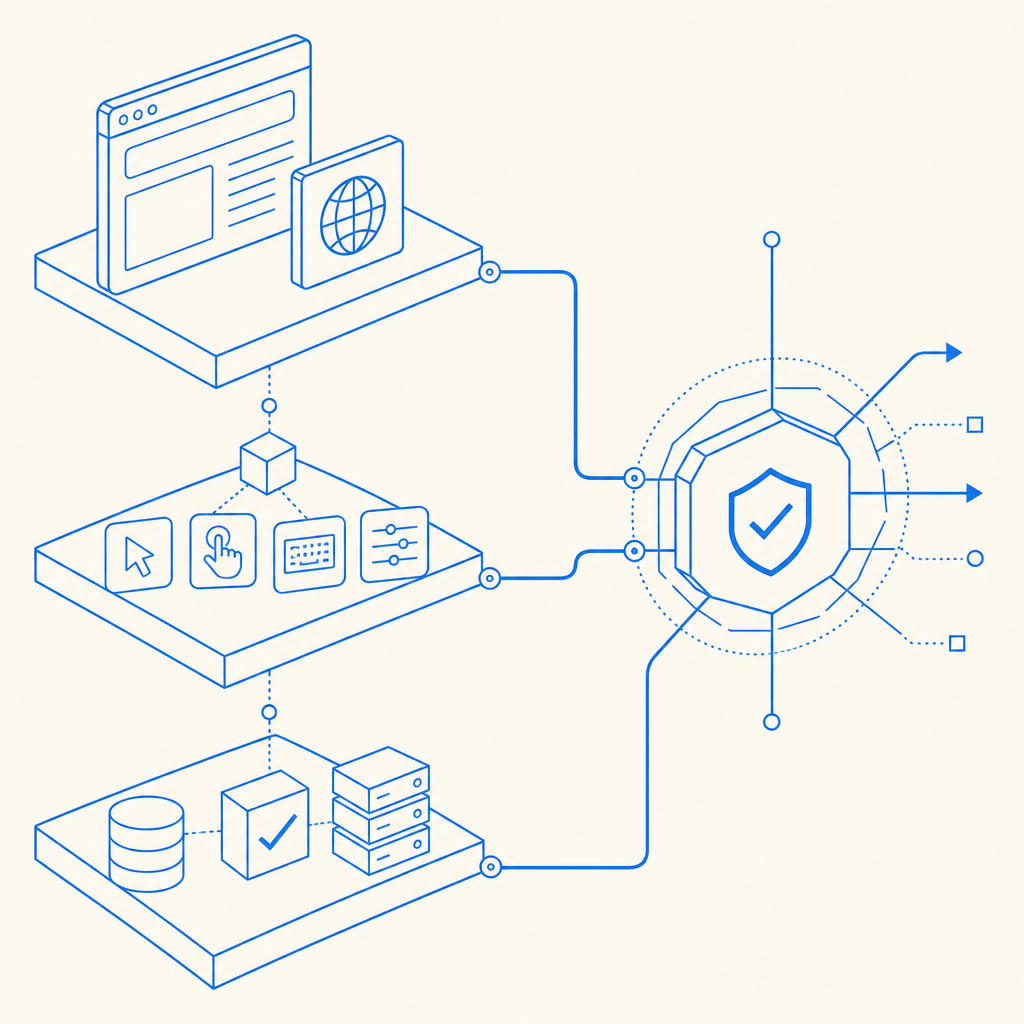
If you want anti bot Playwright defenses that hold up, build them in layers. Here’s a practical sequence that teams use without overcomplicating the app.
Collect client context early.
Load your challenge or telemetry script as soon as the page is interactive, so you can gather session context before the high-value action occurs.Issue a short-lived session proof.
The frontend should receive a token or challenge result that is tied to the current session, not a reusable static value.Validate on the server.
Never trust a client-side “pass” by itself. Send the proof to your backend and verify it before allowing signup, login, checkout, or API access.Bind the proof to IP and session context.
Validation should consider the client IP and the token lifecycle so replay is harder.Escalate with selective friction.
If risk is elevated, require an additional step rather than blocking everyone. That may be a stronger challenge, step-up verification, or a temporary throttle.
Here’s what server-side validation can look like in practice:
POST https://apiv1.captcha.la/v1/validate
Headers:
  X-App-Key: your_app_key
  X-App-Secret: your_app_secret
Body:
  {
    "pass_token": "token_from_client",
    "client_ip": "203.0.113.10"
  }
And if you want to issue a server-side challenge token first:
POST https://apiv1.captcha.la/v1/server/challenge/issueFor teams that want a managed CAPTCHA layer, CaptchaLa provides first-party data only, with validation designed for backend enforcement rather than pure frontend trust. Its docs at docs cover the API flow and SDK options.
How it compares with reCAPTCHA, hCaptcha, and Turnstile
All three major services are widely used, and each can fit different needs. The right choice depends on UX goals, privacy preferences, integration style, and how much control you want over the validation flow.
| Option | Strengths | Tradeoffs | Good fit |
|---|---|---|---|
| reCAPTCHA | Familiar to many teams, broad adoption | Can feel intrusive in some flows | Common login and signup protection |
| hCaptcha | Flexible challenge model, clear bot focus | May add friction depending on configuration | Sites that want challenge-based defense |
| Cloudflare Turnstile | Low-friction user experience | Works best in Cloudflare-adjacent stacks, depending on architecture | Teams prioritizing minimal user interruption |
| CaptchaLa | Server validation flow, first-party data only, multiple SDKs | Newer name for some teams, so evaluation may take a bit of setup | Apps needing modern bot-defense integration across web and mobile |
The important point is not that one tool “wins” universally. It’s that anti-bot protection should match your traffic profile. A high-value login page may need aggressive risk scoring, while a newsletter form may need only soft throttling and a low-friction challenge. If you’re evaluating implementation cost, the pricing page is a useful place to compare tiers against expected volume.
Implementation details that matter more than people expect
A lot of anti-bot projects fail because they focus on the challenge widget and ignore the surrounding system. The devil is in the operational details.
Choose the right SDK surface
CaptchaLa supports 8 UI languages and native SDKs for Web (JS/Vue/React), iOS, Android, Flutter, and Electron. That makes it easier to keep a consistent approach across products rather than maintaining separate bot checks for each frontend.
If your backend is PHP or Go, there are server SDKs available too: captchala-php and captchala-go. For mobile teams, published package versions include Maven la.captcha:captchala:1.0.2, CocoaPods Captchala 1.0.2, and pub.dev captchala 1.3.2.
Keep the challenge lifecycle short
A valid anti-bot proof should be ephemeral. The shorter the lifetime, the less useful it is if replayed. Tie the token to the action, the session, and the IP where appropriate.
Measure false positives carefully
Blocking too aggressively can hurt conversions and frustrate legitimate users. Watch:
- Challenge completion rate
- Pass rate by device class
- Abuse rate after enforcement
- Support tickets mentioning access issues
- Retry patterns after a failed challenge
If you can’t explain why a user was challenged, your rules are probably too opaque.
Don’t forget mobile and embedded web views
Playwright abuse is not just a desktop-browser problem. If your app has embedded web views, hybrid flows, or mobile sign-ins, the same layered logic should apply there too. That’s where consistent SDK coverage becomes helpful.
A simple decision rule for defenders
If you want a clean mental model, use this:
- Low risk: allow silently
- Medium risk: challenge softly
- High risk: require server validation and step-up controls
- Repeated abuse: throttle or block at the edge and backend
That structure lets you respond to Playwright automation without turning your product into a wall of friction.
For teams looking to try a controlled rollout, CaptchaLa’s free tier covers 1,000 monthly requests, which is enough for early testing and internal validation before you scale to higher-volume plans like Pro or Business.
Where to go next: review the integration flow in the docs or compare plans on pricing to see what fits your traffic and risk profile.