
If you want your site to be both user-friendly and captcha bot safe, the key lies in choosing the right bot defense technology and implementing it thoughtfully. Being “captcha bot safe” means effectively stopping malicious automated scripts without burdening legitimate users. It’s a balance of strong protection with smooth user experience—a challenge many websites face as bots become more sophisticated.
This post will explain what it means to keep your site captcha bot safe, compare major CAPTCHA providers, and outline core techniques for effective bot defense that doesn’t drive users away. We’ll also touch on how platforms like CaptchaLa provide flexible tools and SDKs across platforms to help manage risk safely and efficiently.
What Does “Captcha Bot Safe” Mean?
At its core, being captcha bot safe means your CAPTCHA system reliably blocks automated bots trying to abuse your site—whether for spam, scraping, or credential stuffing—without annoying genuine users with complex challenges. Traditional CAPTCHAs often used distorted text that frustrated users and had high failure rates, but bot threats have also evolved, compelling defenses to become smarter.
A bot-safe CAPTCHA system should:
- Verify human interaction without heavy user friction
- Adapt to threat levels dynamically (e.g., more challenges on suspicious traffic)
- Resist known bypass methods like OCR or low-cost solver farms
- Integrate cleanly with your application environment and workflows
Achieving this balance involves both technology choice and deployment strategy.
Comparing Popular CAPTCHA Solutions
Let’s briefly compare some widely used CAPTCHA services with respect to bot safety, usability, and integration:
| Feature | Google reCAPTCHA v2 / v3 | hCaptcha | Cloudflare Turnstile | CaptchaLa |
|---|---|---|---|---|
| Bot Detection Approach | Risk analysis + behavioral signals | Similar risk & challenge system | Invisible with adaptive challenges | Configurable challenges + adaptive risk |
| User Experience | Invisible or checkbox, some friction | Checkbox + rewards ecosystem | Invisible, no user interaction | Multiple challenge types, customizable |
| Privacy & Data Handling | Google data ecosystem | Data shared with hCaptcha | Cloudflare network data | First-party data only |
| SDKs & Integration | JS, mobile SDKs | Web-focused, mobile in beta | Web only | Native SDKs for Web, iOS, Android, Flutter, Electron + server APIs |
| Pricing Model | Free, with usage limits | Free + paid, shares revenue | Included with Cloudflare | Free tier + flexible paid tiers |
While Google’s reCAPTCHA enjoys broad adoption, some businesses look for more privacy-conscious or customizable options like CaptchaLa, which focuses on first-party data and cross-platform SDK support to fit diverse tech stacks.
How to Implement Captcha Bot Safety: Technical Focus
To keep your CAPTCHA system bot safe, there are technical principles and practices to follow during deployment. Here’s a practical checklist:
Use Adaptive Challenge Presentation
Present challenges only when suspicious behavior is detected, minimizing user disruption. For example, leverage behavioral fingerprinting or JavaScript risk scoring to selectively require CAPTCHA.Validate Tokens Server-Side
Don’t rely solely on client-side validation. Always verify CAPTCHA tokens on your backend to prevent token reuse or forgery. CaptchaLa offers a straightforward API endpoint for this:POST https://apiv1.captcha.la/v1/validate Body: { pass_token, client_ip } Headers: X-App-Key, X-App-SecretThis ensures the token is authentic and issued recently.
Integrate SDKs Natively
Use SDKs that fit your platform’s tech stack—whether browser JavaScript, iOS, Android, Flutter, or server-side. Native SDKs reduce integration errors and improve overall stability.Rotate API Keys and Secrets Regularly
Protect your CAPTCHA infrastructure by limiting risks from leaked credentials. Rotate keys periodically and monitor for suspicious API activity.Monitor Challenge Performance and Error Rates
Track how often challenges are solved correctly and monitor false positives (blocking humans) and false negatives (letting bots through). This feedback loop helps fine-tune challenge difficulty or detection parameters.
Why SDK Flexibility and Language Support Matter
One often overlooked factor in captcha bot safety is how well your CAPTCHA vendor supports multiple platforms and UI languages. If your users switch between web, mobile apps, and desktop software, you want a bot defense that can integrate seamlessly everywhere, preserving consistent security and user experience.
CaptchaLa supports eight UI languages and offers native SDKs for Web (JavaScript, Vue, React), iOS, Android, Flutter, and Electron. Server-side SDKs exist for PHP and Go as well. This flexibility lowers integration effort and lets you maintain uniform bot defense policies across contexts, which complex modern applications require.

Balancing Security and User Experience
Effective bot defense doesn’t mean forcing every visitor through difficult challenges. Invisible CAPTCHAs like Cloudflare Turnstile or reCAPTCHA v3 try to identify bots by analyzing interaction patterns without user friction. However, every approach has trade-offs in risk tolerance and privacy.
Some sites implement multi-layered approaches: initial passive risk checks, followed by explicit challenges only when needed. CaptchaLa’s configurable approach lets you adjust the balance carefully.
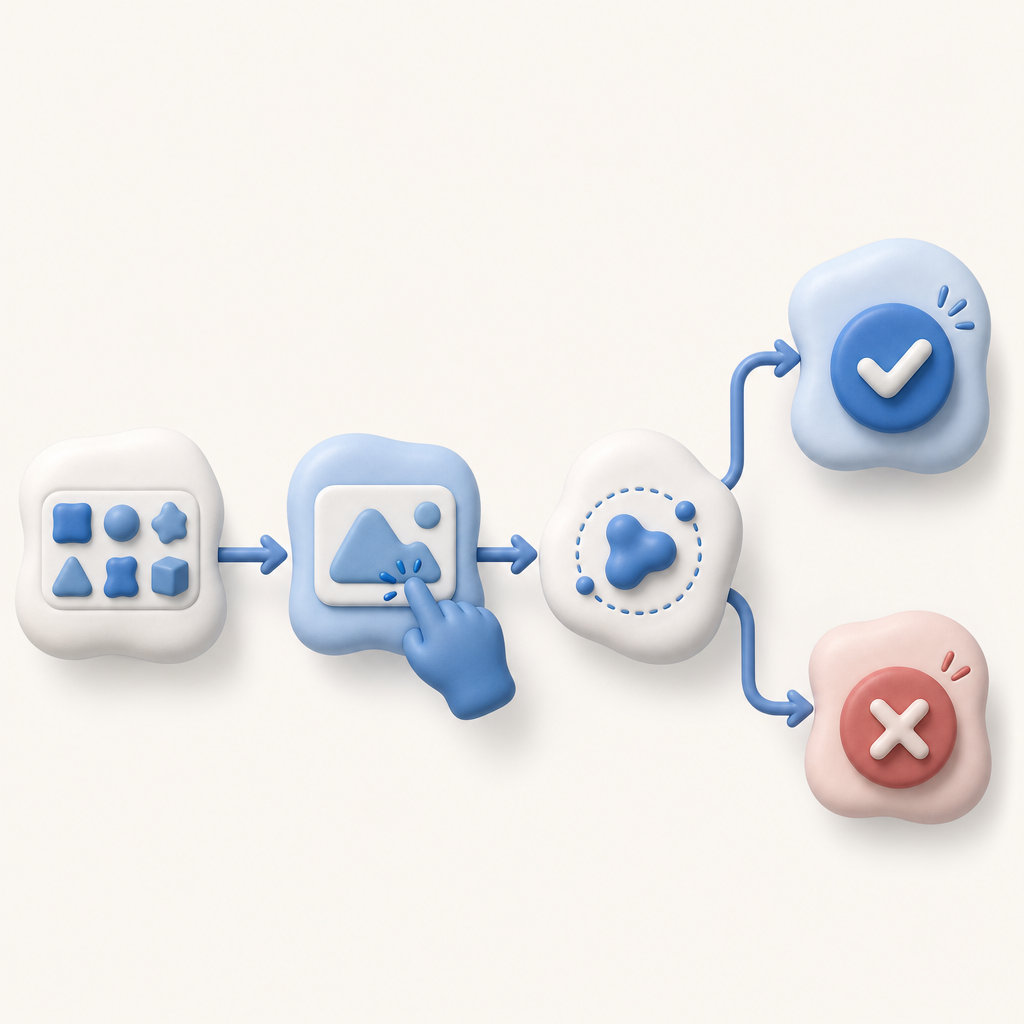
Here’s a simplified flow of a bot-safe CAPTCHA implementation:
- User visits your page
- JavaScript SDK requests a server-issued challenge token situation-based
- The user’s behavior is scored or a challenge is requested if suspicious
- User completes challenge if required
- Token submitted to your backend for verification
- Backend validation decides whether to allow, block, or require further verification
Following this flow, with flexible SDKs and server APIs, ensures a responsive and adaptive defense against bots while minimizing user annoyance.
Conclusion: Keeping Your Site Captcha Bot Safe Is Doable
Ensuring your site is captcha bot safe requires selecting the right CAPTCHA provider, integrating SDKs and server validation properly, and fine-tuning challenge presentation based on risk. Providers like CaptchaLa offer comprehensive tools supporting multiple platforms and languages alongside straightforward server APIs that empower custom security setups.
By focusing on adaptive challenges, strong server-side validation, and multi-platform support, you reduce the risk of bot abuse while maintaining a friendly experience for genuine users.
Where to go next? Explore CaptchaLa pricing for a breakdown of plans or visit the detailed docs to start integrating bot defenses that keep your website safe without headaches.