
An anti bot minecraft plugin is usually a server-side defense layer that detects suspicious joins, rate-limits abuse, and challenges automation before it can flood your lobby, queue, or economy. If your server is getting hit by bot waves, the goal is not to make every player jump through hoops; it is to separate real users from scripted traffic with as little friction as possible.
For Minecraft communities, the attack patterns are predictable: connection floods, repeated nickname probes, queue spamming, alt-account abuse, and timed bursts around event launches. The right plugin gives you control over when to challenge, when to delay, and when to deny. It also gives you telemetry, so you can see whether the traffic is a bored griefer with a script or a coordinated botnet.
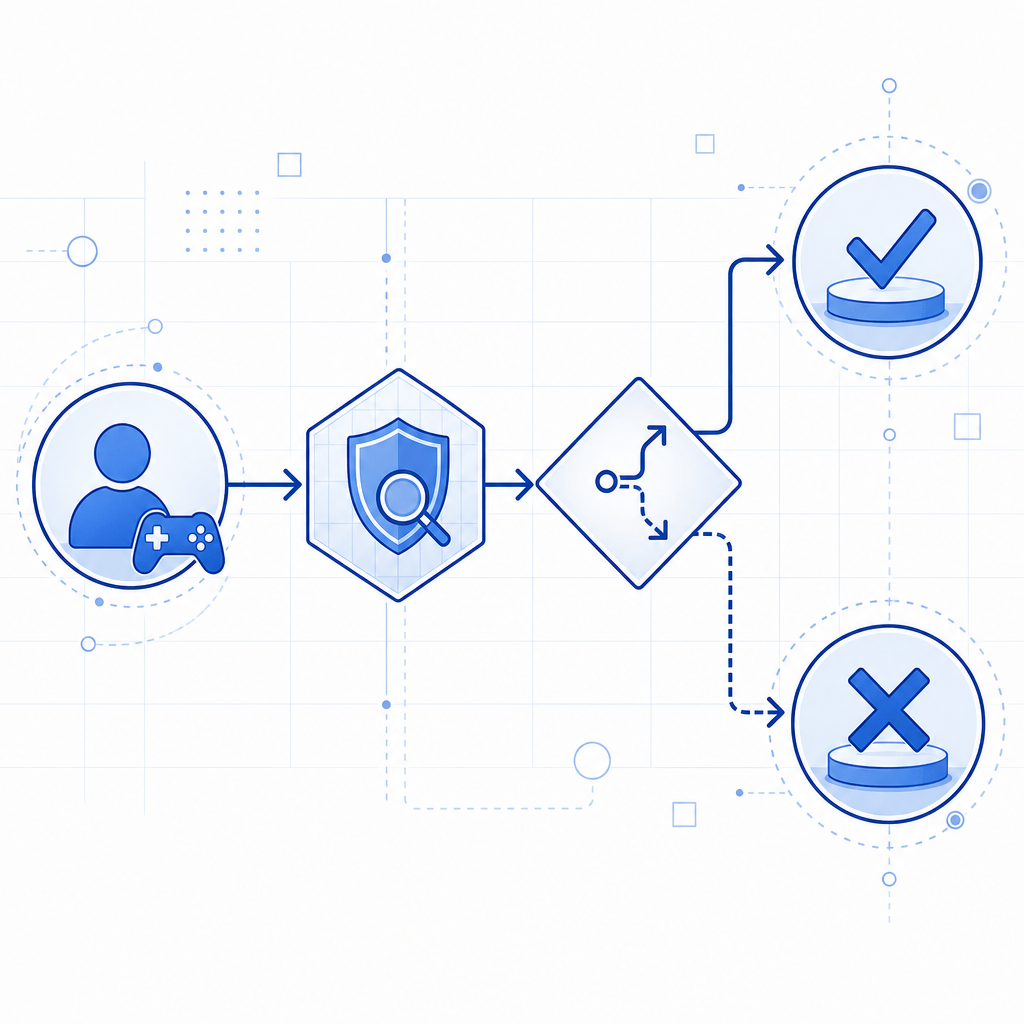
What an anti-bot plugin should actually do
A good anti bot minecraft plugin is less about “blocking everything” and more about making automated abuse expensive. That means a few core jobs:
- Detect abnormal join velocity per IP, subnet, or ASN.
- Rate-limit repeated connection attempts and failed handshakes.
- Challenge suspicious clients before they enter sensitive parts of the server.
- Preserve a smooth path for legitimate players, especially on mobile or unstable connections.
- Log enough context to tune thresholds without drowning you in noise.
For Minecraft, the practical challenge is that a lot of real players have imperfect networks: shared dorm Wi-Fi, NATed home routers, or flaky mobile hotspots. A defensive plugin should account for that. If you only use hard blocks, you will eventually punish the wrong people. If you only use CAPTCHAs, you may create unnecessary friction. The sweet spot is risk-based gating.
A modern setup usually includes:
- Join throttling at the proxy or backend
- A short-lived server-side challenge token
- IP and device reputation signals
- Configurable exemptions for staff, trusted ranges, and whitelisted partners
- Clear audit logs for false positives
That is the same general pattern many web defenses use, just adapted to game traffic.
Where CAPTCHA fits in a Minecraft server stack
You do not need to turn a Minecraft server into a web form to use CAPTCHA-style defense. The useful part is the challenge/validation workflow, not the visual widget itself. For example, a launcher, companion page, or server portal can issue a challenge to suspicious sessions, then confirm the result on your backend before allowing a join or queue entry.
If you already run a web panel, whitelist page, whitelist application, or queue gateway, you can use CaptchaLa to validate the session before the player reaches the game server. The same approach works for premium lobbies, event queues, and verification gates.
Typical flow:
- The server or proxy marks a session as suspicious.
- A challenge is issued.
- The user completes the challenge on a web surface.
- Your backend validates the result using the token.
Server-side validation is straightforward:
# Validate a completed challenge from your backend
POST https://apiv1.captcha.la/v1/validate
Headers:
  X-App-Key: your_app_key
  X-App-Secret: your_app_secret
Body:
  {
    "pass_token": "token_from_client",
    "client_ip": "203.0.113.42"
  }
If you need to issue a challenge from your own backend, the server-token endpoint is:
# Issue a server-side challenge token
POST https://apiv1.captcha.la/v1/server/challenge/issue
CaptchaLa supports first-party data only, which matters if you want a defense layer that is easier to reason about from a privacy and compliance standpoint. It also comes with 8 UI languages and native SDKs for Web (JS/Vue/React), iOS, Android, Flutter, and Electron, which helps if your player flow spans launcher, portal, and mobile surfaces.
Comparing common defense options
There is no single universal answer for every Minecraft network. Here is a practical comparison:
| Option | Strengths | Tradeoffs | Good fit |
|---|---|---|---|
| reCAPTCHA | Familiar, widely recognized | Can feel heavy; may be less ideal for custom game flows | Public web forms, basic verification pages |
| hCaptcha | Flexible and common for anti-abuse | Still primarily a web challenge pattern | Web portals, signup gates |
| Cloudflare Turnstile | Low-friction, modern web integration | Usually tied to Cloudflare-centric setups | Websites already behind Cloudflare |
| Custom plugin logic only | Fully under your control | Harder to maintain, easier to bypass over time | Simple throttling, temporary stopgaps |
| CAPTCHA-backed queue gate | Adds challenge before access | Requires a small integration layer | Servers with queues, whitelist flows, event access |
If your server is already exposed through a website or launcher, the CAPTCHA-backed route is often the most flexible. If you only need lightweight throttling, a pure plugin might be enough for now. Many operators end up using both: plugin-level rate limiting for speed, plus a challenge step for suspicious sessions.
Implementation details that matter
The difference between a useful anti bot minecraft plugin and a frustrating one is usually in the details. Here are the technical choices that matter most.
1. Challenge only after risk scoring
Do not challenge every join. Instead, score sessions using signals like:
- Join frequency from the same IP or /24
- Failed login or handshake spikes
- Repeated server-switch attempts
- Queue re-entry patterns
- Geographic or ASN anomalies relative to your normal player base
A low-risk player should pass through with no extra steps. A high-risk session should receive a challenge or temporary hold.
2. Keep tokens short-lived
Use one-time or short TTL tokens. That way, even if a token is captured, its value is minimal. Short lifetimes also force the user flow to stay current, which reduces replay problems.
3. Validate on the backend, not in the client
The client can display the challenge, but the decision should happen server-side. That keeps secrets off the player’s machine and makes it easier to centralize logs and policy changes.
4. Exempt trusted infrastructure carefully
Allowlists are useful, but they should be narrow. Staff VPNs, your own admin panel, and known monitoring services may need bypasses. Avoid broad “disable protection for all proxy traffic” settings unless you really mean it.
5. Watch for false positives
The most common false positive sources are shared networks, mobile carriers, and players using VPNs. Set up alerts for challenge completion rate, denial rate, and retry timing so you can tune thresholds without guessing.
A practical deployment path might look like this:
- Start with join throttling and logging.
- Add a soft challenge for medium-risk sessions.
- Move to hard denial only for repeated or high-confidence abuse.
- Review logs weekly and adjust thresholds by time of day and event type.
- Re-test after major updates, since bot behavior changes quickly.
For teams that want a ready-made validation layer instead of building everything from scratch, docs is the place to review the endpoints and integration patterns. If you are planning capacity for a larger network, pricing shows how the free tier and paid tiers map to different traffic levels, from 1,000 monthly validations to much larger volumes.
SDKs, deployment, and how to fit this into your stack
Minecraft operators often end up with a mixed stack: proxy plugins, a web panel, maybe a launcher, and a Discord or mobile companion flow. That is where SDK coverage matters. CaptchaLa includes native support across Web, iOS, Android, Flutter, and Electron, plus server SDKs like captchala-php and captchala-go. For Java-side infrastructure, there is Maven support via la.captcha:captchala:1.0.2, and mobile teams can use Captchala 1.0.2 for CocoaPods or captchala 1.3.2 from pub.dev.
That coverage makes it easier to build a consistent verification story across:
- A web whitelist or queue page
- A launch or companion app
- A moderation dashboard
- A backend service that decides whether to admit a session
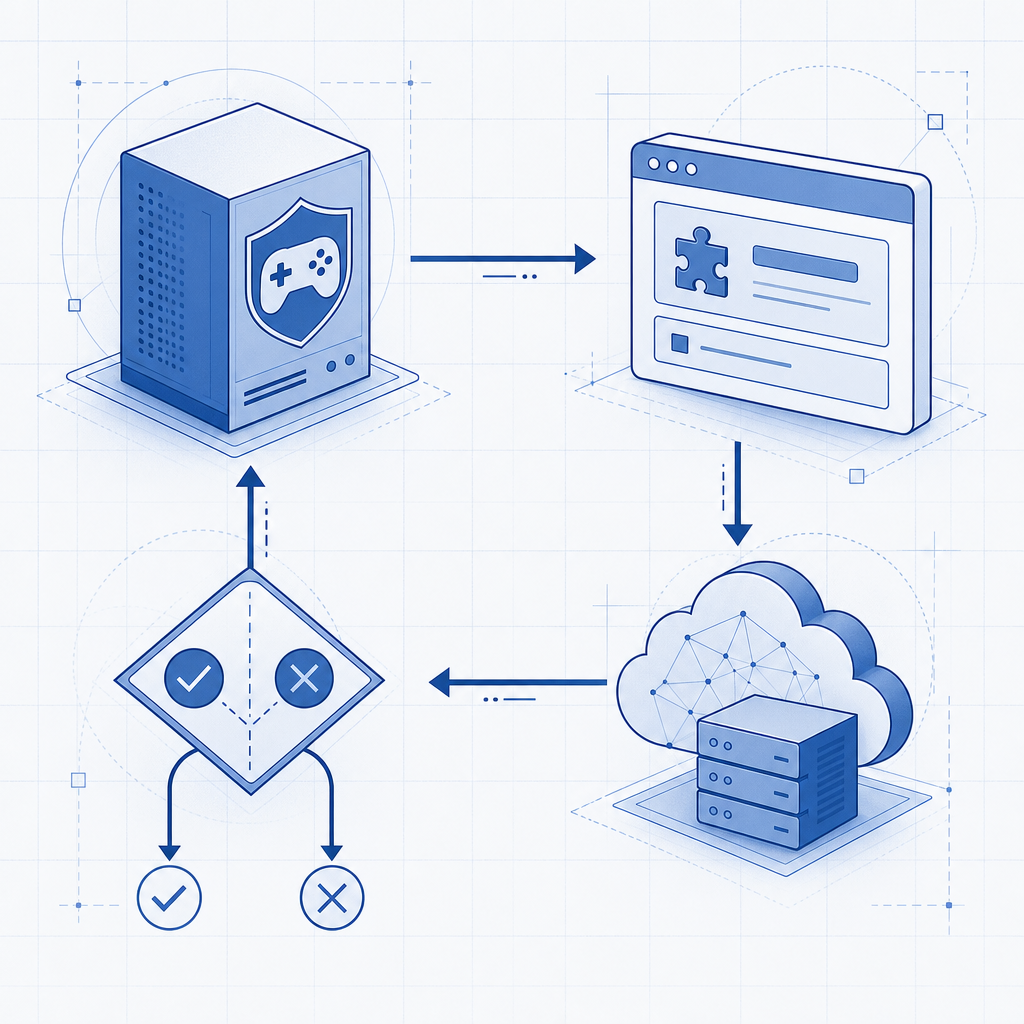
The cleanest setup is usually this: your Minecraft proxy detects suspicious behavior, your web layer issues a challenge, and your backend validates the result before lifting a temporary hold. That keeps the game server responsive while moving the expensive anti-abuse step to a place where it is easier to inspect and update.
If you are evaluating whether to build or buy, the real question is how much time you want to spend maintaining bot logic versus shipping server features. For a smaller network, a lean challenge flow can be enough. For a busier network, a dedicated defense layer saves a lot of manual moderation.
Where to go next: review the integration details in the docs or see the available tiers on pricing if you are planning for peak join traffic.