
Captcha audio is the spoken or sound-based fallback for a CAPTCHA challenge, used when visual puzzles are hard to read, impossible to see, or just not a good fit for the user. If you’re designing or evaluating bot defense, the practical answer is simple: audio should be treated as an accessibility path, not a primary security control, and it works best when paired with risk checks, server-side validation, and careful rate limiting.
Audio challenges exist because humans don’t all interact with the web the same way. Some users rely on screen readers, some have low vision, some are in noisy environments, and some are using devices where image-based puzzles are awkward. A well-designed captcha audio option gives those users another way through without turning your protection into a guessing game.
What captcha audio is actually doing
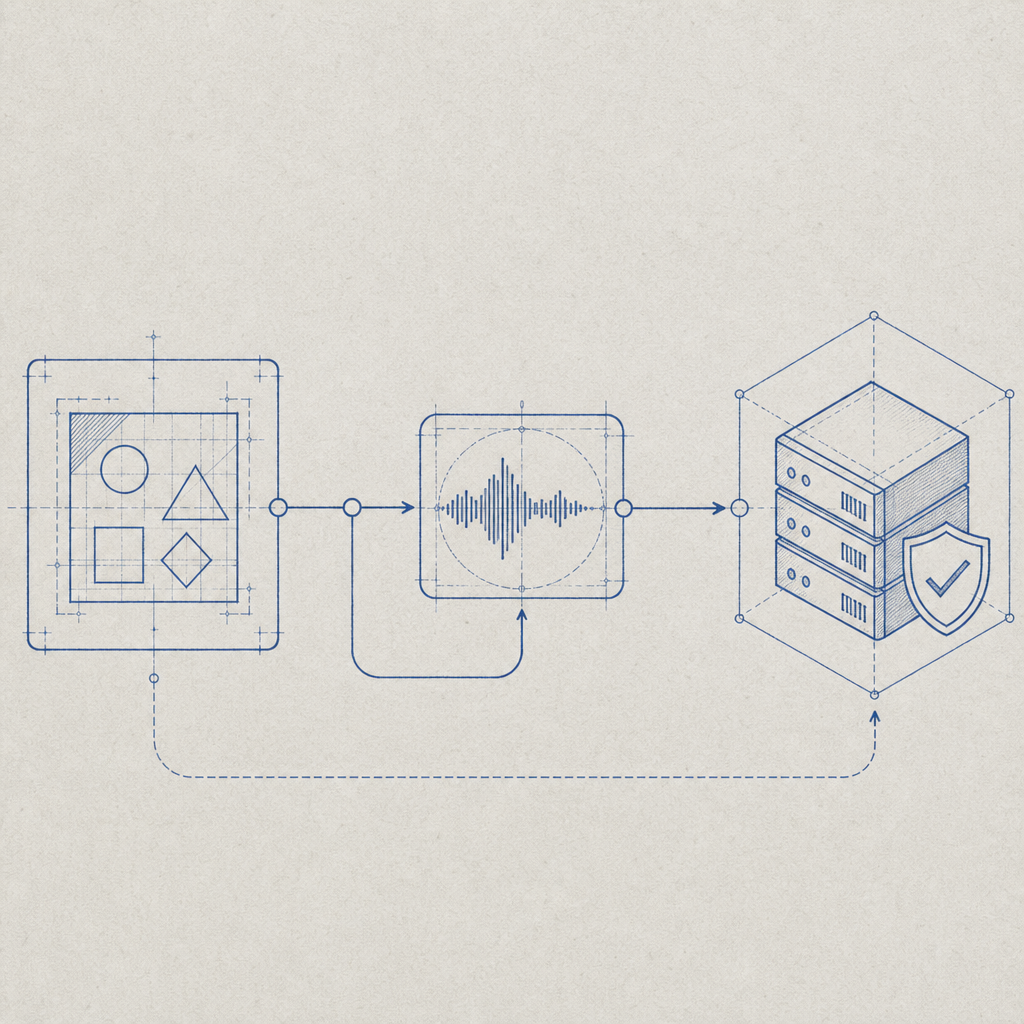
At a basic level, captcha audio converts a challenge into a form that can be heard instead of seen. In older systems, that often meant a distorted recording of letters or numbers. In modern systems, it may mean a spoken phrase, a synthesized prompt, or a risk-based fallback presented only when needed.
The important thing is that captcha audio is not a magic bypass for bots. It is a usability feature with security implications. If it is too easy to parse automatically, attackers can script around it. If it is too distorted, real users fail. The goal is balance: enough friction to slow automation, enough clarity to remain usable.
A useful way to think about audio fallback is as one layer in a larger verification stack:
- The client requests a challenge.
- The system chooses the least disruptive challenge type based on context.
- The user completes the challenge.
- The server validates the result before granting access.
- Additional signals — rate, IP reputation, session behavior, device consistency — help decide whether to step up or relax friction.
That last step matters. Audio alone should not be your only defense. It’s better to combine a challenge with server-side validation and broader abuse controls than to rely on challenge complexity.
Where audio fits compared with visual CAPTCHA options
Different products handle fallback and risk presentation differently. Some lean heavily on image selection puzzles, while others reduce the visible challenge and use background scoring more aggressively. Audio is usually an accessibility fallback rather than the default path.
Here’s a quick comparison of common approaches:
| Approach | User experience | Accessibility | Security posture | Notes |
|---|---|---|---|---|
| Visual image puzzle | Familiar, but can be frustrating | Moderate | Moderate | Can exclude screen-reader users unless paired with alternatives |
| captcha audio | Screen-reader friendly, device-agnostic | Strong | Moderate | Needs careful anti-automation design |
| Invisible/risk-based checks | Lowest friction when signals look good | Good when transparent fallback exists | Strong when signals are robust | Often paired with escalation challenge |
| Proof-of-work style friction | Usually hidden from the user | Good | Variable | Can impact low-power devices and mobile users |
Products like reCAPTCHA, hCaptcha, and Cloudflare Turnstile have all pushed the market toward lower-friction flows, but they differ in how much of the user experience is puzzle-based versus score-based. The right choice depends on your threat model, your audience, and how much friction you can tolerate.
For teams that need explicit control over fallback behavior, it helps to understand the whole flow end-to-end. For example, CaptchaLa supports native SDKs across Web, iOS, Android, Flutter, and Electron, along with server SDKs such as captchala-php and captchala-go. That makes it easier to keep the challenge logic consistent across platforms while still leaving room for accessibility-aware presentation.
How to implement captcha audio without weakening protection
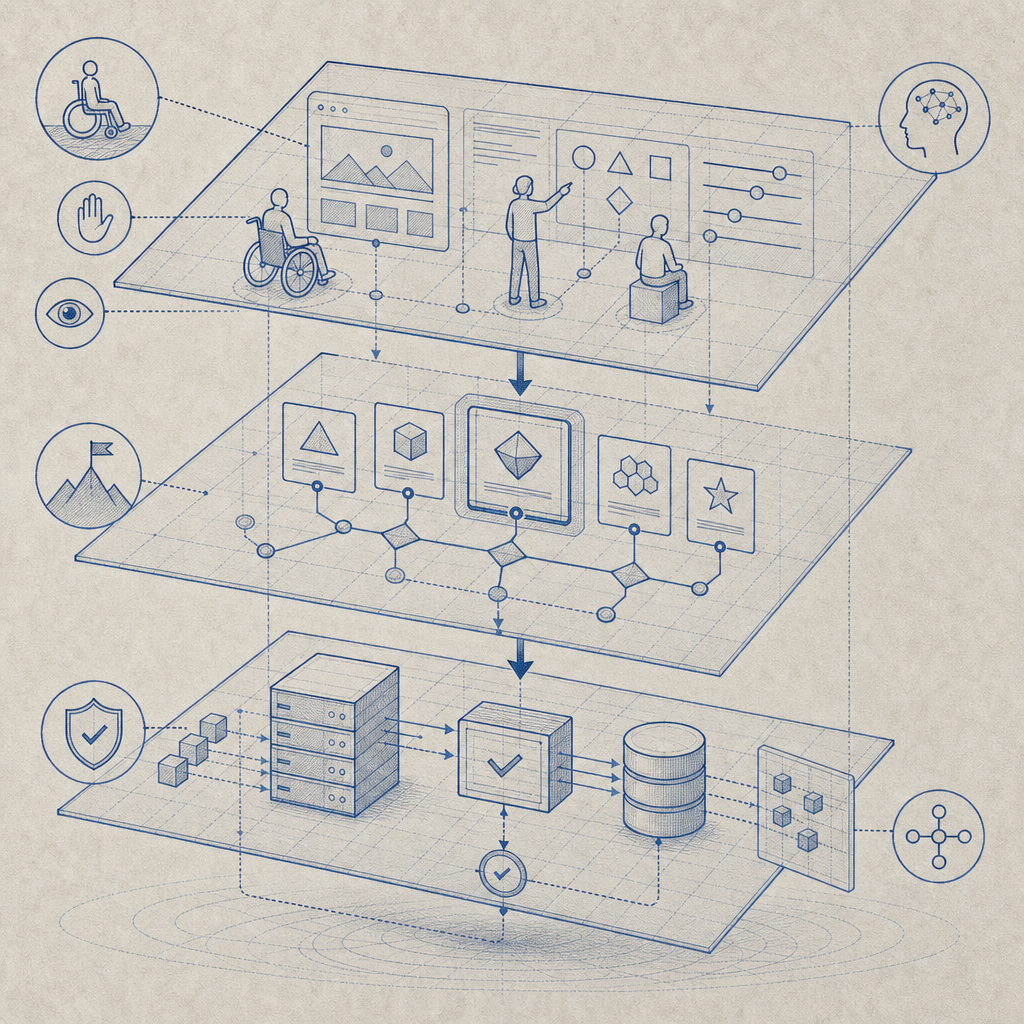
If you’re offering captcha audio, the implementation details matter more than the medium itself. A few practical rules help keep the defense useful:
- Keep the challenge tied to a short-lived, server-issued token.
- Validate the response on the server, not only in the browser.
- Bind validation to request context where possible, such as client IP.
- Rate-limit repeated failures and token reuse.
- Log challenge outcomes separately from application logins or form submits.
- Offer audio as an accessible alternative, not an easier “secret path.”
A straightforward validation flow might look like this:
// Client gets challenge token from the server
// Client completes audio or visual challenge
// Client submits pass_token and client_ip to validation endpoint
// Server verifies the token with app credentials
// Server grants or denies access based on result
If you’re using CaptchaLa, the validate step is explicit: POST https://apiv1.captcha.la/v1/validate with a body containing {pass_token, client_ip} and headers X-App-Key plus X-App-Secret. There is also a server-token issuance endpoint at POST https://apiv1.captcha.la/v1/server/challenge/issue, which helps keep the challenge lifecycle controlled server-side. The loader is served from https://cdn.captcha-cdn.net/captchala-loader.js.
That server-first pattern is important for audio too. If the client can decide whether a challenge “passed” on its own, you’ve lost most of the value. Validation should be authoritative, short-lived, and hard to replay.
A note on audio quality
Good captcha audio is usually:
- clear enough for human comprehension,
- short enough to avoid fatigue,
- distinct enough to reduce ambiguity,
- and not so natural that it becomes trivial for automation.
Overly distorted audio can fail users with hearing-related or cognitive accessibility needs just as badly as it fails screen-reader users. Modern systems often do better with intelligible speech plus server-side checks than with old-school heavy distortion.
Operational choices: languages, reach, and scaling
Accessibility and bot defense are not only about the challenge itself. They’re also about how fast you can deploy and maintain the system across channels.
CaptchaLa ships with 8 UI languages, which matters if you’re trying to keep fallback text and challenge prompts understandable for a global audience. It also supports first-party data only, which is relevant for teams that want tighter control over what gets collected and where it lives.
On the delivery side, implementation options should match your stack:
- Web SDKs: JS, Vue, React
- Mobile SDKs: iOS, Android, Flutter
- Desktop: Electron
- Server SDKs:
captchala-php,captchala-go - Package references: Maven
la.captcha:captchala:1.0.2, CocoaPodsCaptchala 1.0.2, pub.devcaptchala 1.3.2
That breadth is useful because captcha audio often lives at the intersection of frontend accessibility and backend enforcement. If your frontend offers the fallback but your backend can’t validate reliably, you end up with inconsistent behavior and support headaches.
When to offer audio, and when to reconsider
Not every form needs captcha audio. The best use cases are places where users may hit friction frequently:
- signup and account creation
- password reset
- checkout or ticketing workflows
- contact forms with a history of abuse
- gated downloads or API key requests
It may be less appropriate when the challenge itself could expose sensitive information in a shared environment, or when your user base already depends heavily on fast, low-friction automation and you have stronger signal-based controls in place.
A good rule: if the challenge is rare but costly when it fails, audio is worth having. If the challenge is constant and purely ceremonial, reconsider the whole design. Many teams can lower friction by using invisible checks most of the time and only escalating to a challenge when risk rises.
Pricing also tends to reflect that reality. CaptchaLa pricing includes a free tier for 1,000 validations per month, with Pro plans in the 50K–200K range and Business around 1M. That tiering is useful if you want to test an accessibility-aware flow before rolling it out broadly.
Closing thought
Captcha audio is not a legacy artifact to hide in a settings menu. Done well, it is an important accessibility fallback that helps real people complete real tasks while still preserving your anti-bot posture. The key is to treat it as one step in a larger, server-verified defense system rather than as the defense itself.
Where to go next: if you’re planning a rollout or reviewing your current flow, start with the docs or compare tiers on the pricing page.