
A captcha audio generator is the fallback path that turns a visual challenge into an audio challenge so users who can’t reliably read the image can still verify themselves. Done well, it improves accessibility; done poorly, it creates a weaker challenge that bots can abuse, so the real goal is to make the audio option usable for people and hard to automate.
For defenders, the important question isn’t whether to add audio at all, but how to design the full challenge flow so the audio channel inherits the same verification logic, expiration rules, and anti-replay protections as the visual one. That usually means a server-issued challenge, a short-lived pass token, and validation on your backend rather than trusting the client.
What a captcha audio generator actually does
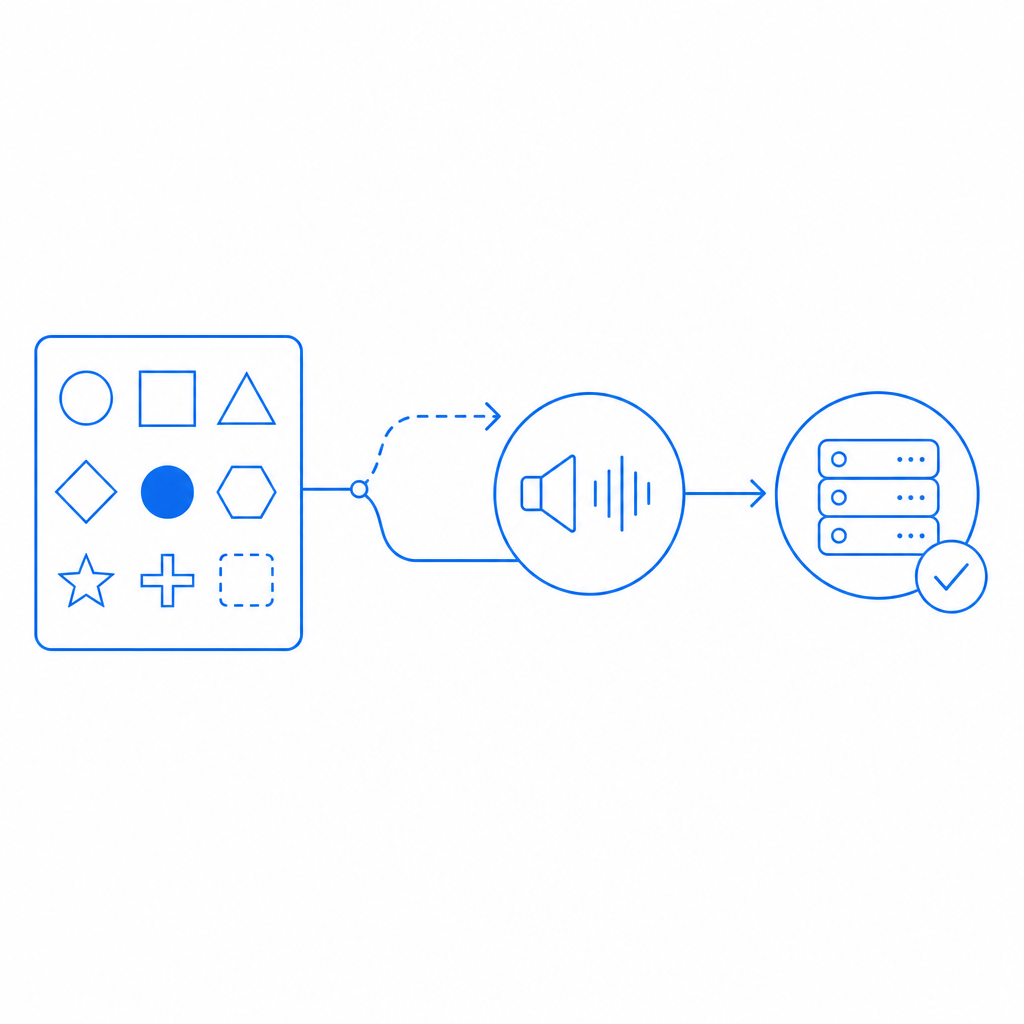
A captcha audio generator is typically not a standalone verifier. It is a rendering mode that converts the challenge into a spoken or synthesized form, often by reading numbers, letters, or short phrases with noise layered over the signal. The challenge itself still needs to be issued, signed, and validated by your backend.
From an accessibility standpoint, audio is valuable for users with low vision, reading difficulties, or situations where image perception is unreliable. From a security standpoint, audio introduces a different attack surface: speech recognition systems, transcript scraping, and replay attempts. That’s why the audio layer should be treated as one branch of a larger defense system, not as the trust anchor.
A practical implementation usually includes:
- Challenge issuance from the server.
- Delivery of either visual or audio rendering to the client.
- A user response encoded as a pass token.
- Backend validation against your verification API.
- A short expiration window to reduce replay risk.
- Rate limiting and abuse monitoring around challenge issuance.
If you are comparing products, the audio story varies. reCAPTCHA, hCaptcha, and Cloudflare Turnstile each handle accessibility and challenge presentation differently, but the operational pattern is similar: the browser gets a token, the server checks it, and your app decides whether to allow the action.
Why the audio fallback matters for accessibility and trust
Audio fallback is important because a purely visual captcha can exclude users for reasons that have nothing to do with bot behavior. That can include screen-reader usage, color-vision limitations, glare, small displays, or temporary environmental constraints like noisy or dim settings. If your authentication or signup flow depends on a captcha, the fallback should be reliable enough that accessibility does not become an accidental denial of service.
At the same time, a permissive audio channel can make automation easier. The trick is to preserve the same security properties as the main challenge while making the experience usable. That usually means:
- keeping the audio clip short-lived,
- binding the response to the specific challenge,
- adding server-side verification,
- and limiting repeated attempts from the same source.
This is also where first-party data practices matter. If you’re using a CAPTCHA / bot-defense SaaS, you generally want the verification flow to avoid unnecessary data sharing and to keep your telemetry scoped to the minimum needed for abuse prevention. CaptchaLa is one example of a system built around first-party data only, which can simplify privacy conversations for product and security teams.
Design principles for the audio path
The audio fallback should not be a separate “easy mode.” It should be an equivalent verification mode with different usability affordances. Good patterns include:
- randomized challenge content per session,
- distortion or noise that deters trivial transcription,
- token binding to session state,
- and backend checks that reject stale or reused tokens.
If you are exposing the flow to multiple clients, consider a unified challenge model rather than client-specific logic. That keeps your implementation easier to reason about and reduces the odds that one client gets weaker protections than another.
How defenders should implement the validation flow
The safest implementation pattern is to issue a challenge from the server, let the client render whichever mode is appropriate, and validate the result server-side before allowing the protected action. A captcha audio generator should never be the final authority; it should produce an answer that your server verifies.
A typical defender-side sequence looks like this:
- Your server requests a challenge token.
- The client loads the challenge widget or loader.
- The user solves the visual or audio version.
- The client receives a pass token.
- Your backend sends that token, plus the client IP, to the validation endpoint.
- Your app trusts the result only if the validation succeeds.
For CaptchaLa, the documented validation endpoint is:
POST https://apiv1.captcha.la/v1/validate
Body: { pass_token, client_ip }
Headers: X-App-Key, X-App-Secret
And the server-token issuance endpoint is:
POST https://apiv1.captcha.la/v1/server/challenge/issueA minimal backend sketch:
// English comments only
async function verifyCaptcha(passToken, clientIp) {
  const response = await fetch("https://apiv1.captcha.la/v1/validate", {
    method: "POST",
    headers: {
      "Content-Type": "application/json",
      "X-App-Key": process.env.CAPTCHALA_APP_KEY,
      "X-App-Secret": process.env.CAPTCHALA_APP_SECRET
    },
    body: JSON.stringify({
      pass_token: passToken,
      client_ip: clientIp
    })
  });

  return response.ok;
}
That pattern is intentionally boring, and that’s a good thing. Security flows should be easy to audit. If your team prefers SDKs, CaptchaLa supports native integrations across Web (JS, Vue, React), iOS, Android, Flutter, and Electron, plus server SDKs like captchala-php and captchala-go. The loader is served from https://cdn.captcha-cdn.net/captchala-loader.js, and documentation is available at docs.
Comparing common CAPTCHA options for audio fallback
Different providers make different tradeoffs around challenge style, friction, and accessibility. Here’s a compact comparison focused on audio-related defender concerns rather than marketing claims:
| Provider | Audio fallback | Typical integration style | Defender considerations |
|---|---|---|---|
| reCAPTCHA | Yes, depending on version and flow | Widget + server verification | Familiar, but challenge behavior can vary by risk scoring |
| hCaptcha | Yes | Widget + server verification | Often used where explicit challenge steps are preferred |
| Cloudflare Turnstile | Limited visible challenge patterns | Token-based | Lower user friction, but not always a traditional audio-first flow |
| CaptchaLa | Supports accessible challenge flows | SDKs + server validation | First-party data only; straightforward validation and token issuance |
The main thing to look for is not just whether audio exists, but whether the provider gives you:
- a stable server validation API,
- token expiration,
- clear SDK support,
- and a path that works across web and native apps.
If your product spans mobile and desktop clients, SDK breadth matters more than a fancy demo. A challenge that is easy to render on the web but awkward in Flutter or Electron becomes a support burden fast. This is one reason teams often prefer a consistent integration surface across platforms rather than piecing together separate accessibility workarounds.
Practical checklist for shipping accessible challenges
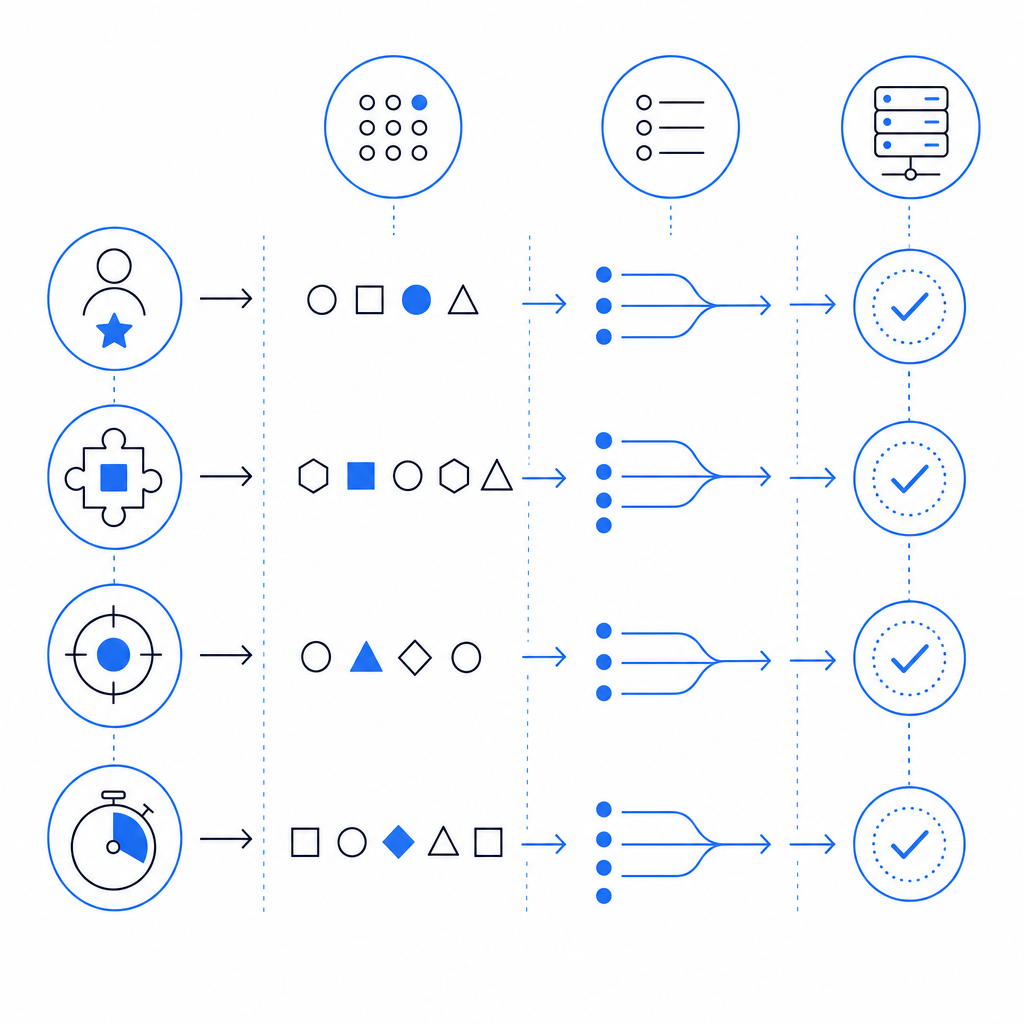
Before you ship, it helps to validate both usability and abuse resistance. Use this checklist as a starting point:
- Confirm the audio option is discoverable without requiring guesswork.
- Ensure the same challenge session can be solved in audio or visual mode, not both independently.
- Bind the response to a short-lived server-issued token.
- Validate on the backend before granting access.
- Log challenge outcomes, but avoid storing unnecessary personal data.
- Test with screen readers and keyboard-only navigation.
- Rate-limit challenge issuance to reduce automated churn.
- Re-test after any UI or SDK update.
If you are rolling this out across product surfaces, check the docs for your platform-specific SDK versioning and make sure the same policy applies everywhere. For CaptchaLa, published package versions include Maven la.captcha:captchala:1.0.2, CocoaPods Captchala 1.0.2, and pub.dev captchala 1.3.2, which can help you keep mobile and desktop builds aligned. Pricing details are available at pricing if you are estimating traffic tiers such as Free at 1,000/month, Pro at 50K–200K, or Business at 1M.
For larger teams, that consistency is often the real value: one challenge policy, one validation endpoint, and one set of operational assumptions. The audio generator is then just one accessible presentation layer inside a broader anti-abuse system.
Where to go next: if you’re planning an implementation or comparing verification flows, start with the docs and then review pricing to match your traffic and rollout stage.