
Anti bot meaning is simple: it refers to the methods, policies, and verification checks used to tell automated traffic apart from real users, then reduce or block harmful automation before it affects your site, app, or API.
That sounds straightforward, but the practical side is broader than “show a puzzle.” Anti-bot systems can combine challenges, risk signals, request validation, device checks, token exchange, and server-side verification. The goal is not to block every automation tool on principle; it is to stop abuse like credential stuffing, fake signups, scraping, checkout fraud, carding, and spam while keeping legitimate users moving smoothly.
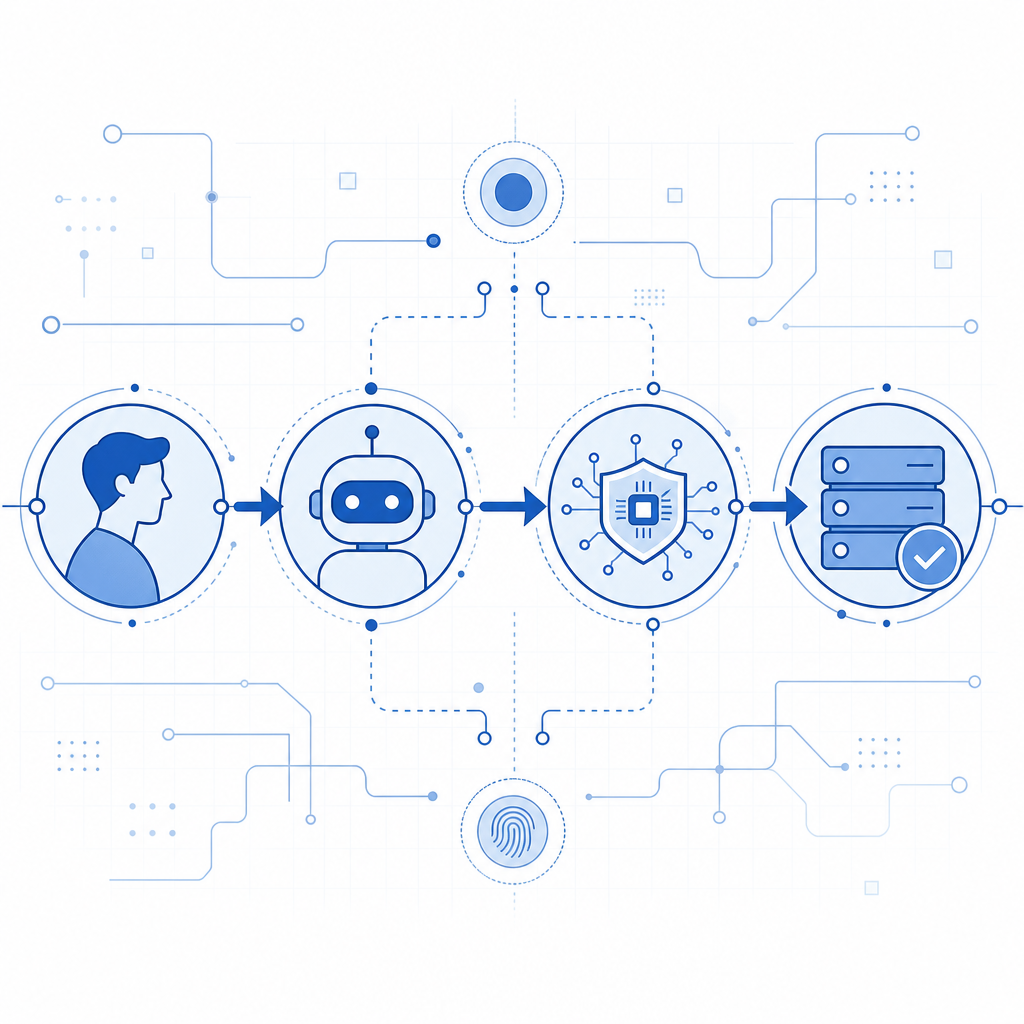
What anti-bot means in practice
Anti-bot meaning changes a little depending on who is using the phrase.
For a security engineer, it usually means layered defenses that evaluate whether a request looks automated. For a product team, it may mean reducing fake account creation or checkout abuse without adding friction. For a developer, it means a verification flow that can be integrated cleanly into web, mobile, and backend systems.
At a technical level, anti-bot systems often look at:
- Request patterns: rate spikes, repeated actions, identical headers, or unusual navigation paths.
- Interaction quality: cursor movement, typing cadence, focus changes, and tap timing.
- Device and session signals: cookie stability, token reuse, or mismatched client state.
- Server-side integrity: whether a returned pass token was issued recently and validated correctly.
- Risk context: IP reputation, geography, ASN, and abuse history.
A good anti-bot design does not rely on one signal alone. It makes the attacker spend more effort while keeping legitimate traffic fast. That balance matters, because a defense that is too strict can create the same kind of business loss as the abuse it tries to stop.
Common anti-bot techniques and where CAPTCHA fits
CAPTCHA is one part of anti-bot meaning, not the whole definition. Historically, CAPTCHAs asked users to solve a visual or text challenge. Modern approaches are more flexible: they may use invisible checks, server-issued tokens, or a challenge only when risk rises.
Here is a practical comparison:
| Approach | What it does | Good for | Tradeoffs |
|---|---|---|---|
| Traditional CAPTCHA puzzles | Asks the user to solve a challenge | High-friction abuse points like signup or password reset | Can frustrate users, especially on mobile |
| Risk-based verification | Scores a session using signals and may challenge only when needed | Login, checkout, account creation | Needs good tuning and backend validation |
| Token-based challenge flow | Issues a server token, then validates the client response | APIs and apps that need stricter integrity | Requires correct server integration |
| WAF/rate limiting | Blocks obvious flooding or abuse patterns | Volumetric abuse and repeated requests | Doesn’t always catch sophisticated automation |
| Behavior analysis | Detects non-human interaction patterns | Stealthy bots and scraping | Can be sensitive to accessibility and edge cases |
Cloudflare Turnstile, reCAPTCHA, and hCaptcha all fit into this broader anti-bot category, but they differ in presentation, risk handling, and integration style. The right choice depends on your traffic, UX requirements, and privacy posture.
If you are implementing verification yourself, the backend should be the source of truth. A client-side signal alone is not enough, because the browser or app can be scripted. CaptchaLa follows that principle with server-side validation and first-party data only, which matters for teams that want predictable control over what gets collected and checked.
How anti-bot verification works technically
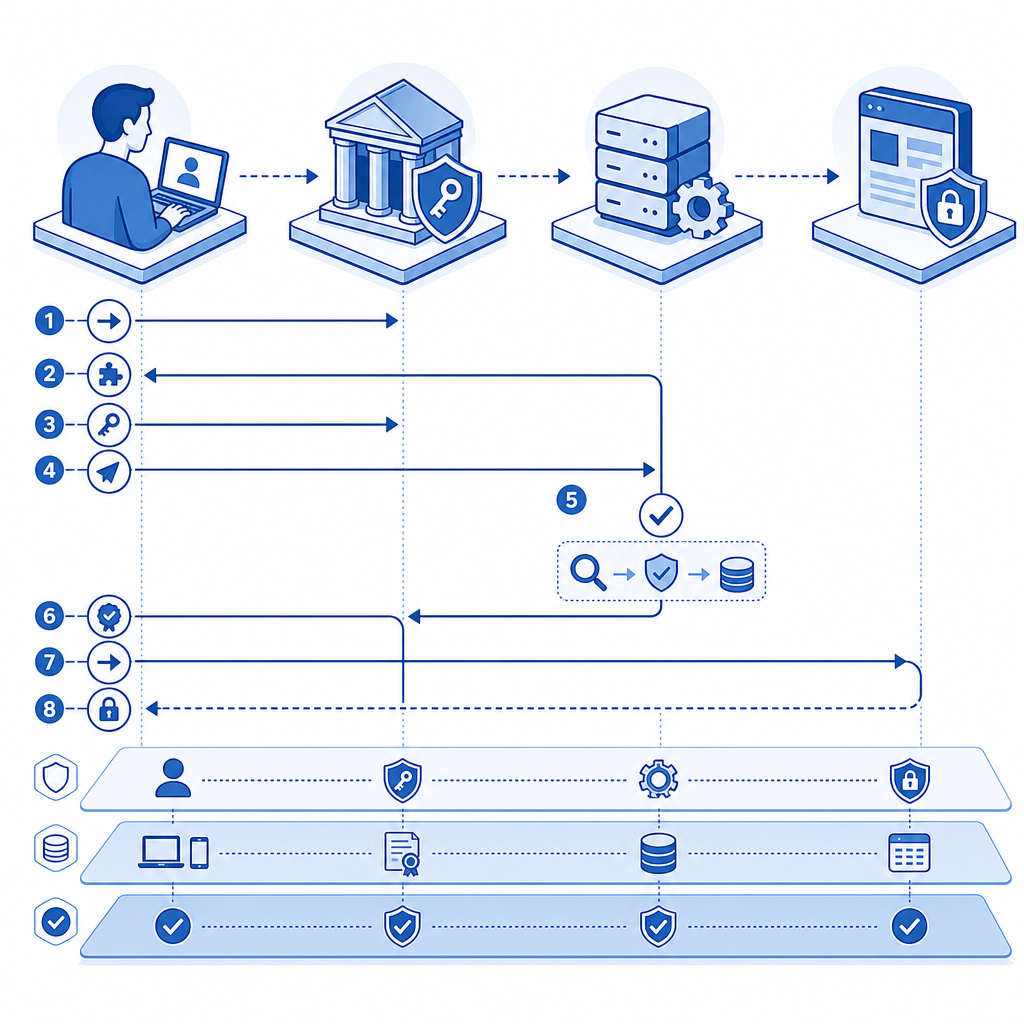
A typical anti-bot flow has three phases: issue, collect, and validate.
- The client loads the verification script or SDK.
- The system determines whether a challenge is required.
- If needed, a challenge or risk check runs.
- The client receives a pass token.
- The server validates that token before trusting the action.
Here is a simplified example of the server-side mindset:
// English comments only
// 1. Receive token from the client
// 2. Send token to the validation endpoint
// 3. Check the response before allowing the action
async function verifyChallenge(passToken, clientIp) {
  const response = await fetch("https://apiv1.captcha.la/v1/validate", {
    method: "POST",
    headers: {
      "Content-Type": "application/json",
      "X-App-Key": process.env.CAPTCHA_APP_KEY,
      "X-App-Secret": process.env.CAPTCHA_APP_SECRET
    },
    body: JSON.stringify({
      pass_token: passToken,
      client_ip: clientIp
    })
  });

  return response.ok;
}
The important detail is that the validation step happens on your server, not only in the browser. That makes replay attacks, token theft, and automated form submission much harder.
For teams using CaptchaLa, the integration options are fairly broad: native SDKs for Web with JS, Vue, and React; iOS, Android, Flutter, and Electron; plus server SDKs like captchala-php and captchala-go. It also supports 8 UI languages, which helps when your audience is international.
If you want to confirm how to wire everything together, the docs are the right place to start.
Choosing the right anti-bot approach for your product
Not every surface needs the same level of defense. A login page, a newsletter form, and an API endpoint may each need a different policy.
A practical way to think about it:
Low-risk interactions
Examples: article comments, contact forms, basic newsletter signups.
For these, lightweight friction is often enough. Invisible checks or low-friction challenges can stop spam without making people work.
Medium-risk interactions
Examples: registration, password reset, coupon redemption.
These flows benefit from stronger verification and backend checks. A challenge on suspicious traffic can reduce fake accounts and automated abuse.
High-risk interactions
Examples: checkout, gift card redemption, account takeover recovery, login from suspicious regions.
Here, combine anti-bot controls with rate limits, IP reputation, session binding, and monitoring. If the action has financial or account-impacting consequences, treat verification as one layer in a wider control system.
A few technical questions help determine fit:
- Does the workflow need to work on mobile apps as well as web?
- Do you need a visible challenge, or can the check be mostly invisible?
- Must the system support multiple languages and regions?
- How will your backend reject requests if validation fails?
- What logs do you need for incident review and tuning?
CaptchaLa’s pricing tiers may also matter if you are planning rollout by traffic volume: a free tier at 1,000 monthly requests, Pro at 50K-200K, and Business at 1M. That makes it easier to start with a narrow surface, measure abuse reduction, and expand gradually if needed. See the pricing page for the current details.
What anti-bot is not
It is worth separating anti-bot meaning from a few common misconceptions.
It is not the same as “block all automation.” Legitimate automation exists: accessibility tools, QA suites, search engine crawlers, internal monitoring, and partner integrations. Good anti-bot systems should minimize false positives and give you controls for trusted traffic.
It is also not a standalone fix for fraud. If abuse is already happening, you may need account throttling, step-up verification, anomaly detection, and manual review in addition to bot checks.
Finally, anti-bot is not just about the front end. A polished client widget can still be bypassed if the server accepts requests without validating the token. The enforcement point matters more than the decoration around it.
When teams get this right, the end result is usually boring in the best way: less spam, fewer fake users, cleaner analytics, and fewer support tickets. That is the real value of anti-bot controls.
Where to go next: if you are mapping out a new verification flow or tightening an existing one, start with the docs or review pricing to see which rollout fits your traffic.