
Anti bot JavaScript refers to the methods and scripts integrated on websites to detect and prevent automated bot traffic. These scripts analyze user behavior, validate client interactions, and work with server-side verification to distinguish between real users and bots attempting abuse. Using anti bot JavaScript, developers can reduce fake signups, spam, scraping, and other malicious automation with minimal disruption to real visitors.
Core Components of Anti Bot JavaScript
An effective anti bot JavaScript implementation is much more than a single script running in your browser. It typically consists of several components working together:
1. Bot Behavior Detection
JavaScript runs in the client browser to collect signals that help identify bots, such as mouse movements, typing speed, scroll behavior, timing of user actions, and browser environment inconsistencies. Bots often behave in mechanical or scripted ways, which can be flagged early.
2. Challenge Presentation and Response
If suspicious behavior is detected, clients are presented with challenges, such as CAPTCHA puzzles or invisible tests, to confirm human presence. JavaScript handles rendering these challenges dynamically and sending responses back to the server.
3. Communication with Backend Validation
The client script issues tokens or passes encrypted data to server endpoints. The API responses determine whether to allow or block access, based on server-side analysis combined with client-side signals.
Many popular services use anti bot JavaScript as a first line of defense before deeper analysis on the backend.
Comparing Popular Anti Bot JavaScript Solutions
Here’s a comparison of some widely used bot defense providers and their JavaScript capabilities:
| Provider | JavaScript SDKs | Challenge Types | Native Integration | Pricing Model | Open Source Availability |
|---|---|---|---|---|---|
| CaptchaLa | Web (JS/Vue/React), iOS, Android, Flutter, Electron | Text/image CAPTCHAs, invisible, token-based | Flexible SDK for frontend & backend | Free tier + Pro + Business | Closed source |
| reCAPTCHA | JS snippet | Image, audio, invisible | Widely supported, Google ecosystem | Free + Enterprise | Closed source |
| hCaptcha | JS widget | Image puzzles, invisible | Focus on privacy, GDPR compliant | Pay per usage | Partially open |
| Cloudflare Turnstile | JS snippet | Invisible challenges | Built into Cloudflare infrastructure | Free | Closed source |
Each approach has trade-offs in usability, privacy, and complexity. CaptchaLa delivers highly customizable SDKs and backend APIs with broad language support and server validation endpoints that fit a variety of web apps.
Implementing Anti Bot JavaScript with CaptchaLa
To illustrate a practical implementation, here’s a simplified example of integrating CaptchaLa’s anti bot JavaScript loader and validating a token on the server.
Frontend Integration Example
// Load CaptchaLa widget and render on the page
const script = document.createElement('script');
script.src = 'https://cdn.captcha-cdn.net/captchala-loader.js';
script.async = true;
document.head.appendChild(script);

script.onload = () => {
  // Initialize CaptchaLa widget with site key and callback
  CaptchaLa.render('captcha-container', {
    siteKey: 'your-site-key',
    callback: function(passToken) {
      // Send token to backend for verification
      fetch('/validate-captcha', {
        method: 'POST',
        headers: {'Content-Type': 'application/json'},
        body: JSON.stringify({ pass_token: passToken }),
      }).then(res => res.json()).then(result => {
        if (result.success) {
          alert('Verification passed. Proceed.');
        } else {
          alert('Verification failed. Please try again.');
        }
      });
    }
  });
};
Backend Validation Example (Node.js)
const fetch = require('node-fetch');

async function validateCaptcha(pass_token, client_ip) {
  const response = await fetch('https://apiv1.captcha.la/v1/validate', {
    method: 'POST',
    headers: {
      'X-App-Key': 'your-app-key',
      'X-App-Secret': 'your-app-secret',
      'Content-Type': 'application/json',
    },
    body: JSON.stringify({ pass_token, client_ip })
  });

  const data = await response.json();
  return data.success;
}
This flow shows how anti bot JavaScript triggers verification without requiring intrusive challenges upfront, enabling a smooth user experience.

Key Considerations for Anti Bot JavaScript Deployment
When choosing or implementing an anti bot JavaScript solution, keep these technical and strategic factors in mind:
- User Experience: Invisible or low-friction challenges reduce drop-off. CaptchaLa supports invisible CAPTCHAs with minimal UI disruption.
- Privacy Compliance: Ensure scripts comply with GDPR, CCPA, and other data privacy laws. Services like CaptchaLa use first-party data only and provide multilingual UI catering to global users.
- Customization and Extensibility: Ability to customize challenge difficulty, UI language (CaptchaLa supports 8 UI languages), and integrate smoothly with various frontends (React, Vue, Android, etc.).
- Server Integration: Robust backend verification APIs prevent spoofing or bypass attempts. CaptchaLa offers SDKs in PHP, Go, and others to simplify server validation.
- Scalability and Costs: Consider monthly volumes and pricing tiers. CaptchaLa offers a free tier with 1000 validations per month, scaling up to millions on paid plans.
Balancing these factors helps ensure the anti bot JavaScript you deploy provides effective defense without compromising legitimate users.
Final Thoughts
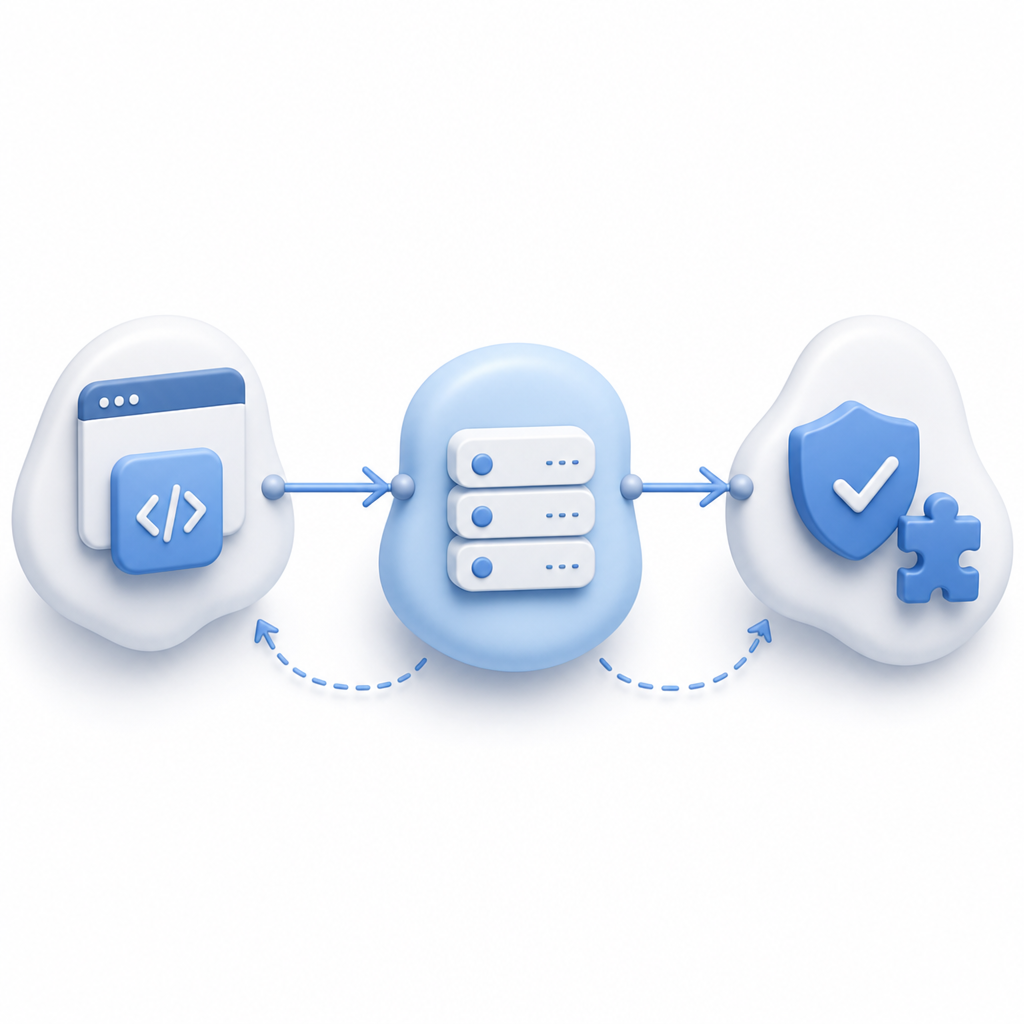
Anti bot JavaScript is a vital piece of a broader bot defense strategy. By combining client-side detection with server-side validation, website owners can reduce fraud, spam, and abuse while maintaining a positive experience for real users. CaptchaLa offers a well-rounded suite of tools and APIs designed to integrate smoothly into modern web apps, backed by flexible SDKs and competitive pricing.
If you want to dive deeper, explore the detailed CaptchaLa docs covering integration guides and API references, or check out pricing options to find a plan that fits your needs.
Ready to strengthen your site’s defenses with anti bot JavaScript? Start experimenting with CaptchaLa’s free tier today.