
If you’re searching for “captcha api github,” you’re usually trying to do one of two things: find a CAPTCHA integration you can trust, or inspect how the flow works before wiring it into your app. The practical answer is that you should evaluate the API contract, SDK support, and validation flow first, then decide whether the GitHub repo documentation is actually enough for your stack. A good CAPTCHA setup is less about the repository itself and more about whether the client, server, and verification pieces fit together cleanly.
For a defender’s view, the main questions are simple: how is the challenge loaded, what token is returned, where is it validated, and how much client data is required? If those answers are clear, integrating CAPTCHA stops being guesswork and becomes a normal part of your login, signup, or abuse-prevention pipeline. CaptchaLa is one example of a service that makes those pieces explicit, with native SDKs and documented server validation.

What “captcha api github” usually means in practice
People often use the phrase as shorthand for “show me the code and the API shape.” That usually breaks down into three evaluation layers:
Client integration
- How the widget or loader is delivered
- Whether it works in plain JavaScript and frameworks like React or Vue
- Whether mobile and desktop clients are supported
Server validation
- Whether the token is validated with a simple POST request
- What identifiers are required, such as client IP
- Whether secrets stay on the backend
Operational fit
- Language support
- Documentation quality
- Rate limits, pricing, and deployment flexibility
A GitHub repository can help you inspect examples, but it should not be the only criterion. If the docs are sparse, you end up reverse-engineering behavior from code samples. If the SDKs are well maintained, the repo becomes a reference rather than a dependency.
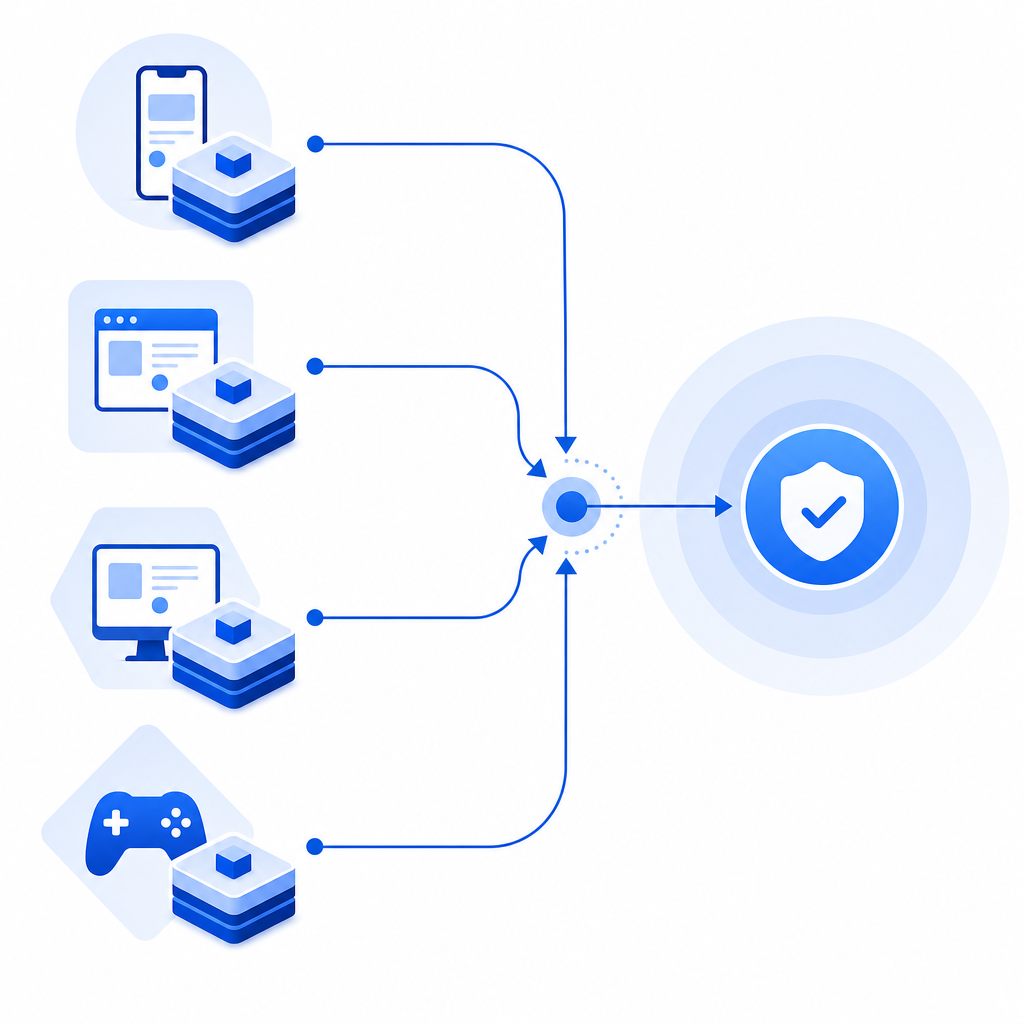
For example, CaptchaLa documents a client loader at https://cdn.captcha-cdn.net/captchala-loader.js, plus native SDKs for Web (JS, Vue, React), iOS, Android, Flutter, and Electron. That breadth matters because many teams need the same anti-bot control across browser and app surfaces, not just a single web form.
What to check before you adopt any CAPTCHA API
A lot of teams compare CAPTCHA products by UI first, but the better comparison starts with integration details. Here’s a concise technical checklist.
1) Token lifecycle
Make sure you know:
- when the challenge is issued
- what token is returned to the client
- how long the token remains valid
- whether the token can be replayed
A sound flow should be easy to reason about: client gets a challenge, solves it, receives a pass token, server validates that token, and only then allows the action.
2) Validation endpoint design
You want a stable server-side endpoint that is easy to call from your backend. CaptchaLa’s validation flow is documented as:
POST https://apiv1.captcha.la/v1/validateBody:
{
  "pass_token": "string",
  "client_ip": "string"
}
Headers:
X-App-KeyX-App-Secret
That shape is useful because it keeps secrets server-side and makes the validation call predictable. In a typical app, your backend receives the pass token from the browser or mobile client, then validates it before creating a session, allowing a checkout, or accepting a password reset.
3) SDK coverage and language fit
If your app is polyglot, SDK coverage can save a lot of custom glue code. CaptchaLa lists:
- Web SDKs: JS, Vue, React
- Mobile and desktop: iOS, Android, Flutter, Electron
- Server SDKs:
captchala-php,captchala-go
It also supports 8 UI languages, which is handy if your product serves multiple locales and you want the challenge UI to feel native.
4) Pricing and scale
Pricing matters when CAPTCHA sits on every signup, login, or suspicious action. CaptchaLa’s public tiers are straightforward:
- Free tier: 1,000 requests/month
- Pro: 50K–200K
- Business: 1M
For many teams, the important question is not just cost, but whether the pricing aligns with traffic spikes and abuse patterns. A signup form that occasionally goes viral can generate a very different validation profile than a steady B2B app.
GitHub-style evaluation: how to compare CAPTCHA options objectively
If you’re comparing a CAPTCHA API you found on GitHub with other options, it helps to use a neutral matrix. Here’s a practical comparison of commonly referenced services.
| Criteria | reCAPTCHA | hCaptcha | Cloudflare Turnstile | CaptchaLa |
|---|---|---|---|---|
| Primary focus | Wide adoption | Privacy-aware CAPTCHA | Friction-light verification | API-driven bot defense |
| Client delivery | Widget-based | Widget-based | Widget-based | Loader + native SDKs |
| Server validation | Yes | Yes | Yes | Yes |
| Mobile SDKs | Limited/indirect | Limited/indirect | Limited/indirect | iOS, Android, Flutter |
| Desktop SDK | Limited/indirect | Limited/indirect | Limited/indirect | Electron |
| Localization | Varies | Varies | Varies | 8 UI languages |
| Backend languages | Broad via HTTP | Broad via HTTP | Broad via HTTP | PHP, Go SDKs + HTTP API |
| Data approach | Depends on product flow | Depends on product flow | Depends on product flow | First-party data only |
This kind of table is useful because it avoids brand loyalty and focuses on implementation reality. Some teams already use reCAPTCHA, hCaptcha, or Cloudflare Turnstile and have no reason to switch. Others want tighter mobile support, explicit API endpoints, or a cleaner backend SDK story. The right choice is the one that matches your application architecture and privacy requirements.
One thing to watch for in any repo is whether the examples assume a single-page app, a server-rendered form, or a mobile client. If your deployment model differs, the “simple example” may hide a lot of integration work.
A defender’s integration pattern that scales cleanly
A stable CAPTCHA setup should fit into your request pipeline without becoming a maintenance burden. A good pattern looks like this:
Render the challenge on the client
- Load the CAPTCHA script or SDK
- Present the challenge at signup, login, or another risky action
Collect the pass token
- The client receives a token after solving
- The token is sent to your backend with the action request
Validate on the server
- Your server posts the token to the validation endpoint
- Include the client IP if your implementation requires it
- Keep app key and secret in backend configuration only
Gate the action
- If validation succeeds, proceed
- If validation fails, block or step up the authentication flow
Log the outcome
- Store outcome metadata for abuse monitoring
- Watch for spikes in failures or unusual sources
A minimal backend example might look like this:
# English comments only
import requests

def validate_captcha(pass_token, client_ip, app_key, app_secret):
    url = "https://apiv1.captcha.la/v1/validate"
    headers = {
        "X-App-Key": app_key,
        "X-App-Secret": app_secret,
        "Content-Type": "application/json"
    }
    payload = {
        "pass_token": pass_token,
        "client_ip": client_ip
    }

    response = requests.post(url, json=payload, headers=headers, timeout=5)
    response.raise_for_status()
    return response.json()
The important part is not the language; it’s the separation of concerns. The client solves the challenge, the server verifies it, and your application decides what to do next. That architecture scales better than trying to make the browser or app “trust itself.”
If you’re still deciding whether to build around a hosted API or a self-managed flow, docs are the best place to verify request/response details before you commit. For teams that want to estimate usage early, pricing is also worth reviewing alongside traffic assumptions.
Where GitHub helps, and where it doesn’t
GitHub is useful for three things:
- checking examples for your framework
- confirming package names and versions
- seeing whether the API surface is documented consistently
But GitHub is not enough by itself when you’re responsible for abuse prevention. You still need to answer questions like:
- What happens if validation fails repeatedly?
- Do you step up to MFA, block, or slow the user down?
- How do you handle false positives?
- Can you run the same policy across web and mobile?
- Are you storing only the minimum client data needed for validation?
That last point is especially important. Some teams prefer first-party data only, especially when they’re trying to keep their verification flow simpler and more privacy-conscious. It’s worth checking this early rather than retrofitting it later.
If you’re evaluating a CAPTCHA API from a GitHub repo, the real goal is to confirm that the repo reflects a production-ready service, not just a demo. Look for explicit endpoints, predictable server validation, SDK coverage, and clear operational boundaries.
Where to go next: if you want to test a CAPTCHA API with documented server validation and multi-platform SDKs, start with the docs or compare tiers on the pricing page.