
Encountering a captcha API error usually means your bot-defense integration is failing to properly communicate with the captcha service. This error often stems from misconfigured requests, network interruptions, or authentication issues between your application and the captcha provider’s API. Fixing it requires a focused approach to both client-side implementation and server-side validation.
Below, we’ll explore the most common causes of captcha API errors, practical troubleshooting steps, and tips for avoiding them when integrating with popular services including CaptchaLa, reCAPTCHA, hCaptcha, and Cloudflare Turnstile.
What Causes Captcha API Errors?
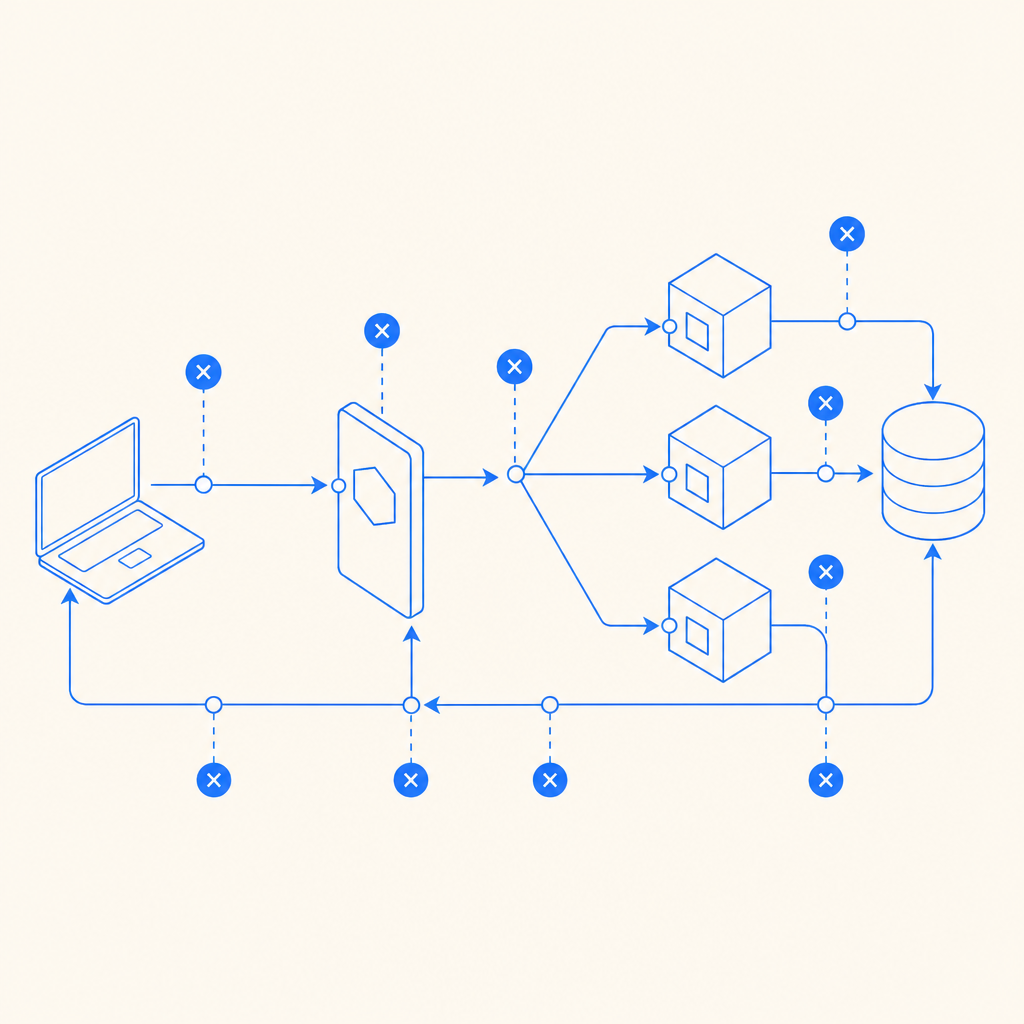
Captcha APIs involve multiple interacting parts such as client tokens, server keys, request headers, and network connectivity. When any link in this chain breaks, the API typically responds with an error code or message. Common underlying issues include:
- Invalid API credentials: Missing or wrong keys/secrets cause authentication to fail. For example, using expired or miscopied
X-App-KeyorX-App-Secretheaders in your CaptchaLa validation request. - Malformed request body: The API expects a specific JSON structure, such as
{ pass_token, client_ip }. Errors in parameter names, types, or omitted fields will trigger an error. - Expired/invalid client tokens: Captcha challenge tokens generally have time limits. Validating an already expired token results in error.
- Rate limiting: Exceeding the provider’s request thresholds may lead to throttling or temporary blocking.
- Network/connectivity issues: Timeouts, DNS issues, or blocked API endpoints prevent successful communication.
Understanding these root causes sets the stage for effective troubleshooting.
How to Troubleshoot Captcha API Errors
When you face a captcha API error, methodical verification of each integration component helps isolate the problem:
1. Verify API Credentials and Headers
- Double-check that your API keys (e.g.,
X-App-Key,X-App-Secretfor CaptchaLa) are correct and not expired. - Verify that you include them in your request headers exactly as specified in the CaptchaLa docs.
2. Confirm Request Payload Accuracy
- Ensure the POST requests to endpoints like
https://apiv1.captcha.la/v1/validatehave JSON bodies matching the spec. - Confirm fields like
pass_tokenandclient_ipexist and contain valid, expected values.
3. Handle Client-Side Token Generation Correctly
- Use CaptchaLa’s native SDKs or loaders, like
https://cdn.captcha-cdn.net/captchala-loader.js, to generate valid tokens. - Check token expiration and refresh tokens where appropriate.
4. Monitor API Usage Against Quotas
- Confirm your usage does not exceed free or paid tier limits.
- Watch for HTTP 429 (Too Many Requests) status codes indicating rate limits.
5. Test Network Accessibility
- Ping or curl the API endpoint to ensure connectivity.
- Check firewall or proxy settings that may block calls.
Here is a simple example of validating a CaptchaLa token on the server side with PHP:
<?php
// Server-side: validate captcha token with CaptchaLa API

$apiUrl = "https://apiv1.captcha.la/v1/validate";
$pass_token = $_POST['pass_token'];
$client_ip = $_SERVER['REMOTE_ADDR'];

$headers = [
    "X-App-Key: your-app-key",
    "X-App-Secret: your-app-secret",
    "Content-Type: application/json"
];

$data = json_encode([
    'pass_token' => $pass_token,
    'client_ip' => $client_ip
]);

$ch = curl_init($apiUrl);
curl_setopt($ch, CURLOPT_HTTPHEADER, $headers);
curl_setopt($ch, CURLOPT_POST, true);
curl_setopt($ch, CURLOPT_POSTFIELDS, $data);
curl_setopt($ch, CURLOPT_RETURNTRANSFER, true);

$response = curl_exec($ch);
curl_close($ch);

$result = json_decode($response, true);

if (!empty($result['success']) && $result['success'] === true) {
    // Validation passed
} else {
    // Handle error, log $result['error_code'] or message
}
?>
Comparing Popular Captcha Providers’ API Error Handling
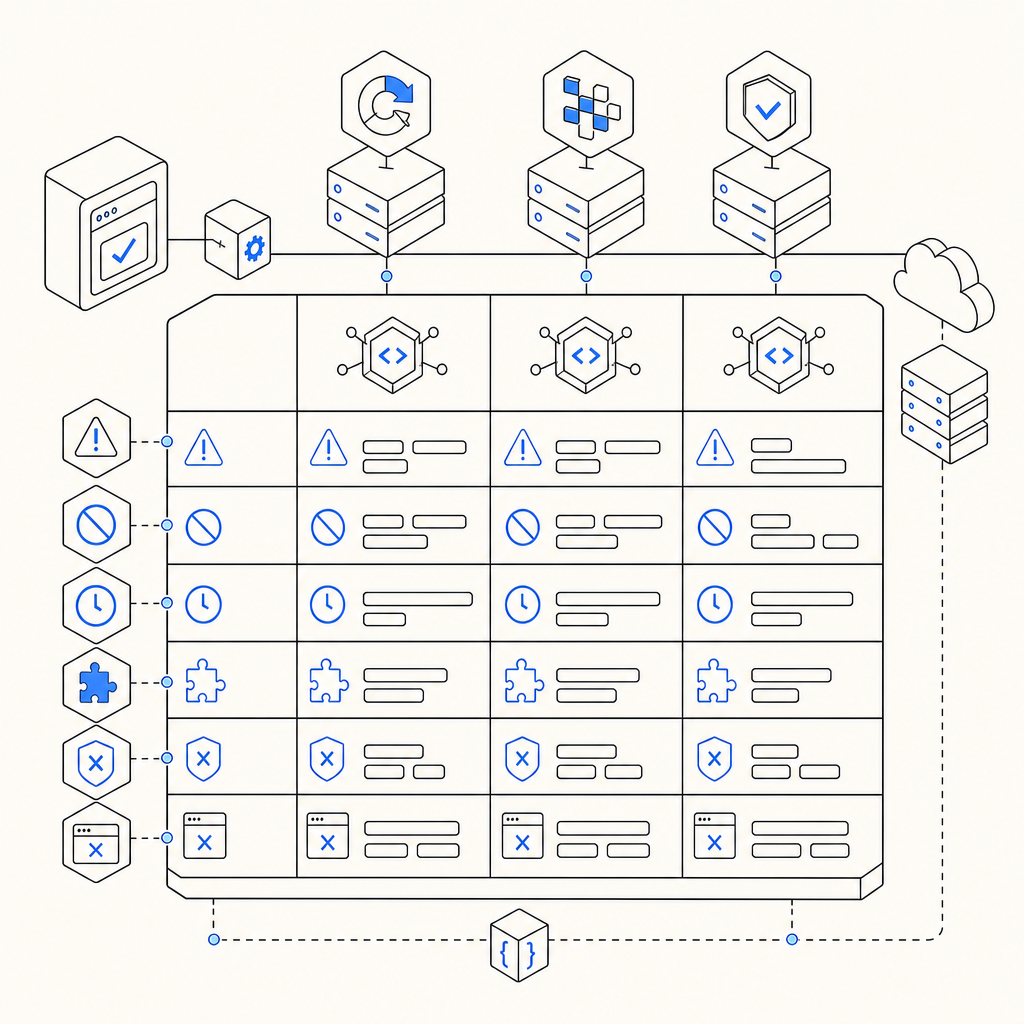
Different captcha solutions offer varied levels of error transparency and support. Here’s a basic comparison of how three widely used services handle error feedback and troubleshooting resources:
| Feature | CaptchaLa | reCAPTCHA | hCaptcha | Cloudflare Turnstile |
|---|---|---|---|---|
| API Endpoint URL | https://apiv1.captcha.la/v1/validate | https://www.google.com/recaptcha/api/siteverify | https://hcaptcha.com/siteverify | https://challenges.cloudflare.com/api/v0/siteverify |
| Error response detail | Clear error codes with documentation | Basic codes, less descriptive | Moderate error info | Limited detailed error info |
| Rate-limiting info | Included in docs | Reflected in HTTP status | Reflected in HTTP status | Minimal public info |
| Multi-language SDK support | 8 UI languages, iOS/Android/Web, Flutter | Web and mobile SDKs | Web and mobile SDKs | Web SDK primarily |
Once you understand each service’s error reporting conventions, you can tailor your integration approach to proactively detect and address captcha API errors.
Best Practices to Prevent Captcha API Errors in Production
To reduce the occurrence of captcha API errors on live systems, consider these technical best practices:
Use Official SDKs and Loaders
Avoid hand-crafting tokens or requests; leverage CaptchaLa’s native SDKs and CDN loader scripts which handle token generation, expiration, and renewal gracefully.Implement Robust Error Handling
Log all API error responses including codes and messages. Categorize errors so you can trigger alerts for suspicious spikes (potential attacks or integration breaks).Validate Inputs Client- and Server-side
Ensurepass_tokenis always sent from client to server securely. Confirm IP addresses accurately during validation.Rate Limit Client Requests
Add throttling to prevent excessive captcha validations from the same user or IP, which could expose you to rate-limit errors.Regularly Audit API Keys
Rotate and verify keys periodically, especially if team members change or you detect suspicious activity.Consult and Stay Updated with Vendor Docs
Visit official CaptchaLa docs, reCAPTCHA, or hCaptcha repositories frequently. These often contain up-to-date error code explanations and integration tips.
Final Thoughts on Captcha API Errors
Errors in captcha API integrations are common but manageable. They often boil down to issues with credentials, token validity, request format, or network conditions. Using modern services like CaptchaLa that provide clear SDKs, multilingual support, and detailed documentation can simplify implementation and troubleshooting.
Remember that each captcha API has its conventions for error signaling and limits, so tailoring your error-handling logic and monitoring is essential for a frictionless user experience and strong bot-defense in your applications.
For a smooth integration or to explore how CaptchaLa can fit into your bot protection stack, check out our pricing plans or detailed API documentation.
Where to go next? Familiarize yourself further with CaptchaLa by reviewing our SDK usage guides or setting up a free tier account to test your environment today.