
If your question is how to approach anti bot detection Playwright from a defender’s perspective, the short answer is: don’t try to “detect Playwright” as a single magic signal. Treat it as one part of a broader risk model that combines browser behavior, network reputation, rate patterns, token validation, and challenge flow design.
That matters because Playwright is just a browser automation framework. Legitimate users can have unusual browser fingerprints, and automated traffic can be made to look fairly normal. So the goal is not perfect identification; it’s to make abuse expensive while keeping real users moving. A good defense uses layered signals, server-side verification, and a challenge only when the risk justifies it.
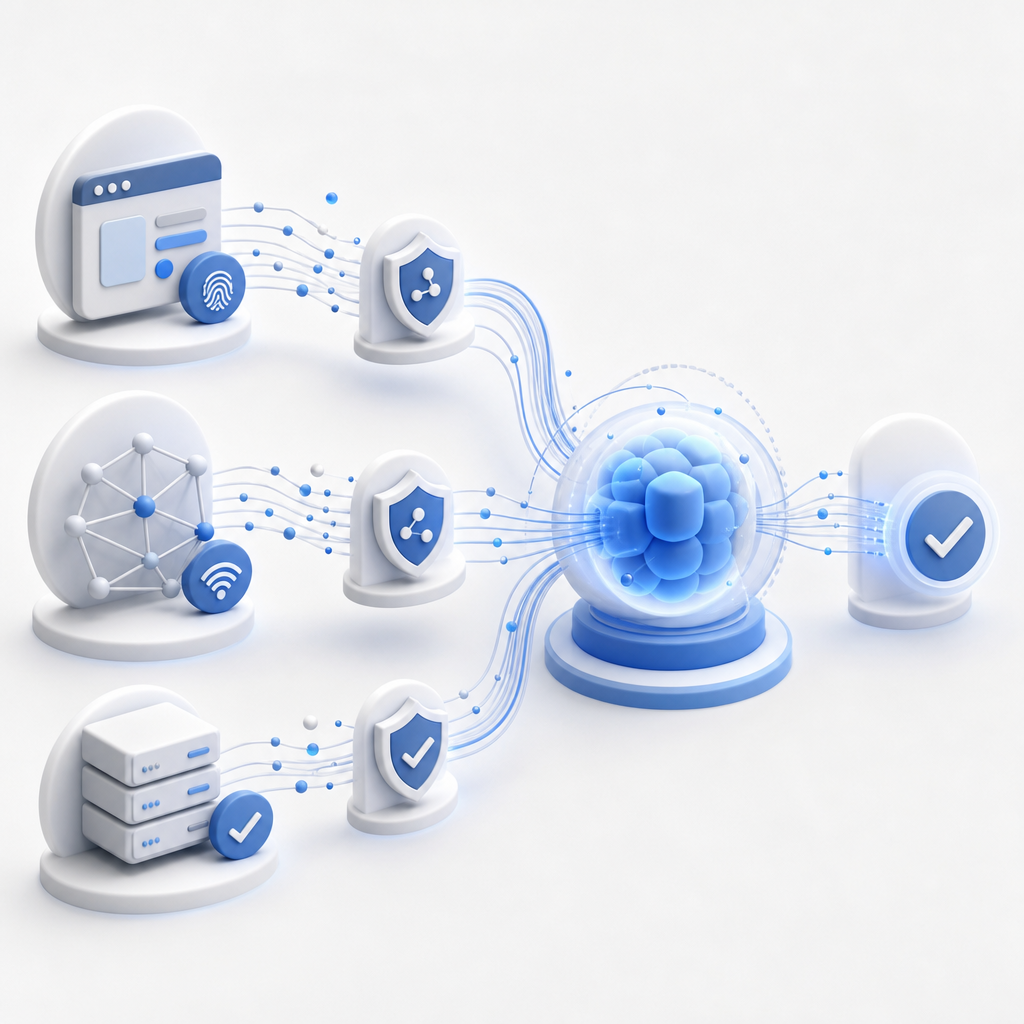
Why Playwright-focused detection is tricky
A lot of bot-defense discussions start from the wrong premise: “Can I detect Playwright?” The better question is “What do I need to protect, and what evidence is strong enough to justify friction?” That shift is important because a single indicator can be spoofed, while a combined policy is much harder to evade.
Playwright can automate flows that look very human at a high level:
- It opens real browsers or browser-like contexts.
- It supports multi-step navigation, form filling, and asynchronous waits.
- It can rotate profiles, locales, and viewport sizes.
- It can run headlessly or headed, depending on the setup.
For defenders, that means naïve checks like user-agent parsing or a one-time JavaScript fingerprint are not enough. A modern anti-bot stack usually evaluates:
- Session velocity: how fast a session moves across pages, forms, or endpoints.
- Behavior shape: mouse movement, focus changes, keystroke cadence, scroll patterns.
- Network context: ASN, IP reputation, geo consistency, proxy usage, and request burstiness.
- Token integrity: whether a challenge response was created by a valid client session.
- Historical risk: prior abuse from the same account, device family, or transaction pattern.
A useful mental model is “trust, but verify.” If the session looks normal, keep the user experience light. If it looks uncertain, step up only for that session.
What to measure before you block
You’ll get better outcomes if you define abuse signals by business impact rather than browser tooling. Playwright traffic often reveals itself through patterns, not through one distinctive marker.
High-signal indicators defenders can rely on
Here are practical signals that tend to hold up better than fingerprint-only rules:
- Repeated form submissions from fresh accounts with no prior engagement.
- Identical navigation timing across many sessions.
- A sudden spike in requests from the same IP range or ASN.
- Token reuse across unrelated sessions.
- Invalid or missing client-side challenge completion.
- Cross-field consistency failures, such as impossible locale/timezone combinations.
- Excessively uniform interaction patterns, like constant interval typing or scrolling.
Not every signal needs to be a block. Some should just raise a score. For example, a bot might pass a visual challenge but fail server-side verification because the pass token was never issued in a valid flow. That’s exactly where a server-validated CAPTCHA adds value.
How CAPTCHA fits into a Playwright-aware defense
CAPTCHA should not be the whole defense. It should be the last mile of proof that a browser session completed a challenge in a legitimate way. That is especially useful when you expect automation frameworks to keep improving their browser realism.
A practical deployment pattern looks like this:
- Load a challenge widget only when risk scoring crosses a threshold.
- Issue a server token for the challenge session.
- Validate the pass token on your backend before allowing the sensitive action.
- Keep the challenge path short so legitimate users do not abandon the flow.
CaptchaLa is designed around that pattern. The loader is served from https://cdn.captcha-cdn.net/captchala-loader.js, and validation happens server-side with POST https://apiv1.captcha.la/v1/validate using pass_token, client_ip, and your X-App-Key plus X-App-Secret. If you need to issue server-side challenge tokens, there is also POST https://apiv1.captcha.la/v1/server/challenge/issue.
For teams integrating at different layers, the product supports native SDKs for Web, iOS, Android, Flutter, and Electron, plus server SDKs like captchala-php and captchala-go. It also supports 8 UI languages, which helps if your app is multilingual.

A reference implementation flow
Here’s a simplified defender-side flow in pseudocode:
// English comments only
// 1. Score the request with behavior, IP, and account signals.
// 2. If risk is low, continue without friction.
// 3. If risk is medium, issue a challenge token.
// 4. If risk is high, require validation before sensitive action.

function handleSensitiveAction(request) {
  const risk = scoreRisk(request.user, request.ip, request.session);

  if (risk < 30) {
    return allow();
  }

  if (risk < 70) {
    const challenge = issueChallengeToken(request.sessionId);
    return renderChallenge(challenge);
  }

  return denyWithLogging("high risk");
}

async function verifyChallenge(passToken, clientIp) {
  const response = await fetch("https://apiv1.captcha.la/v1/validate", {
    method: "POST",
    headers: {
      "Content-Type": "application/json",
      "X-App-Key": პროცეს.env.APP_KEY,
      "X-App-Secret": process.env.APP_SECRET
    },
    body: JSON.stringify({ pass_token: passToken, client_ip: clientIp })
  });

  return response.ok;
}
The key idea is that the challenge is not a standalone wall; it is one step in a policy. That policy should be informed by the whole account lifecycle, not just a single page load.
Comparing common CAPTCHA and bot-defense options
If you are choosing a solution, it helps to compare how each option fits automated-browser traffic. No tool is perfect, and each one has tradeoffs.
| Option | Strengths | Tradeoffs | Good fit |
|---|---|---|---|
| reCAPTCHA | Widely recognized, familiar integration patterns | Can be heavier for some users; risk tuning is limited | General consumer sites |
| hCaptcha | Flexible deployment, common bot challenge ecosystem | User friction can vary depending on challenge type | Abuse-prone forms and signups |
| Cloudflare Turnstile | Low-friction for many users, easy to place in edge-aware stacks | Often best when your app already leans on Cloudflare controls | Sites already using Cloudflare |
| CaptchaLa | Server-side validation, SDK coverage across platforms, first-party data only | Requires thoughtful policy design to get the most value | Teams wanting app-level control and validation |
That comparison is not about “winner takes all.” It’s about matching the tool to the architecture. If you already run a strong edge layer, Turnstile may feel natural. If you want a more app-centric control surface, a product like CaptchaLa can fit neatly into your own risk engine and backend validation flow.
A separate consideration is data handling. CaptchaLa uses first-party data only, which can matter if your team is minimizing third-party exposure and keeping the validation model close to your application.
Practical tuning tips for Playwright-era abuse
Defenders usually get the best results when they tune continuously instead of hard-coding one-off rules. A few practices tend to help:
- Start with soft responses: rate-limit, shadow-score, or step up authentication before blocking.
- Log the reason for each challenge decision so you can review false positives.
- Track conversion by risk bucket; sometimes a “better” block policy just hurts signups.
- Separate account creation, login, checkout, and scraping protections. Each flow has different acceptable friction.
- Reassess thresholds after major product changes, because automation will adapt faster than your old assumptions.
If you’re protecting forms, tickets, inventory, trial abuse, or content scraping, the same principle applies: don’t ask whether a browser is Playwright; ask whether its behavior is consistent with a legitimate customer journey.
For teams evaluating rollout cost, pricing can help you map expected traffic to the right tier. CaptchaLa’s published tiers include Free at 1,000 monthly, Pro at 50K–200K, and Business at 1M, which makes it easier to pilot a defense before scaling it across more traffic.
Conclusion
Anti bot detection Playwright is really about resilience, not identification theater. Automation frameworks will keep evolving, and any single browser fingerprint is a weak foundation. The stronger approach is layered: measure behavior, validate on the server, challenge only when needed, and keep the user experience light for everyone else.
If you want implementation details, check the docs. If you’re planning a rollout, start with the docs and then compare usage against pricing so you can pilot with the right volume from the beginning.